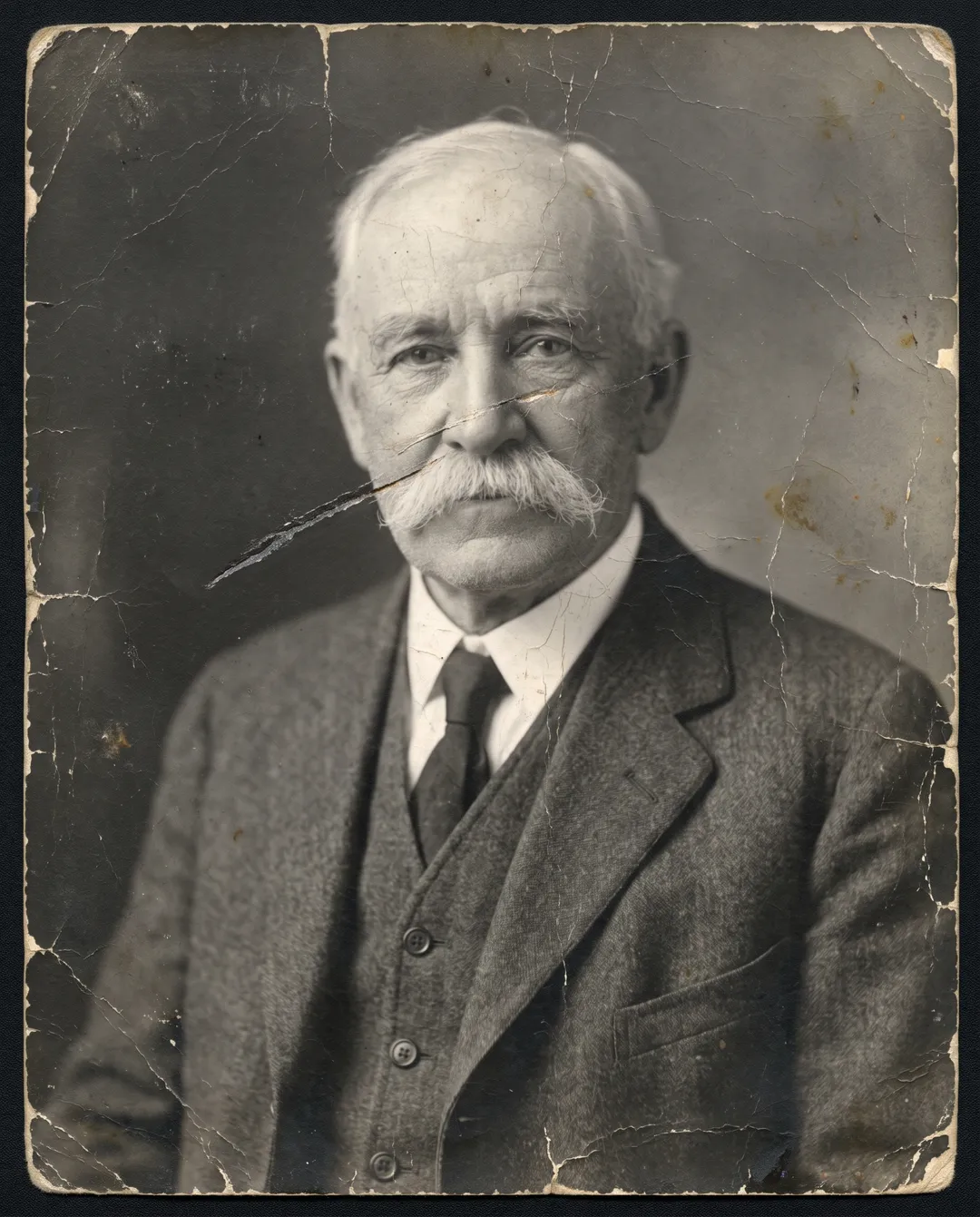
Unblur a face in four steps
Works in a browser on a phone or a computer. You need a scan or a photo of the print.
Scan the print, larger than you think
Use a flatbed scanner at 600 dpi, or 1200 dpi if the face is smaller than a coin. With a phone, lay the print flat near a window, hold the phone straight above it and avoid glare. Do not sharpen or filter the scan first.
Restore it and keep the original tone
Upload the scan to Photo Restoration (JPG, PNG, WEBP or HEIC, up to 20 MB) and keep the original tone. One restore costs 2 credits and needs a free account. It sharpens the face and removes grain, scratches and stains in the same pass.
Check the face and run it again if needed
Drag the handle and compare the eyes, mouth and hairline with the scan. Results vary from run to run, so if a feature looks invented, run it again and keep the best one. A failed run returns the credits.
Upscale if the face is still small
The restored photo is about 2K on the long edge. For a large print or a close crop of the face, run it through the Image Upscaler at 2× (1 credit) or 4× (2 credits). Leave Face restore off unless the face is still too blurry to recognize.
Blurry faces before and after
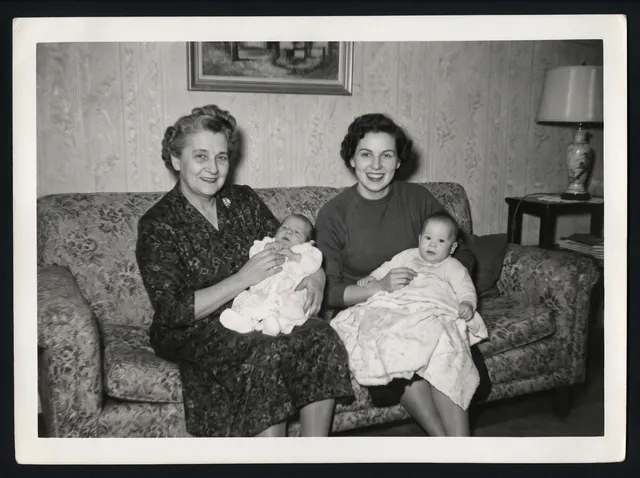
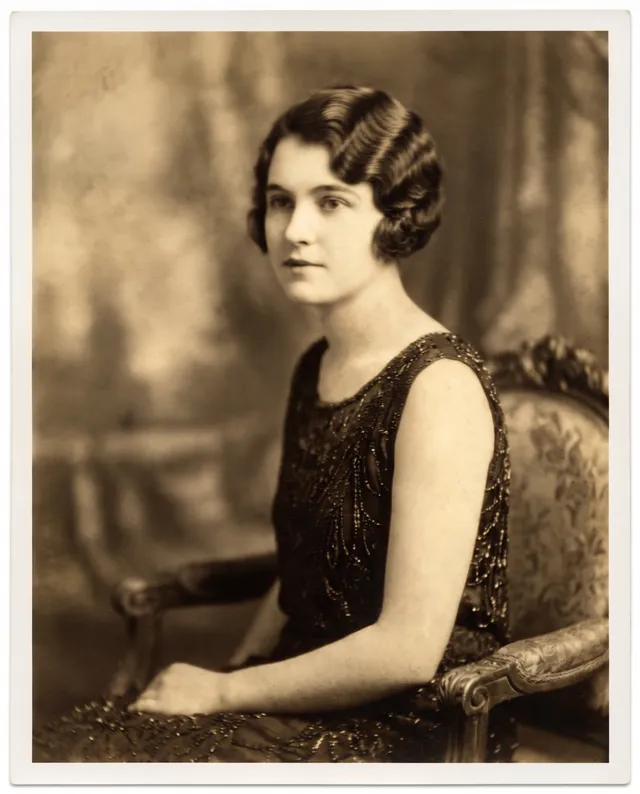
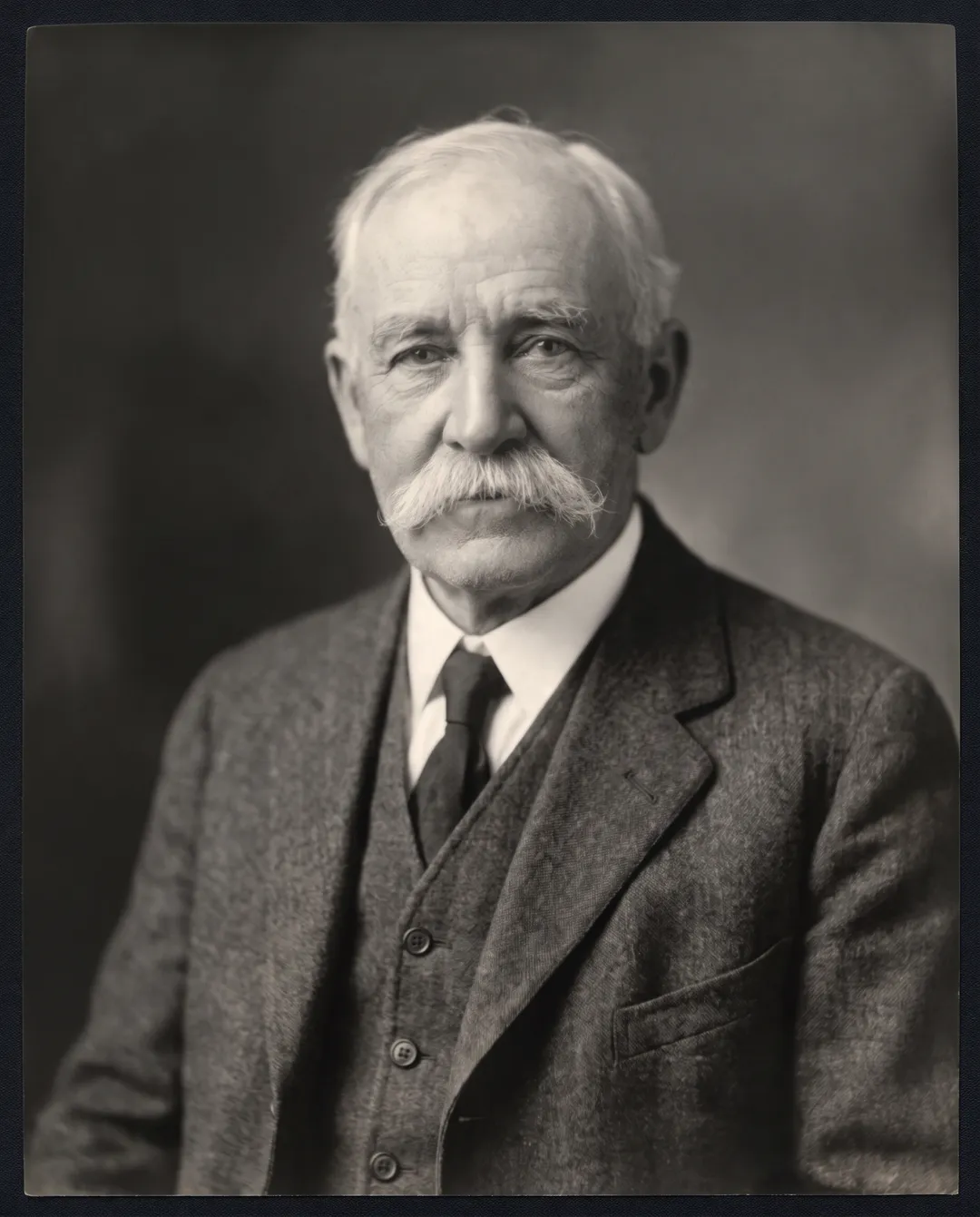
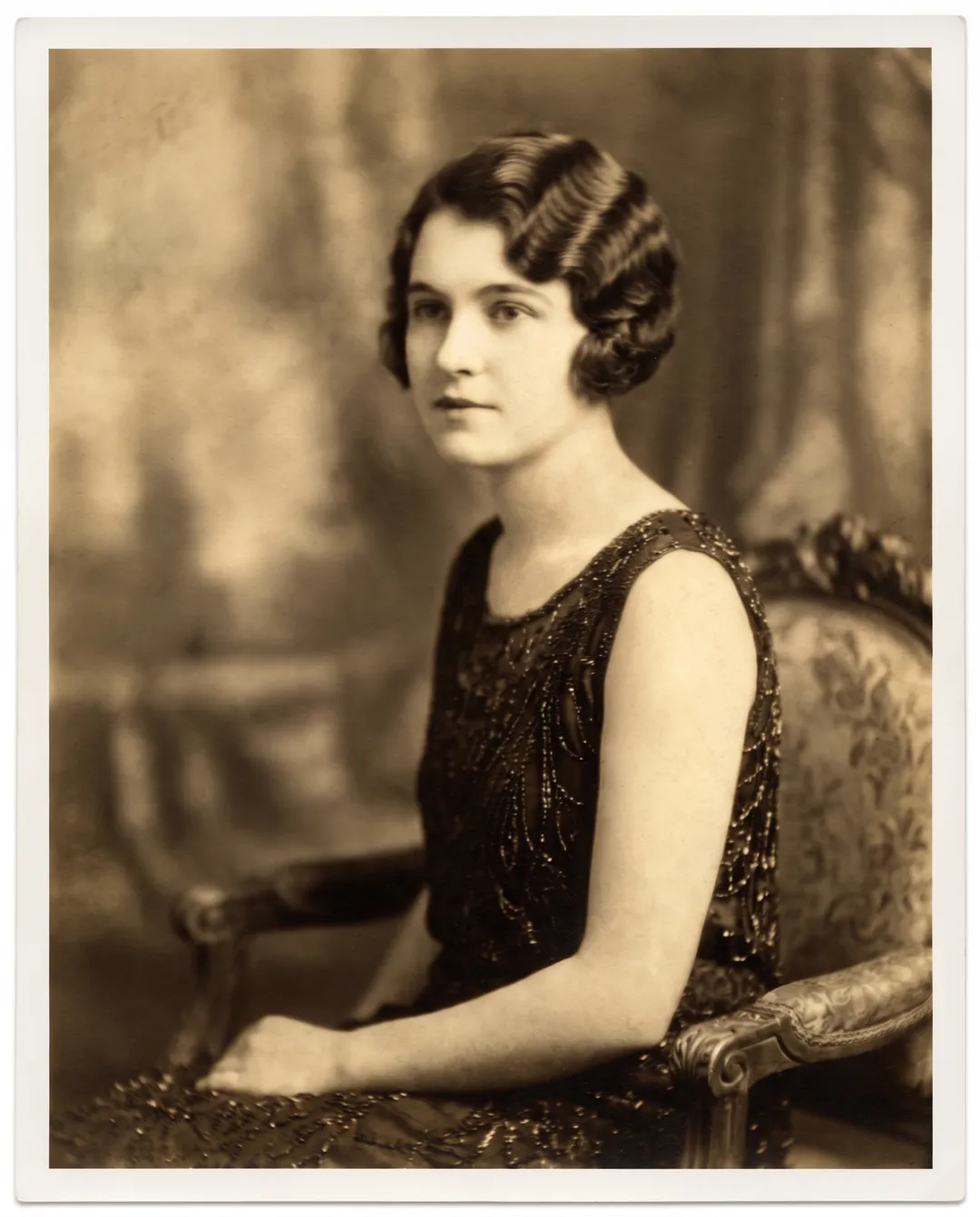
Drag the handle on each photo. The first two were restored once, keeping the original tone. The last two are recent low-resolution photos run through the upscaler at 4×.
 BeforeAfter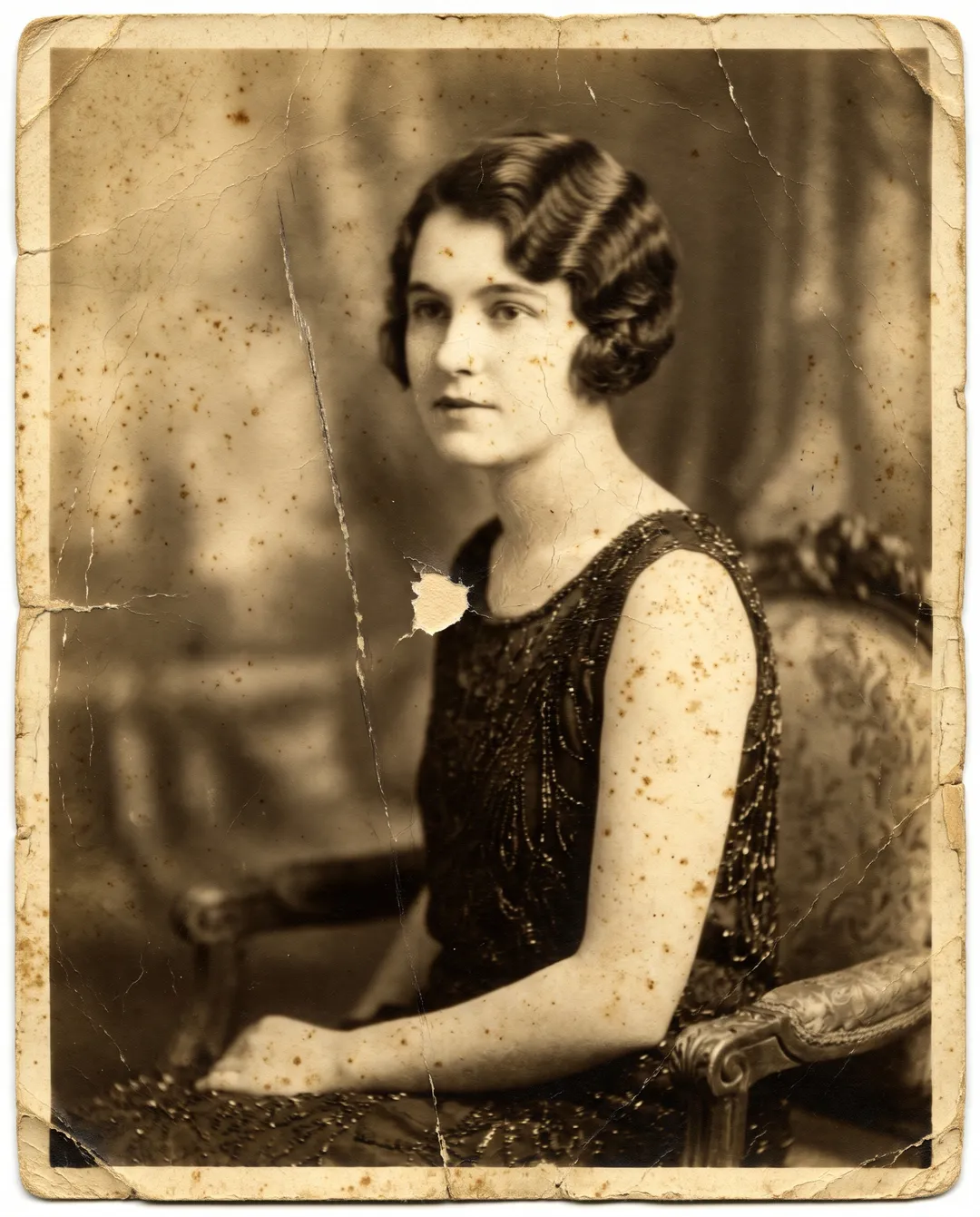
A 1920s portrait with cracked emulsion, foxing and a long scratch. The face comes back clean and sharp without changing her features. 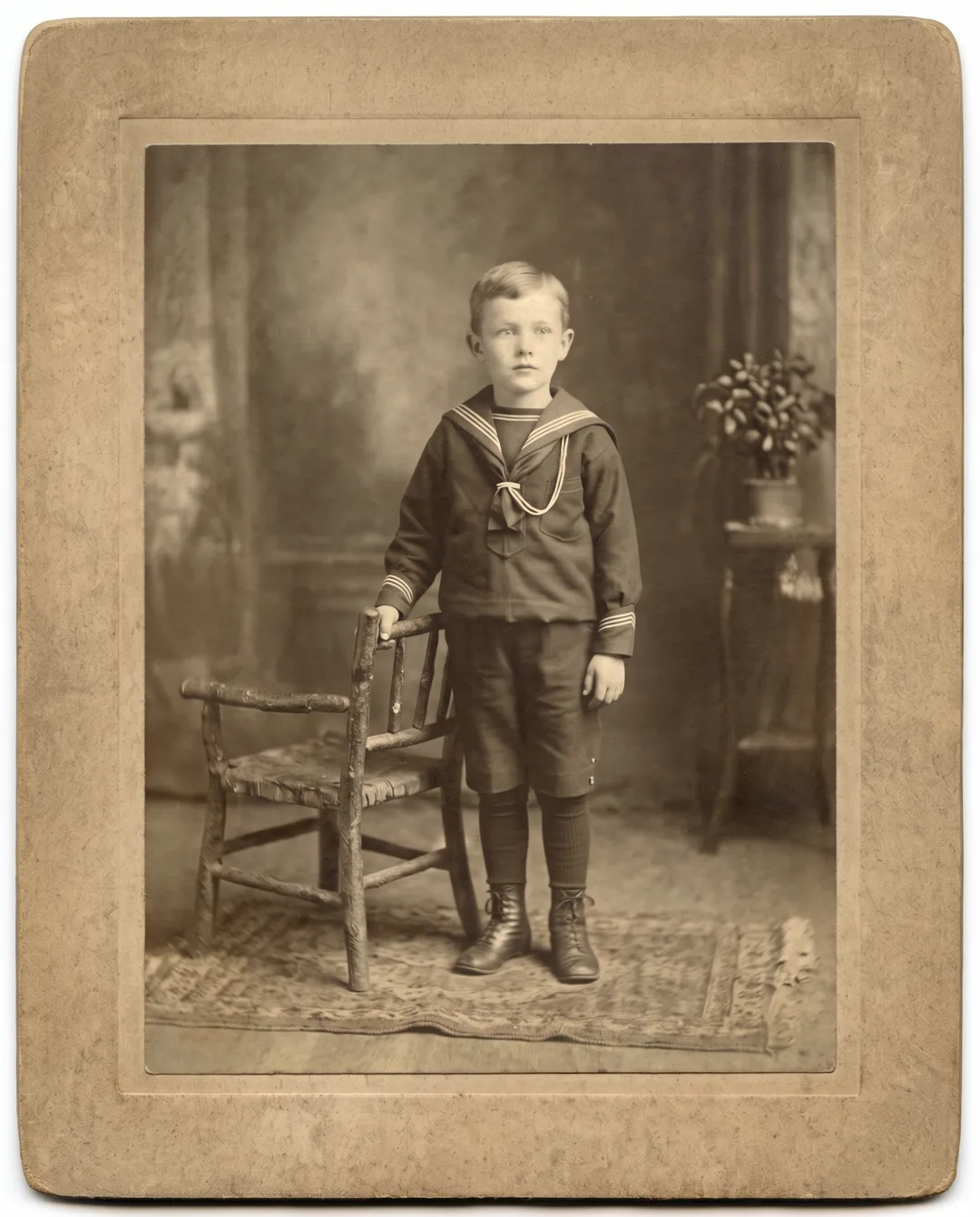 BeforeAfter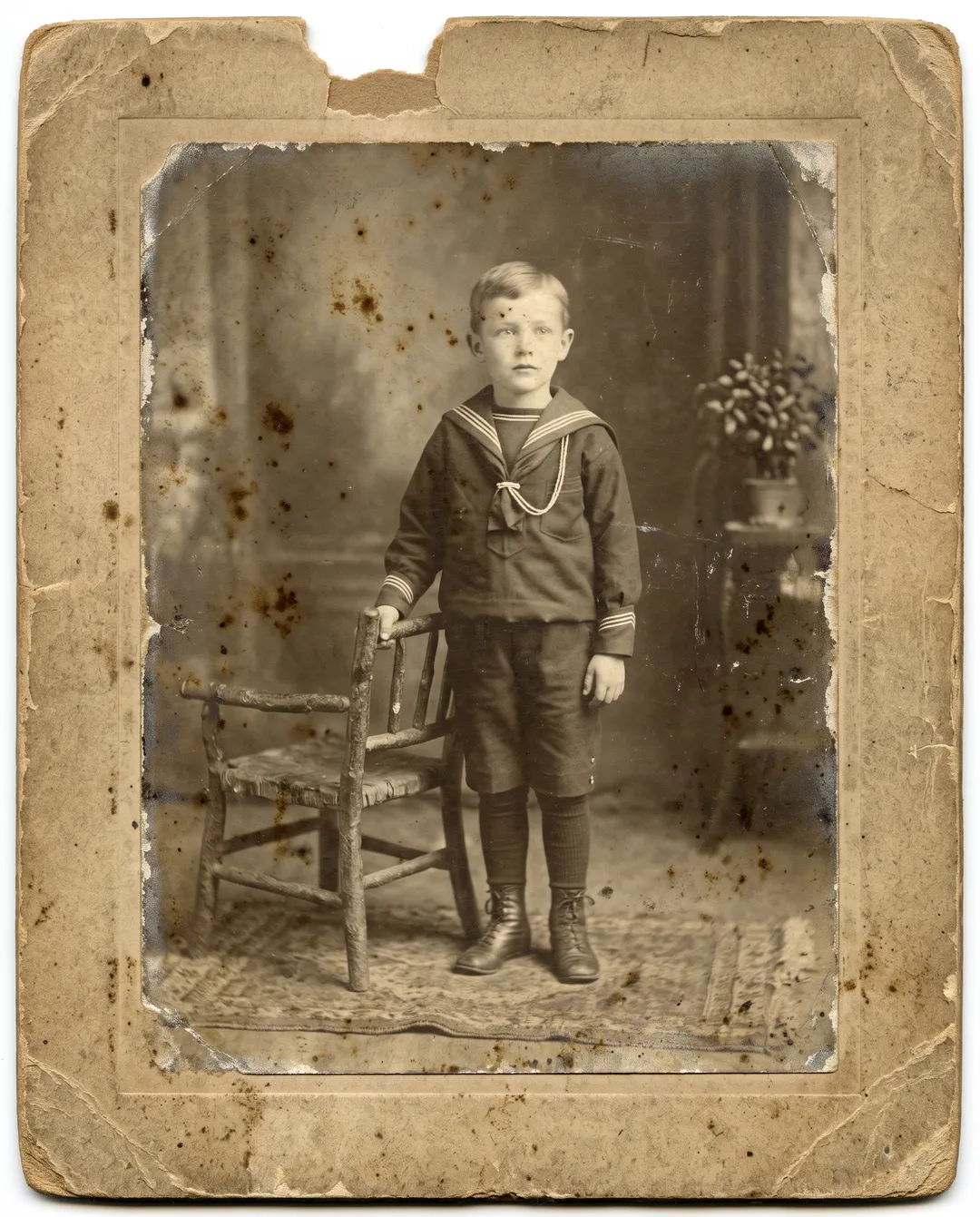
A 1910s cabinet card faded almost to white. Contrast returns to the boy's face and sailor suit, and the chipped top edge is repaired. 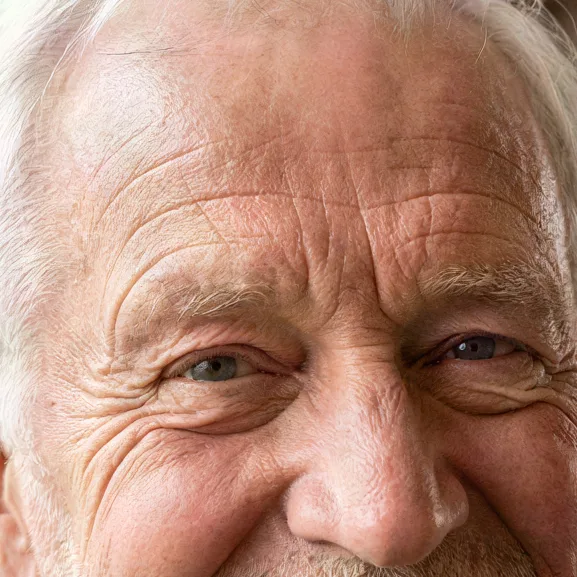 BeforeAfter
A small, soft photo of a smiling grandfather, upscaled 4× with Face restore off. Wrinkles and eyes are redrawn sharp. 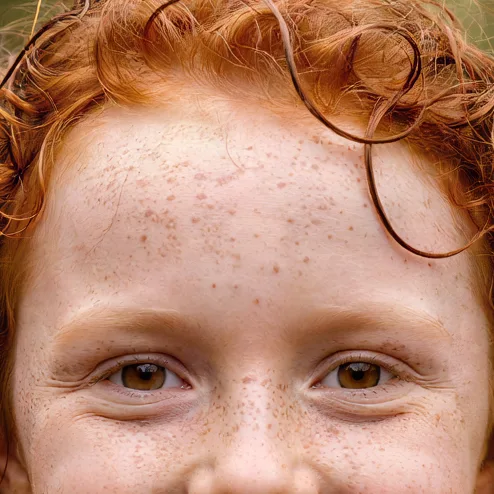 BeforeAfter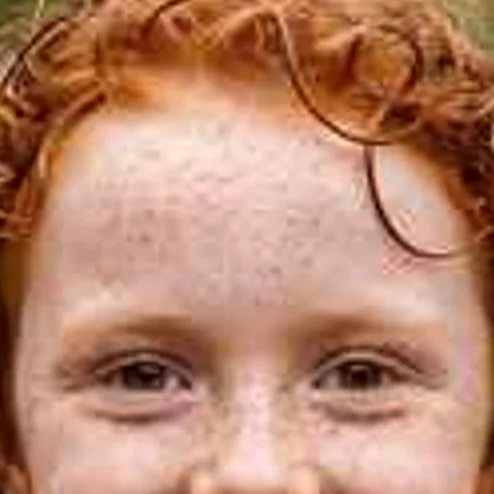
A soft photo of a freckled girl, upscaled 4× with Face restore off. The freckles stay and the eyes are clearer.
What kind of blur you have
The cause of the blur decides what AI can do with it.
| Kind of blur | What it looks like | What to use | What to expect |
|---|---|---|---|
| Grain, scratches, fading | Speckled, low contrast, lines across the face | Photo Restoration | Clean, sharp face, same person |
| Too small or low resolution | Face is a few hundred pixels, blocky when zoomed | Image Upscaler at 4× | Sharp eyes and hair, drawn to fit |
| Slightly soft focus | Edges are soft but features are clear | Photo Restoration, then Image Upscaler if needed | Sharper, close to the real face |
| Motion blur or camera shake | Doubled or smeared edges in one direction | Photo Restoration | Only partly fixed |
| Fully out of focus | Eyes and mouth are soft blobs | Photo Restoration, or Face restore in the upscaler | A plausible face, not a recovered one |
Photo Restoration or Image Upscaler
| Photo Restoration | Image Upscaler | Image Upscaler with Face restore | |
|---|---|---|---|
| Best for | Old prints with grain, scratches or fading | Clean photos that are too small | Faces too blurry to recognize |
| Removes scratches and stains | Yes | No | No |
| Keeps skin texture and freckles | Yes | Yes | No, it smooths skin |
| Result size | About 2K on the long edge | 2× or 4×, up to 8192 px | 2× or 4×, up to 8192 px |
| Cost | 2 credits | 1 credit for 2×, 2 for 4× | Same as the upscale |
| Without an account | No | 2× only, 3 a day | 2× only, 3 a day |
What AI cannot do with a blurry face
- A fully out-of-focus face is reconstructed, not recovered. When the eyes and mouth are soft blobs, there is no detail left to bring back. The model draws a plausible face that fits the blur, and it may not look like the person.
- Motion blur is only partly fixed. Doubled or smeared edges from a moving subject or camera shake improve, but some softness usually stays.
- Tiny faces are guesses. Faces in the back of a group photo that are only a few pixels wide come back as new faces. Crop and scan larger first.
- Face restore smooths skin. In the upscaler it rebuilds eyes on very blurry faces but removes freckles and fine lines, and can change eye color. Use it only as a last step.
- Do not use it for identification. A sharpened face is an interpretation. It is not evidence and should not be used to identify someone.
Questions about unblurring faces
Yes, with a free account. It starts with 10 credits and no card, enough for 5 restorations at 2 credits each. If the face is clean and only small, the Image Upscaler at 2× works without an account 3 times a day. After that, packs start at $9.99 for 100 credits that never expire.
When the face is grainy, scratched or slightly soft, it stays the same person, with wrinkles and features kept. When it was fully out of focus, the model fills in the detail, so compare it with another photo of them.
Use Photo Restoration for old prints, because it removes scratches, grain and fading together with the blur. Use the upscaler afterwards if the result is still too small, or alone for a recent photo that is clean but low resolution.
Partly. Motion blur improves, but doubled edges and smears often leave some softness. Try two or three runs and keep the best one.
Yes, but small faces get the least real detail. Crop the scan to one or two people and restore each crop, then put the results together or keep them as separate portraits.
Last checked Oct 24, 2026 First published. Steps and limits checked against the Photo Restoration and Image Upscaler settings and their example photos, October 2026.