Colorize Black-and-White Photos
Upload a black-and-white or sepia photo and get it back in natural color. Skin, clothing, skies, cars and gardens are colored in one pass, and the faces, the framing and any border the print has stay as they were.
- 3 free a day, no sign-up
- 2 credits a photo
- No watermark
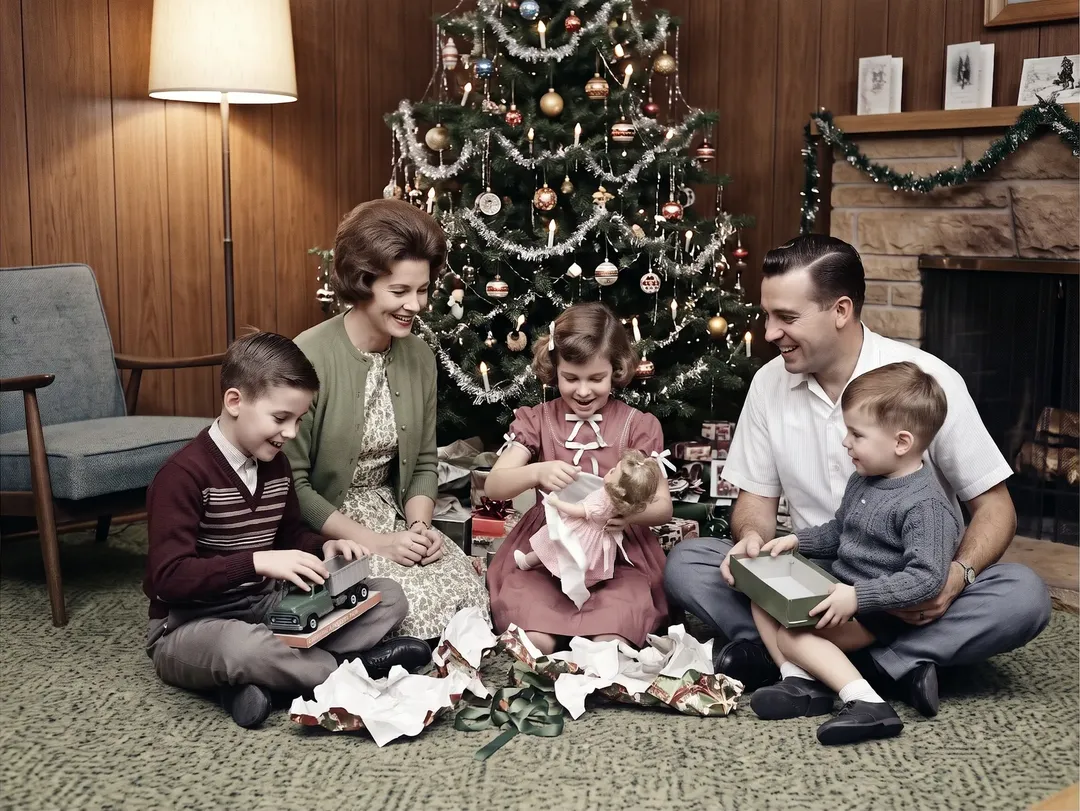
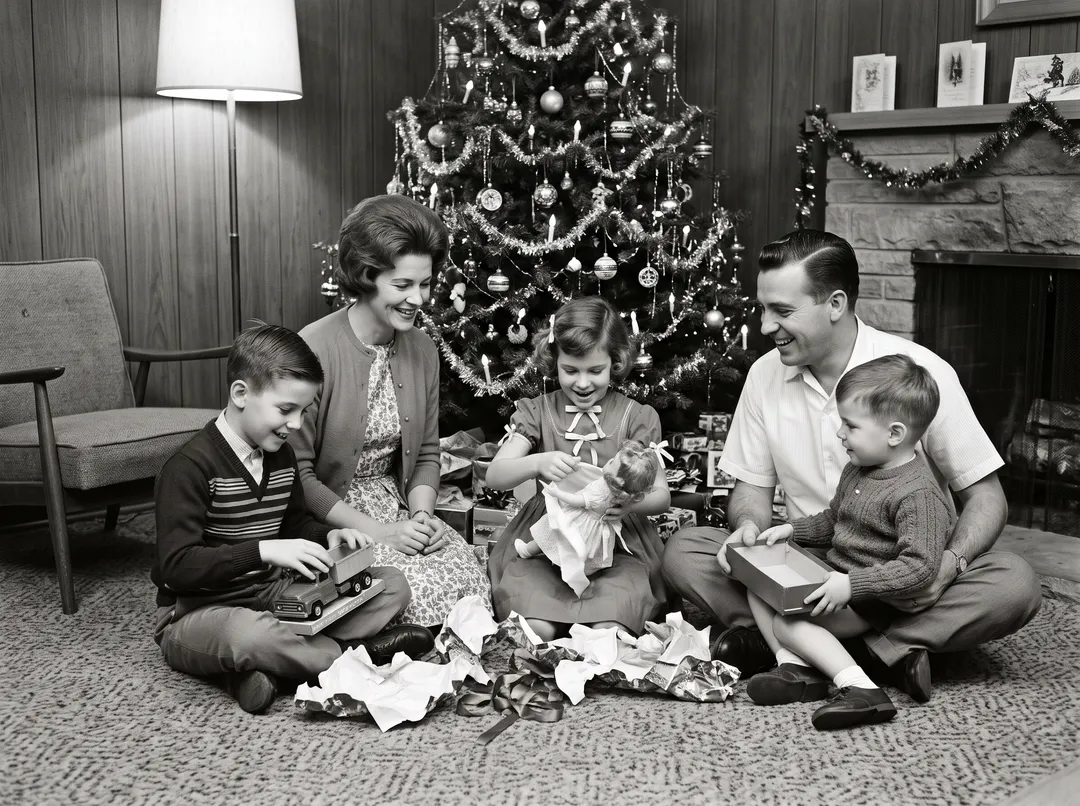
- Natural colors that fit the era
- Faces and framing kept
- Optional repair of scratches and tears
- Credits back if it fails
- Model: Nano Banana 2
Five kinds of old photos, colored in one pass
Every example is a real black-and-white photo and the real result from this tool, with no retouching after. Drag the handle to compare.
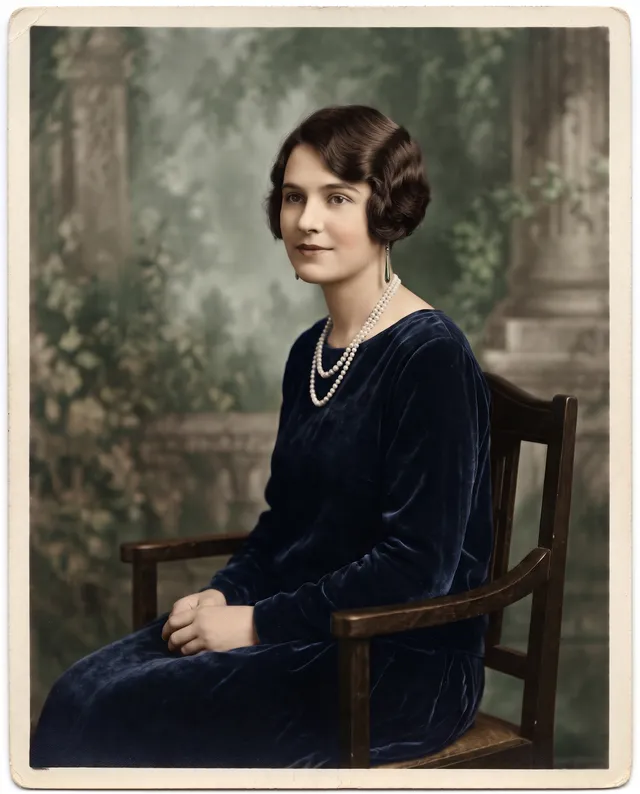
Colorize old portraits
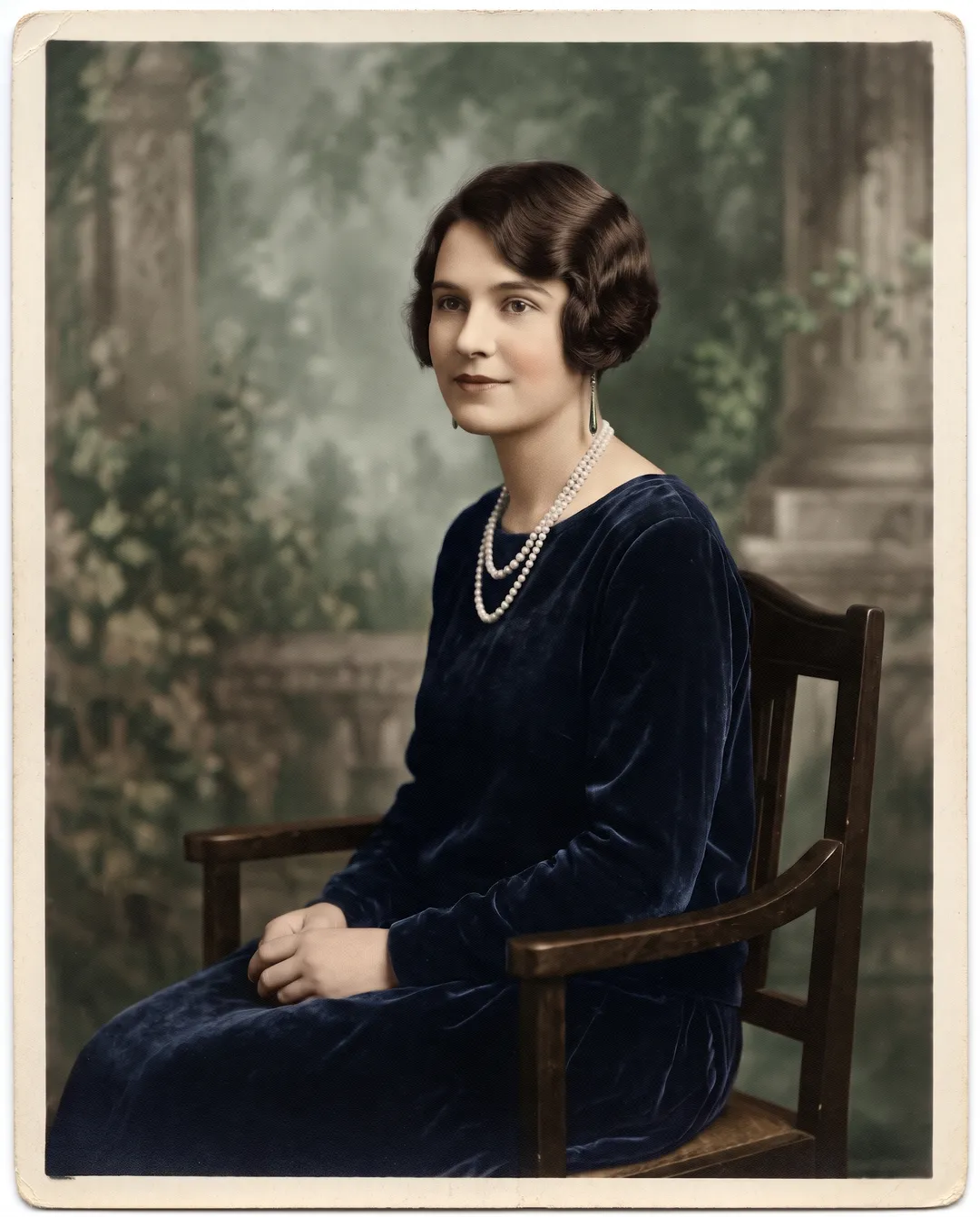
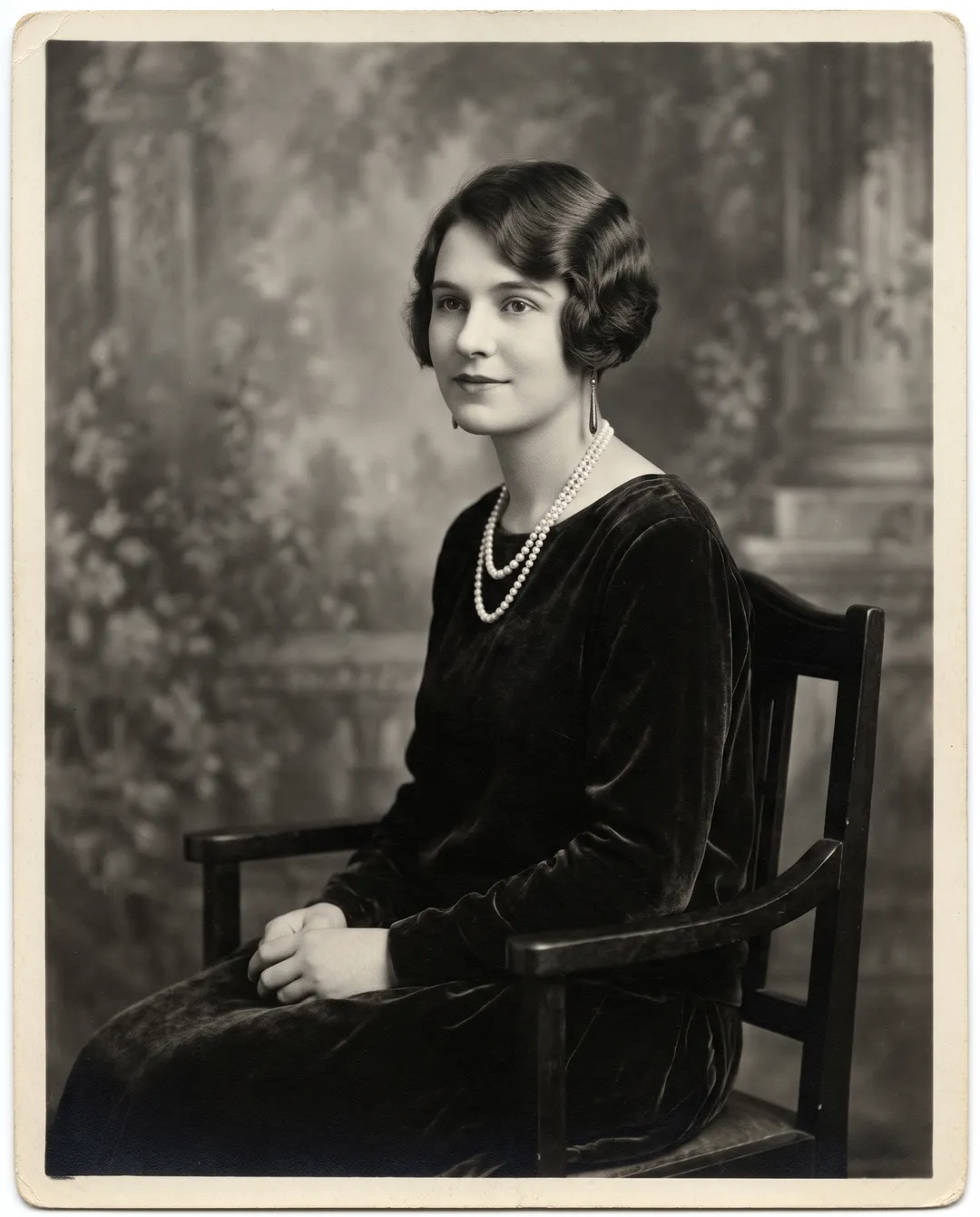
Studio portraits are the most common black-and-white photos in a family album. The colorizer gives skin a natural tone, picks a color for the dress and the backdrop, and leaves the face exactly as it was: the bobbed hair, the pearls and the expression are your original photo. Fabrics that read well in grey, like velvet or wool, keep their texture after coloring.
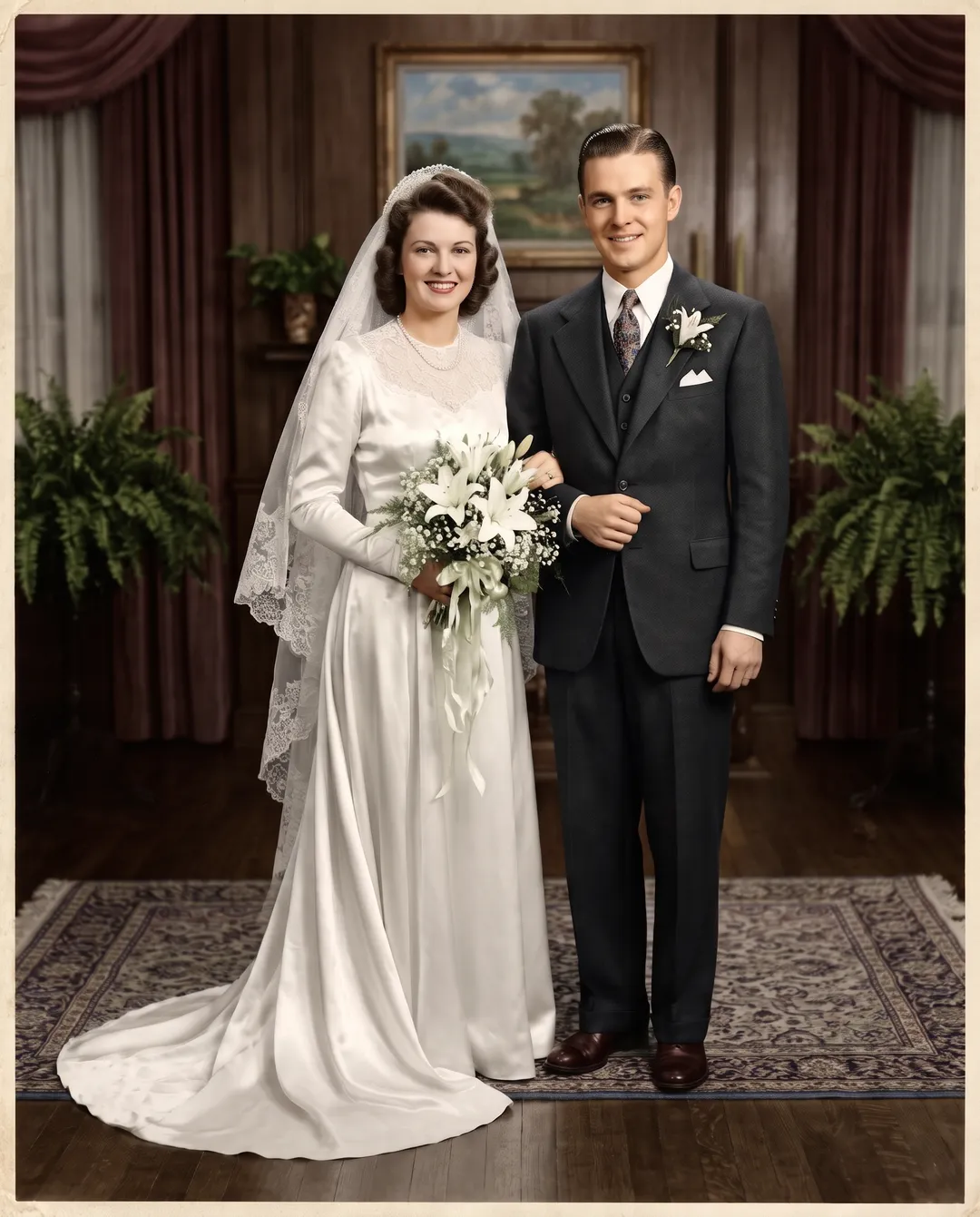
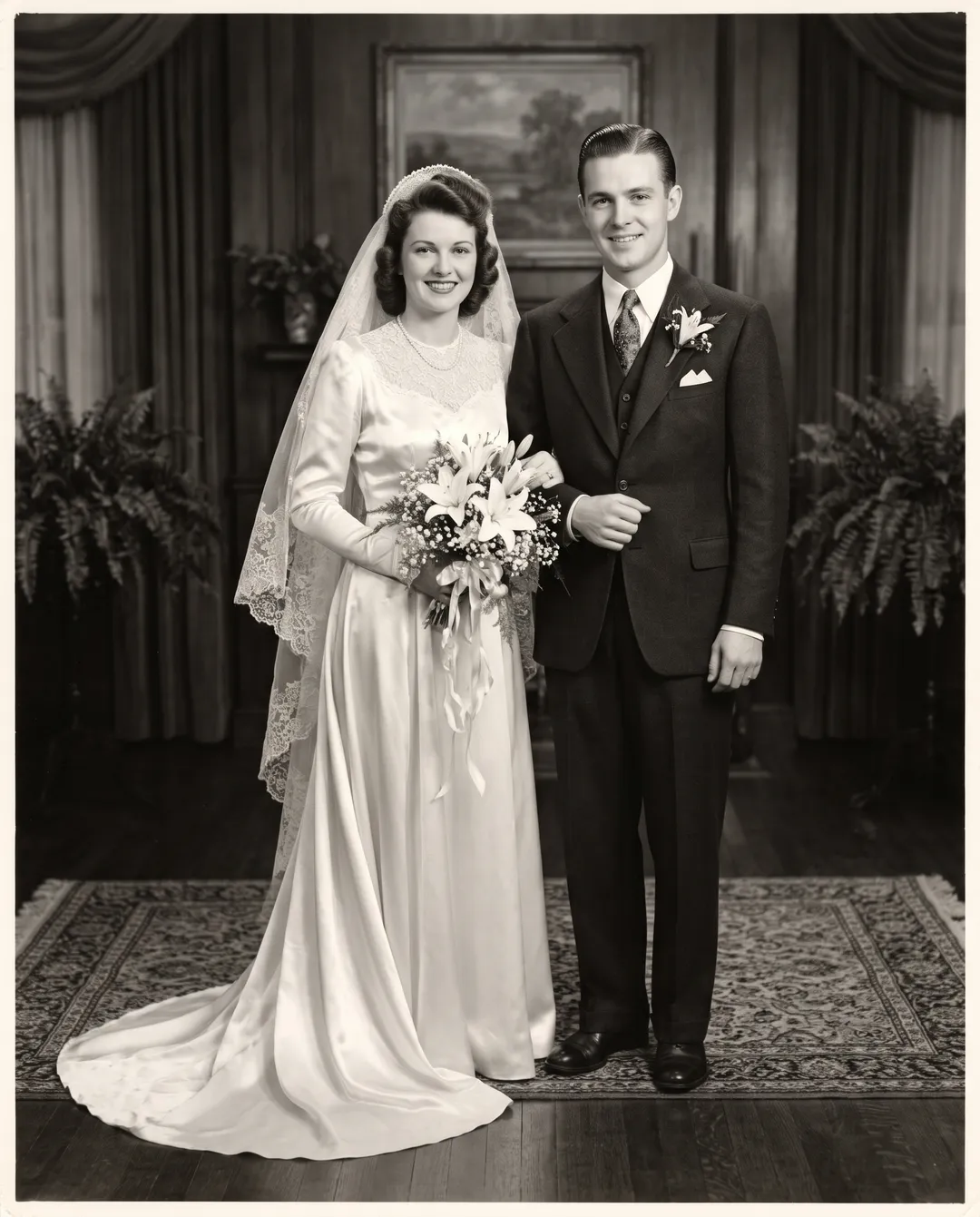
Colorize a wedding photo
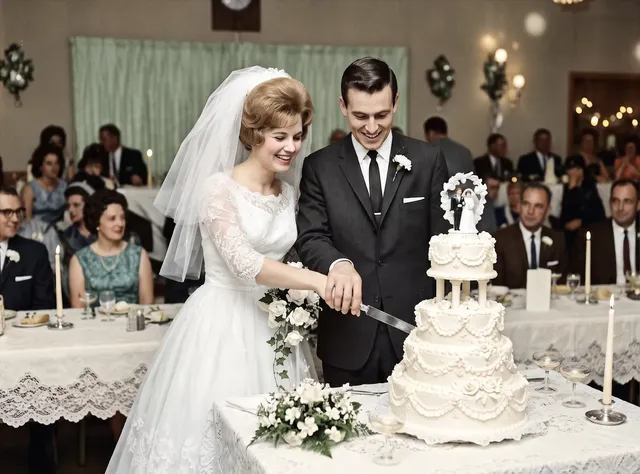
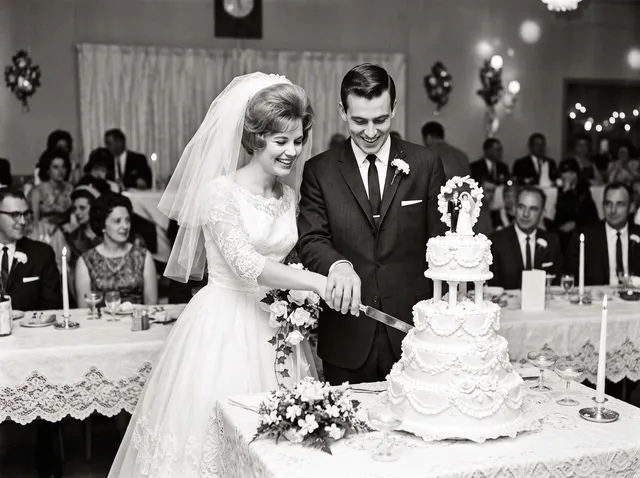
A grandparents’ wedding portrait is one of the most asked-for photos to colorize. The dress stays white, the lilies stay white with green stems, the suit stays dark, and the room around them gets warm wood and a patterned rug. It makes a good anniversary gift next to the original print.
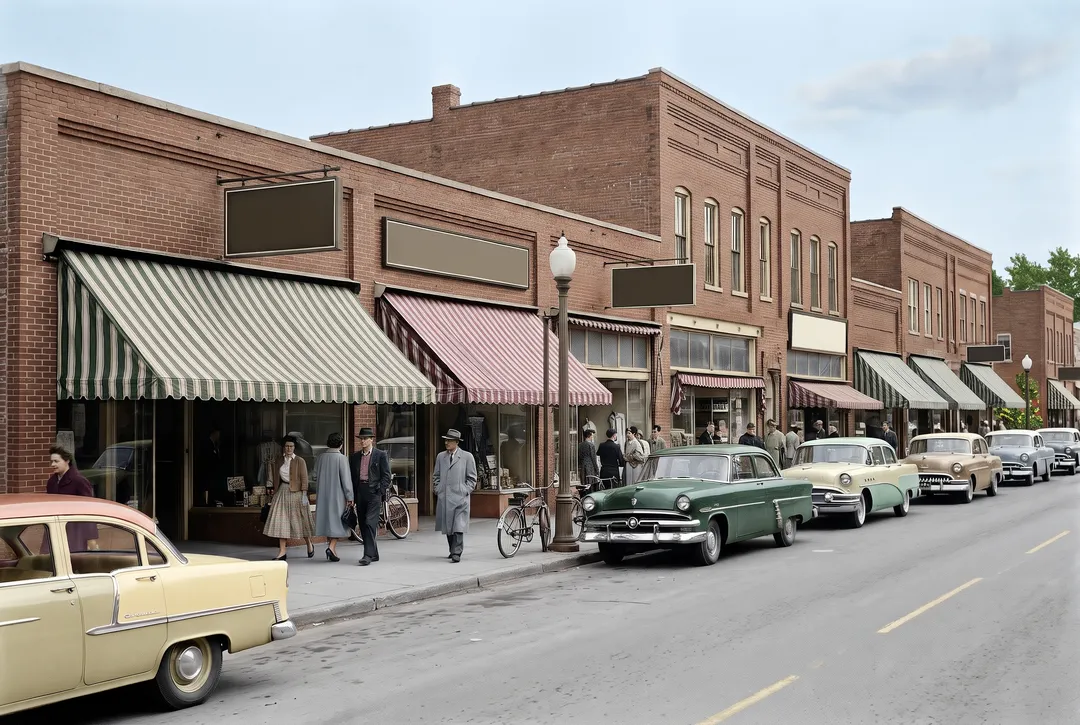
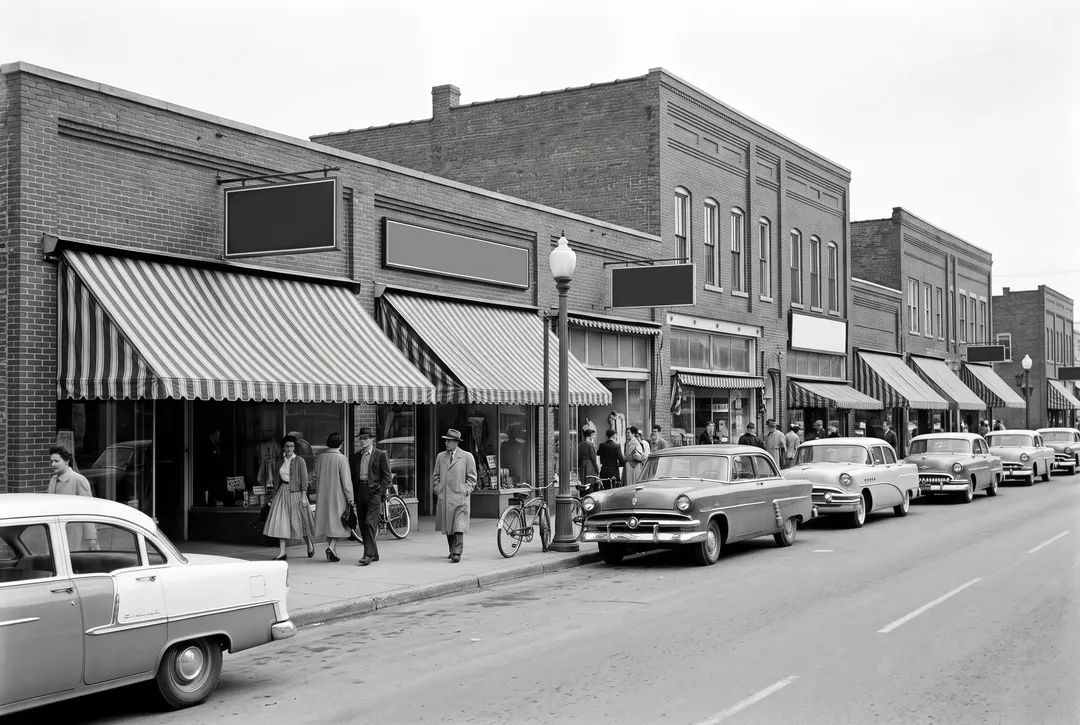
Colorize old street and town photos
Street scenes have the most things to color at once. On this 1950s main street, the brick, the striped awnings, the cars, the sky and the shoppers’ coats were all colored in one run, and the shop windows and lettering kept their shape. Use it for local history groups, a shop’s anniversary or a book about your town.
Colorize military and service photos
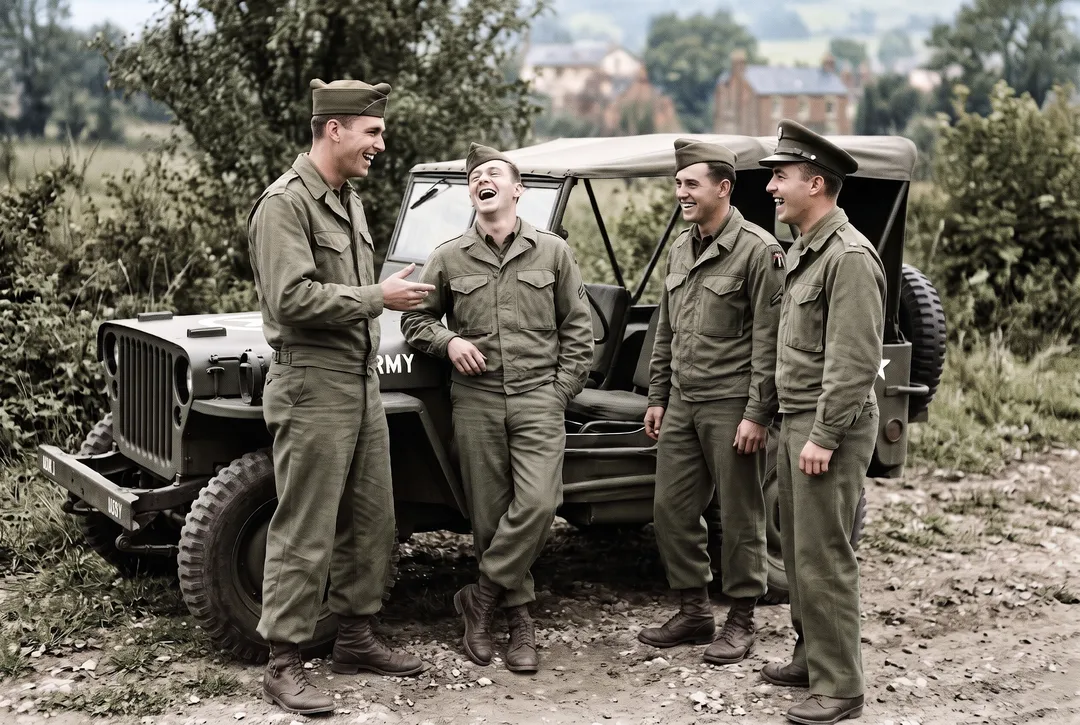
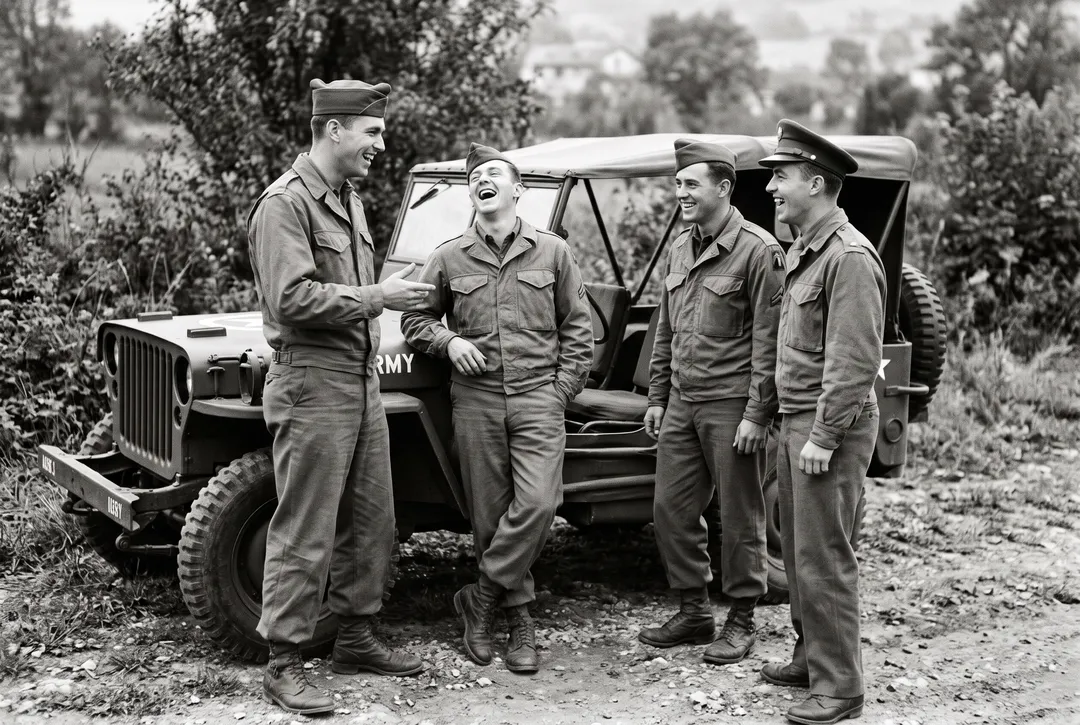
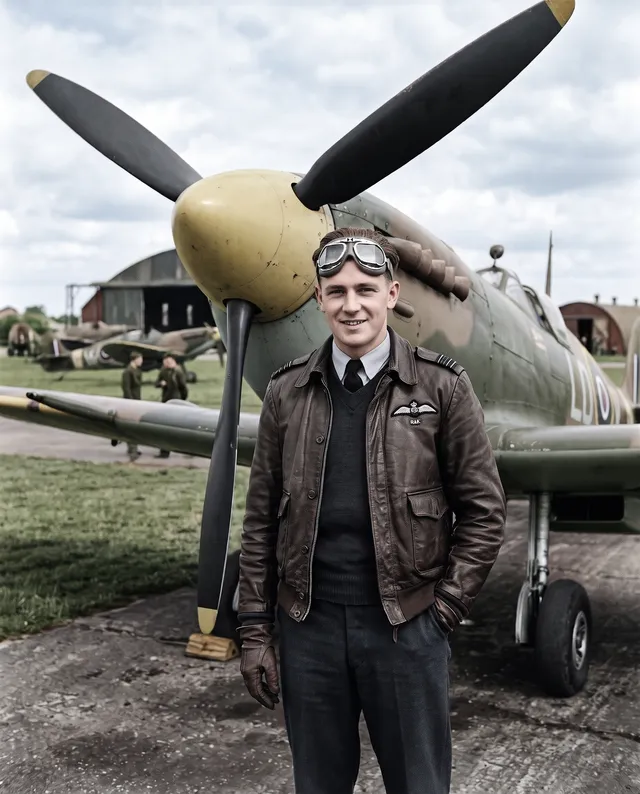
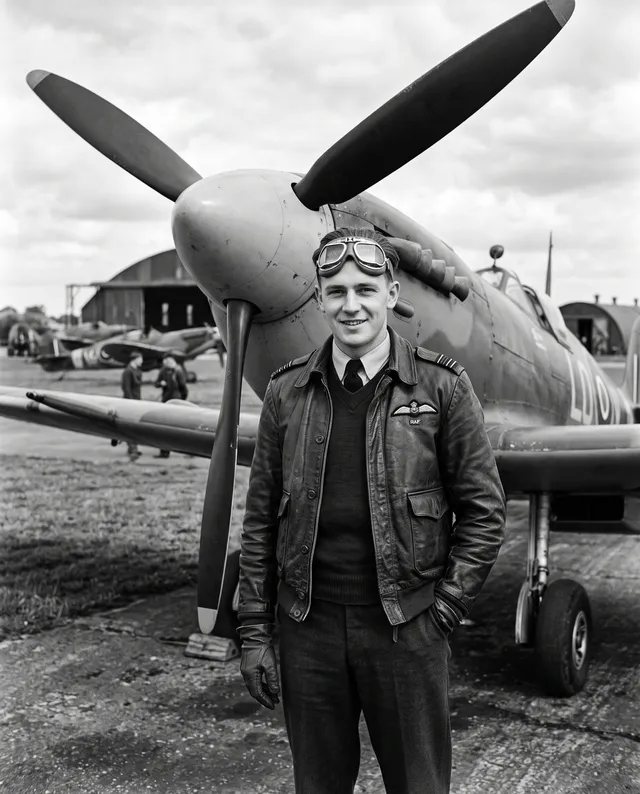
Service portraits and snapshots from the 1940s color well, because uniforms follow known patterns. Here four friends by a jeep got olive uniforms, an olive jeep and green summer trees behind them. Badges, insignia and ribbons are not checked against records, so treat their colors as a guess.
Repair and colorize in one run
Colorizing alone does not touch damage: a crease or a torn corner stays where it is, now in color. Turn on Repair and the same run also removes creases, stains and scratches and rebuilds a missing corner, then adds color. Repair costs the same 2 credits but needs a free account. For badly damaged prints, it is the better choice.
28 black-and-white photos, colorized
Portraits, family snapshots, weddings, service photos, places, everyday life and damaged prints, from the 1910s to the 1960s. Drag the handle to compare.
Colorize only, or repair and colorize
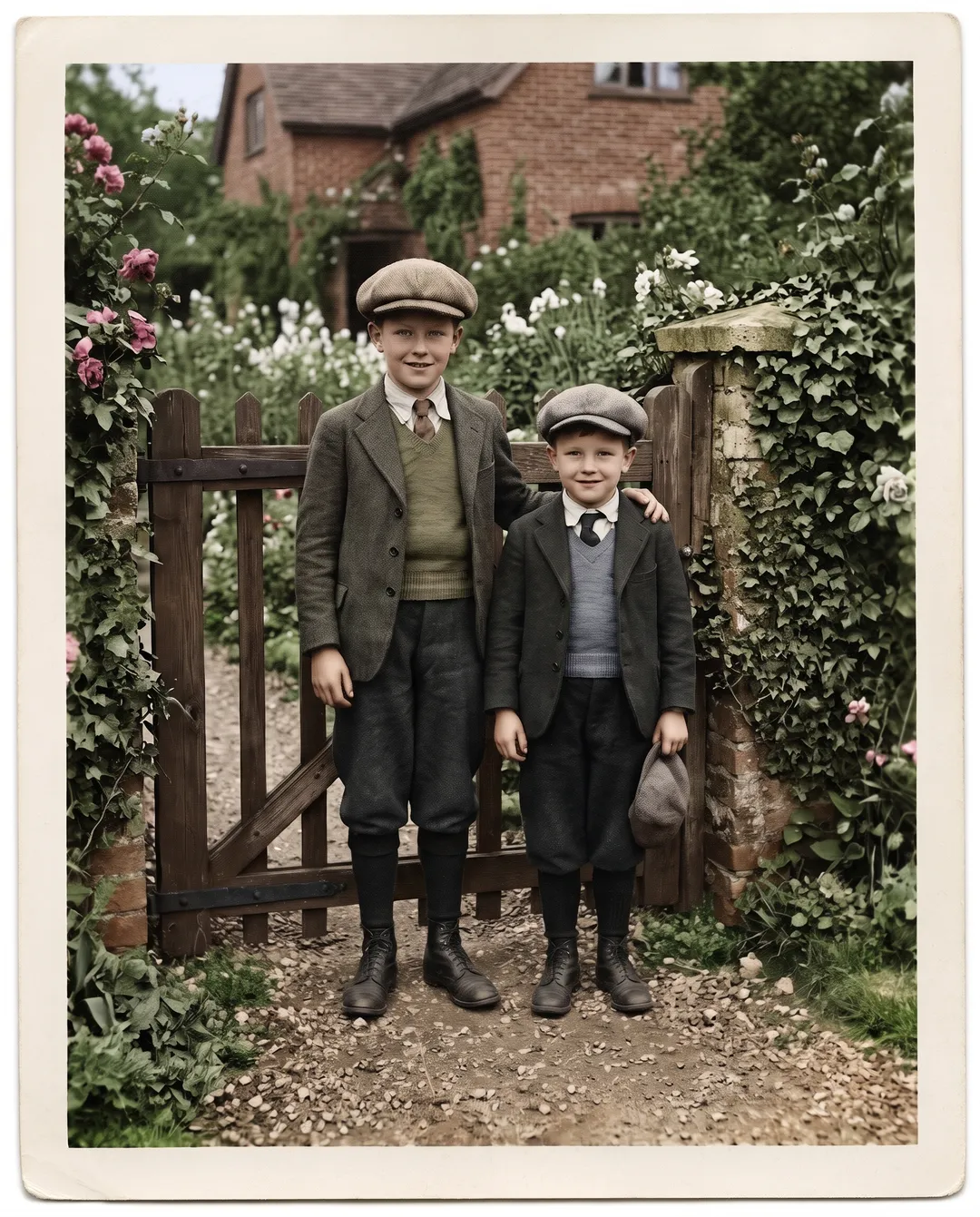
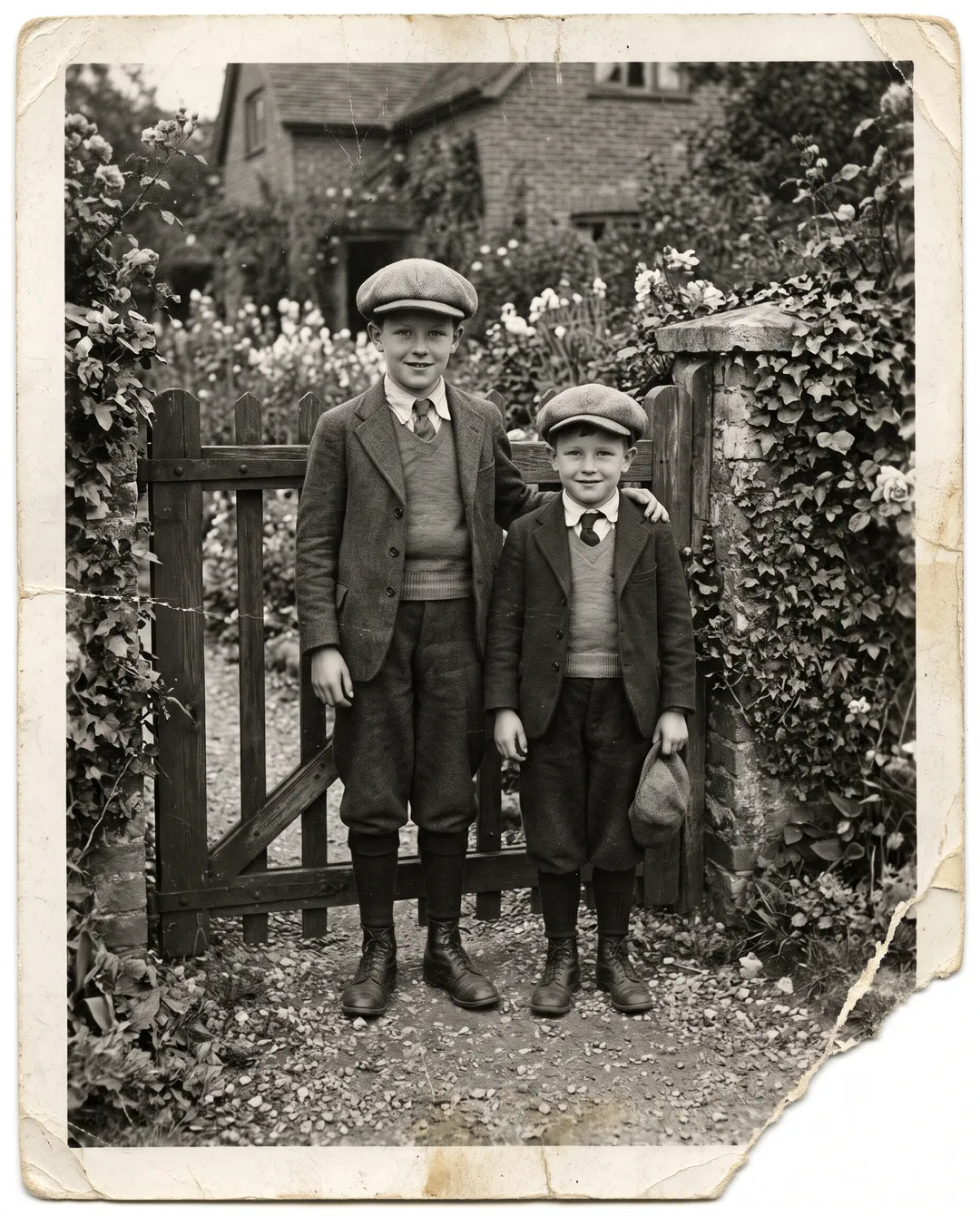
The same creased and stained 1930s print, run twice. The repair option is off by default.
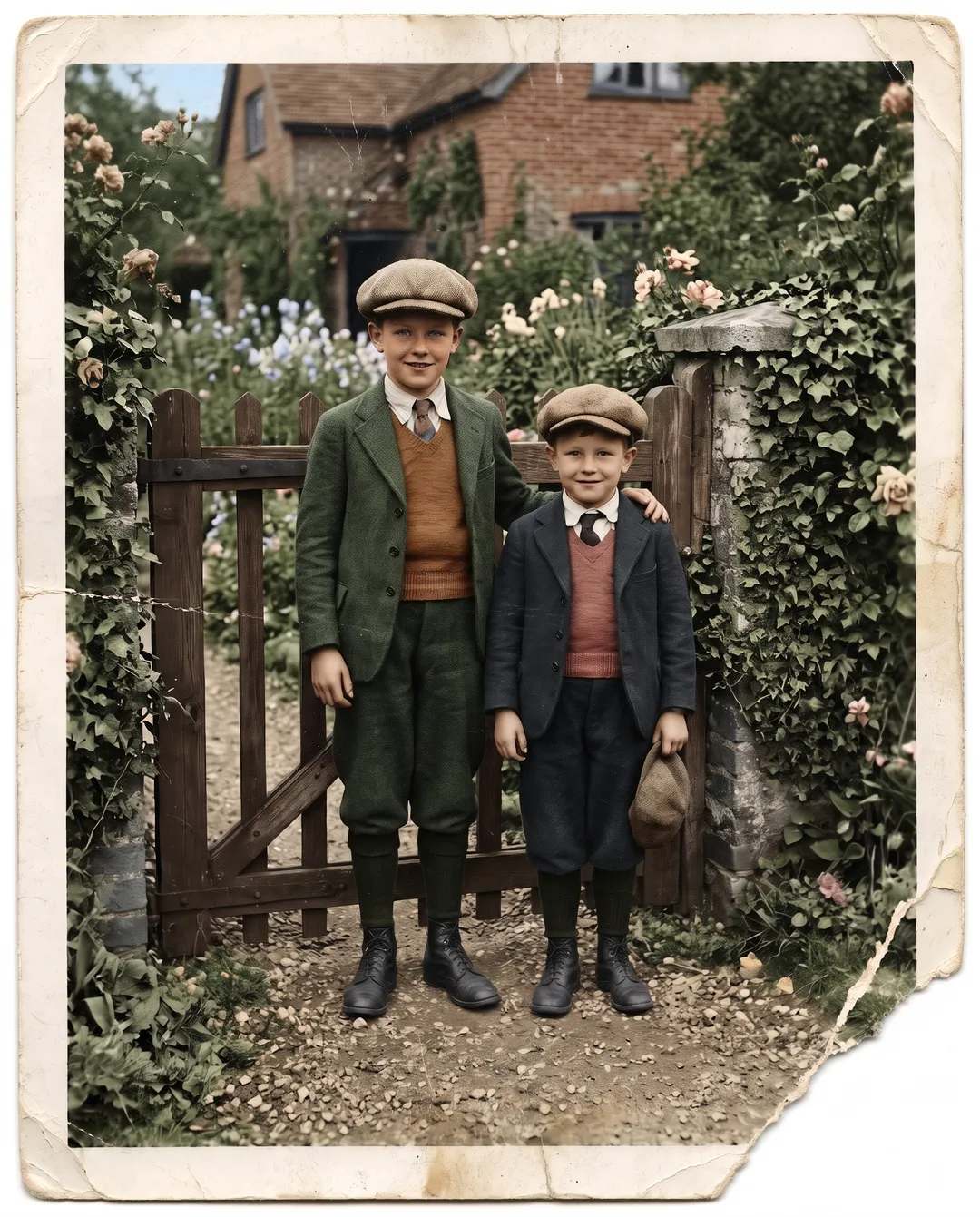
Adds color and changes nothing else. Creases, stains and the torn corner stay as they were, now in color. Use it for prints in good condition, or when you want the original texture of the photo kept. 2 credits, and free without an account up to 3 times a day.
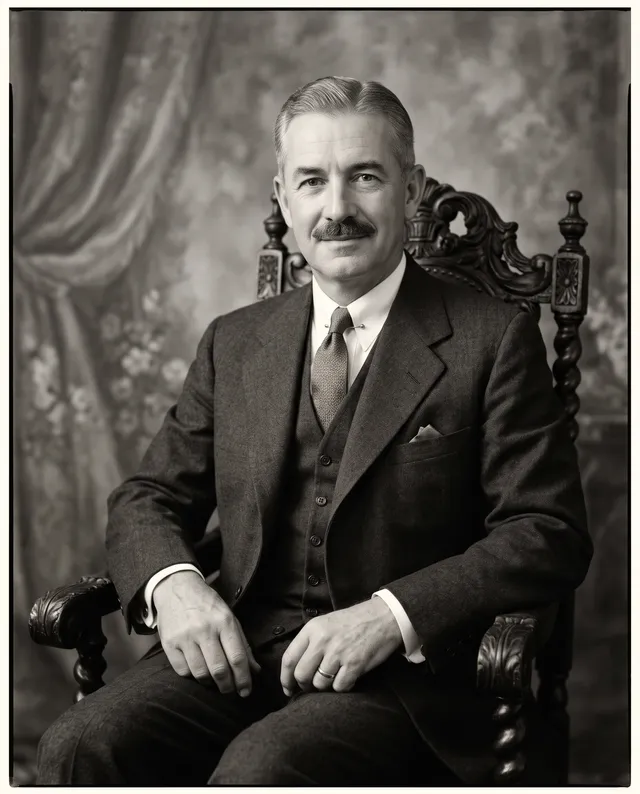
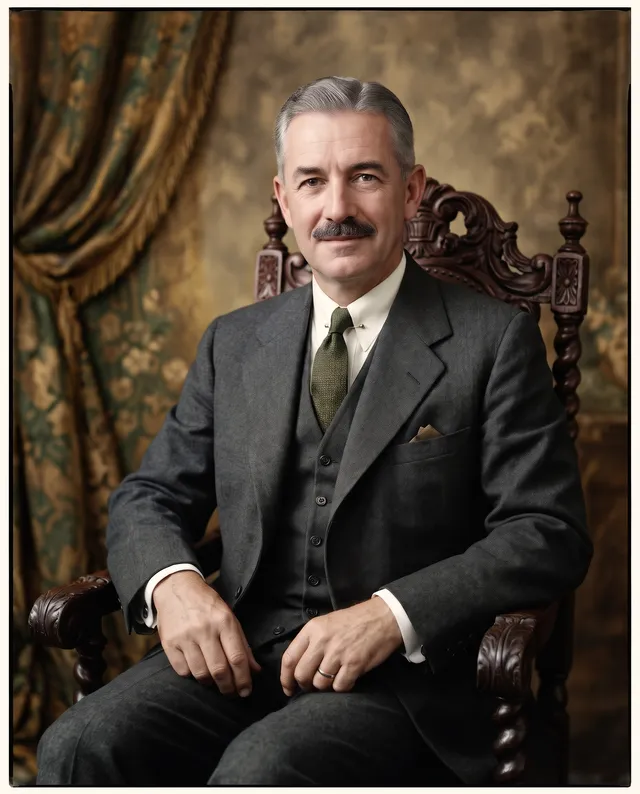
Look at the waistcoats. The two runs picked different colors for them, because colors are a guess and change from run to run.
How to colorize a black-and-white photo
Three steps in the browser, on a phone or a computer.
- 1
Scan or photograph the print
Use a flatbed scanner at 600 dpi if you have one. A phone works too: lay the print flat near a window, hold the phone straight above it and avoid glare. JPG, PNG, WEBP or HEIC up to 20 MB.
- 2
Choose whether to repair, then colorize
Leave Repair off for a clean print, or turn it on for creases and tears. Colorize only is 2 credits and free 3 times a day without an account. Repair and colorize is 2 credits too, with a free account.
- 3
Compare and download
Drag the handle to compare with your scan, then download a full-size PNG with no watermark. If you do not like the colors, run it again; each run picks colors on its own. If a run fails, the credits go back to your balance.
Five tips for better colors
Scan at 600 dpi or more
More detail in the scan means cleaner edges between a collar and a neck or a roof and the sky, so the colors stay where they belong.
Avoid glare and color casts
Shoot in daylight, not under a warm bulb, and keep reflections off glossy prints. A bright patch is read as part of the picture.
Keep the whole print in frame
Include the border. The colorizer keeps the framing, so a crooked crop stays crooked. Straighten it before you upload.
Turn on Repair for damaged prints
Colorize only leaves scratches, creases and tears in the photo. If the print is damaged, Repair fixes them in the same run at the same 2 credits.
Run it again for other colors
If a jacket or a car is the wrong color, run the photo again. Each run picks its own colors, and you keep every result in My edits.
What colorizing cannot do
These came up in our own tests. Check them before you print a colorized photo or share it with family.
Colorize only keeps the damage
This print had a crease, stains and a torn corner. With Repair off, the colorizer added color and left all of it in place, as it should. If you want the damage gone, turn on Repair or run the photo through Photo Restoration first.
Left: the original · Right: colorized only
Colors are a guess
A black-and-white photo has no color in it. The model picks colors that fit the era, which may not be the real color of a dress, a car or someone’s eyes. The colorize-only and the repair run of the same print gave the brothers different waistcoat colors.
Small details can be wrong
Medal ribbons, badges, flags and shop signs are colored by guesswork, not looked up. Check anything with a known color before you share it.
Faces are not changed, but tones vary
Faces keep their features and expression. Skin tone, hair color and eye color are chosen by the model, so tell family it is an interpretation.
Not for evidence or records
Colorized photos have color added by AI. Keep the original scan for archives, legal use or anything where the exact image matters.
Output size: about 2K, around 2300 px on the long edge in our tests, as a PNG. For a large print, run the result through the Image Upscaler.
Who colorizes old photos, and why
Hover a card to see the black-and-white original.
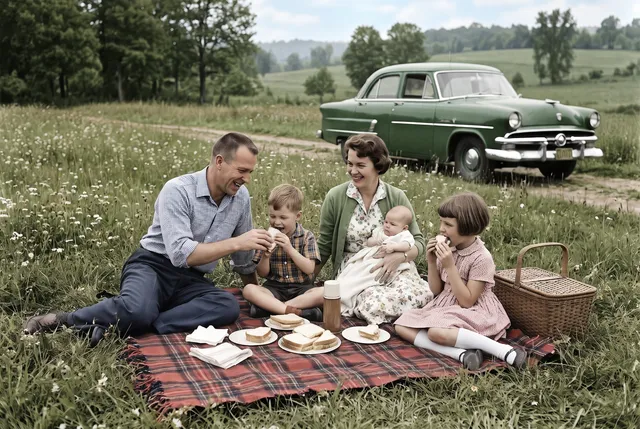
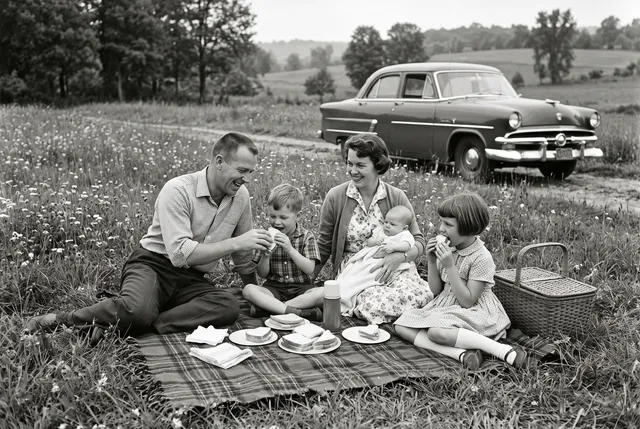 Before
Family albums
See grandparents’ picnics and holidays in color, then share the results in the family chat next to the originals.
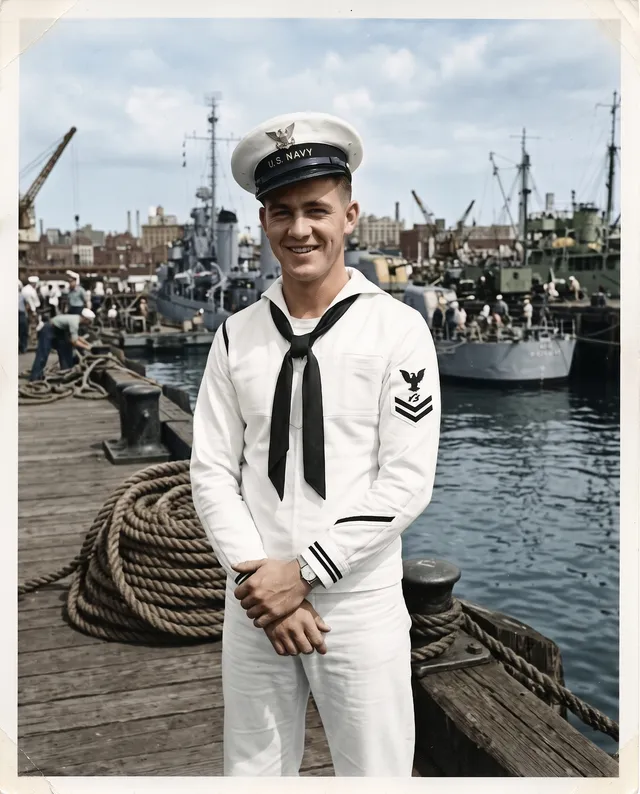
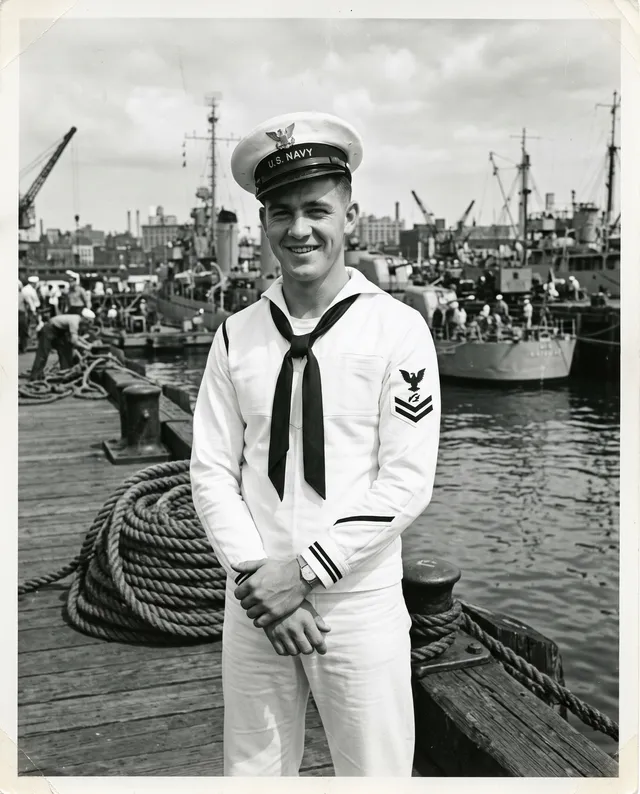 Before
Genealogy and family history
Give faces in a family tree a warmer, more recognizable look for a history book or a reunion slideshow.
 Before
Service and memorial photos
Colorize a grandparent’s service portrait for a memorial, a frame on the wall or a remembrance day post.
 Before
Anniversary gifts
Colorize a wedding photo from sixty years ago and print it as a gift for the couple or their children.
 Before
Local history
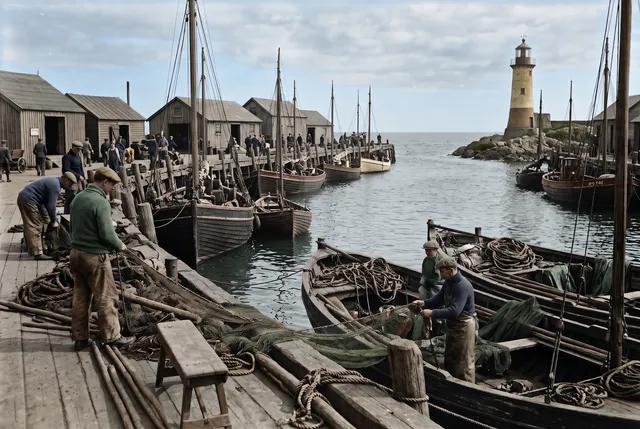
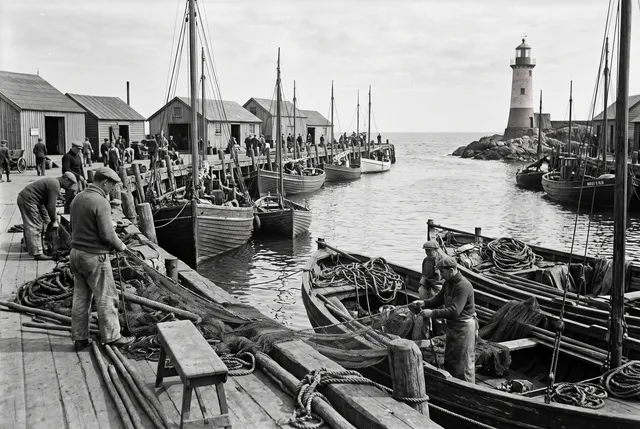
Bring old photos of a harbor, a farm or a high street to life for a local history group, a museum display or a book.
 Before
Throwback posts
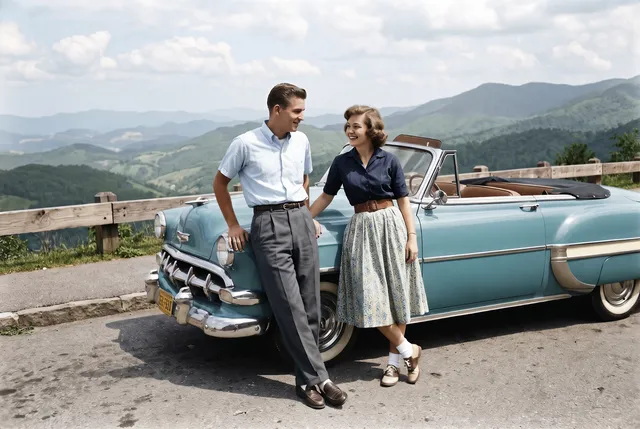
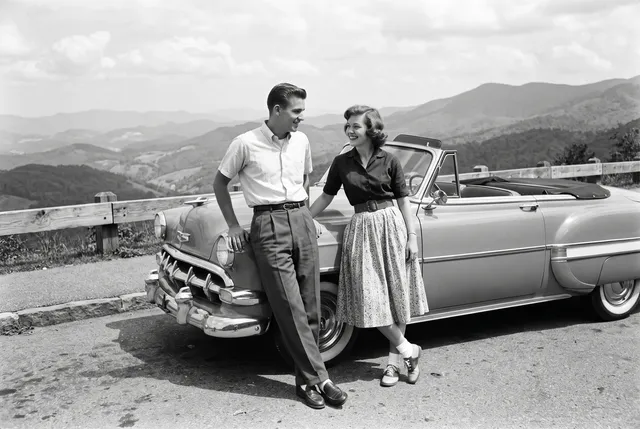
Turn a black-and-white snapshot into a color photo for a birthday, an anniversary or a throwback post.
AI colorizing vs the other ways to add color
Use AI for most family photos. Hire a colorist when the exact colors matter and you can tell them what they were.
| AI colorizing (this tool) | Professional colorist | Do it yourself in an editor | Phone colorize apps | |
|---|---|---|---|---|
| Skin, clothes and sky | Colored in one pass | Painted by hand | Hours of masking and color layers | Colored, often flatter |
| Exact colors | A guess that fits the era | Can follow your notes and research | Whatever you choose | A guess |
| Scratches and tears | Fixed with the Repair option | Often fixed as an extra | Separate retouching work | Some apps |
| Faces and framing | Kept as in the scan | Kept | Kept | Some apps crop or smooth faces |
| Cost and time | 2 credits, 3 a day free | Priced per photo, often days | Editor license and your time | Free to a subscription |
Our column comes from 28 test photos, Oct 2026. Other columns are typical ranges, not measurements.
Every example on this page was made with this tool
Each black-and-white photo was run through this exact colorizer with Repair off. No retouching after. Hover to see the original.
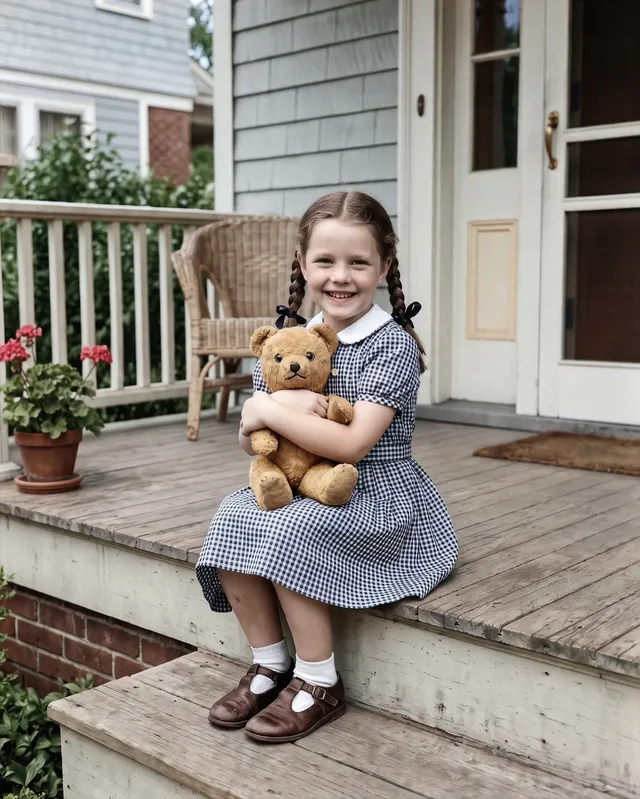
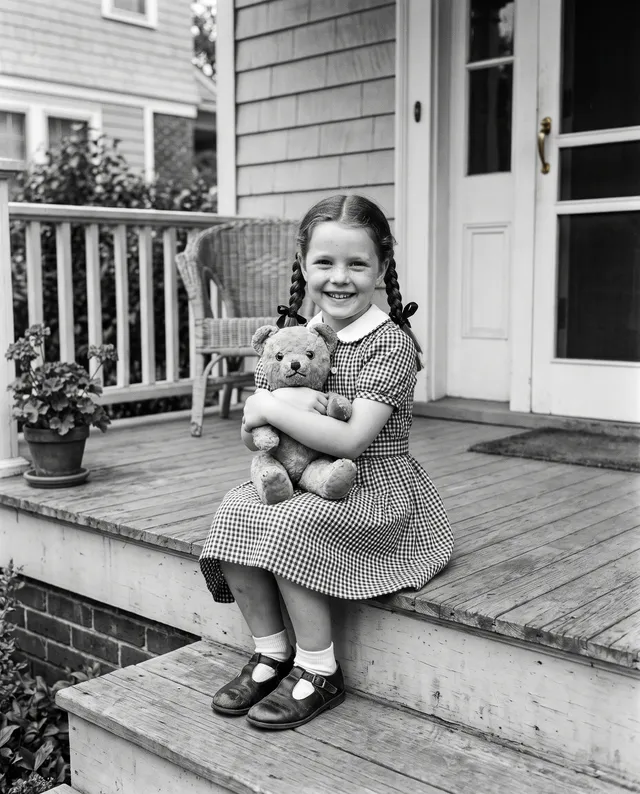
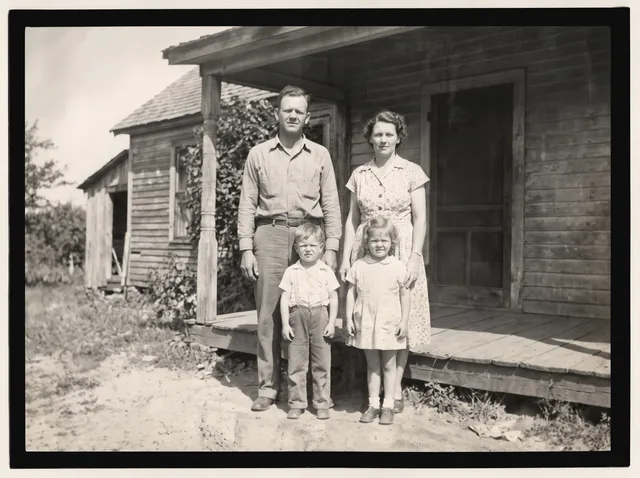
1950s porch snapshot
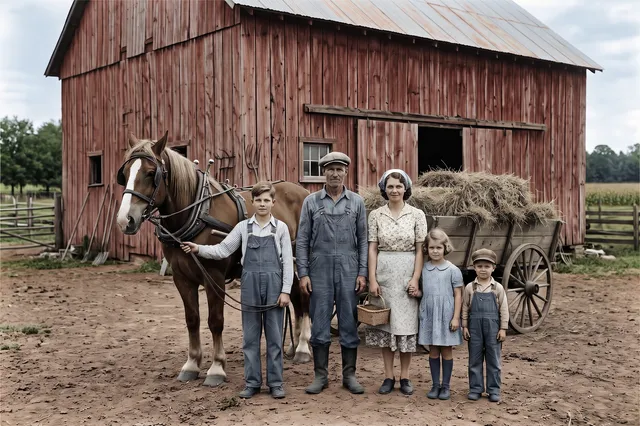
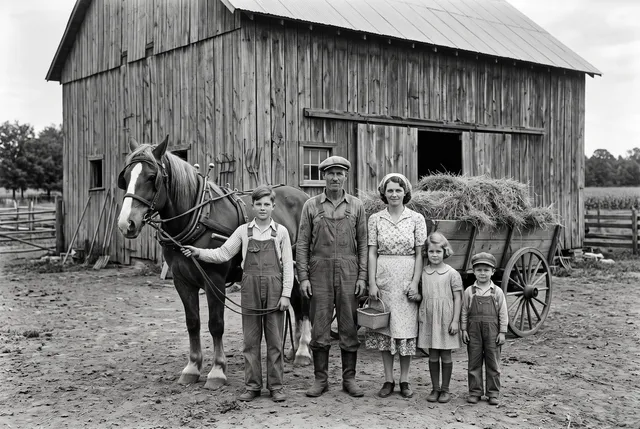
1930s farm photo
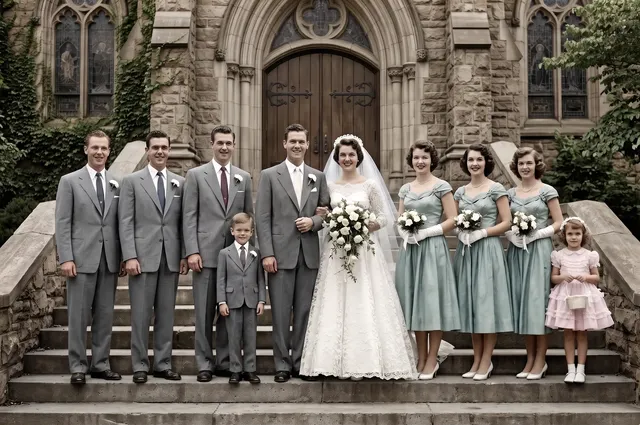
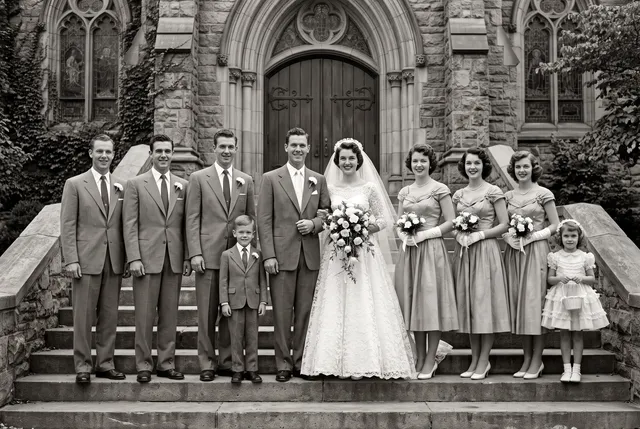
1950s group photo
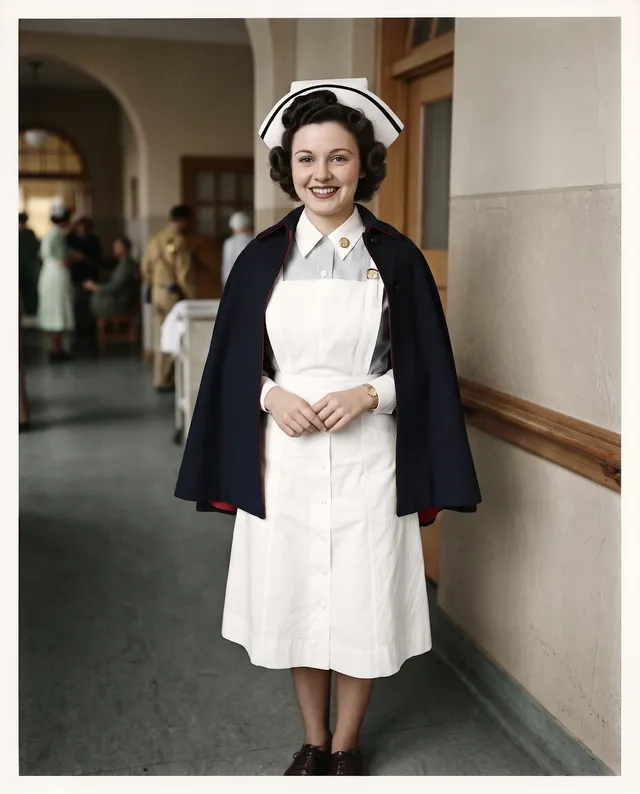
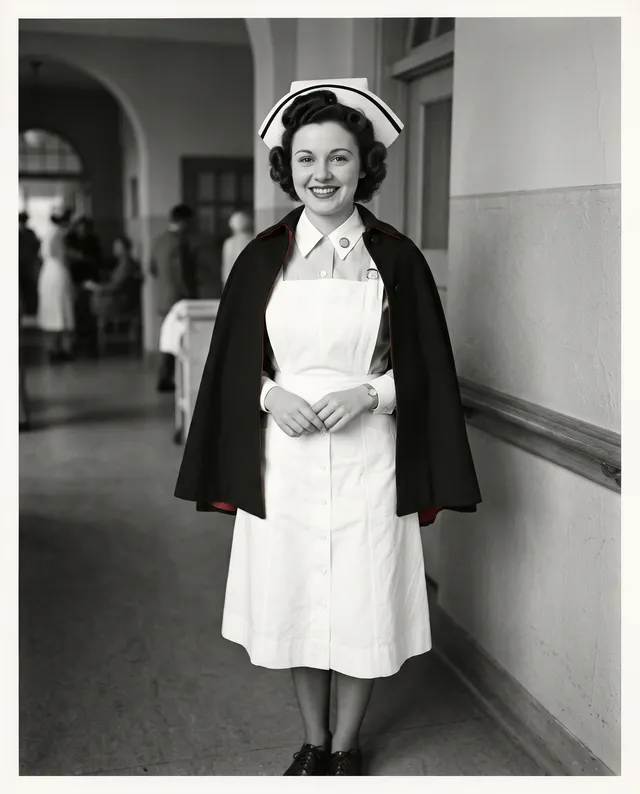
1940s studio portrait
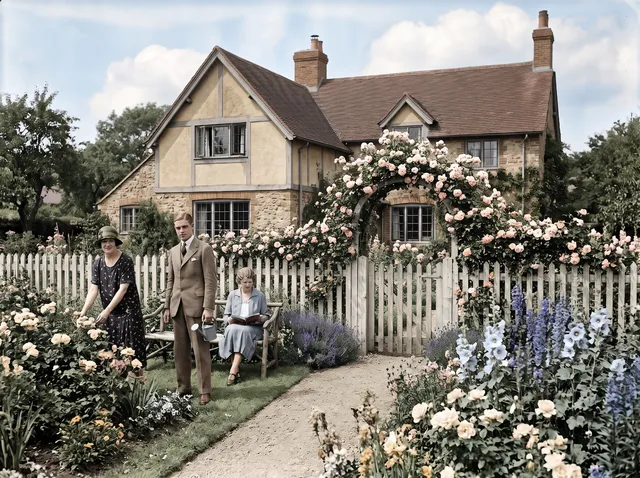
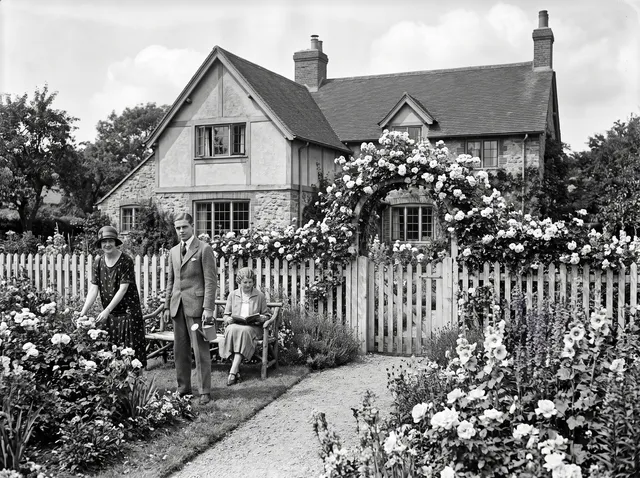
1920s garden photo
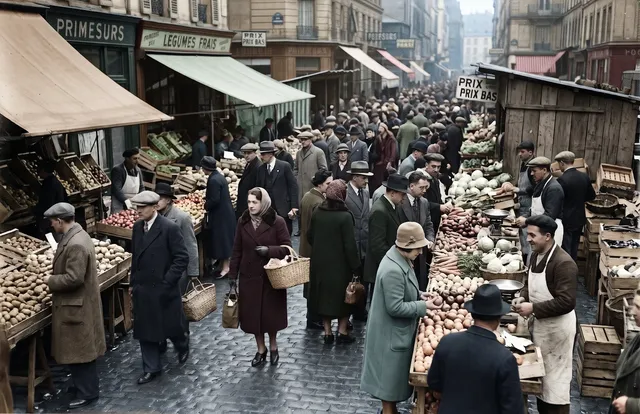
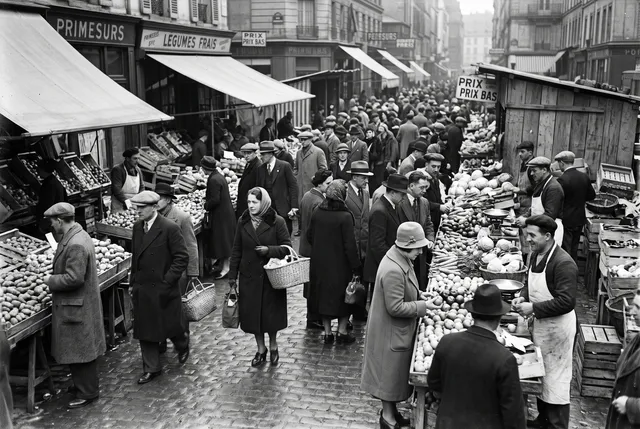
1930s market photo
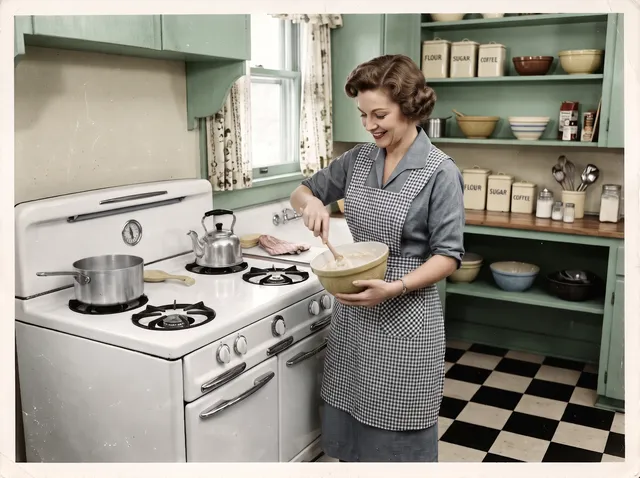
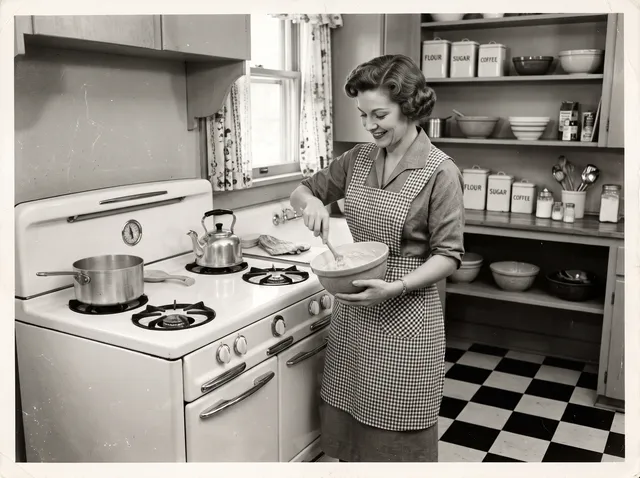
1950s kitchen snapshot
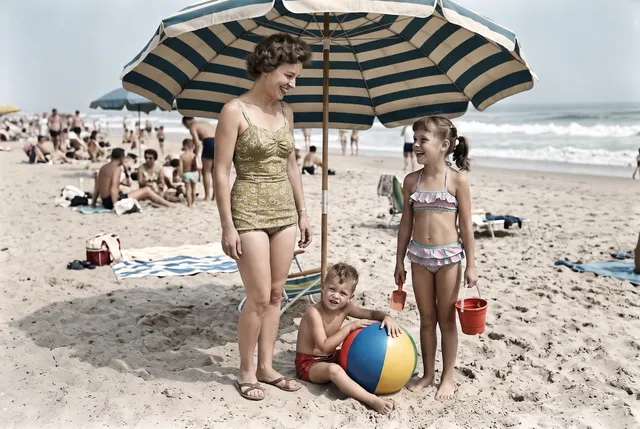
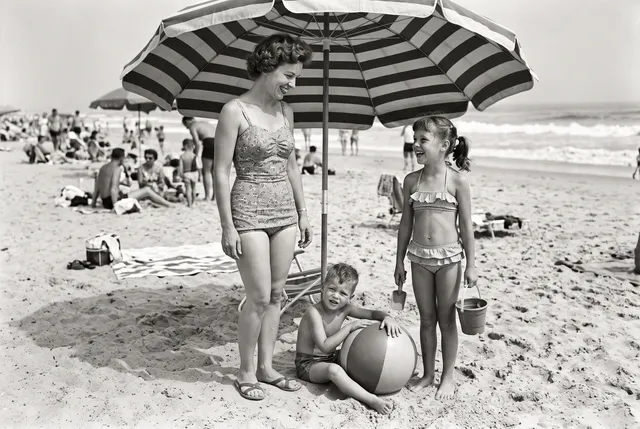
1950s beach snapshot
28 photos · colorized only · Nano Banana 2 · 2 credits each
Colorize photo FAQ
Something else? Email support@theaiphotoeditor.com
See an old photo in color
3 free photos a day without an account. 10 free credits when you sign up. Credits back if it fails.
or drop a file anywhere on this page
Updated Oct 2026 · Tested on 28 photos in 7 categories