AI Image Upscaler
Upload a small or blurry photo and get it back 2× or 4× larger, with sharp edges, readable text and real texture instead of smudges. Up to 8192 px on the long edge. 2× costs 1 credit, 4× costs 2.
- 2× free 3 a day, no sign-up
- From 1 credit a photo
- No watermark
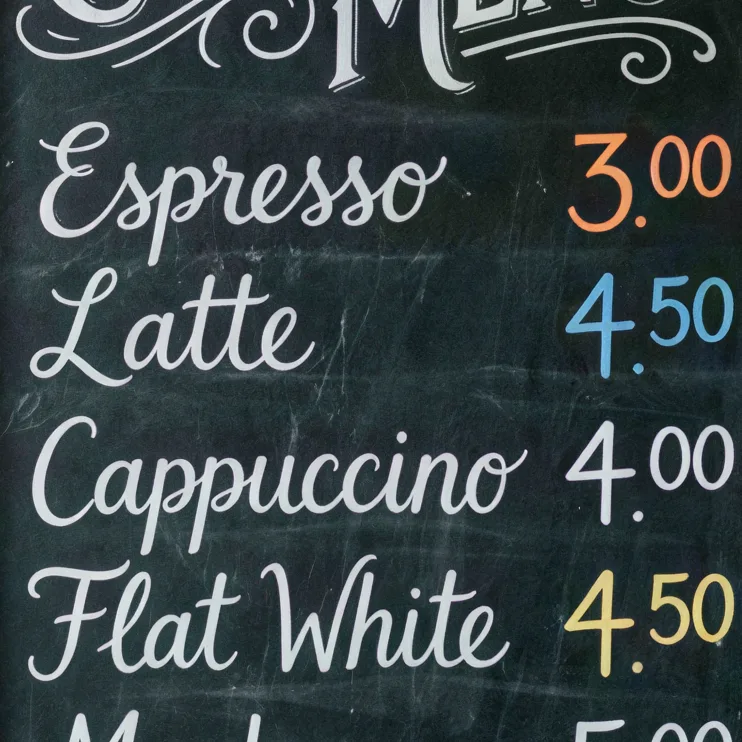
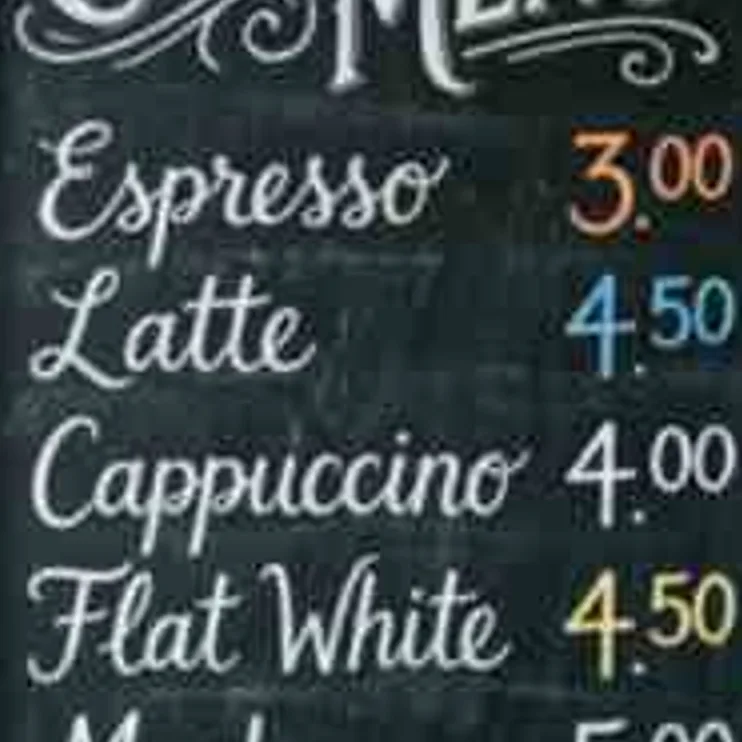
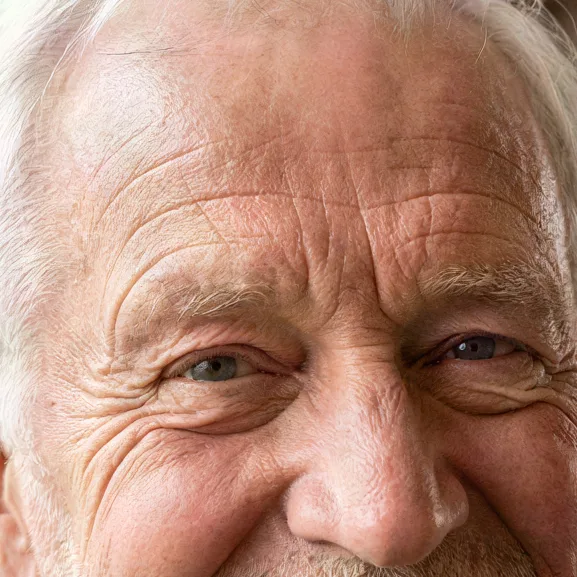
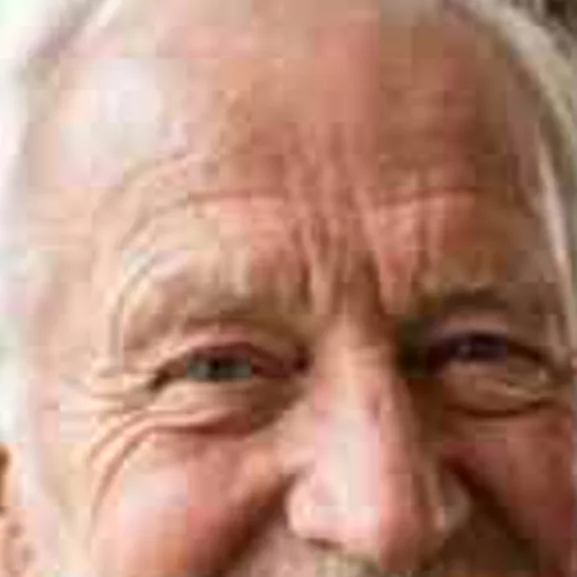
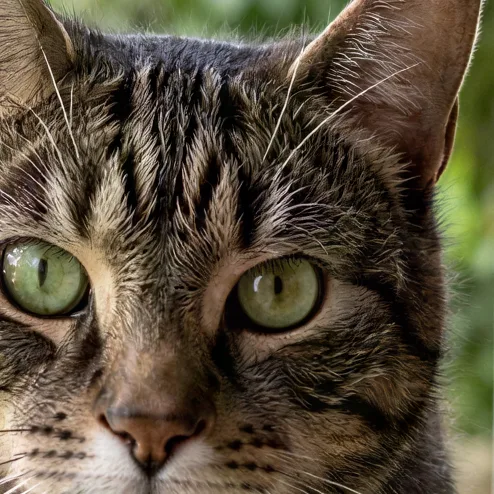
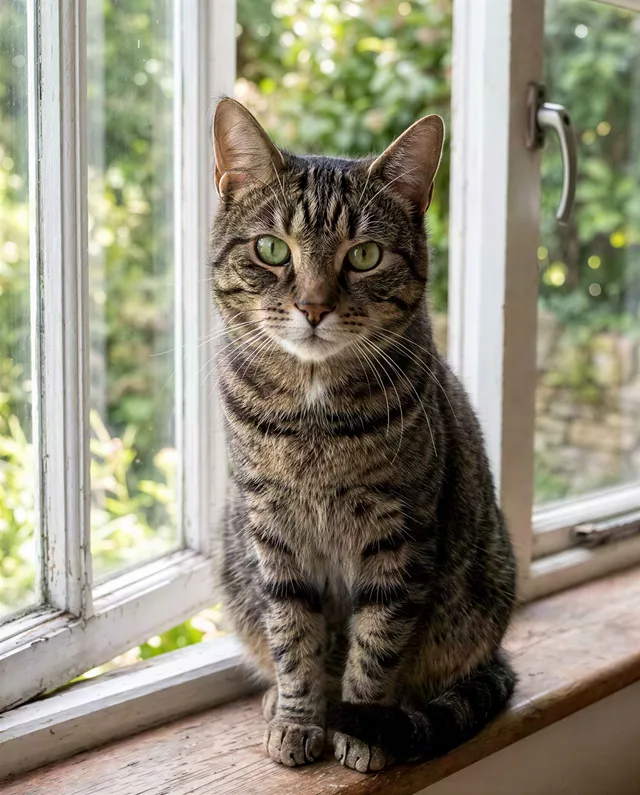
412 × 512 → 1648 × 2048 · 100% crop
- 2× or 4×, up to 8192 px
- Text stays readable
- No watermark
- Credits back if it fails
- Model: SeedVR2 · Topaz (Pro)
Five reasons people upscale a photo
Each example is a real 512 px input and the real 4× result. Drag the handle on the 100% crop to compare.
Upscale an image to 4K
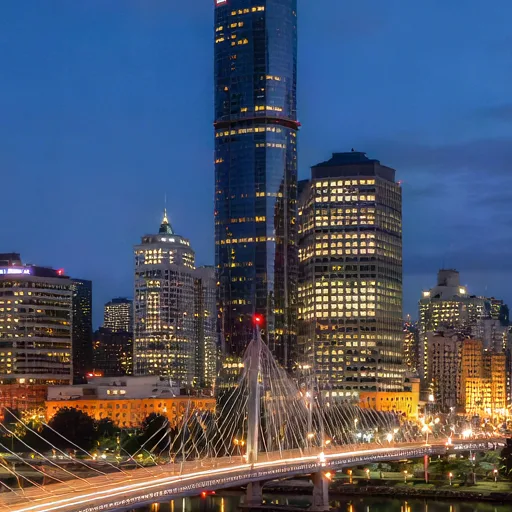
4K is 3840 px wide. A photo 960 px wide reaches it at 4×, and a 1920 px photo reaches it at 2×. The upscaler does not just stretch pixels: it redraws the edges of buildings, the lit windows and the light trails on the bridge, so the result holds up on a TV or a 4K monitor. The longest side can go up to 8192 px.
Enhance a low resolution photo
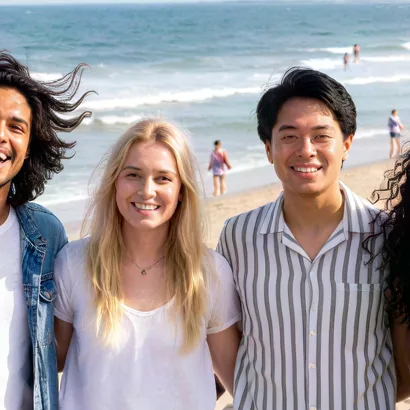
A photo saved from a chat, a thumbnail or an old phone is often only a few hundred pixels wide. Faces turn into soft blobs and hair into a smear. At 4× the beach group gets defined eyes, hair strands and the stripes on the shirt, and the people in the background stay people. Expect more detail than the input had, not the exact detail of the original scene.
Upscale product photos for print
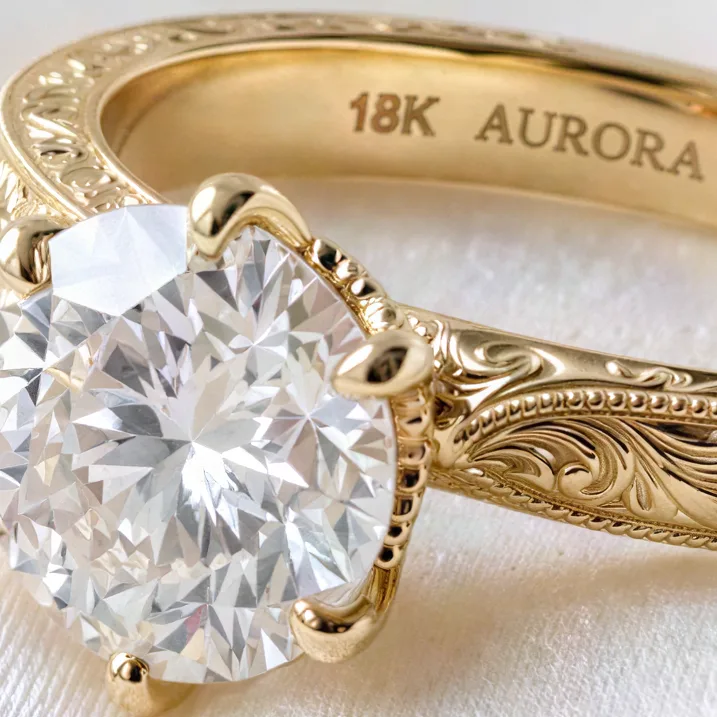
A print at 300 dpi needs 3000 px for a 10 inch side. Most supplier photos and old listing shots are far smaller. At 4× the ring keeps the engraving, the hand-cut pattern on the band and the facets of the stone, so it can go on a catalog page or a large banner. Check engraved text and logos before you print; the model redraws them.
AI upscale faces without the plastic look
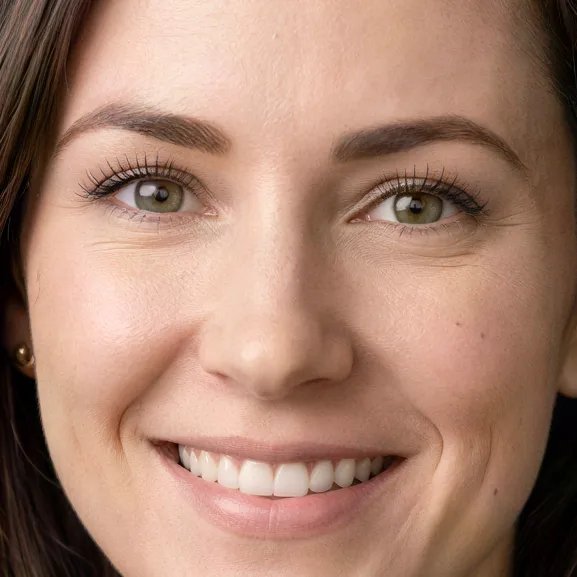
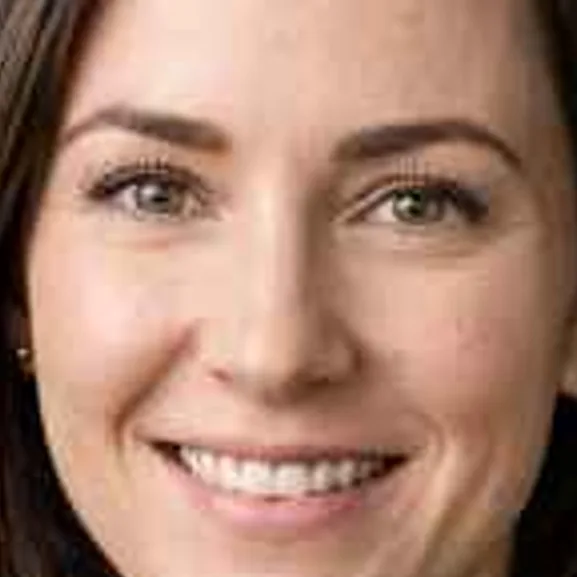
Faces are where upscalers usually fail, with waxy skin and painted-on eyes. SeedVR2 keeps pores, freckles and fine lines, so a headshot still looks like the person. A separate face restore option is there for very blurry faces, but it smooths skin, so we leave it off by default. See the comparison below.
Upscale an old or compressed JPEG
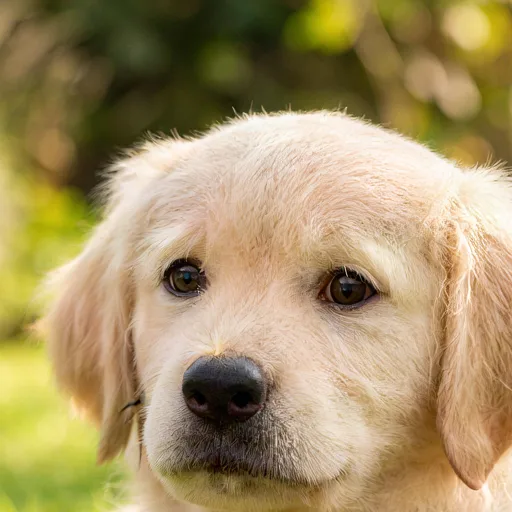
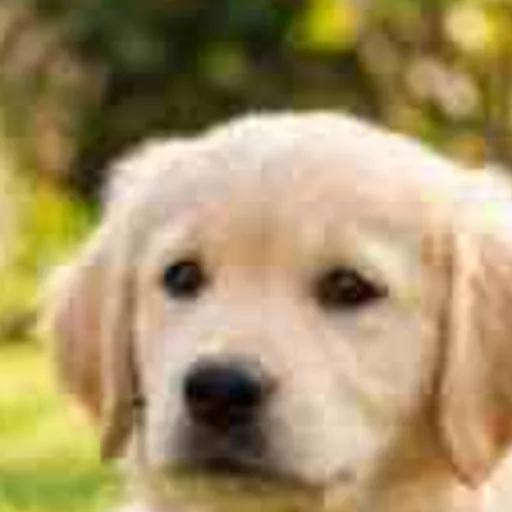
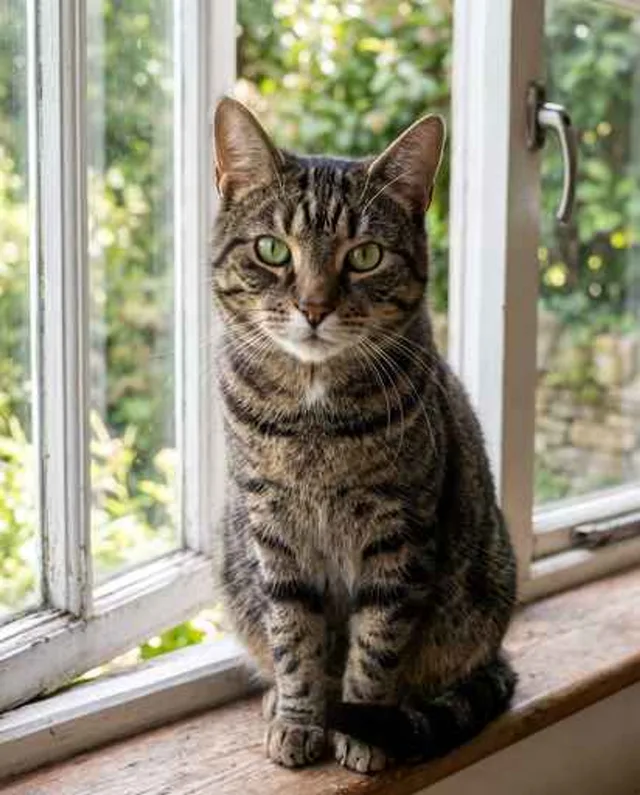
Every time a photo is shared, it is compressed again, until fur and grass break into blocks. The upscaler treats those blocks as noise, not as detail to enlarge, and rebuilds the fur and the lawn behind the puppy. For scratched or faded prints, use Photo Restoration first, then upscale.
See every result at 100%
25 photos in 6 categories, each 512 px on the long edge, all enlarged 4×. Left is the whole photo, right is a crop at full size. Drag either handle to compare.



Which setting should you pick?
The same crop from the same input, run with each setting. These are the results we got, including where a setting did worse.
2× or 4×?
2× is enough when the photo is already close to the size you need. 4× redraws more and costs one credit more. On this honey label, 2× turned the tiny “NET WT.” line into made-up letters, while 4× kept it.
Look at the text left of “250 g”. Small print can change from run to run, so check it.
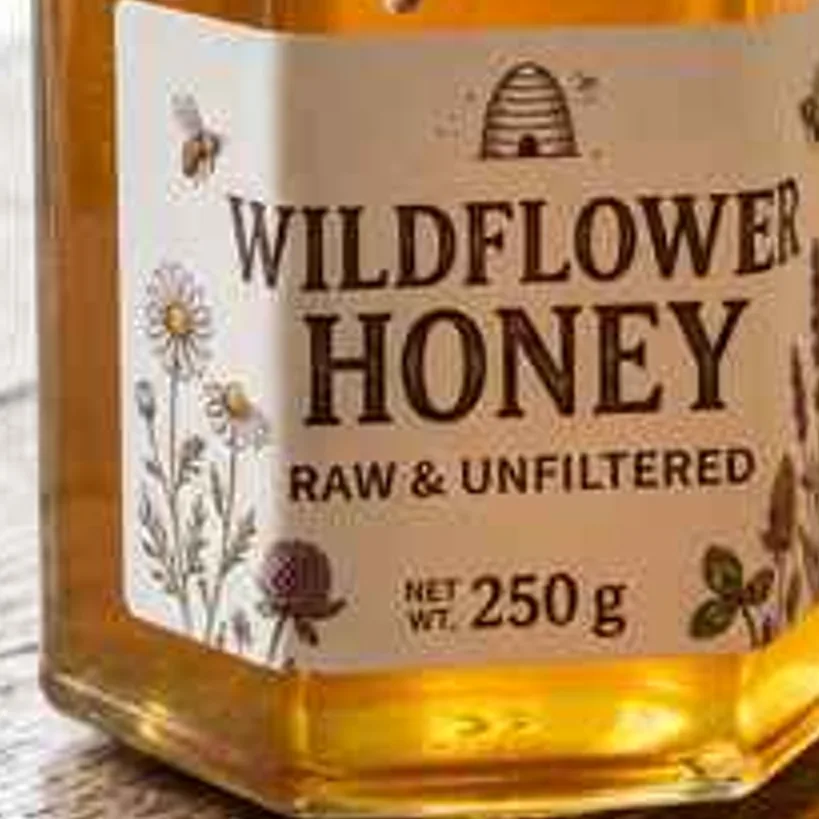
Input, enlarged 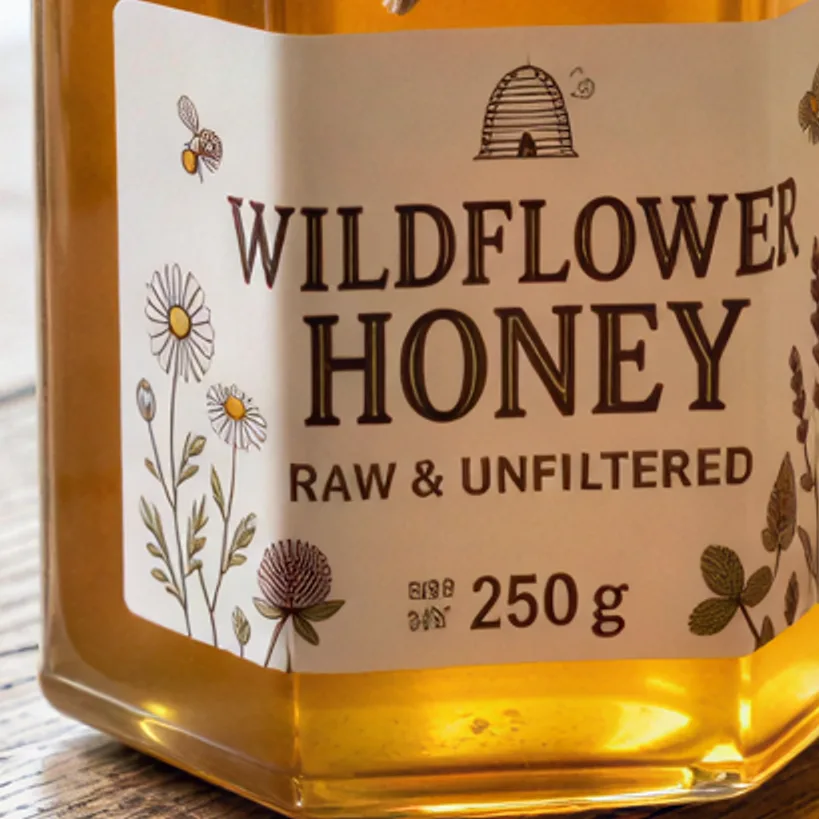
2×1 credit 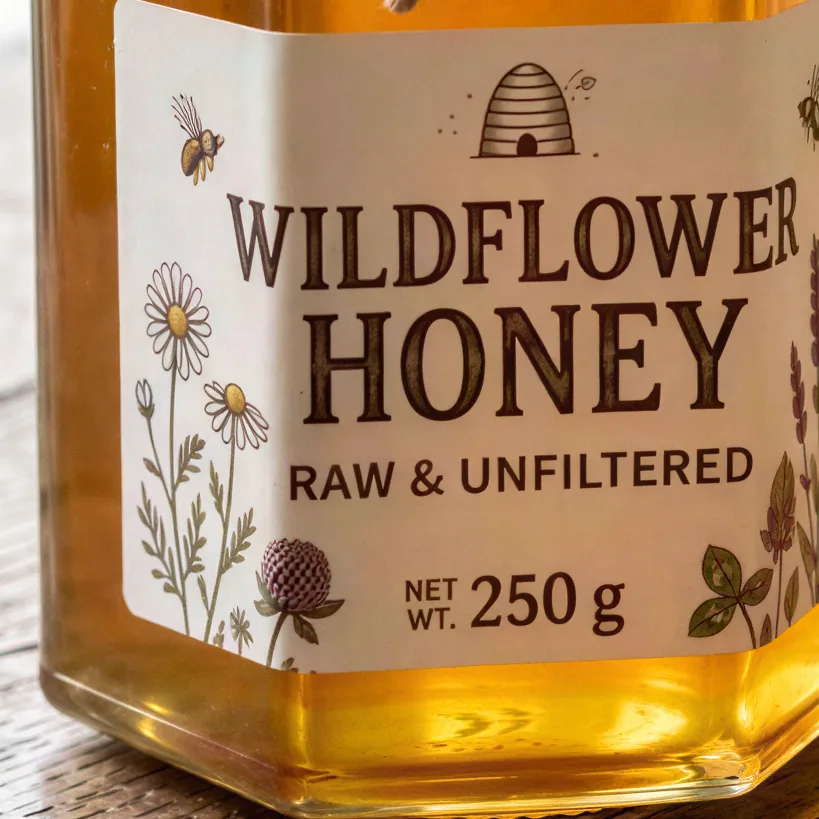
4×2 credits Face restore on or off?
Face restore runs CodeFormer before the upscale. It rebuilds eyes on very blurry faces, but it also smooths skin. Here it removed most of the girl’s freckles and turned her brown eyes grey-green, so for normal portraits we keep it off.
Turn it on only when a face is too blurry to recognize.
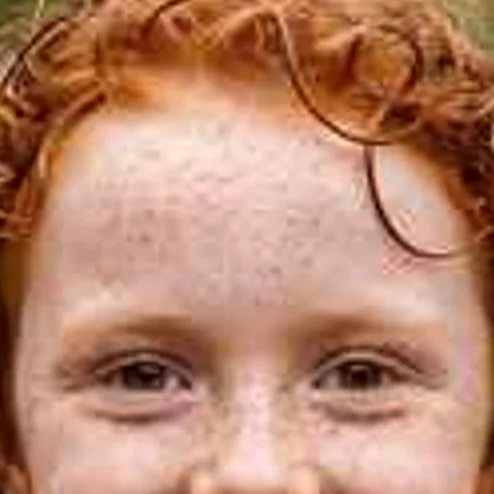
Input, enlarged 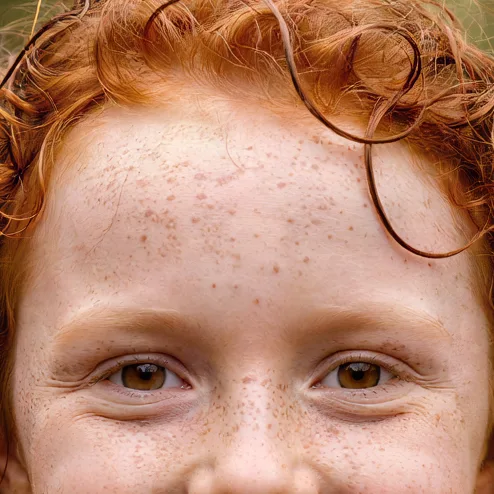
4×, face restore off2 credits 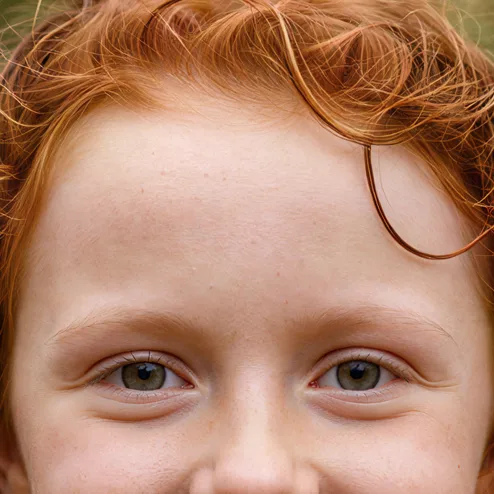
4×, face restore on2 credits Standard 4× or Pro 4×?
Pro uses Topaz, which invents less and stays closer to the input. On small, compressed photos like this 512 px menu, that means a softer result than standard 4×. In our tests Pro was not worth 10 credits on inputs this small.
Pro is aimed at larger photos where you want fewer invented details.
Input, enlarged 4×2 credits 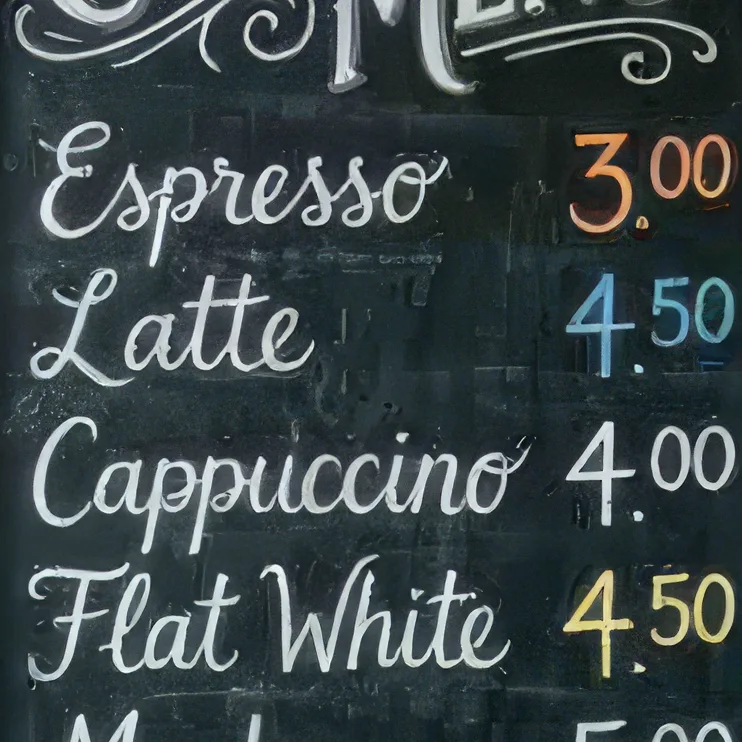
Pro 4×10 credits
How to upscale an image
Three steps in the browser, on a phone or a computer.
- 1
Upload a photo
JPG, PNG, WEBP or HEIC up to 20 MB. For 4× the input can be up to 2048 px on the long edge; larger photos are scaled down first so the result stays under 8192 px.
- 2
Pick 2×, 4× or Pro
2× costs 1 credit and works without an account. 4× costs 2 credits. Pro 4× costs 10. Face restore is off by default; turn it on only for very blurry faces.
- 3
Compare and download
Drag the handle to compare with your original, then download a full-size PNG with no watermark. Failed runs return the credits.
Who upscales images, and why
Hover a card to see the input.
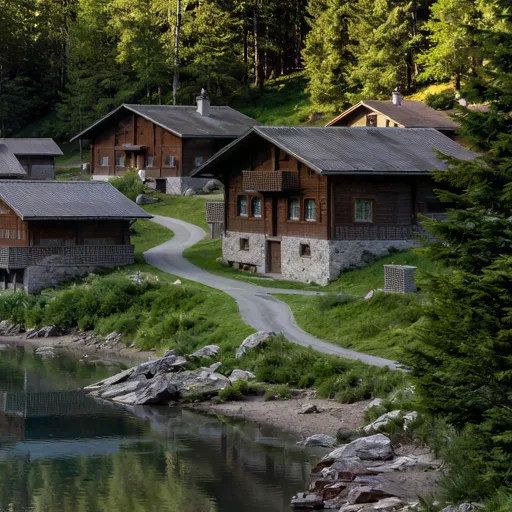
 Input
InputPrints and wall art
Turn a phone photo or a wallpaper you made years ago into a file big enough for a poster or canvas print.
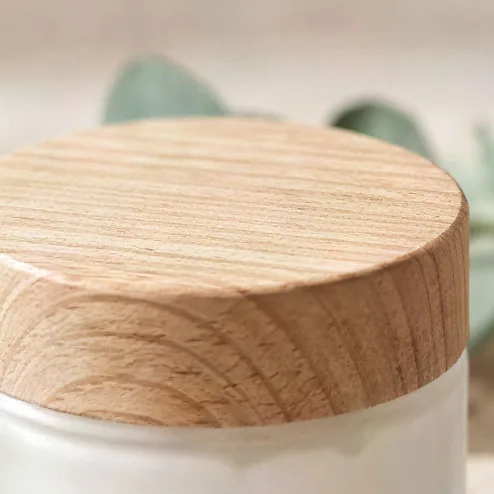
 Input
InputOnline stores
Supplier photos are often small. Enlarge them so zoom-on-hover shows grain, texture and labels, not blur.
 Input
InputAI art and illustrations
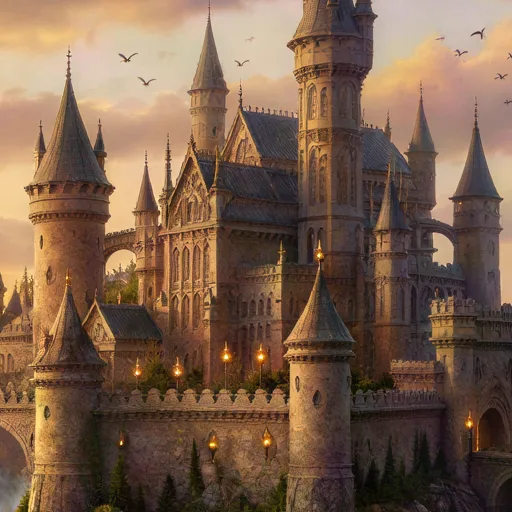
Many image generators stop at about 1 megapixel. Upscale the result before you print it or use it as a cover.
 Input
InputWeddings and events
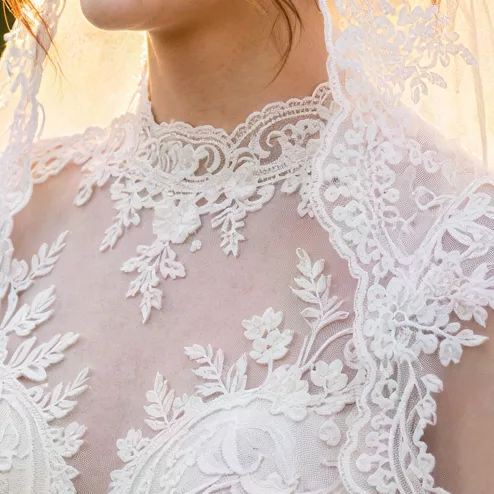
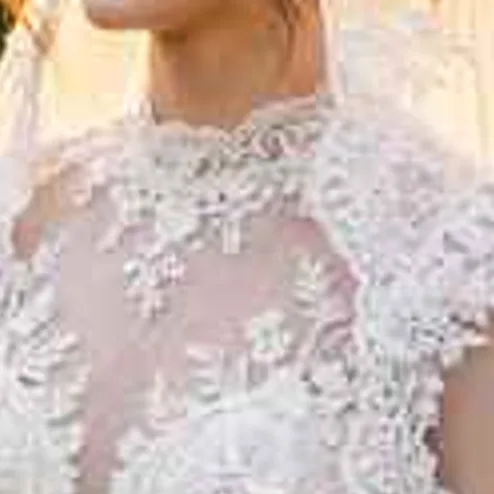
The only photo of a moment came from a guest’s phone or a group chat. Enlarge it for an album or a frame.
 Input
InputPets and wildlife
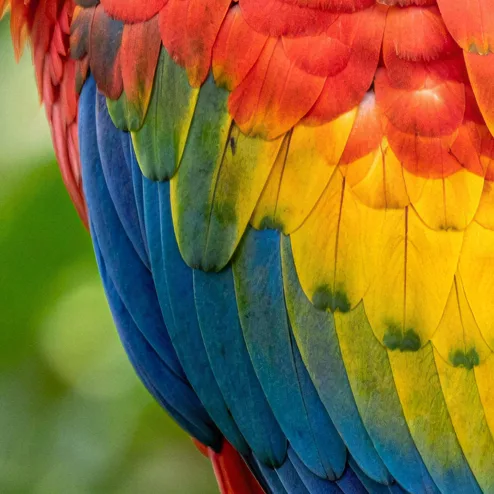
A bird across the garden or a pet on the move is often a small part of the frame. Crop in, then upscale.

 Input
InputCovers, posters and slides
Recover a sharp cover or poster from a small preview image, with titles that stay readable.
AI upscaler vs the other ways to enlarge an image
Use AI when the photo is small and you need detail. Use a plain resize when the photo is already sharp and only needs a few more pixels.
| AI upscaler (this tool) | Resize in an editor (bicubic) | Desktop upscaling software | Find the original file | |
|---|---|---|---|---|
| New detail | Yes, redrawn by the model | No, edges get softer | Yes | The real detail |
| Text and logos | Readable in our tests, except very small print | Blurry | Varies | Exact |
| Max output | 8192 px on the long edge | Any size, but soft | Usually larger | Whatever was shot |
| Works on a phone | Yes, in the browser | Some apps | No | If you still have it |
| Cost | 1 credit for 2×, 2 for 4× | Free | One-off license or subscription | Free |
Our column comes from 25 test photos, Oct 2026. Other columns are typical ranges, not measurements.
What an upscaler cannot do
These came up in our own tests. We show them so you know what to check before you print or publish.
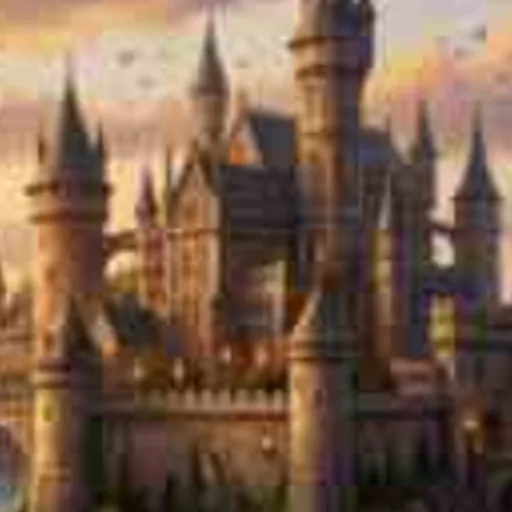
New detail is drawn, not recovered
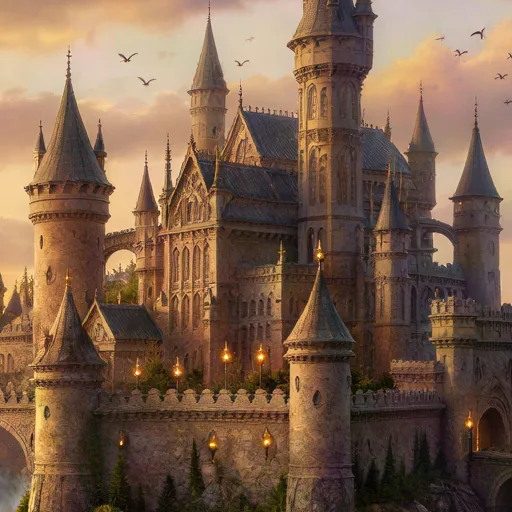
The input had blurry shapes in the sky. The 4× result turned them into crisp birds and gave every spire a sharp tip. That is what makes upscaling look good, and it is also a guess. For evidence, IDs, documents or anything where the exact detail matters, do not rely on an upscaled photo.
Left: the 512 px input, enlarged · Right: 4×
Tiny text can change
Very small print in the input can come back as made-up letters, as on the honey label above. Check names, prices and numbers.
Face restore smooths skin
It removes freckles and fine lines along with the blur. Keep it off unless a face is too blurry to recognize.
Heavy damage needs restoring first
Scratches, tears and faded color are enlarged along with the photo. Run Photo Restoration first.
Output is capped at 8192 px
For 4× the input is scaled to 2048 px on the long edge first, for 2× to 3072 px, so very large photos are reduced before they are enlarged.
Output size: 2× or 4× your upload, up to 8192 px on the long edge, as a PNG. To clean up the photo first, use the Object Remover.
Pay per image, keep your files
Up to 8192 px
Enough for a 27 inch print at 300 dpi, or a 4K screen with room to crop.
Natural texture by default
SeedVR2 keeps skin, fur and fabric looking like the real thing, without the waxy filter look.
Credits back if it fails
If an upscale fails, the credits return to your balance automatically.
Packs never expire
100 credits for $9.99, about 50 upscales at 4×, with no monthly plan.
No watermark
Results download without a watermark, at full size.
Photos deleted in 30 days
Uploads and results on free accounts are deleted after 30 days. We do not train on your photos.
Every example on this page was made with this tool
Each photo was saved at 512 px as a compressed JPEG, then run through this exact upscaler at 4×. No retouching. Hover to see the input.
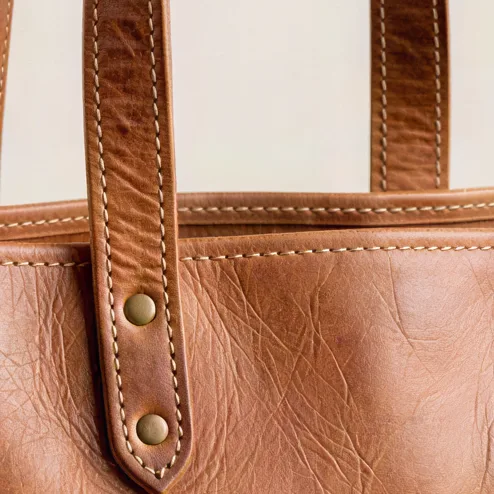
412 × 512 → 1648 × 2048
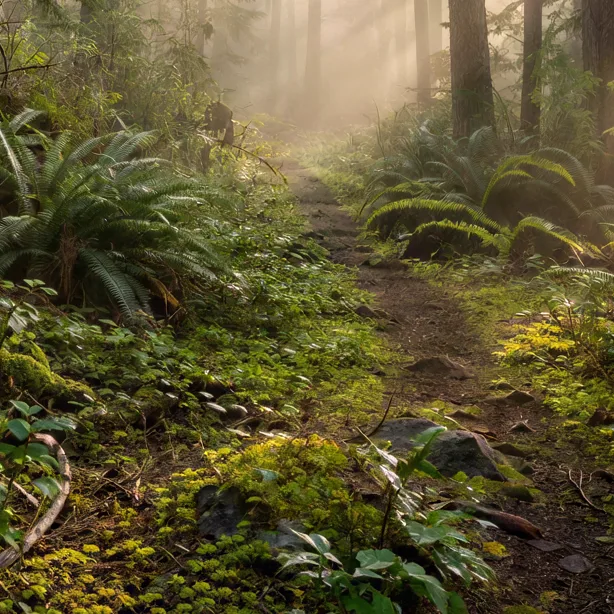
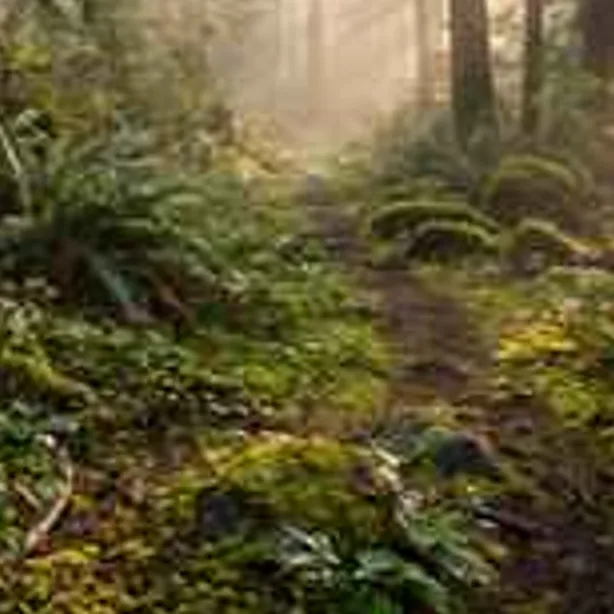
512 × 343 → 2048 × 1372

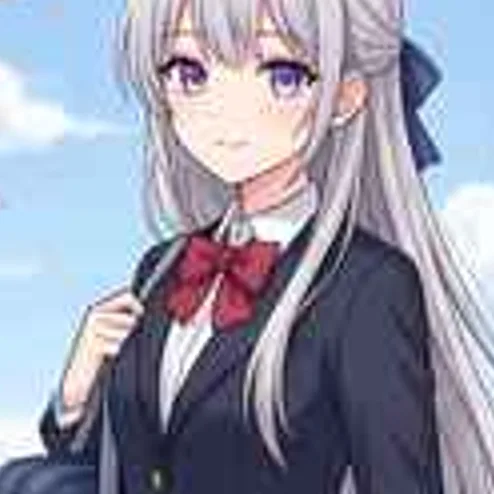
412 × 512 → 1648 × 2048
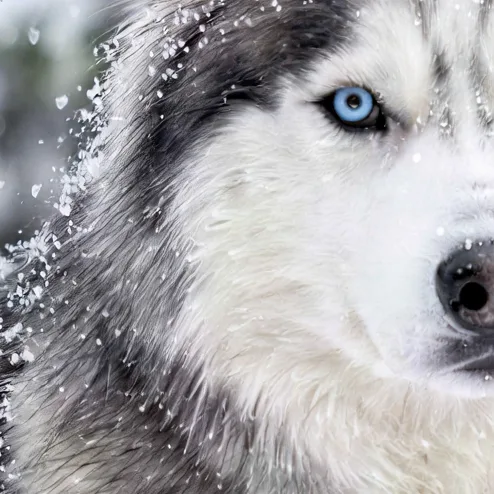
412 × 512 → 1648 × 2048
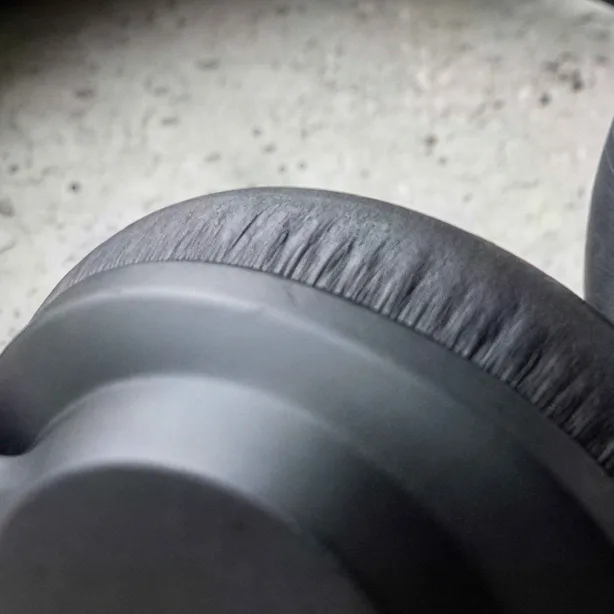
512 × 512 → 2048 × 2048
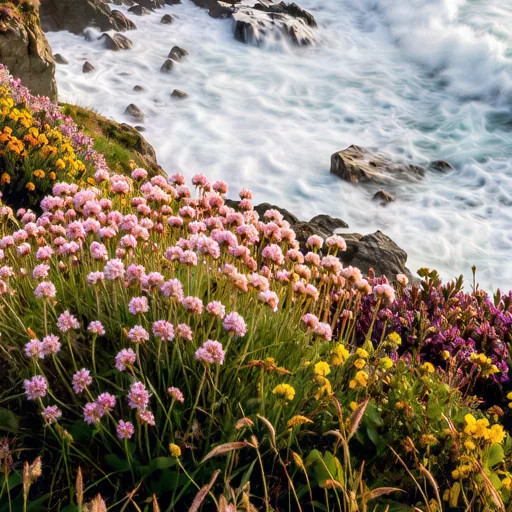
512 × 343 → 2048 × 1372


512 × 512 → 2048 × 2048
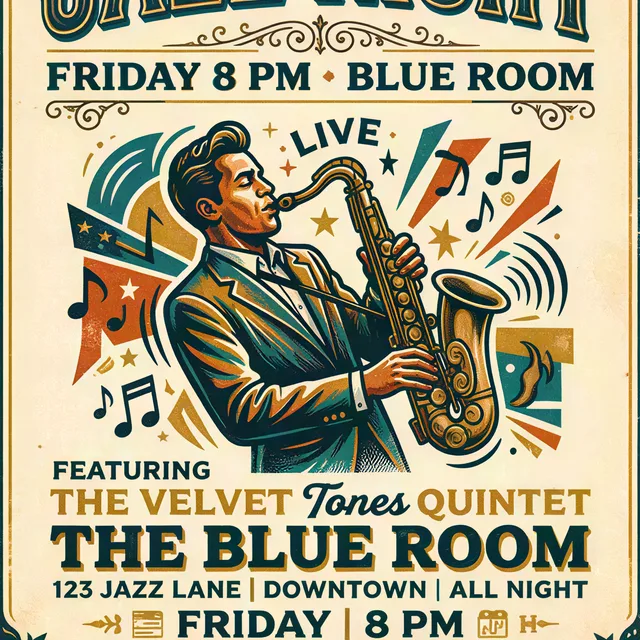
322 × 368 → 1288 × 1472
25 photos · 4× · SeedVR2 · 2 credits each
Image upscaler FAQ
Something else? Email support@theaiphotoeditor.com

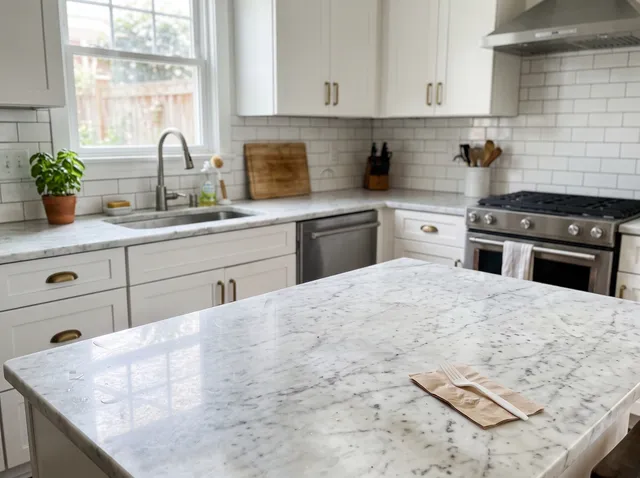
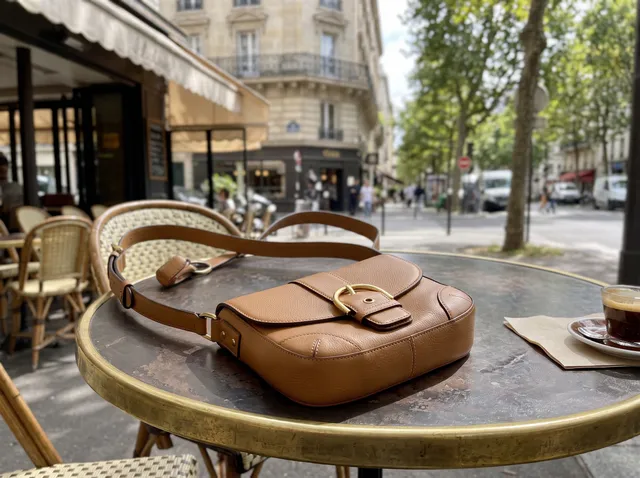
Make your photo big enough to use
Try 2× free without an account, or sign up for 10 credits, enough for 5 upscales at 4×.
or drop a file anywhere on this page
Updated Oct 2026 · Tested on 25 photos in 6 categories