Change Photo Background with AI
Put the person, pet or product in your photo into any scene you describe, from a studio backdrop to a beach at sunset. The subject stays as it is and is relit to match the new light. Each change takes 30–60 seconds.
- 10 free credits at sign-up
- 4 credits a photo
- No watermark
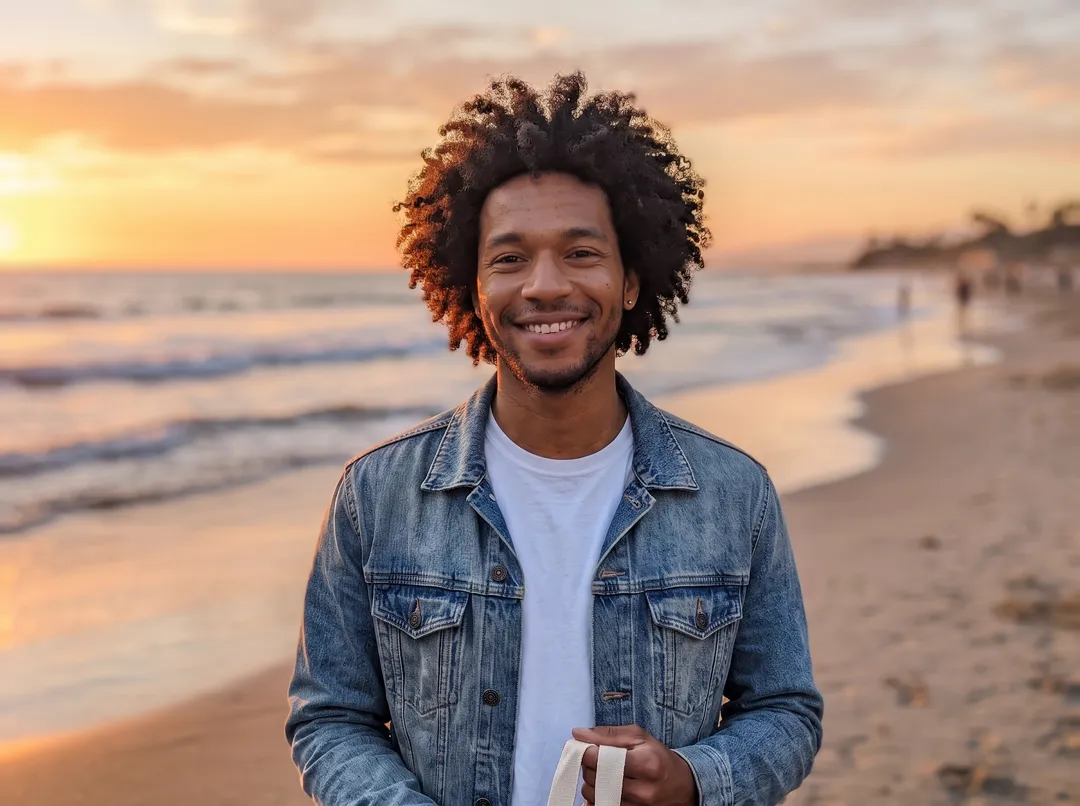

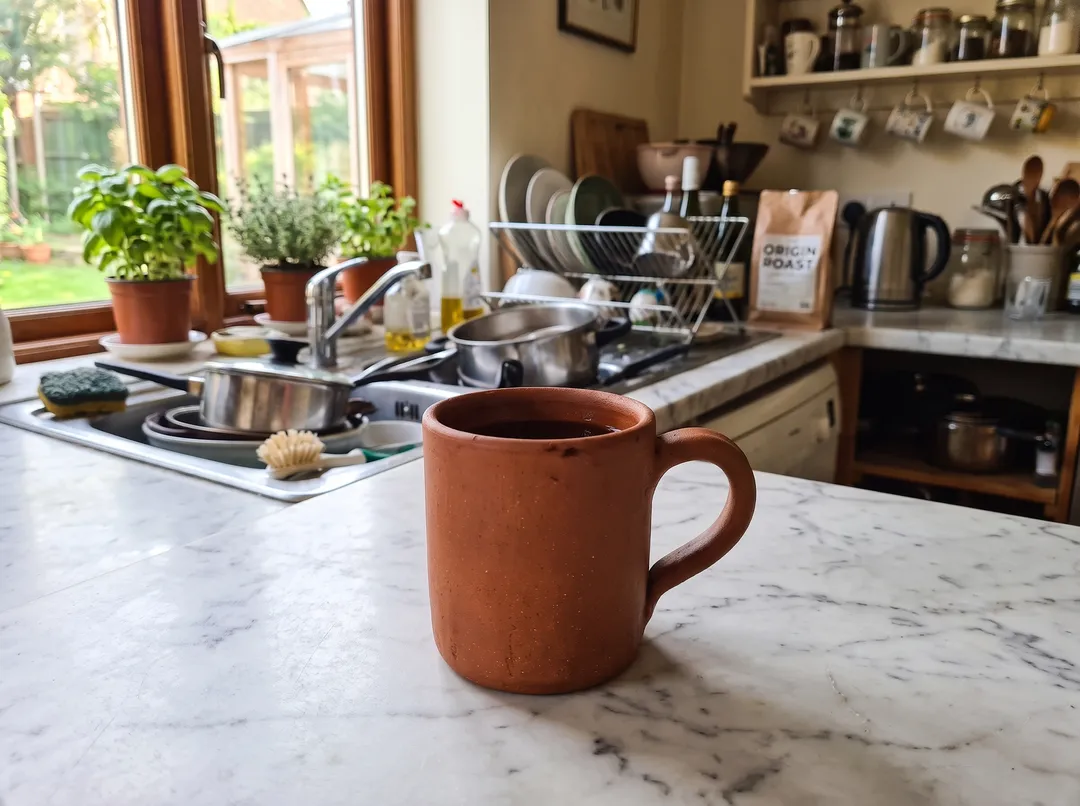
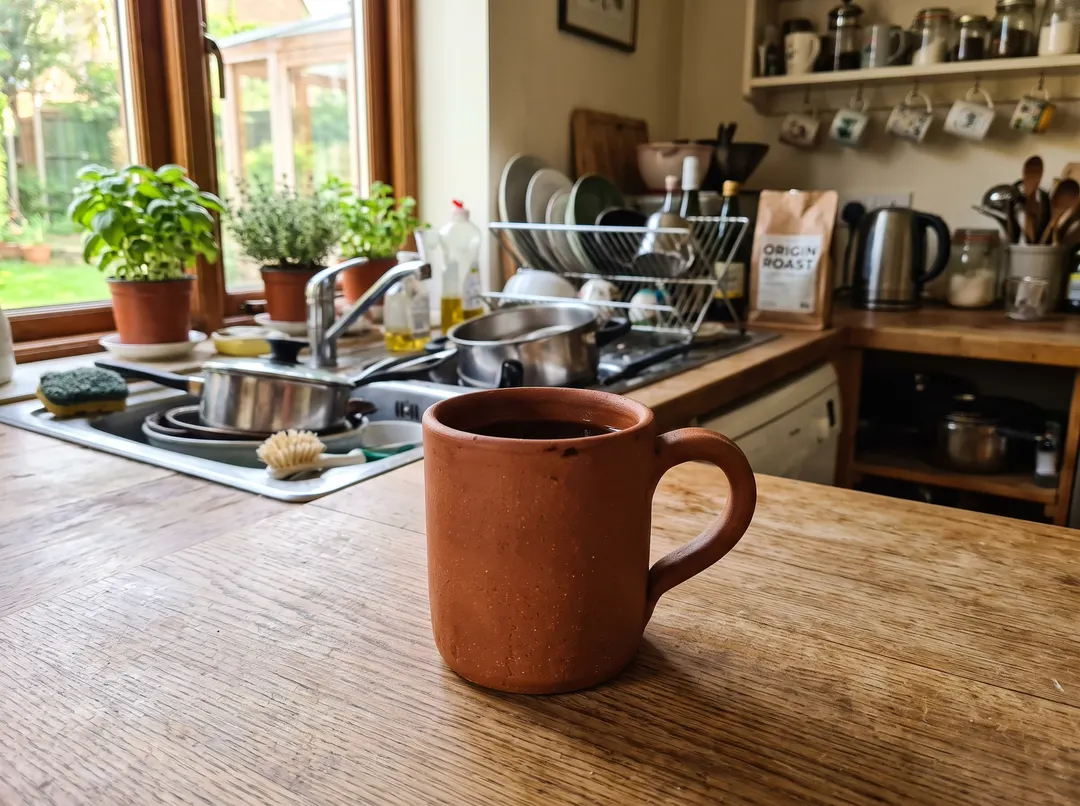
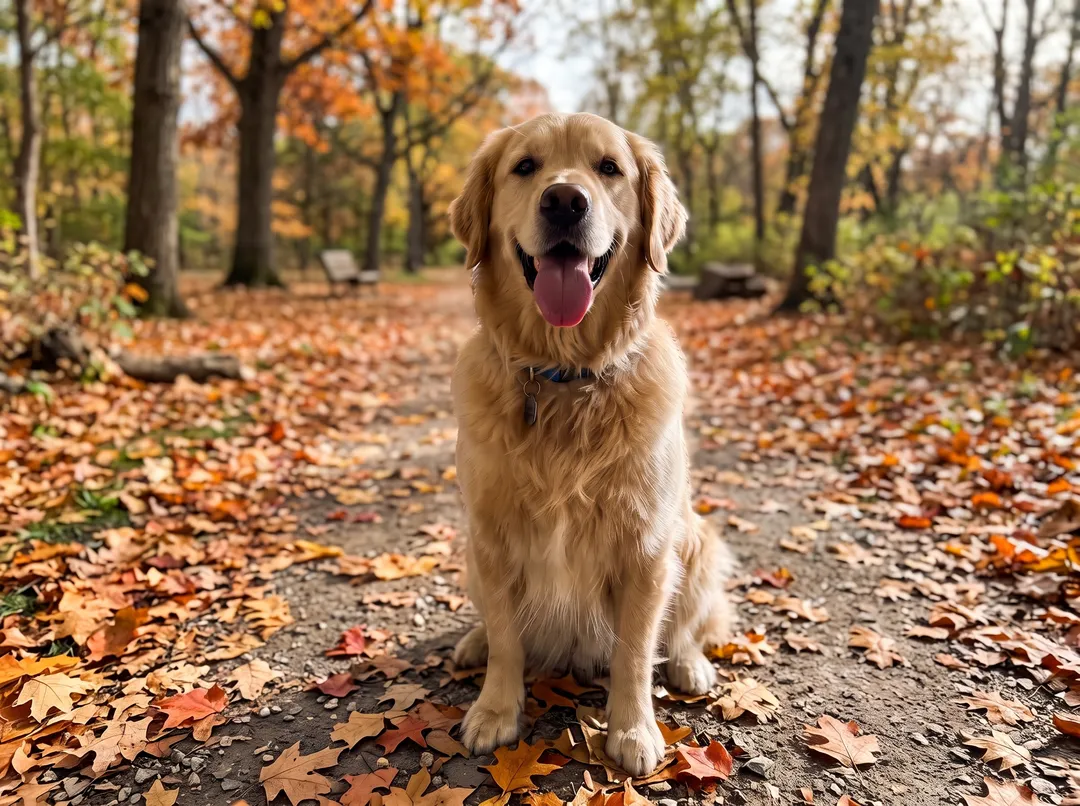
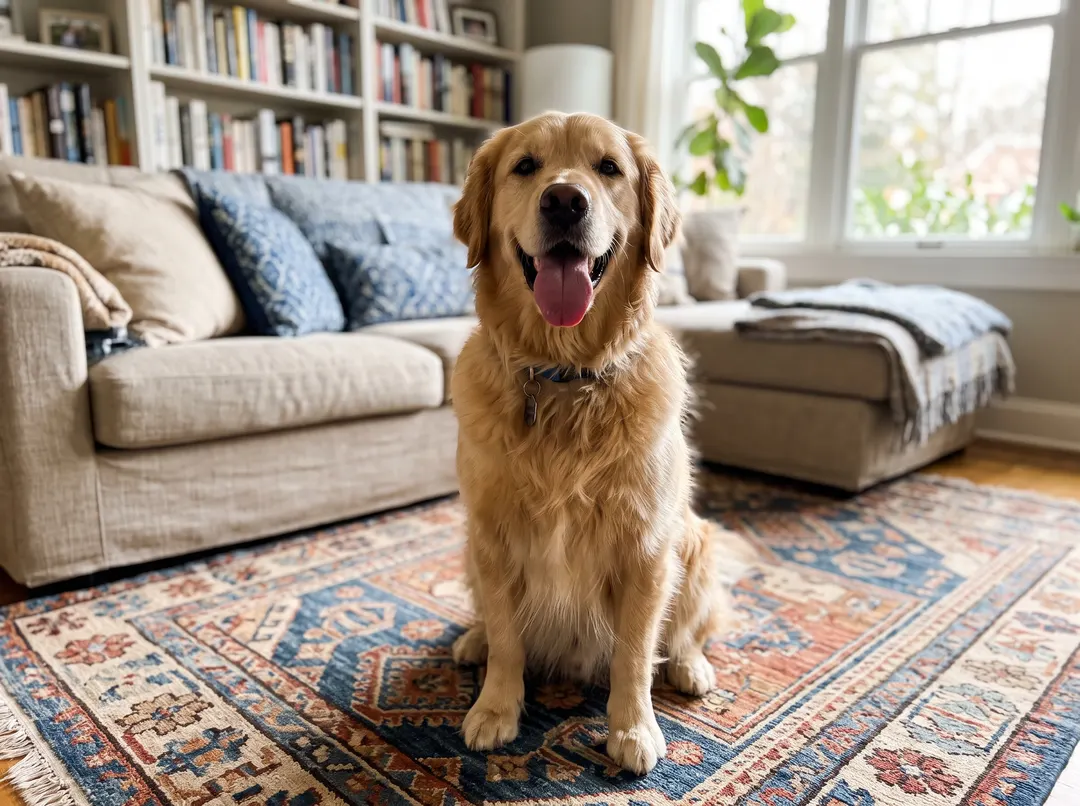
Prompt“Beach at sunset with gentle waves”Nano Banana 2.1 · 4 credits
- Subject kept as shot
- Relit to match the scene
- Up to 2K output
- Credits back if it fails
- Model: Nano Banana 2.1
Try six backgrounds on the same photo
Pick a scene to see the real result for that prompt. Every image here comes from the same upload, so you can judge what changes and what stays.
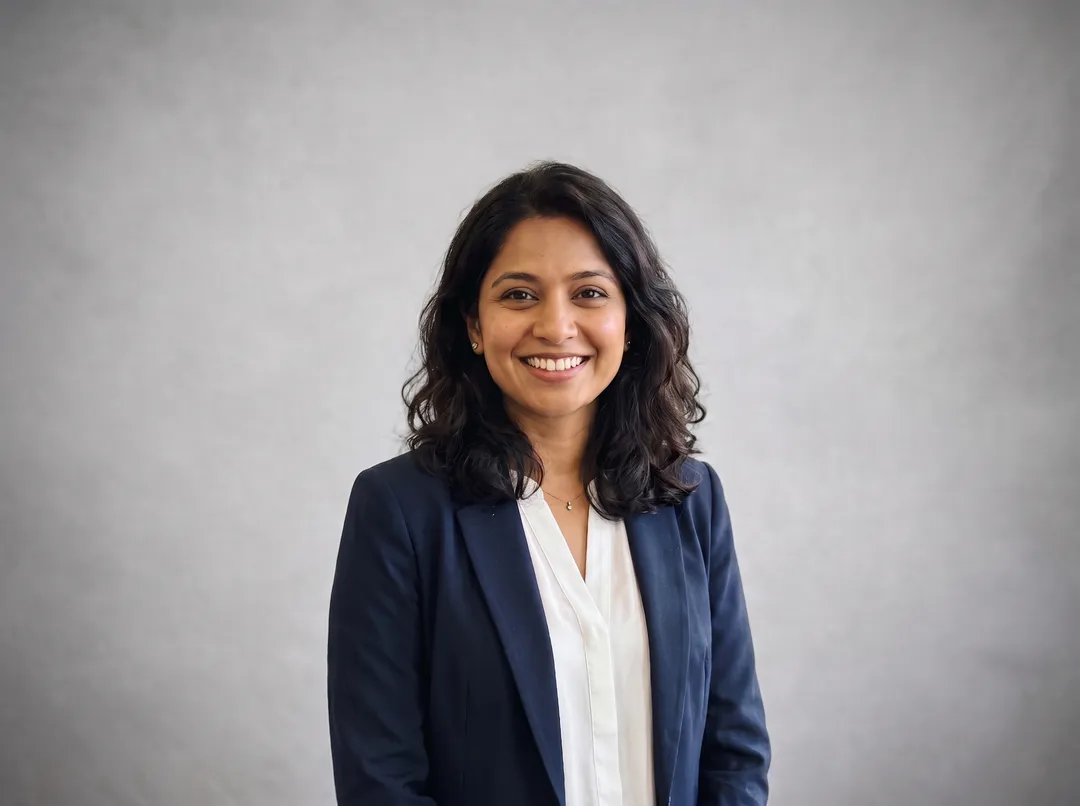

“Plain light gray studio backdrop for a professional headshot”
Match lighting on · Nano Banana 2.1 · 4 credits · 2400 × 1792Five jobs people change backgrounds for
Each example is a real upload and the real result from this tool. Drag the handle to compare.
Relight the subject to match the new scene
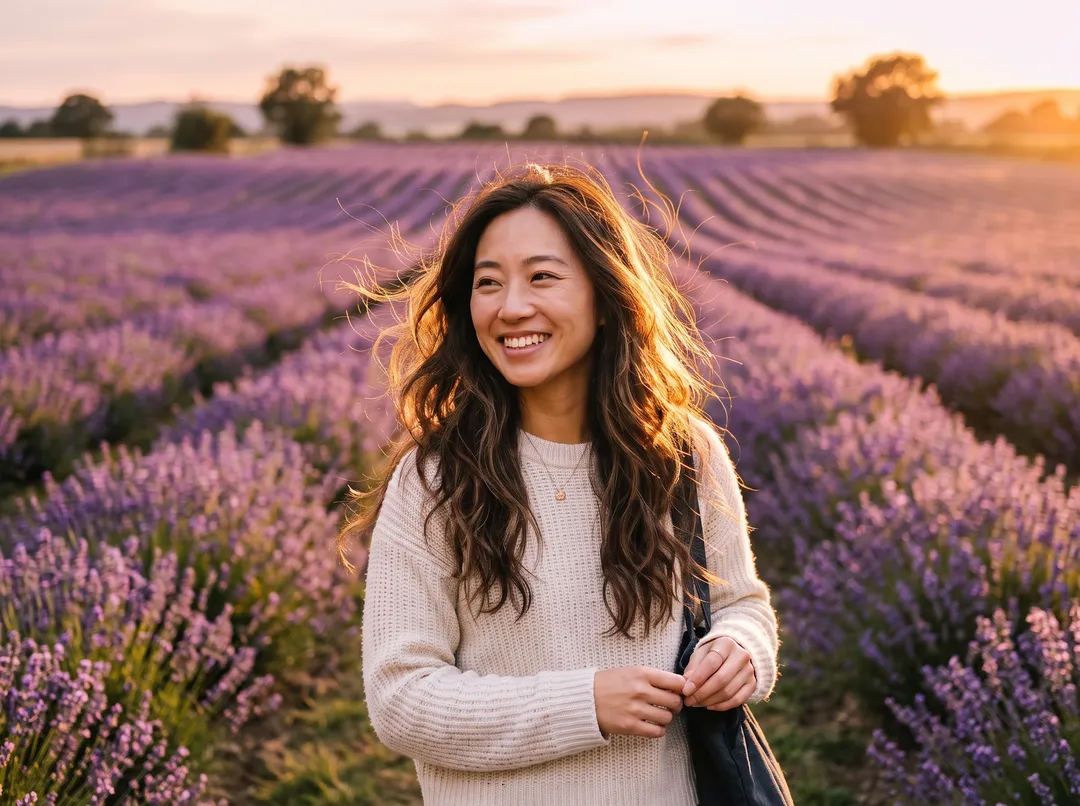
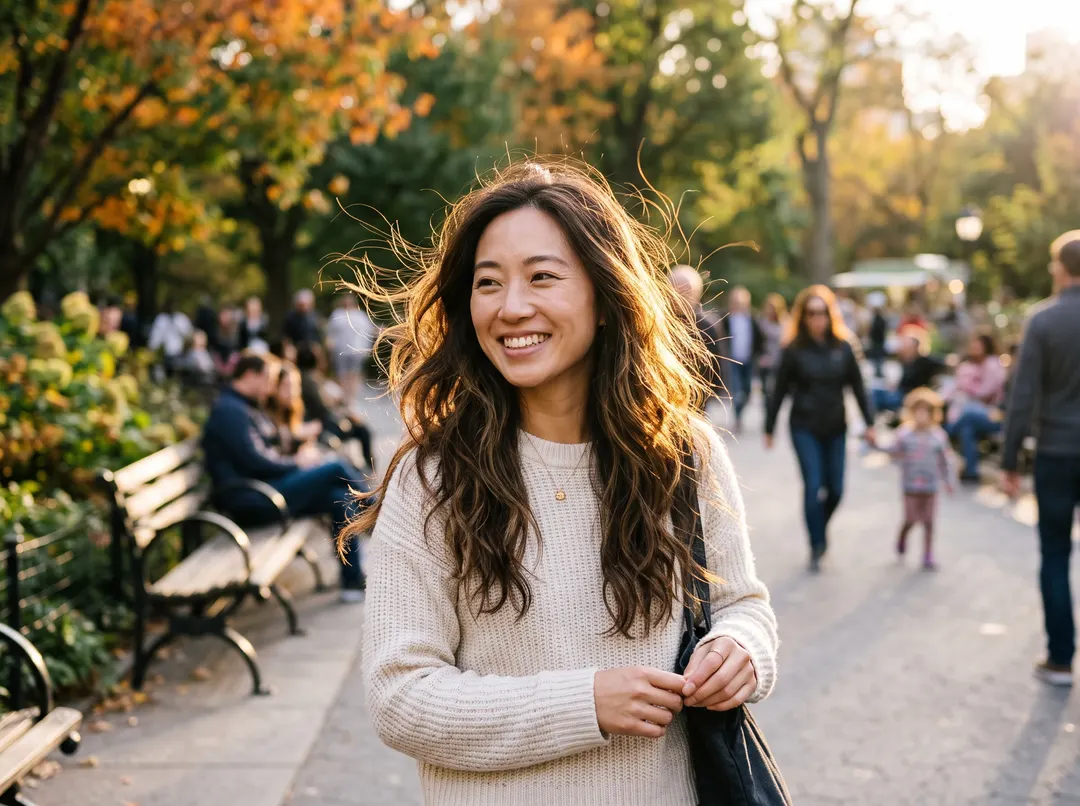
A pasted-on cutout keeps the light of the room it was shot in, and that is why it looks fake. With Match lighting on, the model changes the light on the subject too: direction, color and shadow follow the new background. Here the busy park path becomes a lavender field at golden hour, and the warm backlight in her hair now matches the low sun over the field. Turn Match lighting off when the subject must keep its original exposure, for example in a product catalog.
Change the background and keep the subject the same
The prompt tells the model to keep the main subject exactly as it is: the same pose, face, hair, clothing and framing. Only the scene behind changes. In this example the puppy, its yellow hoodie and the sofa it stands on stay put, while the room turns into a living room with a Christmas tree. The model does not always follow it: with several people in the shot the framing can shift and the people can come out smaller. If a detail or the crop drifts, run it again. Each run costs 4 credits, and failed runs are refunded.


Product photos in a styled scene, without a photoshoot
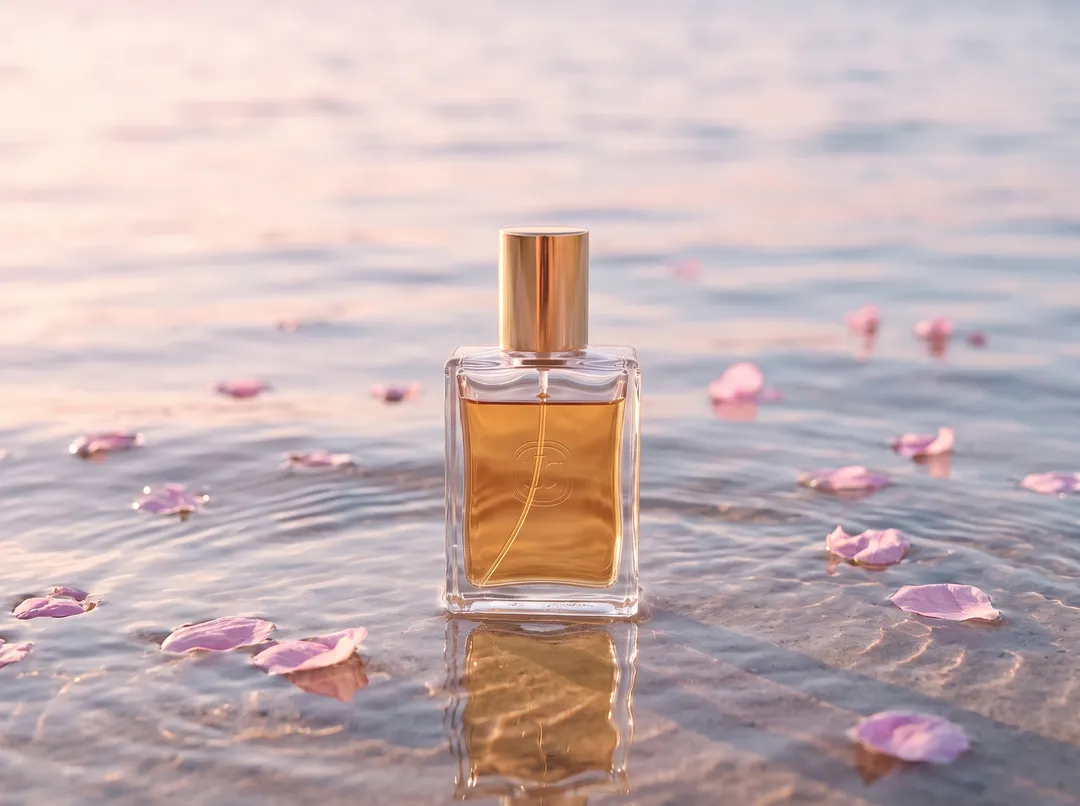
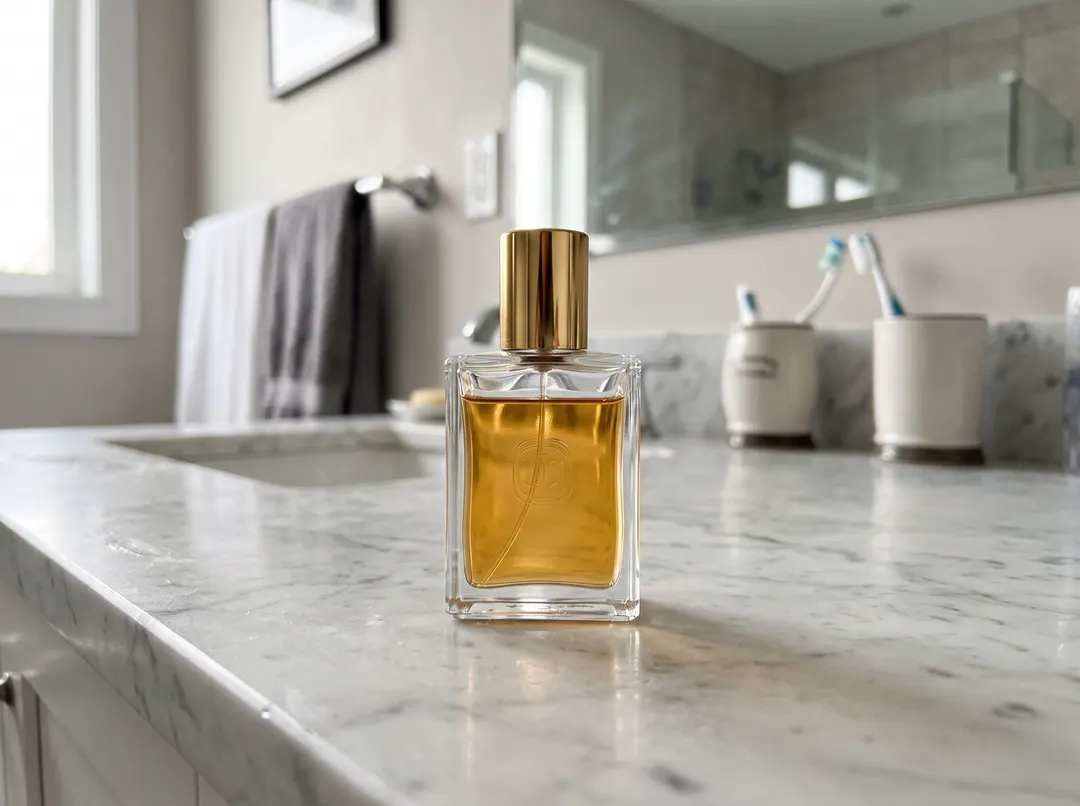
Shoot the product once on any table, then place it in the scene the campaign needs: shallow water with petals for a fragrance, a marble counter for skincare, a neon desk for tech. The model adds contact shadows and reflections, so the bottle sits in the water instead of floating over it. For marketplace listings on pure white, Background Remover is cheaper (1 credit) and pixel-exact.
Stage a room for a furniture or rental listing
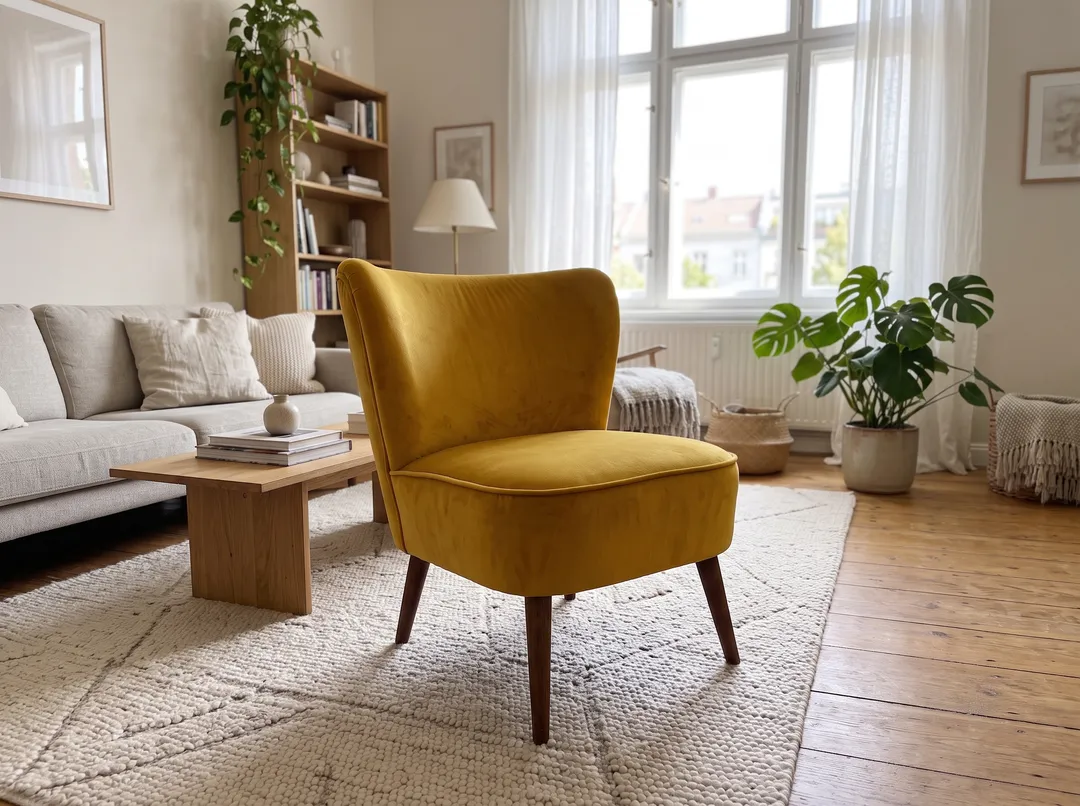
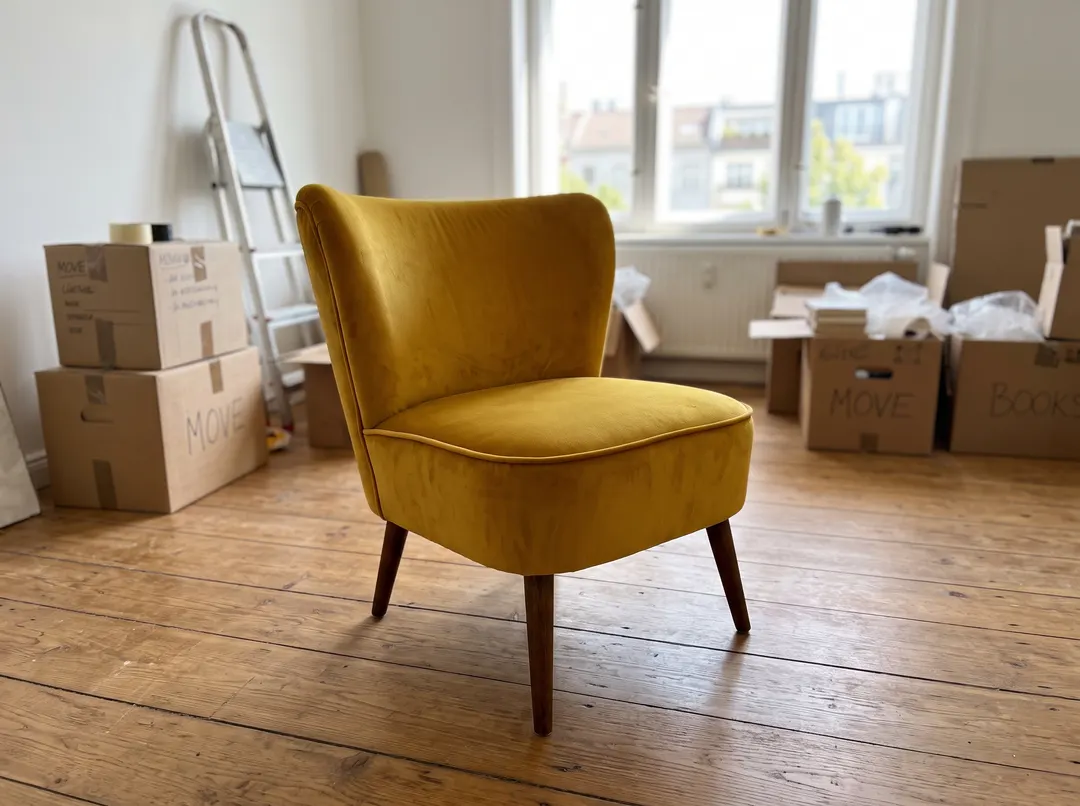
Empty rooms and moving boxes do not sell furniture. Upload the piece where it stands and describe the room you want, such as a finished Scandinavian living room with a rug and plants. The chair keeps its fabric, legs and angle; the room around it is built to the same perspective. For real-estate listings, label staged photos as virtually staged, as most listing sites require.
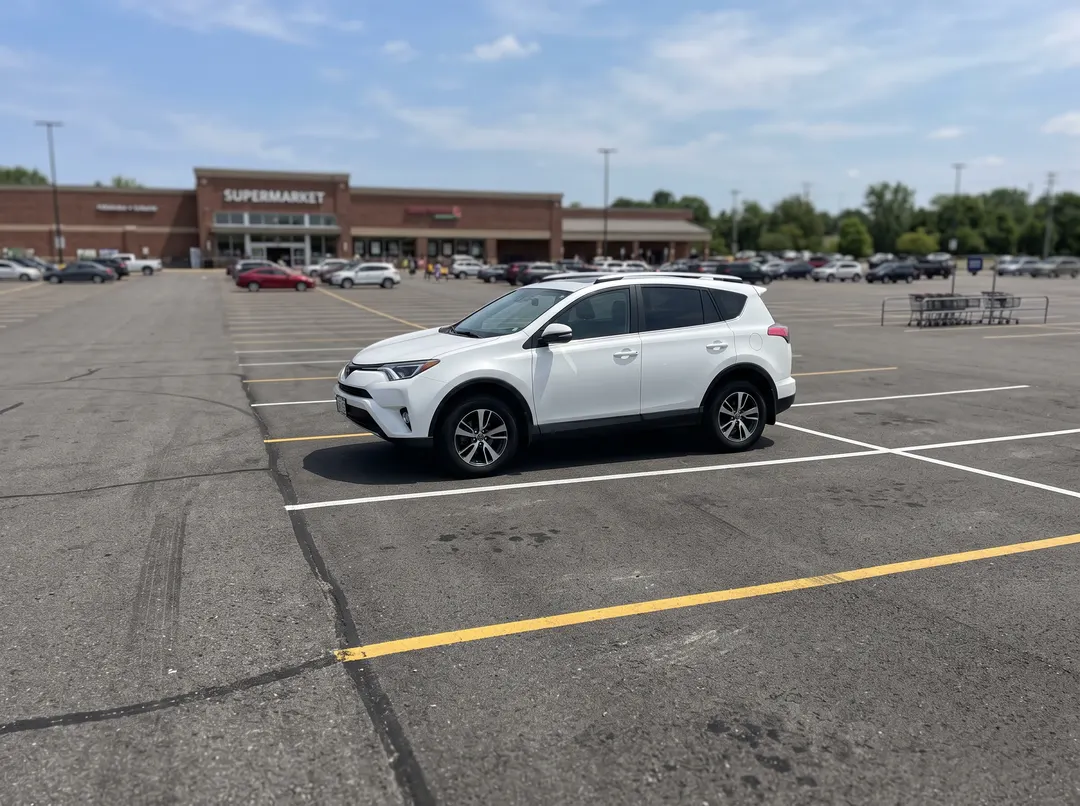
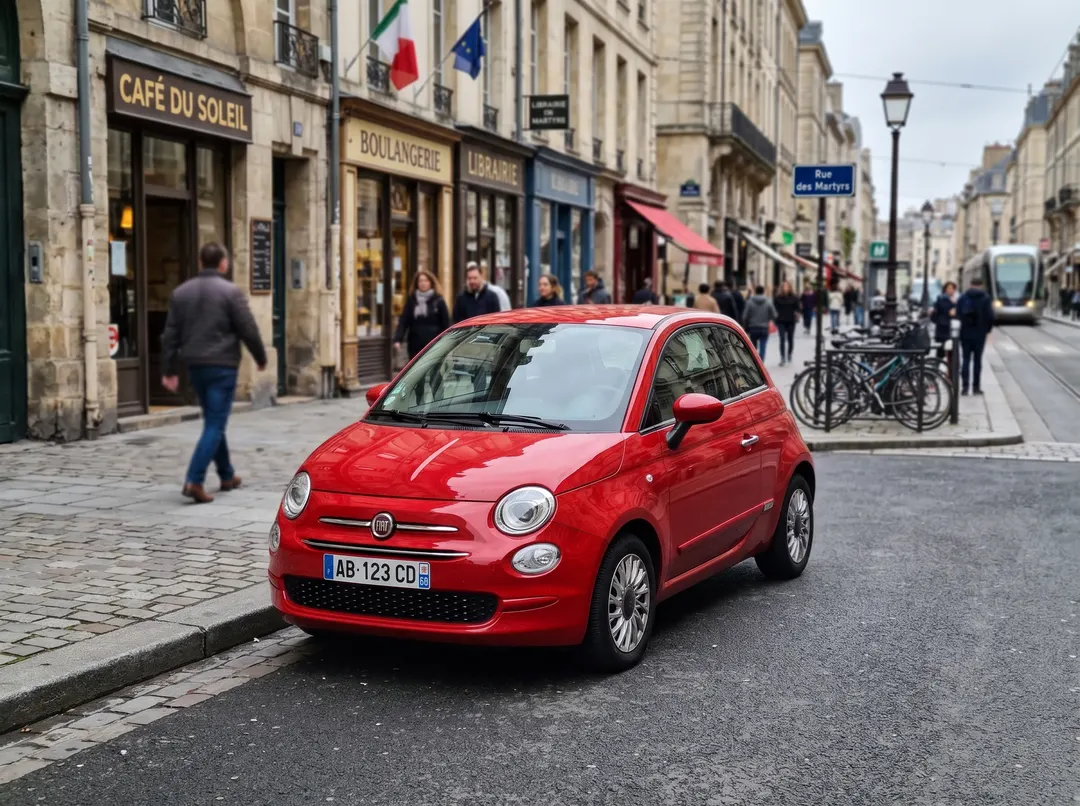
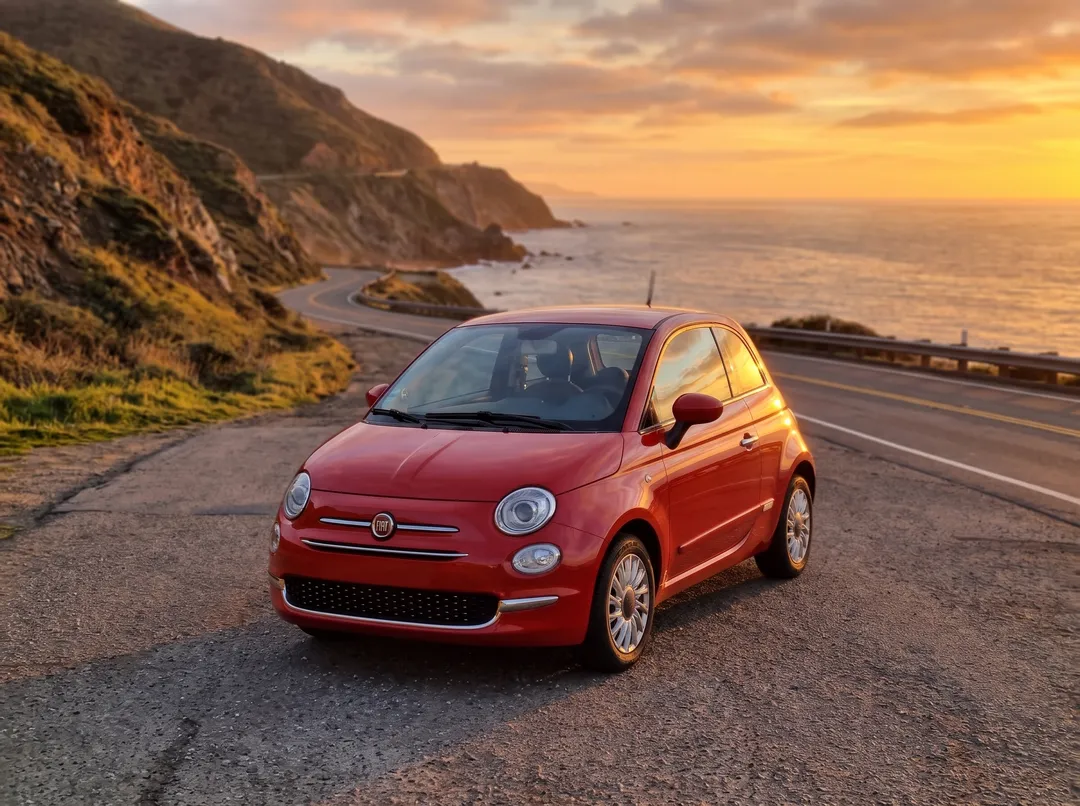
Put a car in a showroom or on an open road
Dealers and private sellers shoot cars in parking lots. Describe a clean showroom with a polished floor, or a coastal road at sunset, and the car is placed with matching reflections on the paint and floor. Wheels, badges and body lines stay as photographed. Text on the car, like a number plate, can be removed by the model. See the limits below before using it for a listing.

Background ideas you can use as prompts
Click an idea to put it in the prompt box. Ideas with a thumbnail have a real result on this page. Black background has not been tested yet, so it has no thumbnail.
Solid colors and studio
Indoor
Outdoor
Products and seasonal
How to write a background prompt
Short prompts work. These four habits made the biggest difference in our tests.
- 1
Name a place and a surface
“on a white marble kitchen counter”
“nice background”
- 2
Add the light and the time of day
“in soft morning window light”, “at golden hour”
“bright”
- 3
Say how sharp the background is
“softly blurred skyline” keeps the focus on the subject
“city”
- 4
Describe only the background
The subject is kept automatically
“a smiling woman on a beach”
How to change the background of a photo
Three steps in the browser, on a phone or a computer.
- 1
Upload a photo
Pick a photo where the subject is clear: a person, a pet, a product or a car. JPG, PNG, WEBP and HEIC up to 20 MB, from your phone or computer.
- 2
Describe the new background
Type the scene in a few words or pick a preset like Beach at sunset. Keep Match lighting on unless the subject must keep its original light. 4 credits are held while it runs.
- 3
Compare and download
Drag the handle to compare with your original. Download the result, run it again for a different take, or edit the prompt. Failed runs return the credits.
Where a new background does the work of a photoshoot
Hover a card to see the original photo.
 Original
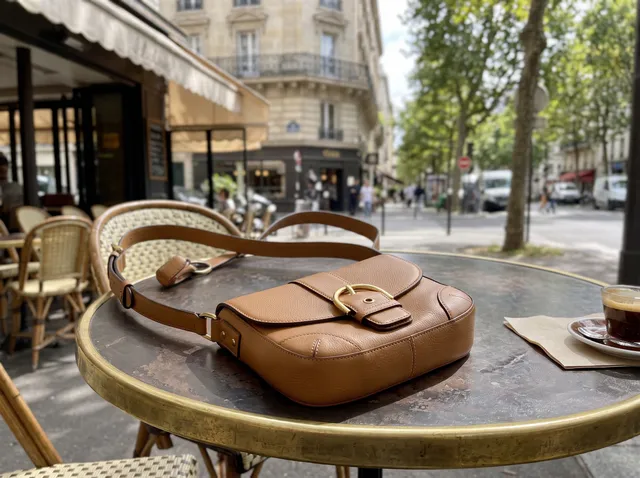
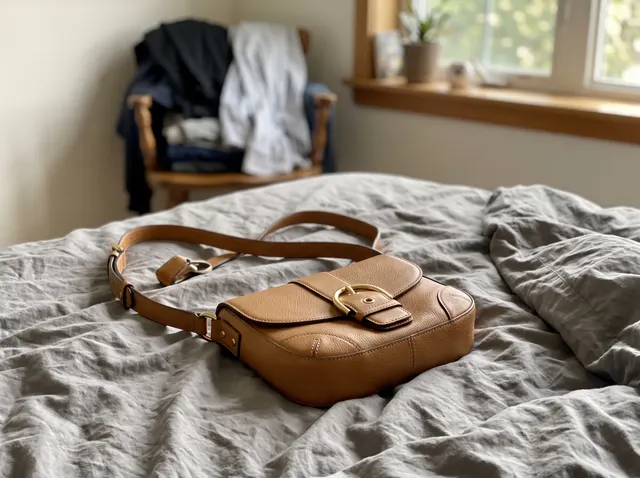
Online store and social posts
One product, several lifestyle scenes for the product page, Instagram and ads. Shoot on the bed or the kitchen table; the scene does the styling.

 Original
LinkedIn and profile photos
Turn a selfie taken in a parking garage into a clean gray studio headshot. The face, glasses and shirt stay the same.
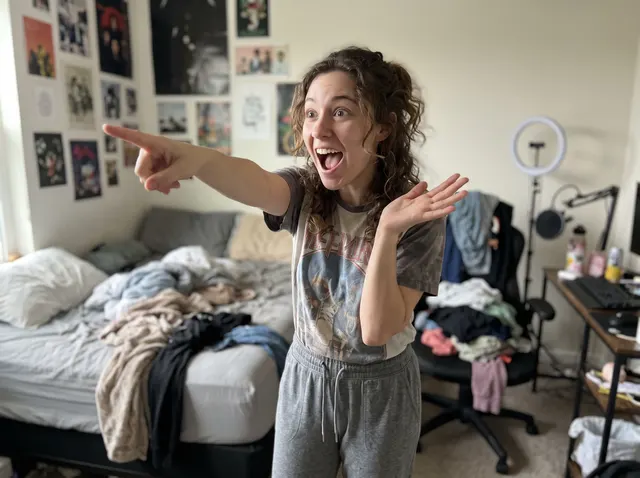 Original
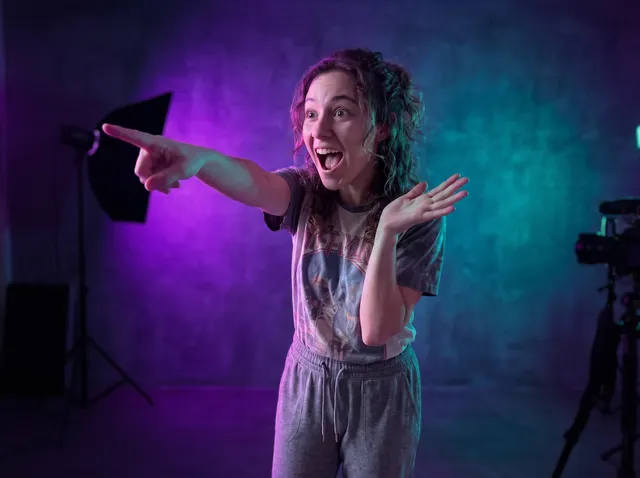
YouTube thumbnails
Swap a messy bedroom for a neon studio wall in one step, then add your title in your editor. The pose and expression stay as shot.
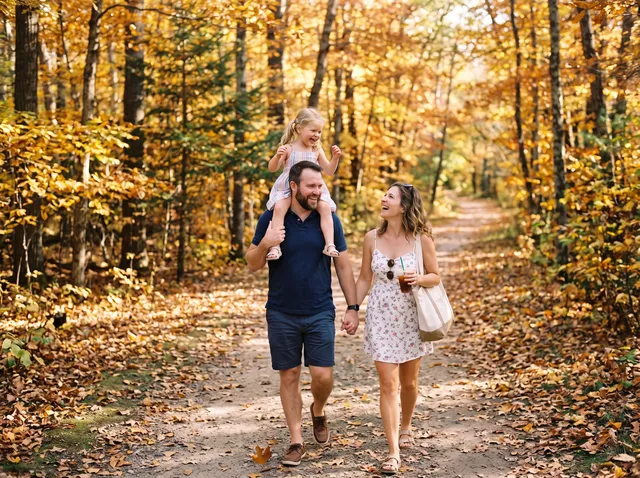
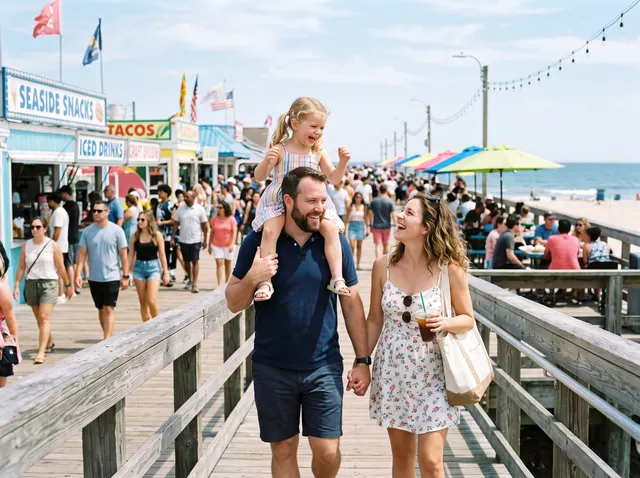 Original
Family and travel photos
A crowded boardwalk becomes a quiet autumn forest path. Works with several people in the frame, as long as they are the main subject.

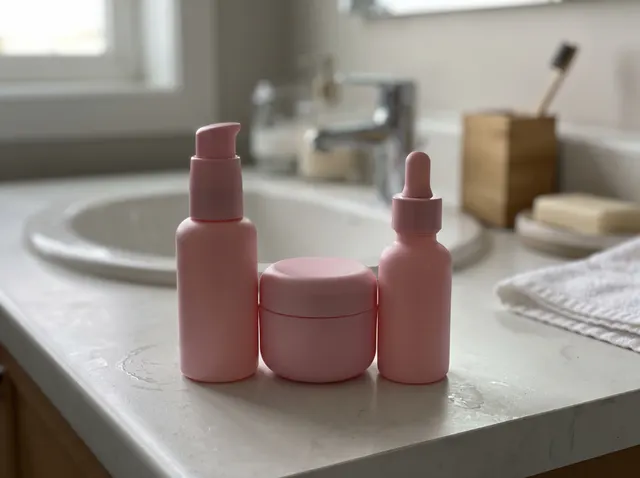 Original
Ads and banners
Pastel podiums, soft shadows, matching color. Make a set of campaign images from one bathroom-counter photo.
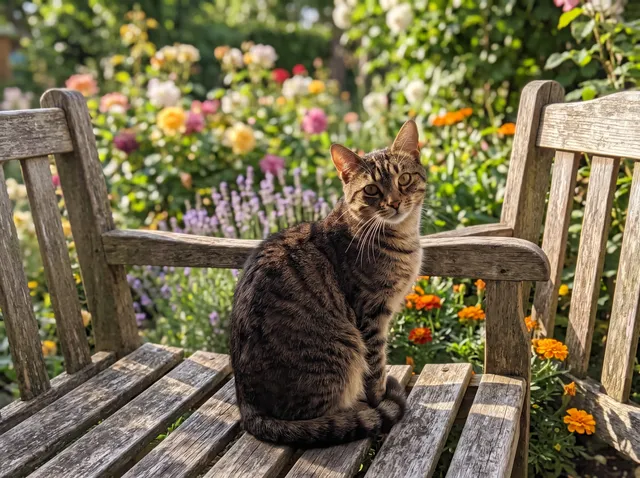
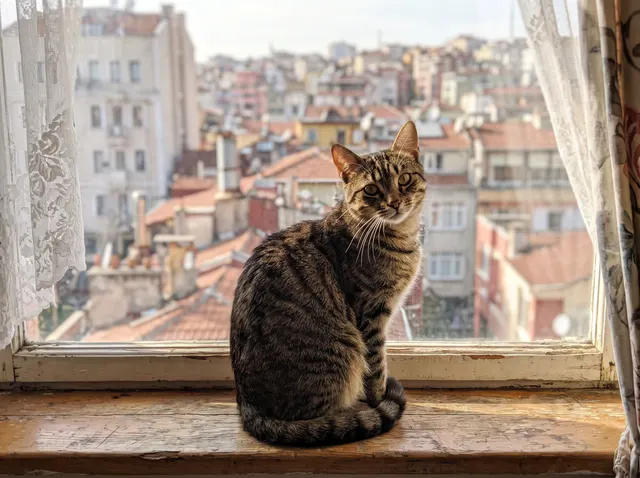 Original
Pet photos and cards
Move the cat from the windowsill to a garden bench full of flowers. Fur and whiskers keep their outline.
AI background changer vs the other ways to do it
Use an AI scene when the photo needs to look shot somewhere else. Use a cutout on a color when the product must stay pixel-exact, as on Amazon white.
| Change Background (AI scene) | Remove Background + color | Composite in Photoshop | New photoshoot | |
|---|---|---|---|---|
| Time per photo | 30–60 s | About 5 s | 15–60 min | Hours to days |
| Light on the subject | Relit to match | Unchanged | Done by hand | Real |
| Shadows and reflections | Generated with the scene | None, flat color | Done by hand | Real |
| Subject pixels | Regenerated, kept close | Exact | Exact | New photo |
| Best for | Lifestyle scenes, headshots, ads | White or color for listings | Print, complex composites | Hero campaign shots |
| Cost | 4 credits | 1 credit, colors free | Software + time | Studio fees |
Times from our 31 test runs, Oct 2026. Photoshop and photoshoot columns are typical ranges, not measurements.
What it does not do well yet
These came up in our own test runs. We show them so you know when to use another tool.
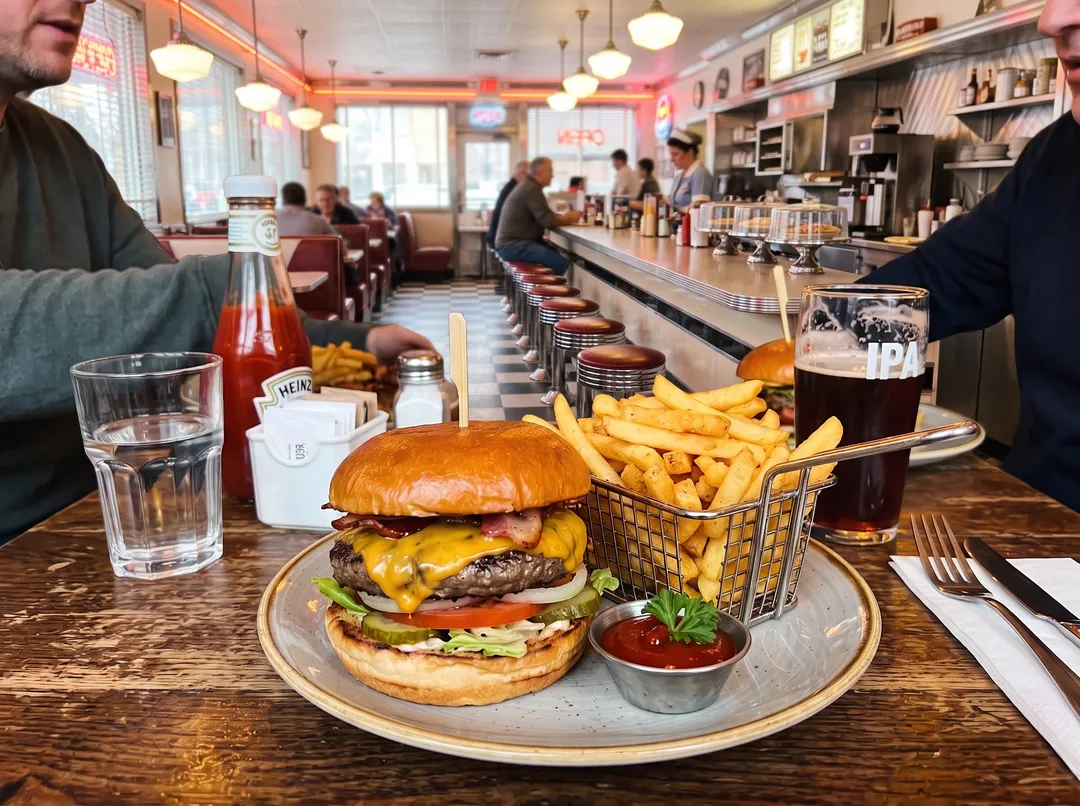
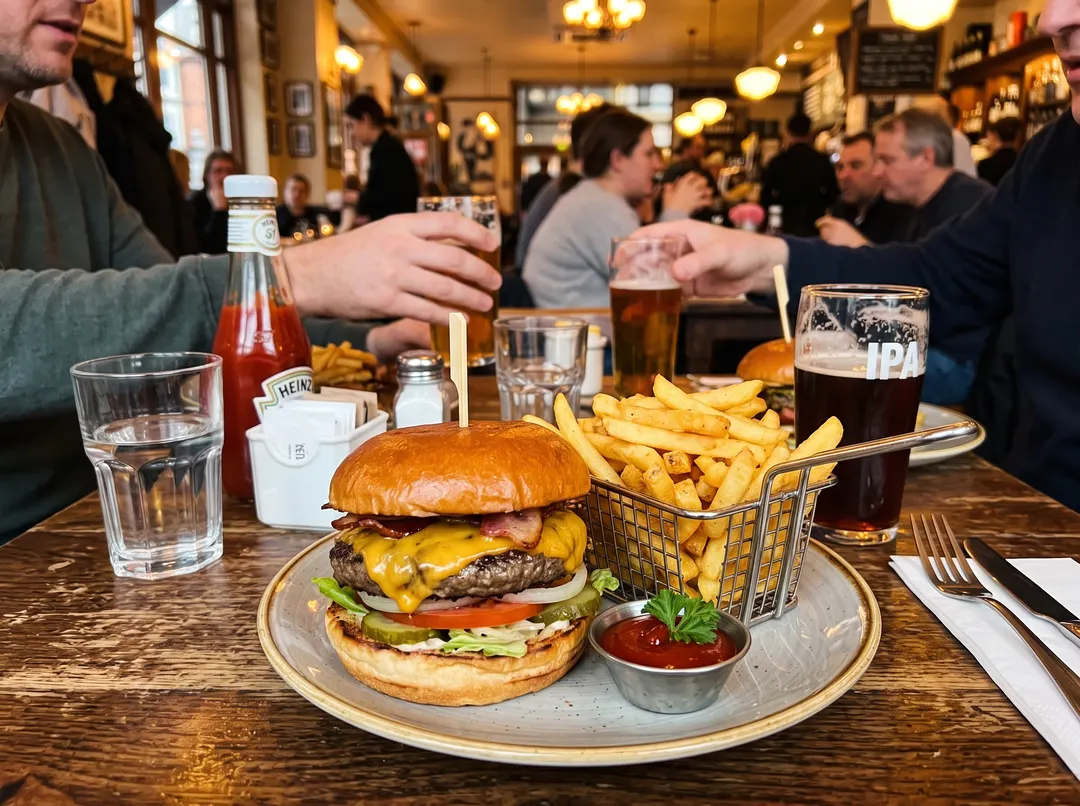
Busy foregrounds are kept
We asked for a diner counter with chrome stools. The model treated the whole table, the drinks and the people at it as the subject, so only the far wall changed. Crop close to the subject first, or clear the table with Remove Object.
2 of 3 runs on this photo looked like this
Text on the subject can disappear
Our prompt asks for no text or logos in the new scene, and the model also removed the number plate from the car. Logos printed on products stayed in our tests, but check small text before you publish. For a listing that must show the plate, use Background Remover instead.
Output size: 2K after any purchase, 1K on free credits, in your photo’s aspect ratio. For print, run the result through Image Upscaler.
Pay per result, keep your files
Lighting that matches
Match lighting relights the subject for the new scene, so the photo does not look pasted together.
Credits back if it fails
If a change fails or the prompt is blocked, the 4 credits return to your balance automatically.
Packs never expire
100 credits for $9.99, about 25 background changes, with no monthly plan.
No watermark
Results download without a watermark, at 2K after any purchase and 1K on free credits.
Photos deleted in 30 days
Uploads and results on free accounts are deleted after 30 days. We do not train on your photos.
One balance, every tool
The same credits work for background removal, object removal, upscaling and restoration.
Every example on this page was made with this tool
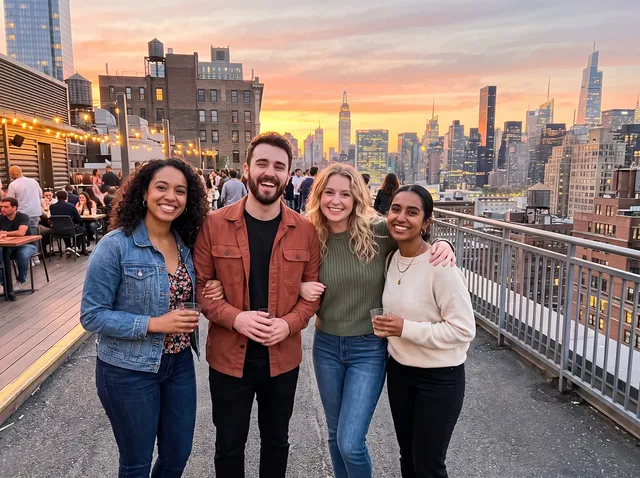
Originals were generated as everyday phone photos, then run through this exact background changer with the prompt shown. No retouching. Hover to see the original.
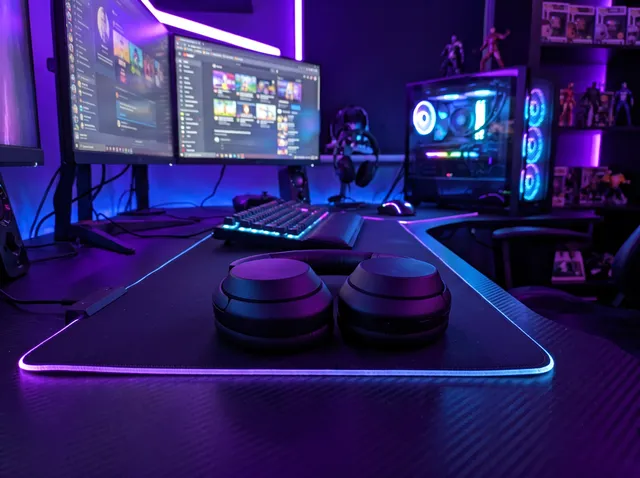
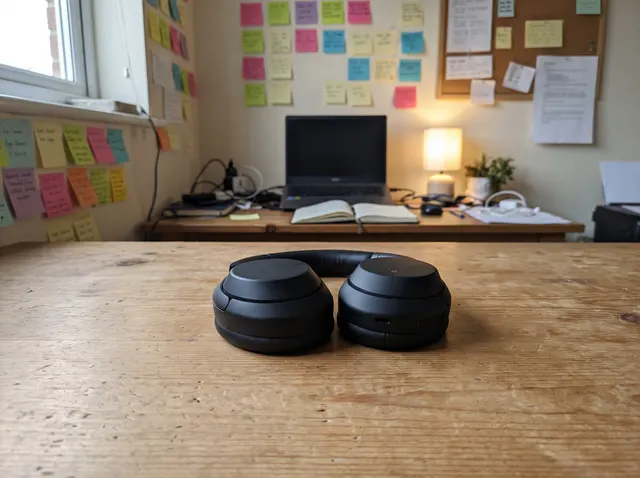
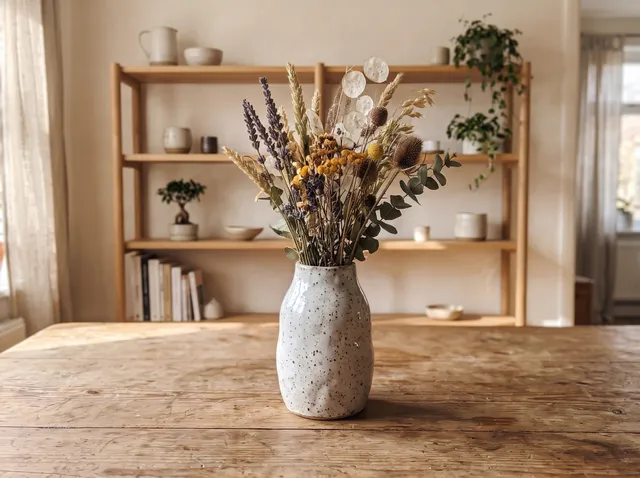
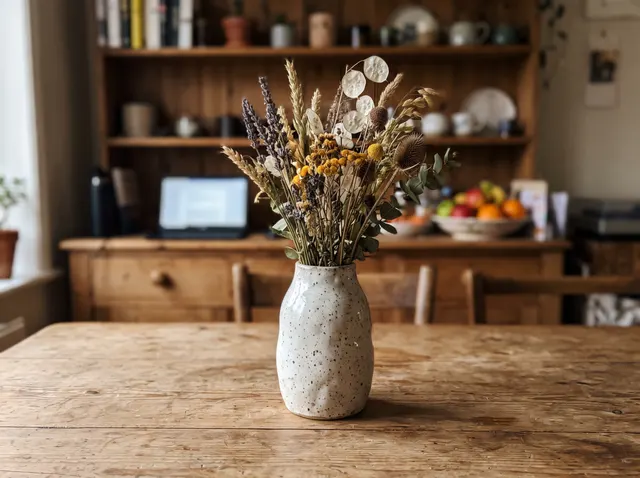
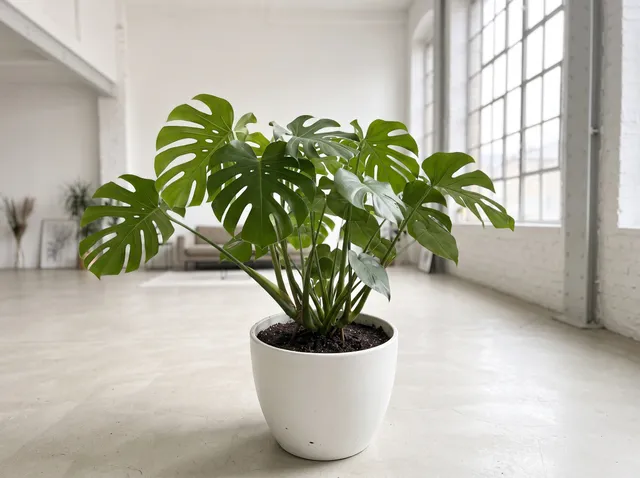
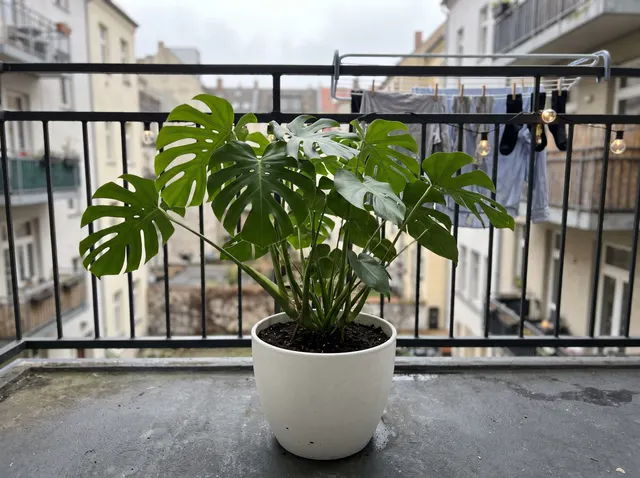
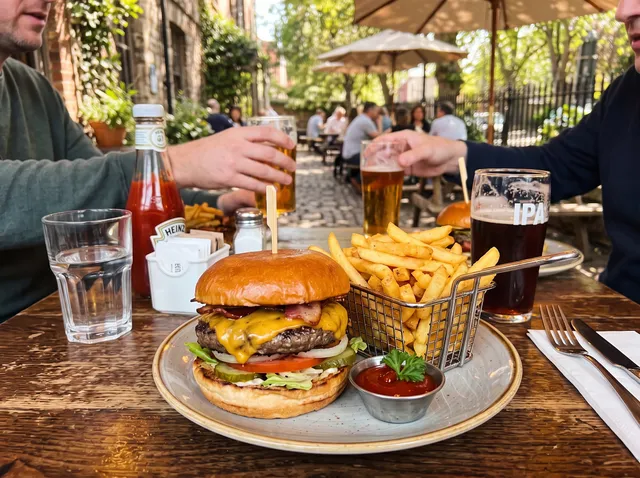
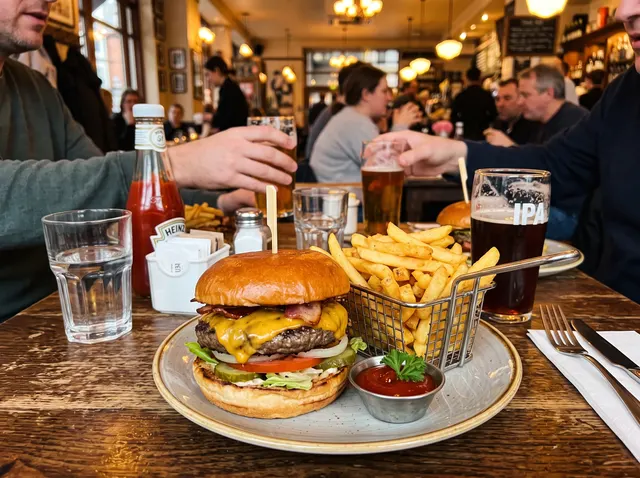
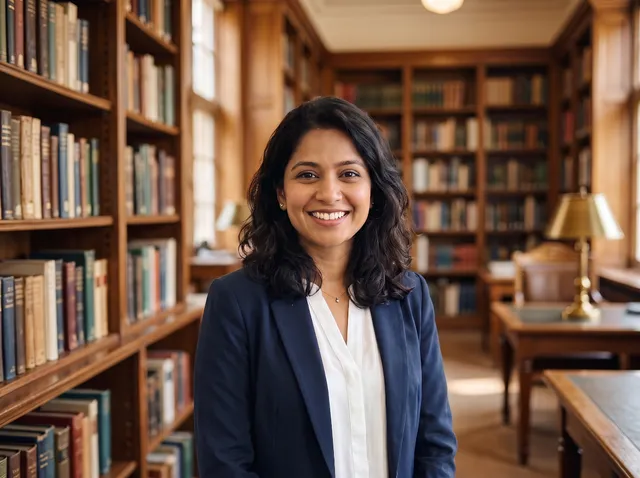

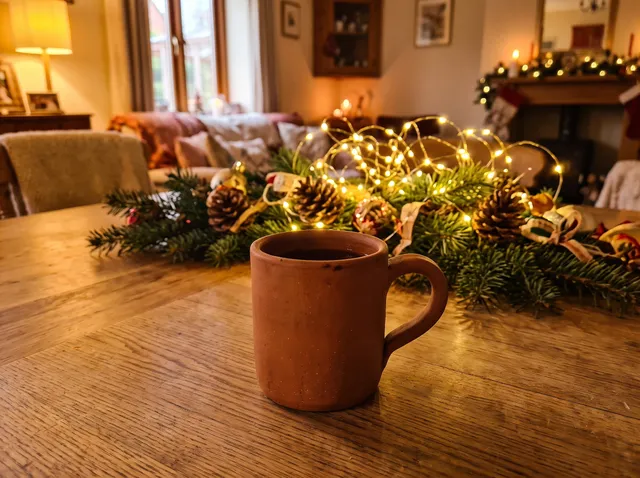
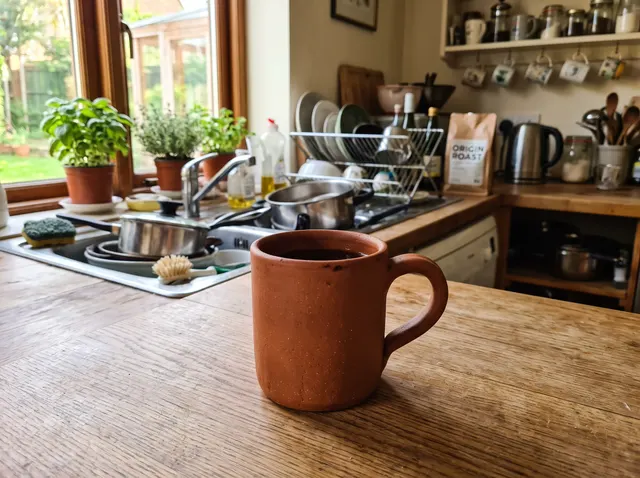
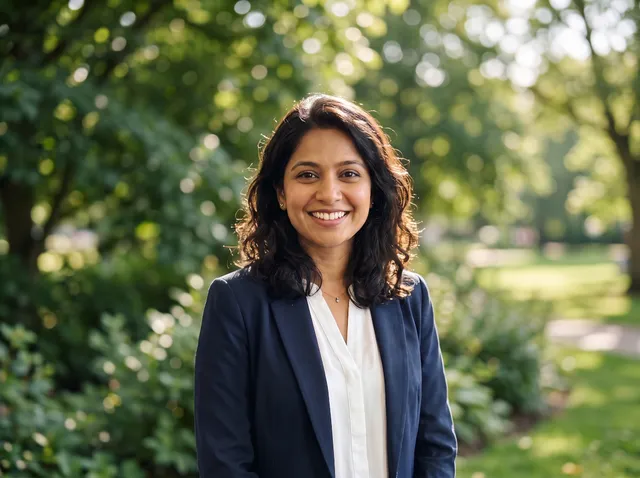

31 results from 20 photos · Nano Banana 2.1 · Match lighting on · 4 credits each
Change photo background FAQ
Something else? Email support@theaiphotoeditor.com

Put your photo in a new scene
Sign up for 10 free credits, enough for 2 background changes. Credits back if it fails.
or drop a file anywhere on this page
Updated Oct 2026 · Tested on 31 results from 20 photos