AI Image Editor
Upload a photo, write what to change in plain words, and get the edited photo back in about 30 to 60 seconds. The face, the pose and everything you did not mention stay as they were. Add up to 5 photos to combine them, and keep editing the result.
- 10 free credits at sign-up
- From 3 credits an edit
- No watermark
Sign up free for 10 credits, no card needed. Credits come back if an edit fails.
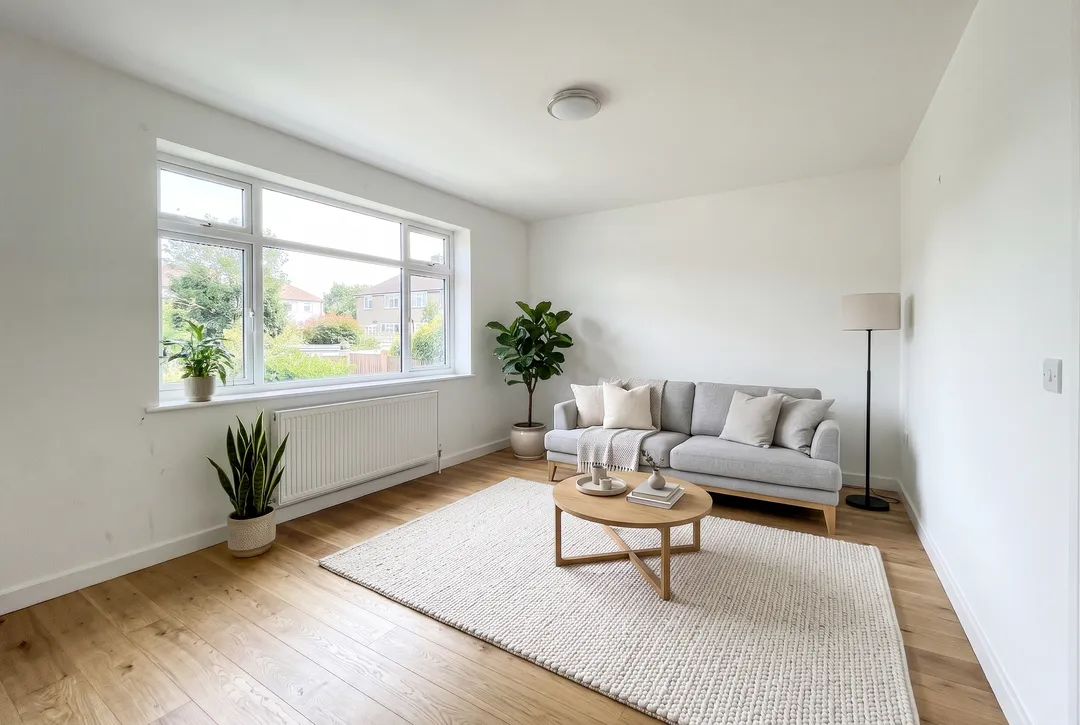
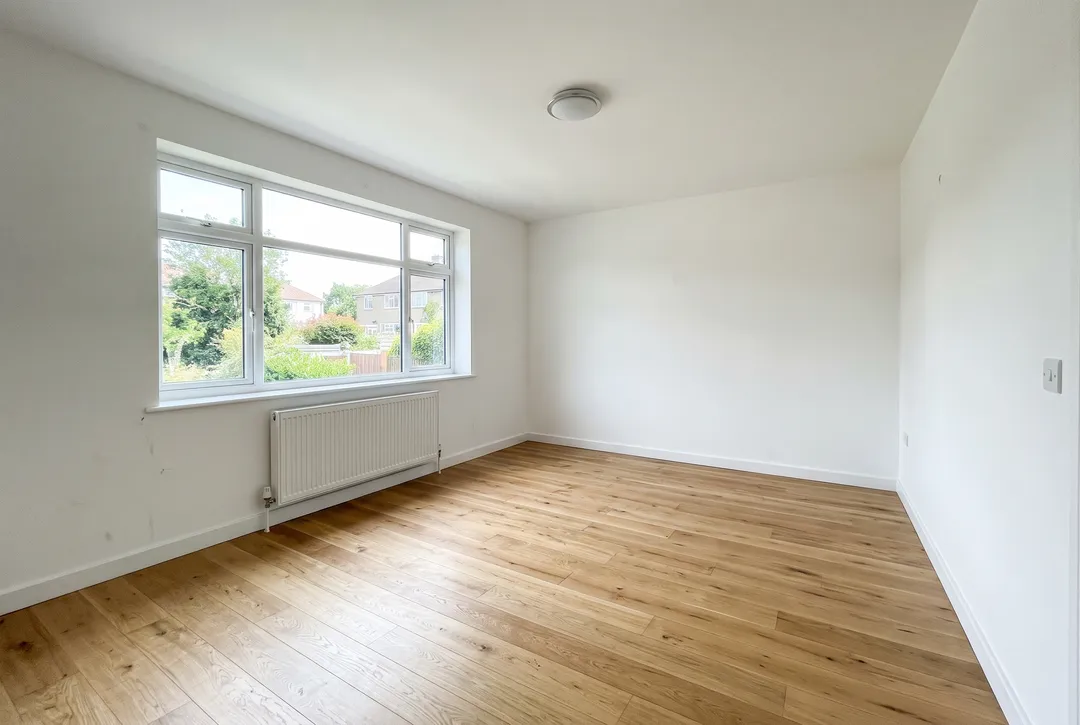
“Furnish this empty living room in Scandinavian style: a light grey sofa, an oak coffee table, a wool rug, a floor lamp and a few plants. Keep the walls, window, floor and camera angle unchanged.”
- Edit with a text prompt
- Faces and pose kept
- Three AI models to pick from
- No watermark
- Credits back if it fails
Edit photos by describing the change
Every example is a real photo and the real result, made with the prompt shown under it. Nothing was retouched after. Drag the handle to compare.
Change clothes, hair and light in a portrait
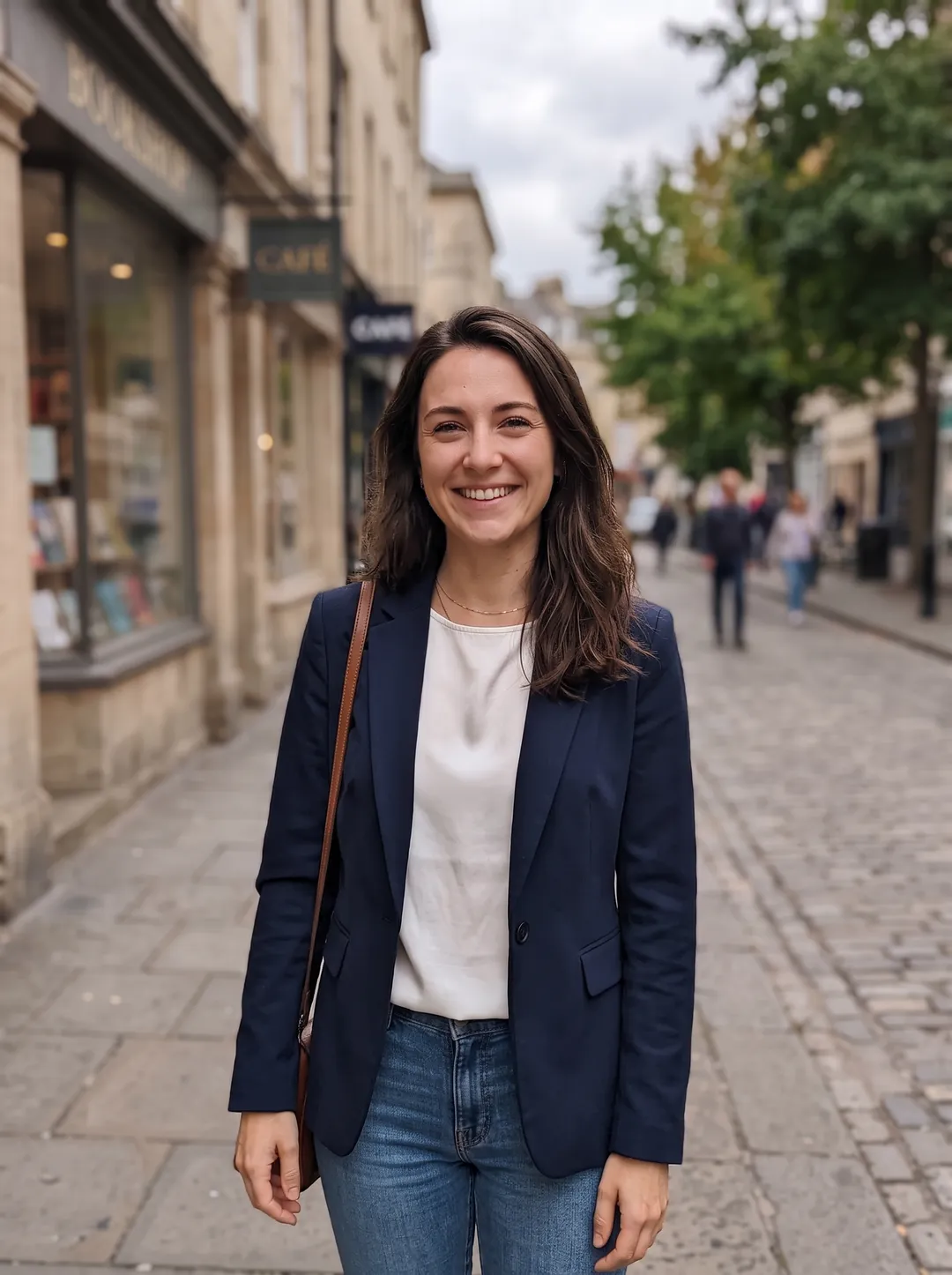
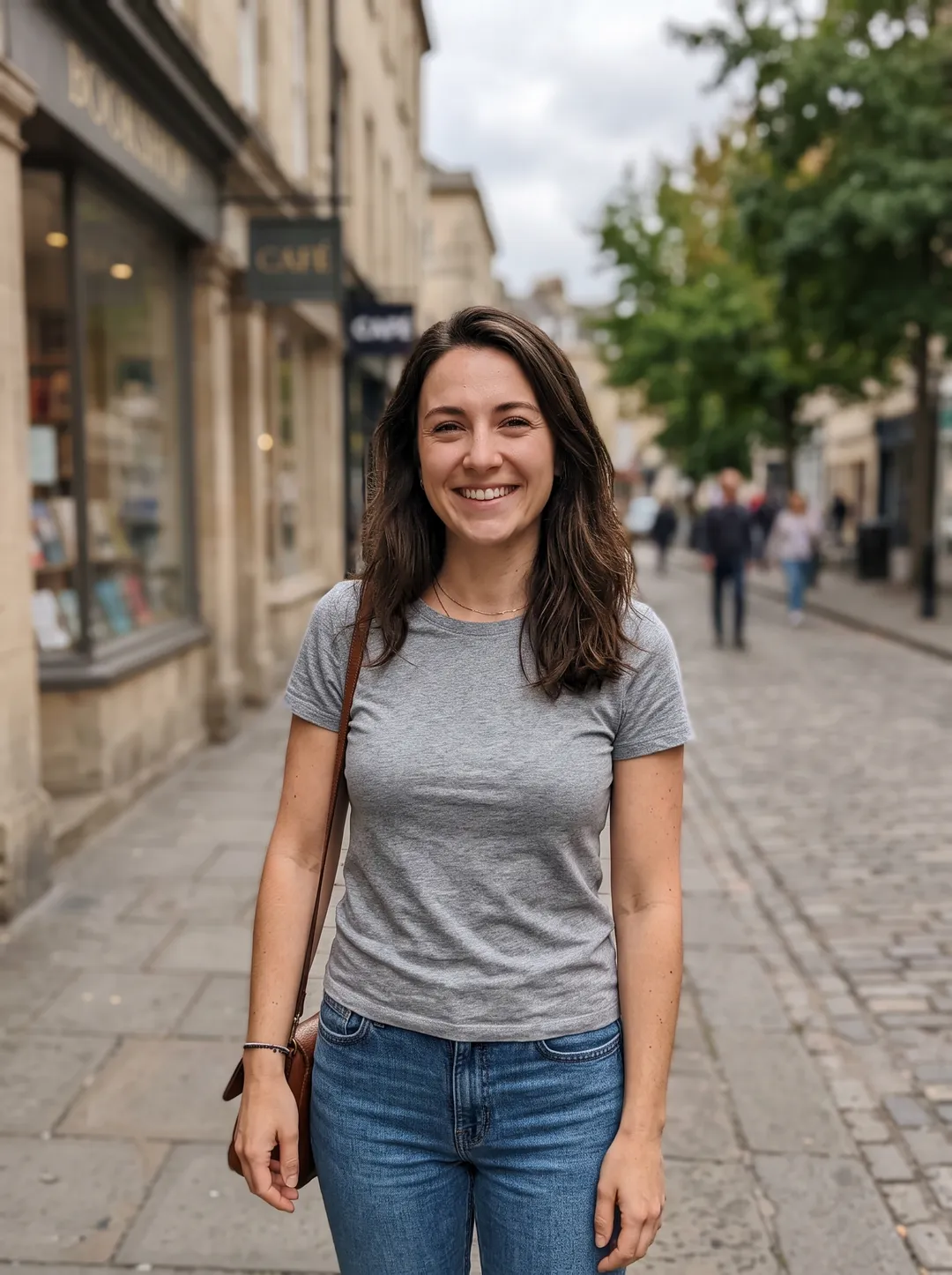
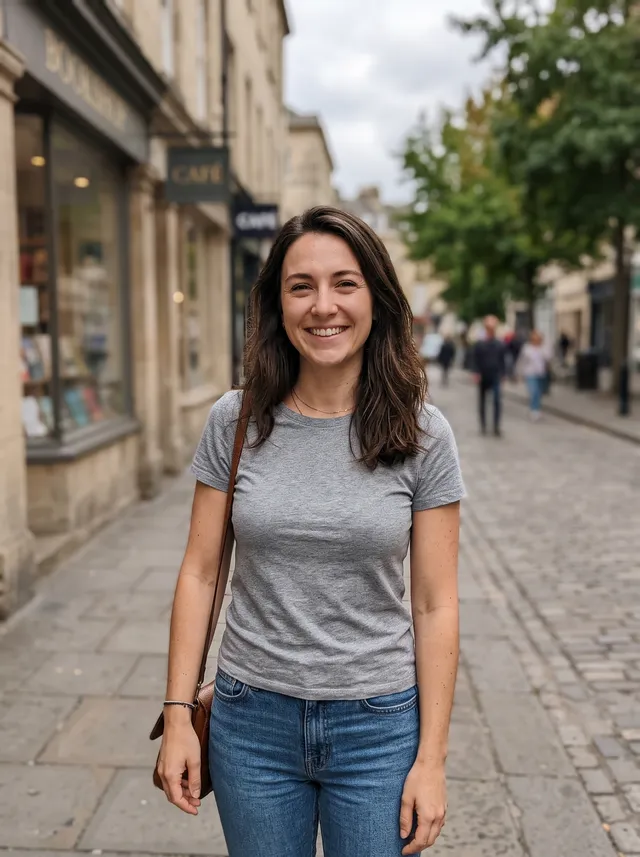
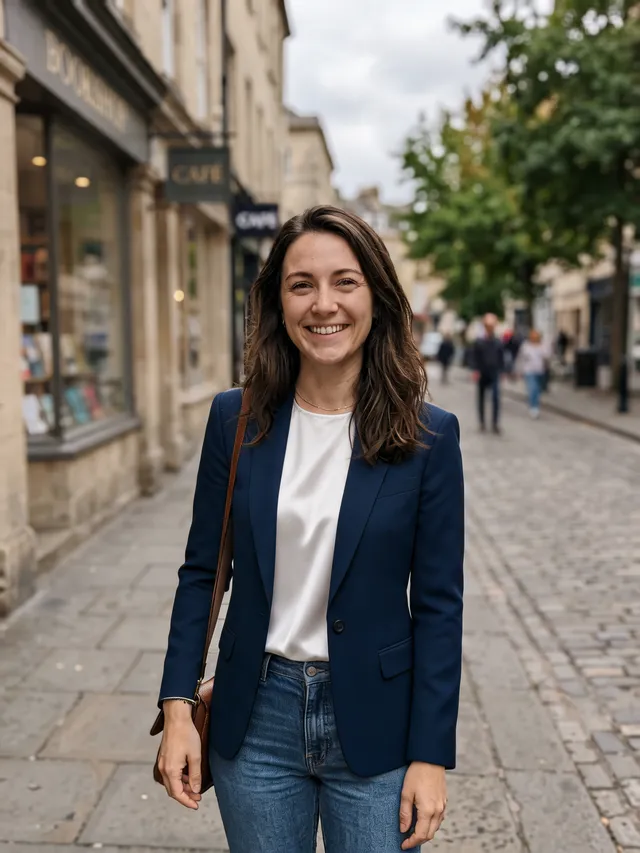
Ask for a navy blazer instead of a grey t-shirt and you get the same woman, on the same street, in the same pose, wearing a blazer. The editor changes only what the prompt names. Say what should stay the same, such as the face, the hair or the background, and it is kept more strictly.
Put a product in a new scene
Start from a plain packshot and describe the set you want, like a marble podium, eucalyptus and soft sunlight. The bottle keeps its shape, cap and glass, and the new scene gets matching shadows. It is a quick way to make lifestyle images for a store, an ad or a launch post without a photo shoot.
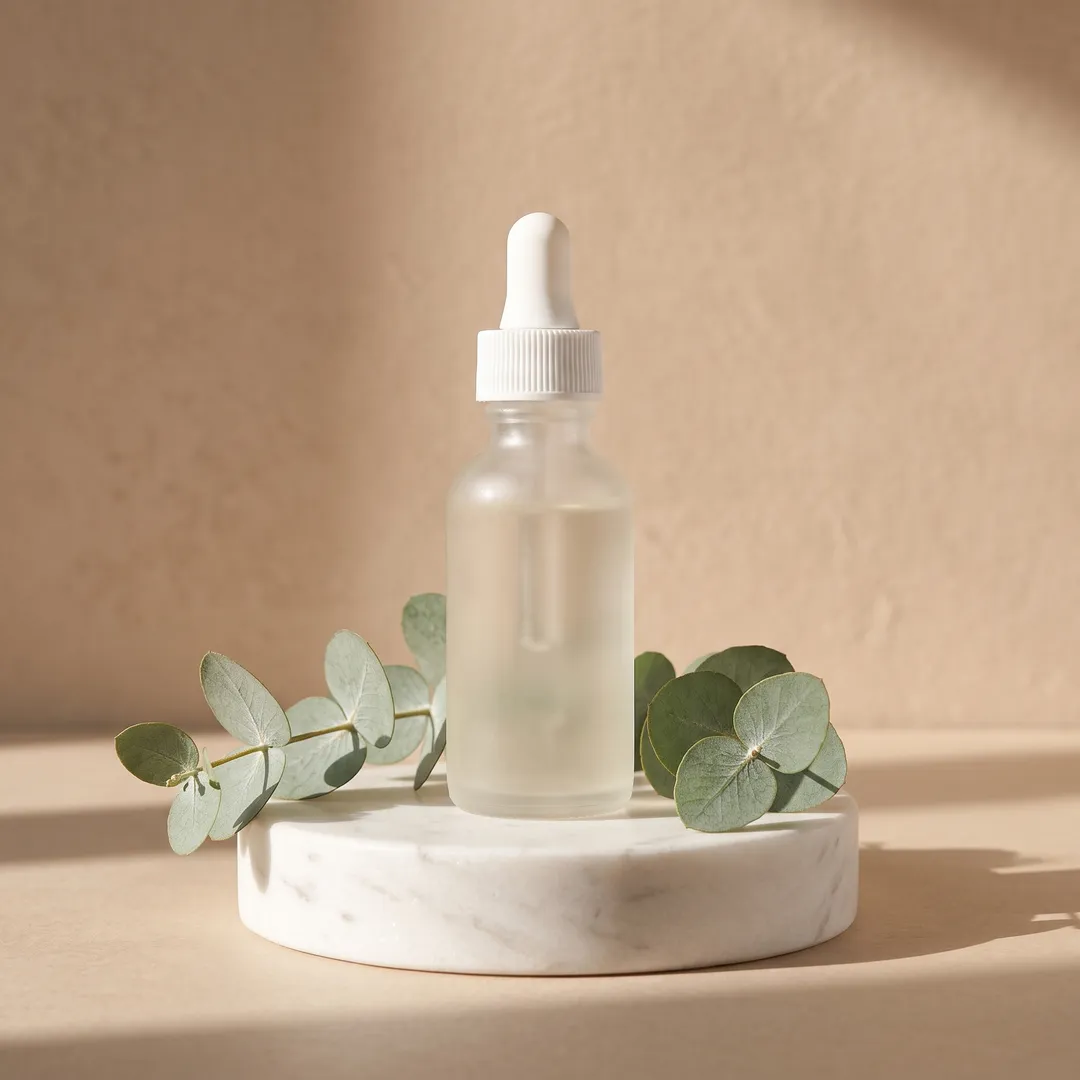
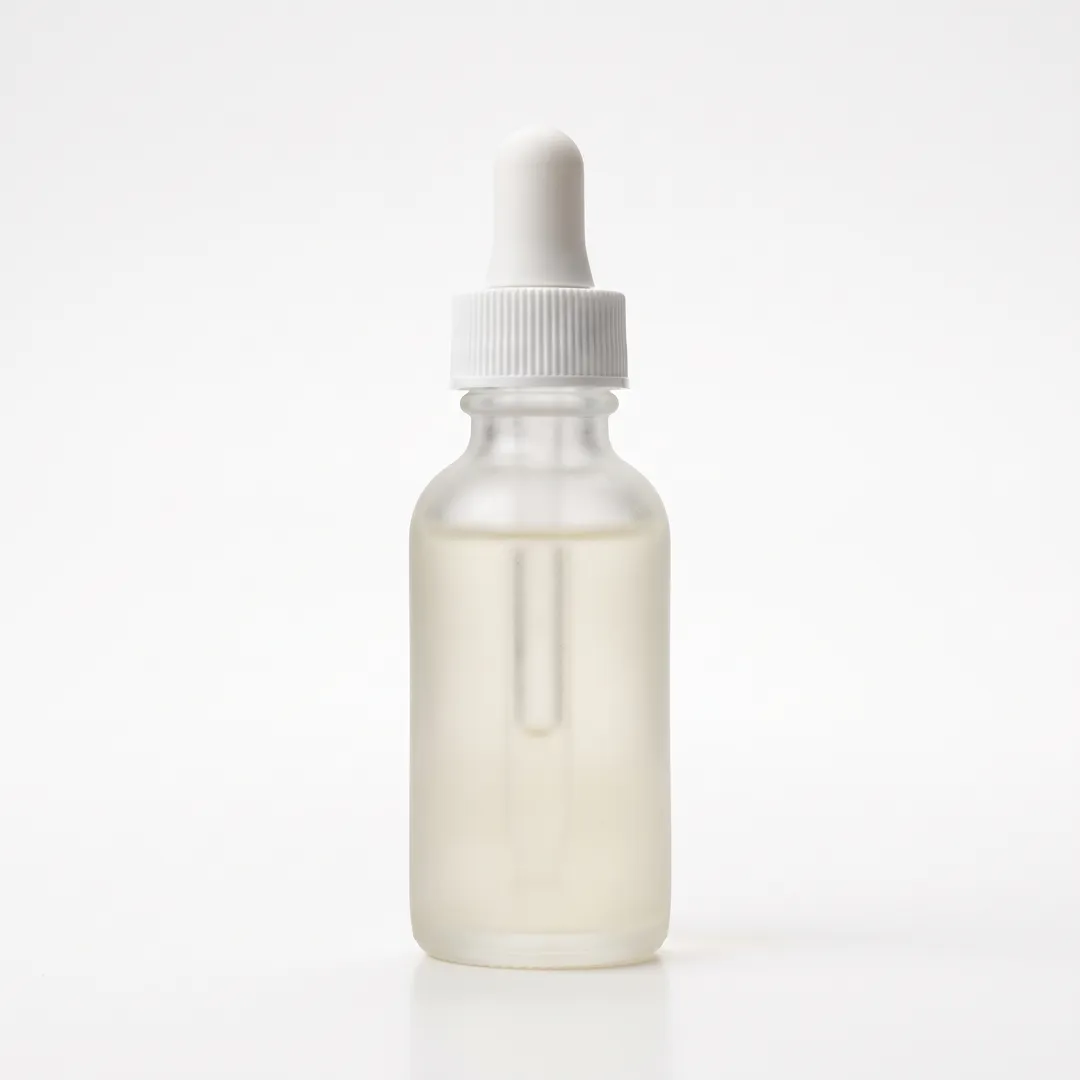
Furnish an empty room
Name a style and a few pieces of furniture, and an empty room is staged in one run. The walls, the window, the floor and the camera angle stay where they were, so the photo still shows the real room. Then ask for a different sofa or an evening view in the next round.
Remove tourists and fix the sky
Ask for the people to go and the square is rebuilt behind them, with the paving, the fountain and the shadows lined up. The same works for a grey sky, a car in the drive or a sign you do not want. To remove one small object you can point at, the brush in Remove Object is more precise.
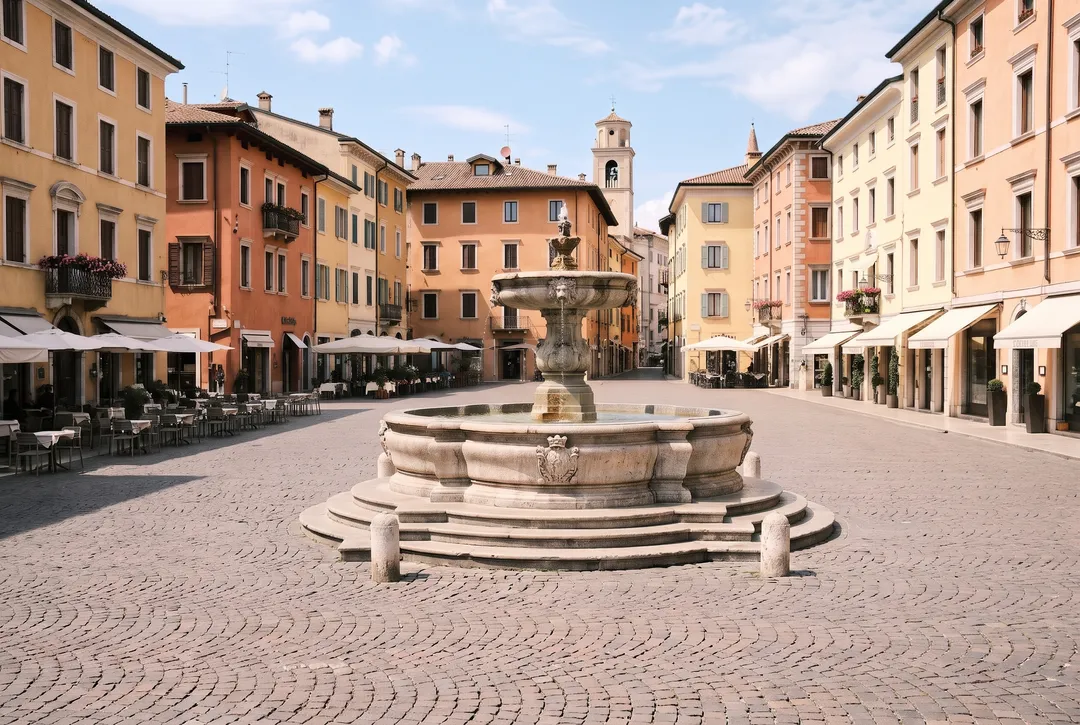
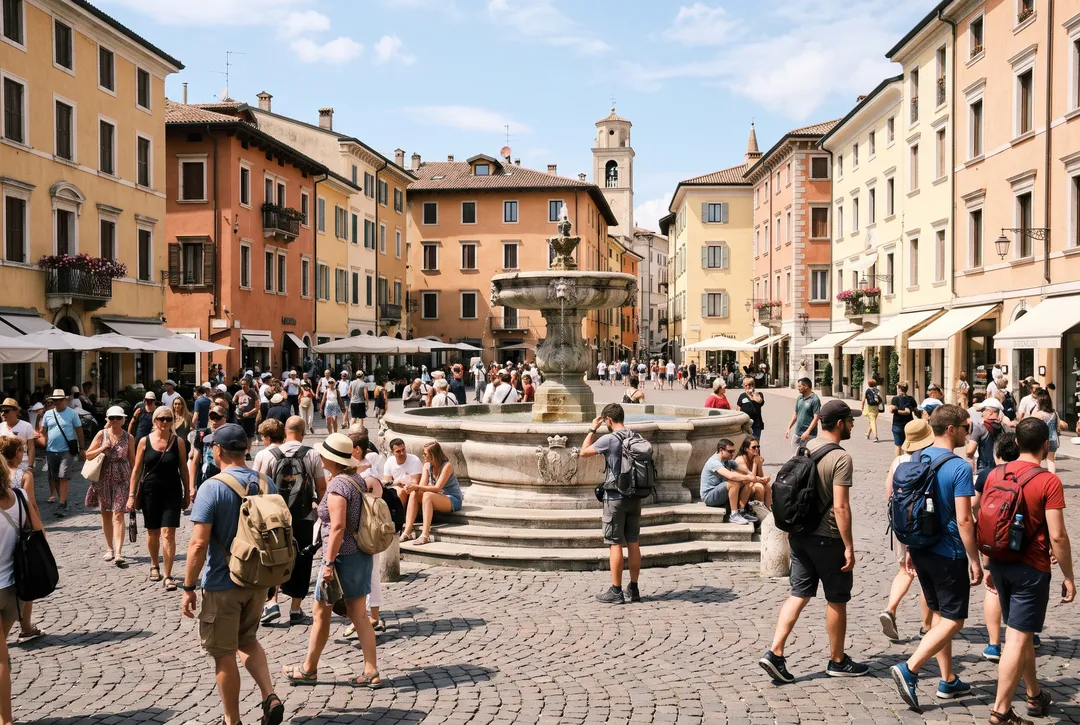
Change the text on a label or sign
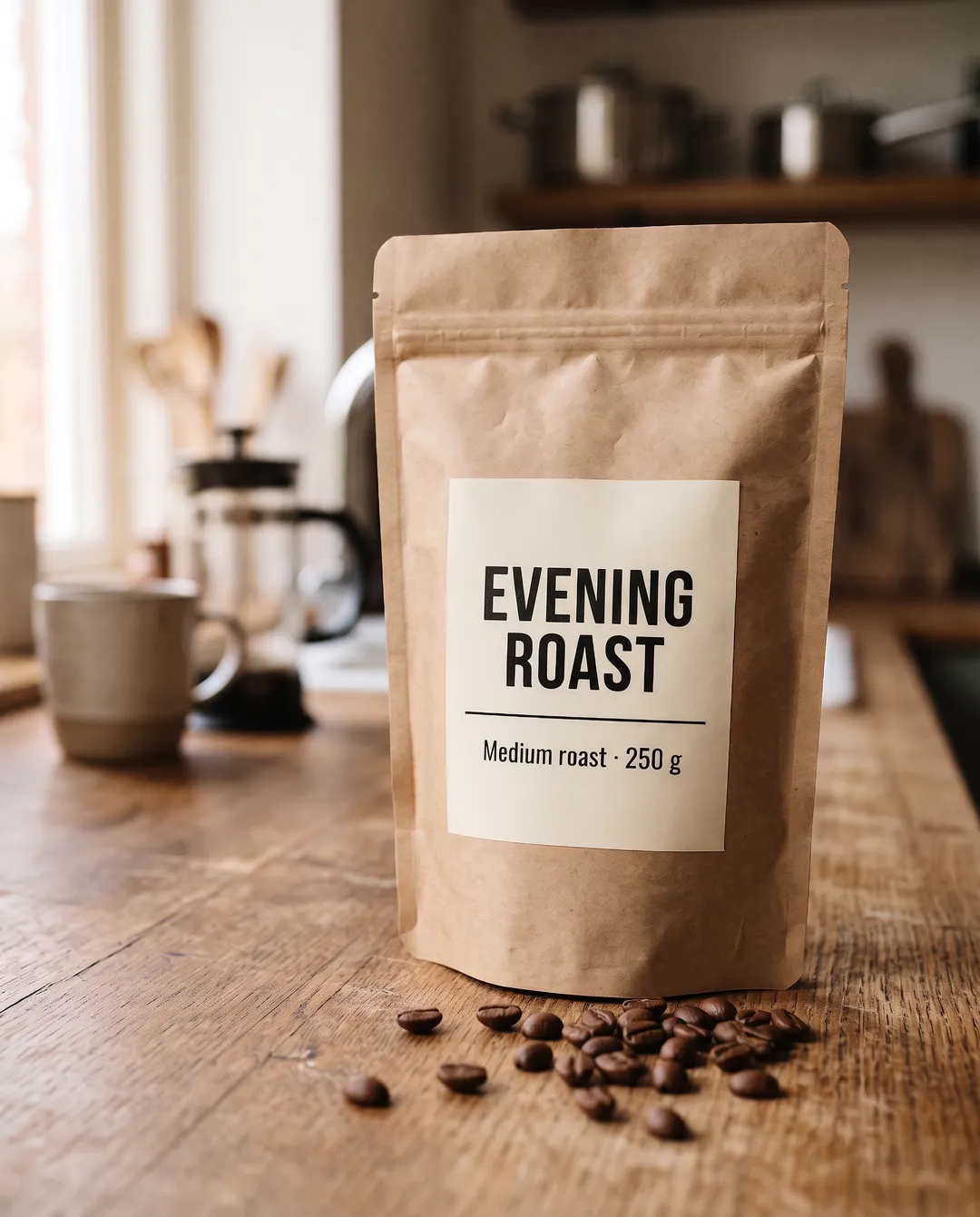
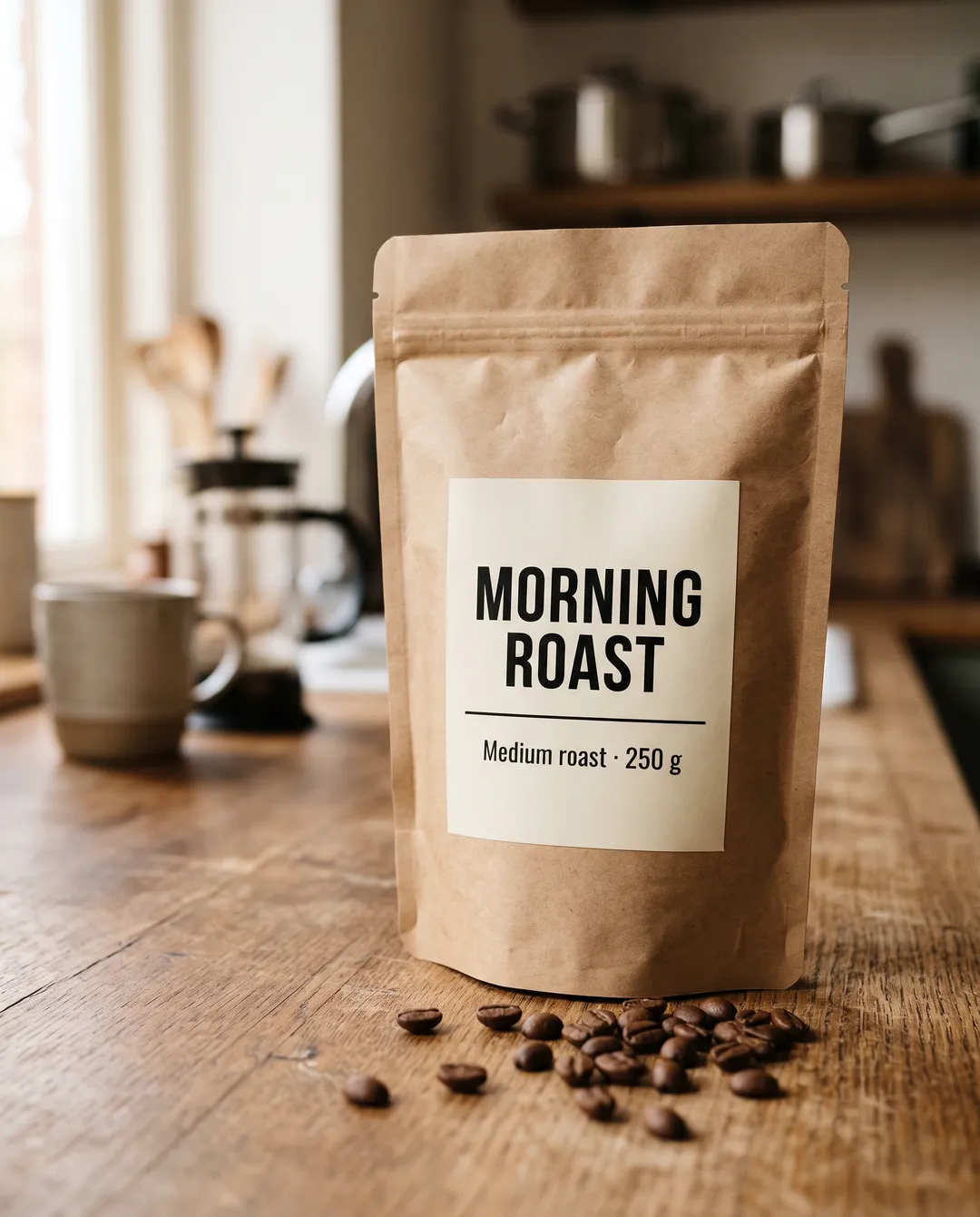
Put the old words and the new words in quotes, and the label is rewritten in the same font, weight and layout. In our tests all three models got a short title right, and Standard also rewrote a line of small print correctly. Check every letter before you print or publish.
19 photo edits with the prompts that made them
Portraits, products, rooms, pets, travel photos and creative styles. Copy a prompt, or press Try to load the same photo and prompt into the editor.
Change her grey t-shirt to a tailored navy blazer over a white silk top. Keep her face, hair, pose and the street exactly the same.
Standard · Nano Banana 2.1 · 4 credits · 35 sThree AI models, compared on the same photo
Each tier runs a different model. Here the same photo and the same prompt went through all three, so you can see what the extra credits buy.
All three changed the t-shirt into a blazer and kept her face. Style returned a slightly different crop and a bit more contrast. Standard and Pro are hard to tell apart here, so Standard is the better buy for a change like this.
Change her grey t-shirt to a tailored navy blazer over a white silk top. Keep her face, hair, pose and the street exactly the same.
- Original
 StyleSeedream 5.0 Lite · 3 credits · 43 s
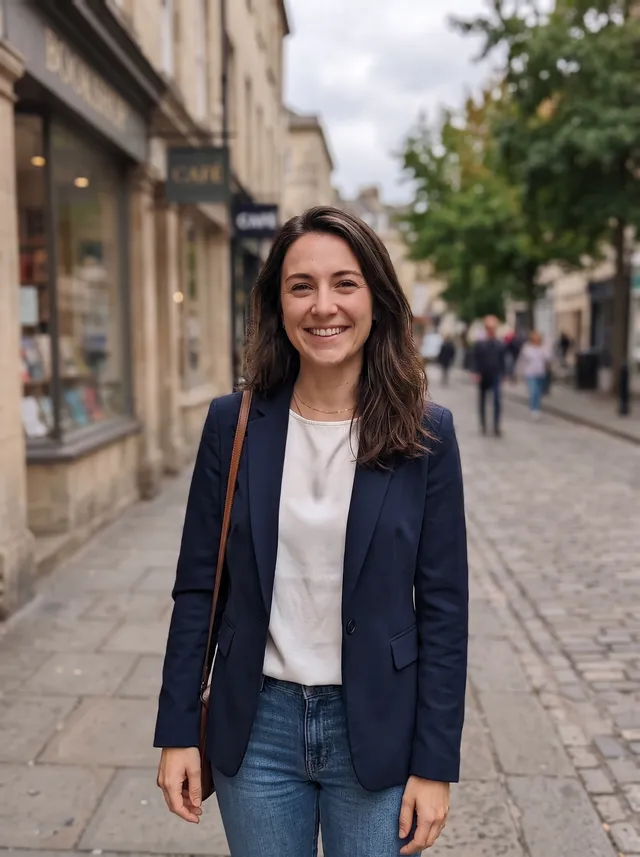 StandardNano Banana 2.1 · 4 credits · 35 s
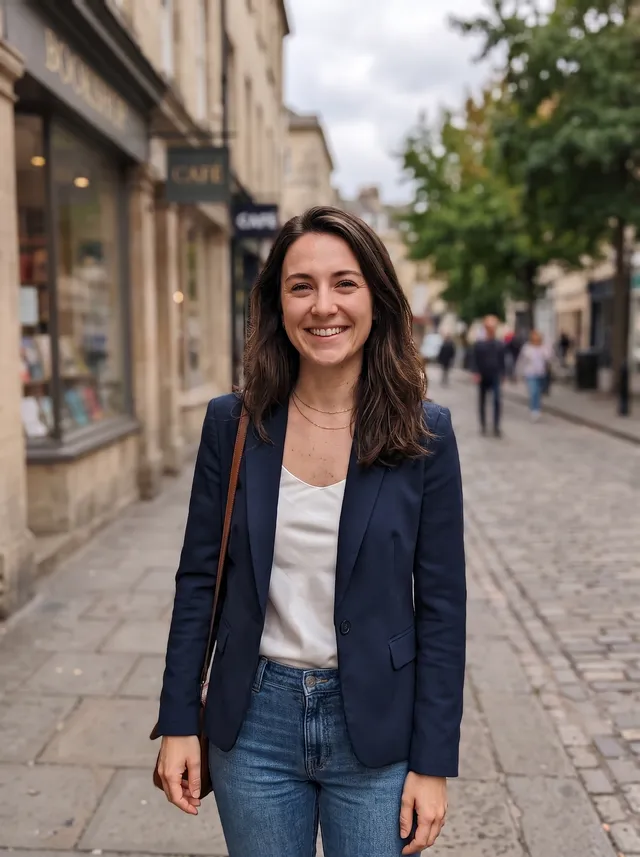 ProNano Banana Pro · 16 credits · 43 s
Style costs 3 credits, Standard 4 and Pro 16. Pro needs a paid plan or a credit pack. Times are from our runs and vary with load.
Merge two photos into one
Add up to 5 photos and say which part of each one to use. The first photo is the base; the others give a garment, a product or a second subject.
- Photo 1
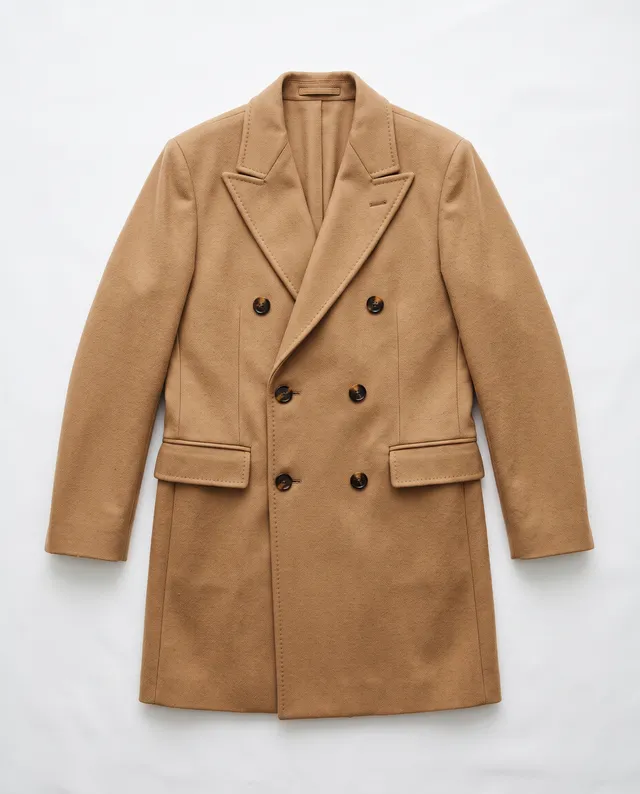 Photo 2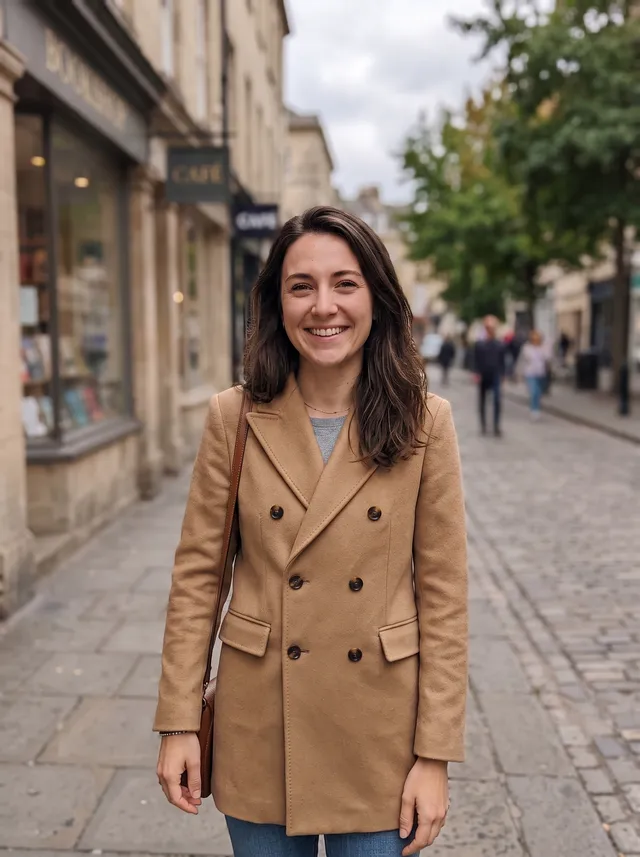
Try clothes on a person
A flat-lay photo of a coat and a street photo of a woman. The coat keeps its color, buttons and lapels, and she keeps her face, pose and the street.
“Dress the woman from the first photo in the camel double-breasted coat from the second photo. Keep her face, pose and the street the same.” · Standard · 4 credits
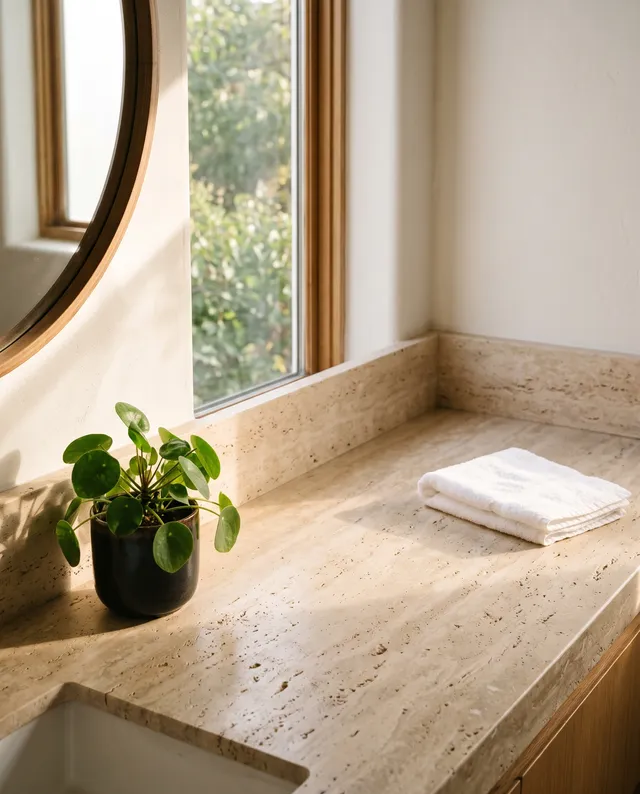 Photo 1
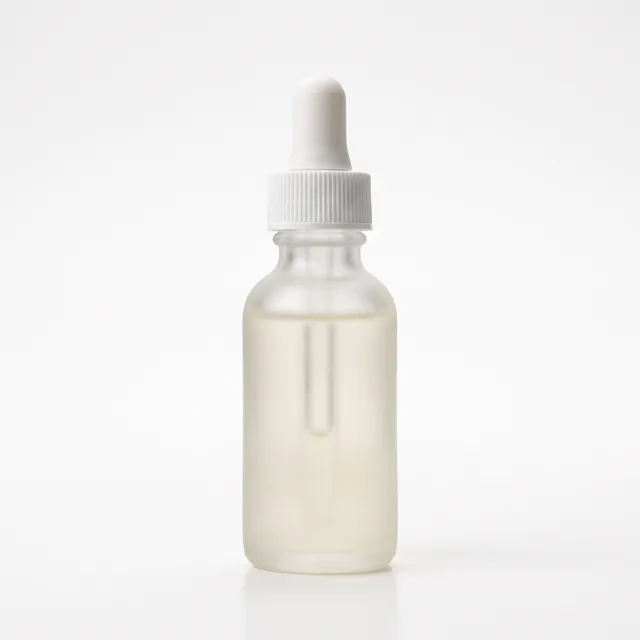 Photo 2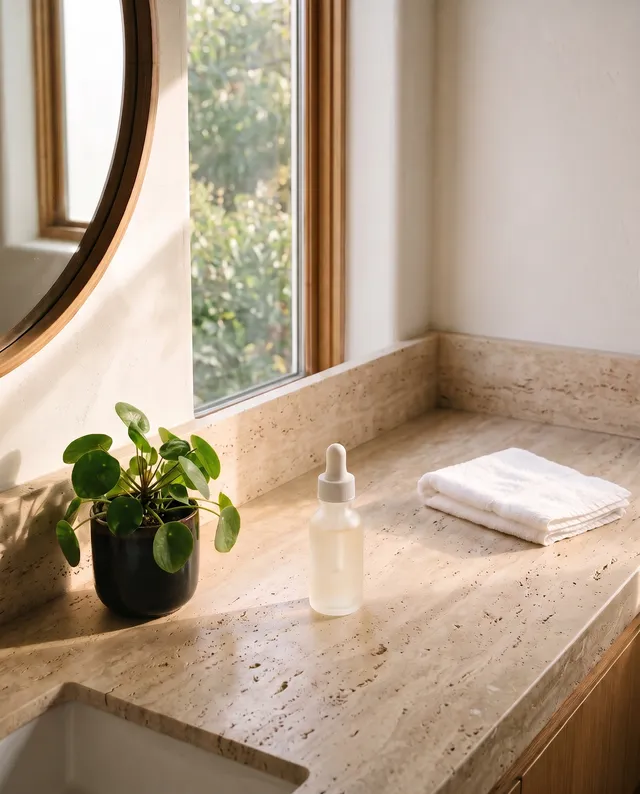
Place a product in a real scene
A packshot of a serum bottle and a photo of a bathroom counter. The bottle is placed at a believable size, with a shadow and a soft reflection on the stone.
“Place the serum bottle from the second photo in the middle of the bathroom counter in the first photo, with natural shadows and reflections.” · Standard · 4 credits
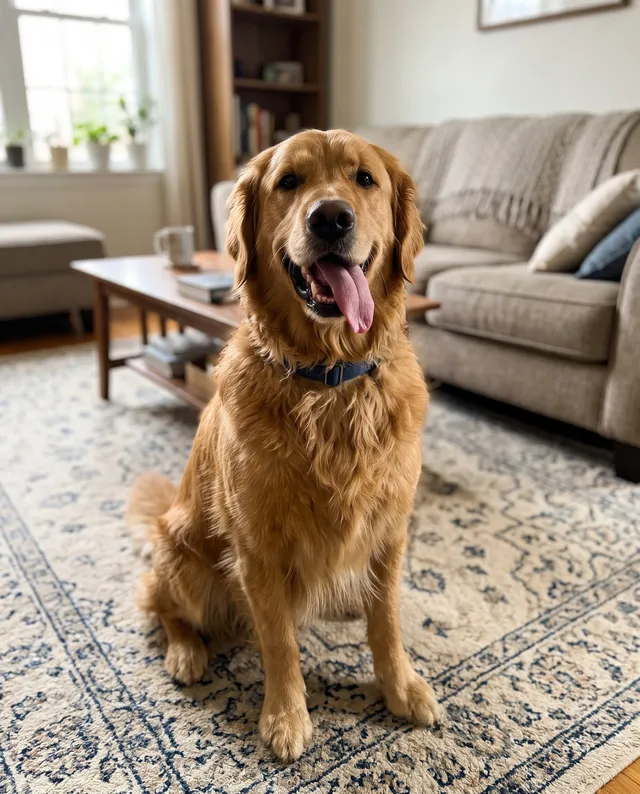 Photo 1
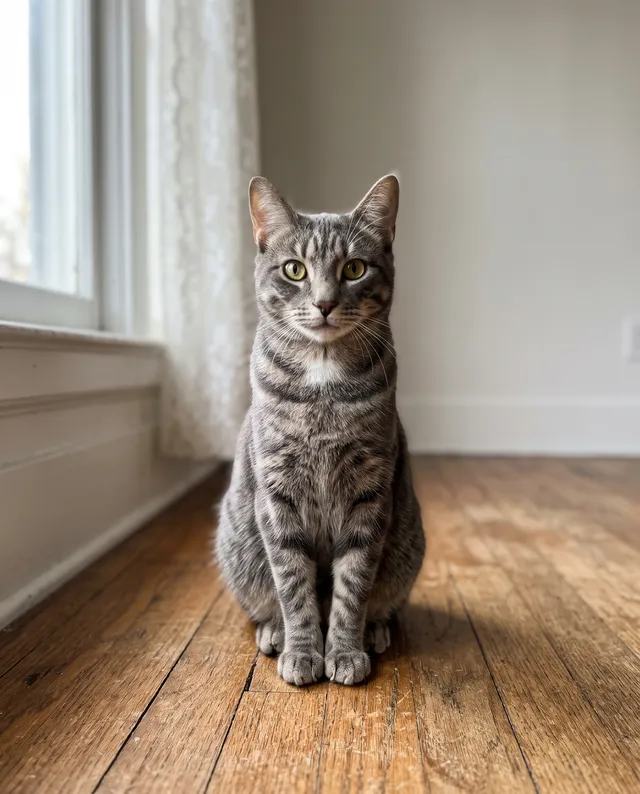 Photo 2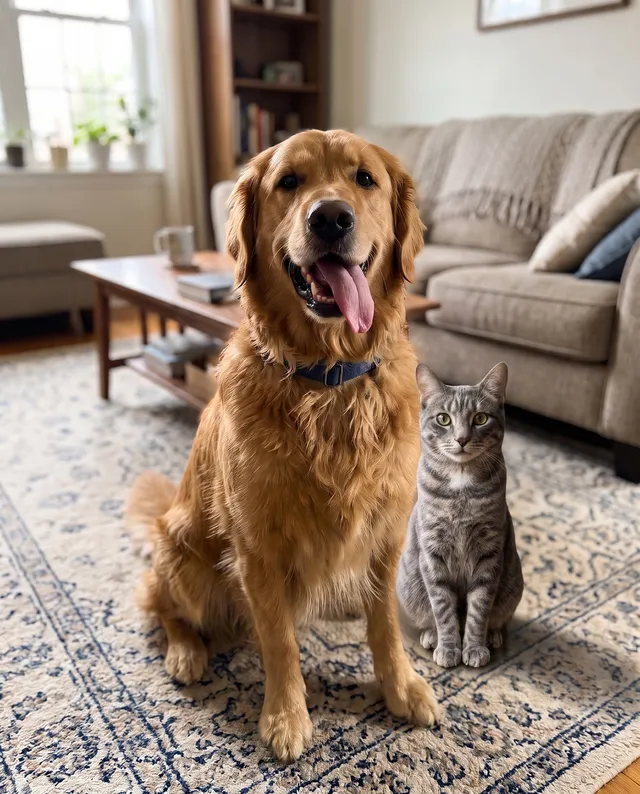
Put two pets in one photo
Two pets photographed in different rooms, now side by side on the same rug. Each keeps its own markings, and the light on the cat matches the room.
“Put the tabby cat from the second photo next to the golden retriever on the living room rug in the first photo, sitting side by side.” · Standard · 4 credits
Edit the result again, one change at a time
Every result can be the start of the next edit. Small steps are easier to control than one long prompt, and every version stays in the history so you can go back.
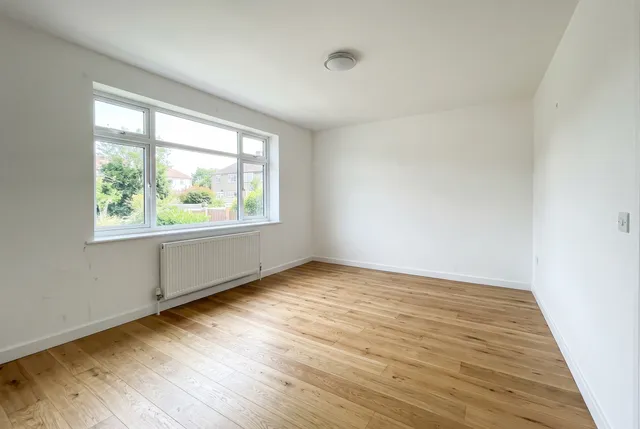 Empty room
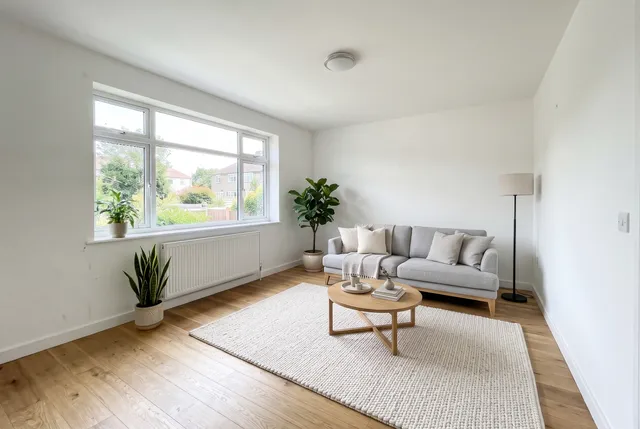 Round 1
Furnish this empty living room in Scandinavian style: a light grey sofa, an oak coffee table, a wool rug, a floor lamp and a few plants. Keep the walls, window, floor and camera angle unchanged.
4 credits · 40 s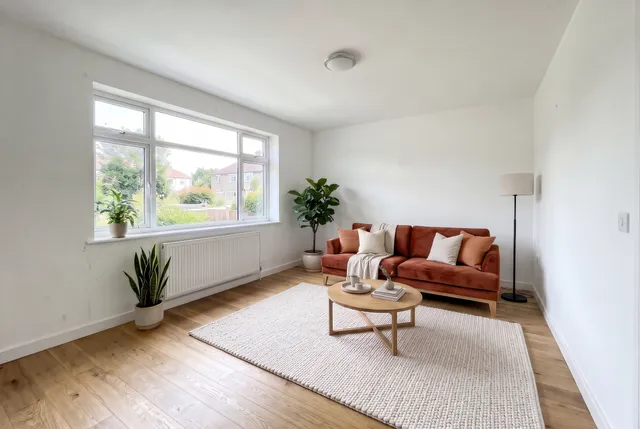 Round 2
Change the sofa to a deep terracotta velvet sofa. Keep everything else the same.
4 credits · 32 s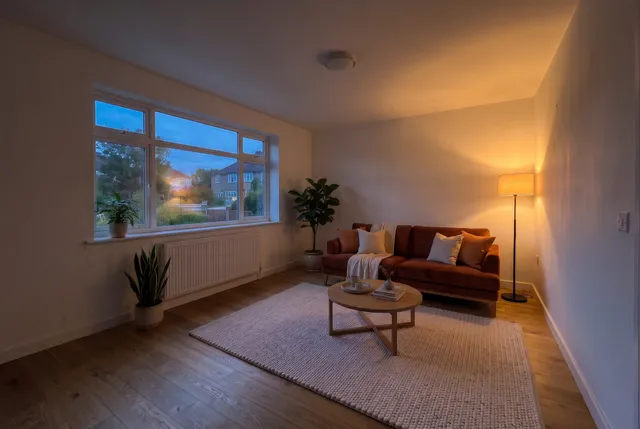 Round 3
Make it evening: deep blue dusk outside the window and the floor lamp switched on with a warm glow. Keep the room the same.
4 credits · 42 s
Three rounds on Standard, 12 credits in total. The window, the floor and the furniture from round 1 stayed in place through each later round.
How to write a prompt that works
The editor does what the words say. A specific prompt gets closer to what you had in mind in fewer tries.
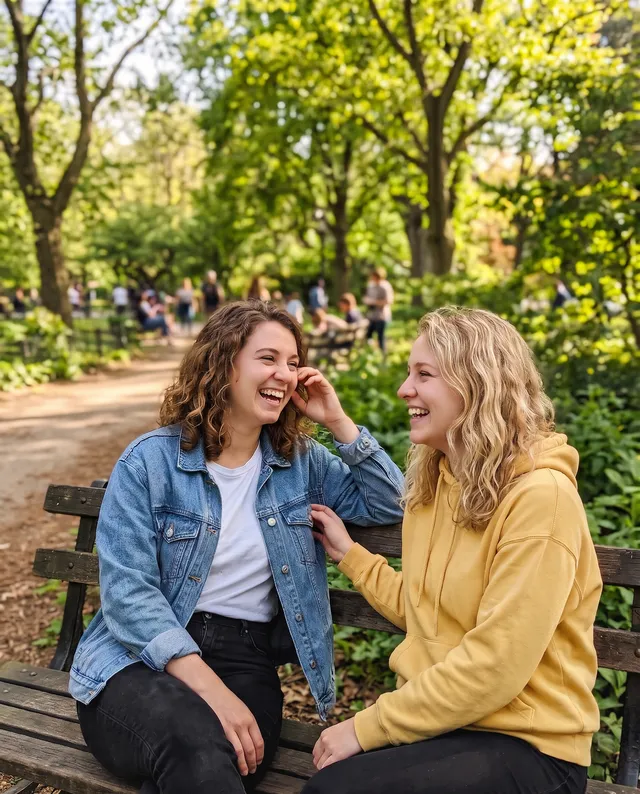 Short prompt
“Give this photo a 90s film camera look: warm color cast, soft grain and slightly faded blacks. No date stamp.”
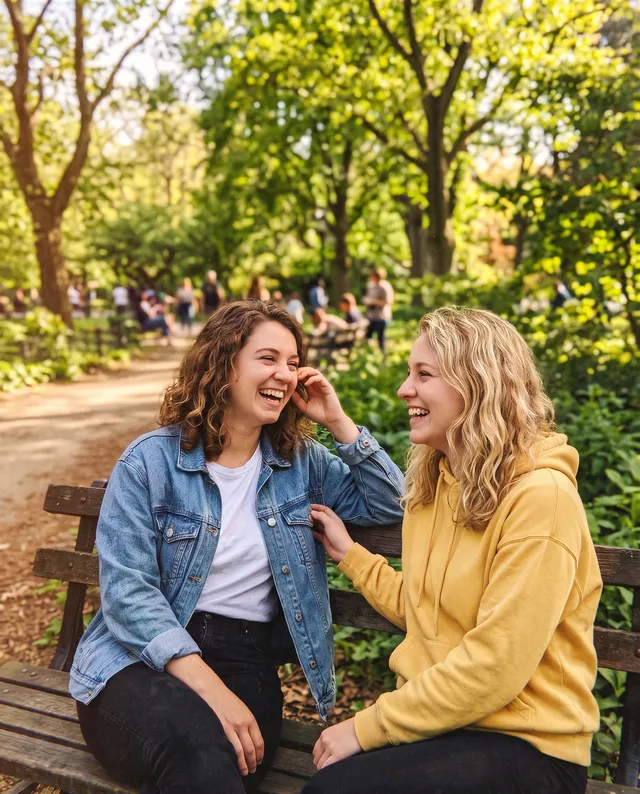 Detailed prompt
“Make this look like a photo printed from a 1990s disposable film camera: strong warm yellow-orange color cast, visible film grain, washed-out faded shadows, slightly soft focus and a light vignette. Keep the people and the pose the same. No date stamp.”
- 1
Name what to change
"Change her grey t-shirt to a navy blazer"
"Make her look more professional"
- 2
Say what must stay the same
"Keep her face, hair, pose and the street exactly the same"
Leaving it out and hoping nothing else moves
- 3
Describe looks with details
"Warm yellow cast, visible grain, faded shadows"
"Make it look vintage"
- 4
Quote text exactly
Change "MORNING ROAST" to "EVENING ROAST"
"Change the label to say evening"
- 5
Refer to photos by number
"The coat from the second photo"
"Use the other picture"
- 6
One big change per round
Furnish the room, then change the sofa next round
Ten changes in one long prompt
How to edit a photo with AI
Three steps in the browser, on a phone or a computer. No app to install.
- 1
Upload a photo
Drop a photo in the editor, paste it, or pick one from your phone. JPG, PNG, WEBP or HEIC up to 20 MB. Add up to 5 photos to combine them.
- 2
Describe the change
Write what to change and what to keep, then pick Style, Standard or Pro. Standard costs 4 credits; a free account starts with 10 credits.
- 3
Compare, download or keep editing
Drag the handle to compare with your photo and download a full-size PNG with no watermark. Write a follow-up prompt to edit the result again. If a run fails, the credits go back to your balance.
What makes it different from a filter app
The rest of the photo is kept
Faces, poses, framing and backgrounds stayed the same in our tests unless the prompt asked for a change.
Pick the model for the job
Style for bold looks and art styles, Standard for most edits, Pro for the details that matter. The model name is shown on every result.
Up to 5 photos per edit
Combine a person and a garment, a product and a room, or two pets, in one prompt.
Unlimited follow-up rounds
Edit the result as many times as you like. Every version is kept, so you can go back a step.
Credits back on failure
If a run fails or is blocked, the credits are returned to your balance automatically.
What the AI editor gets wrong
These came up in our own tests. Knowing them saves credits.
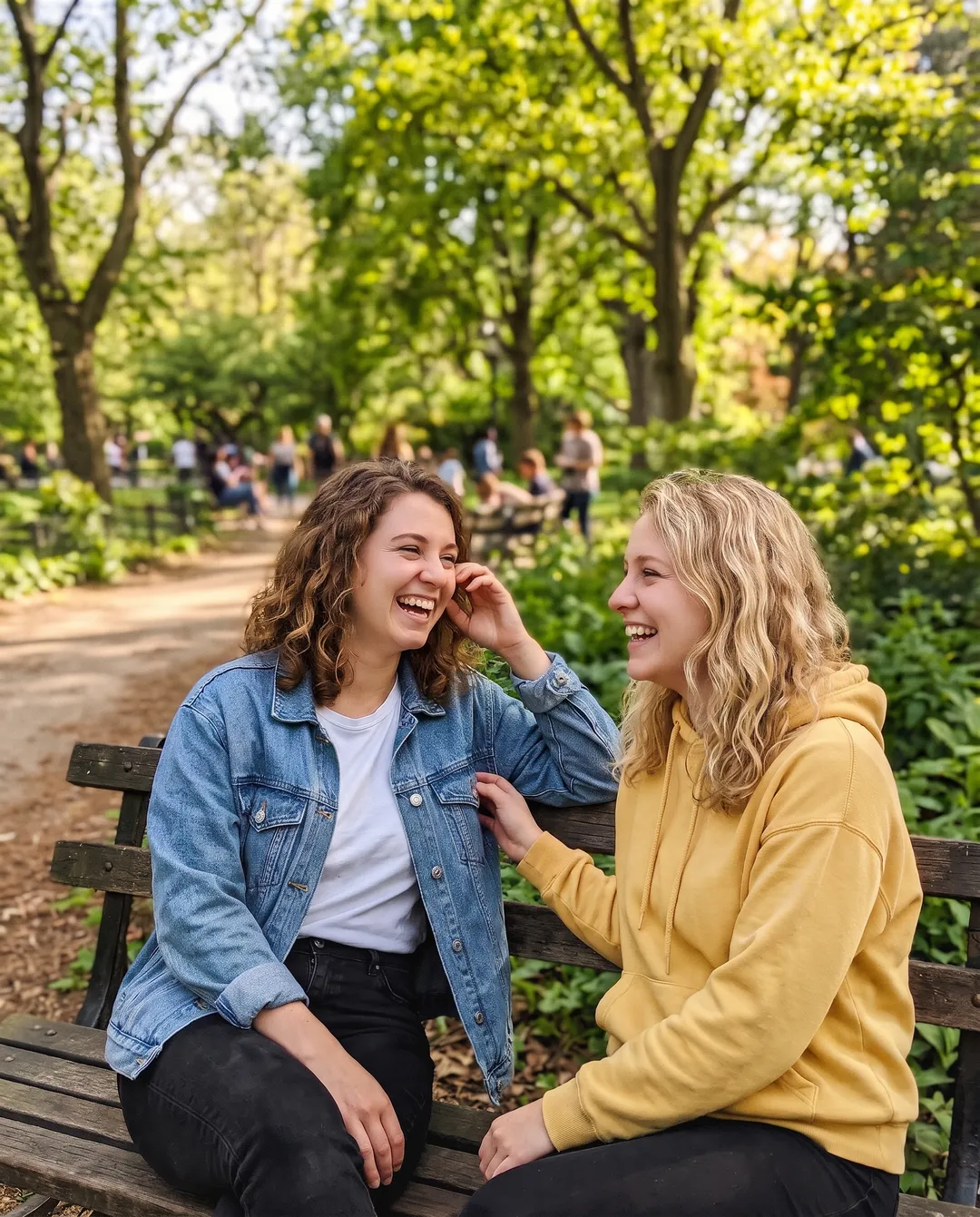
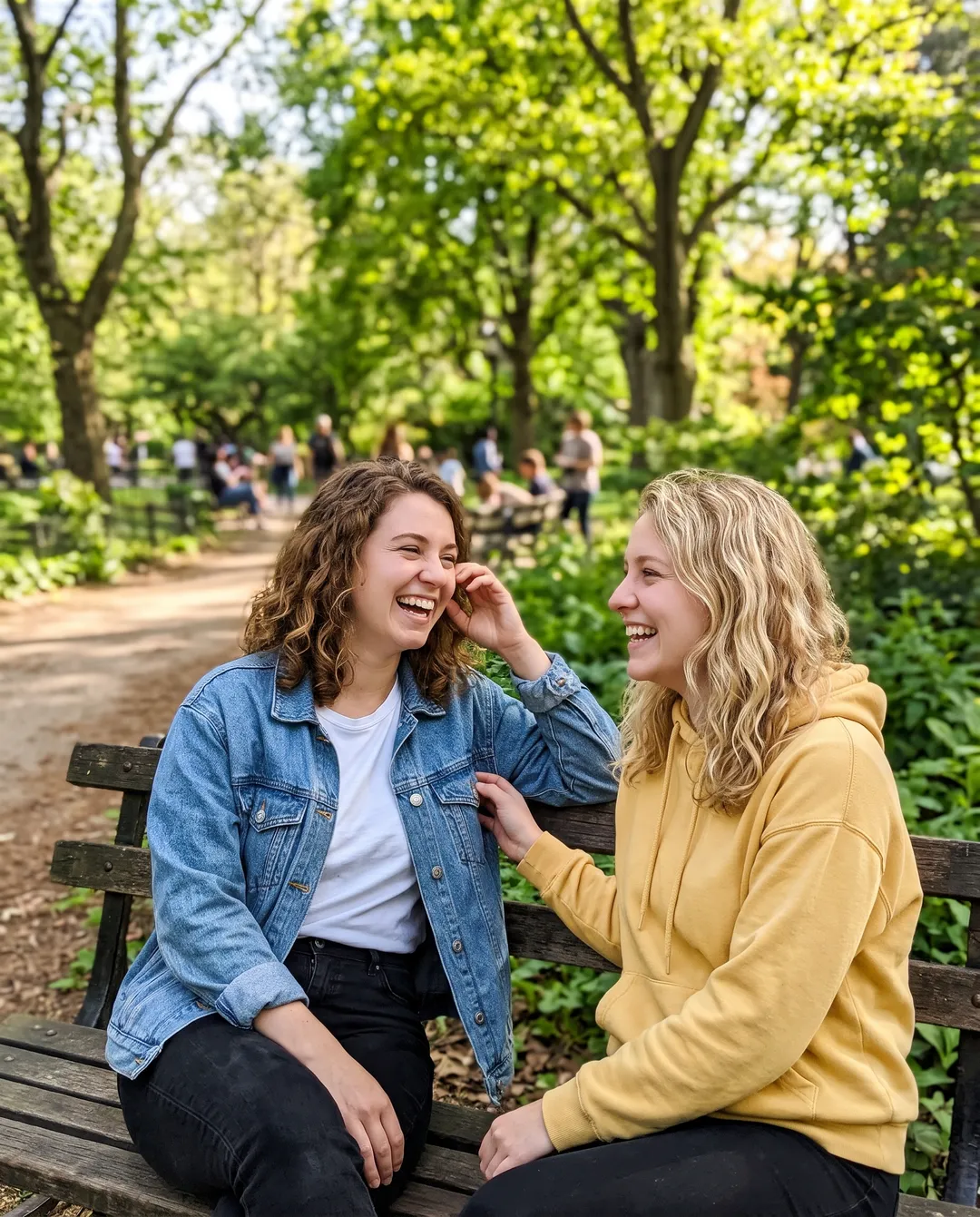
Style changes can come out too subtle
We asked Standard for a 90s film camera look. The result is only slightly warmer and softer than the original. Looks and art styles vary the most between models and runs. Describe the look in detail, or try it on Style, which gave the strongest film look in our tests.
Left: the original · Right: a short style prompt on Standard
Long text can be misspelled
Short titles came out right on all three models. Long sentences, small print and unusual words can lose or swap letters. Read the result before you print it.
Faces can shift slightly
The person stayed recognizable in every test, but small details such as an earring or a freckle can change. Compare with the original when the exact face matters.
Style may change the frame a little
Style returned a slightly different crop and size in our runs. Standard and Pro kept the original framing and size.
Not for fake documents or misleading photos
The models refuse many edits of IDs, receipts and real people in made-up situations, and the terms of use forbid them. Do not use an edited photo as evidence of something that did not happen.
Output size: a PNG of about 2K on Style, and on Standard and Pro once you have bought a pack or plan (about 1K on free credits). After any purchase, the 4K switch makes an edit about 4K for more credits. For a larger print, run the result through the Image Upscaler.
Who uses an AI photo editor, and for what
Hover a card to see the original photo.
 Before
Online sellers
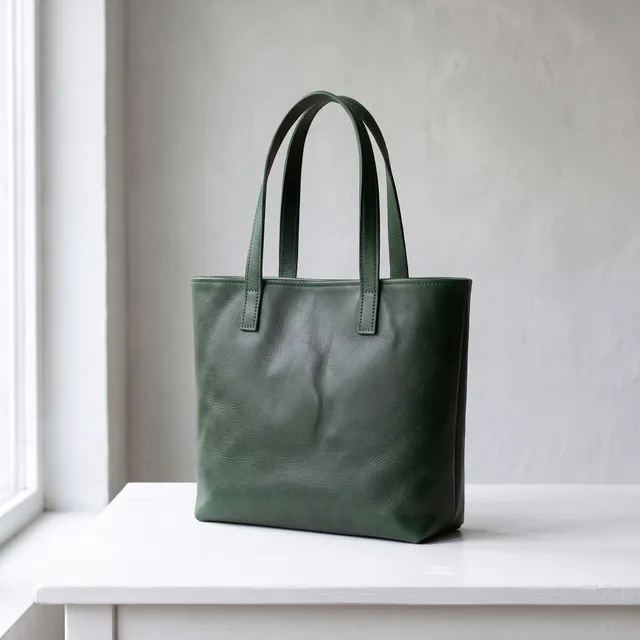
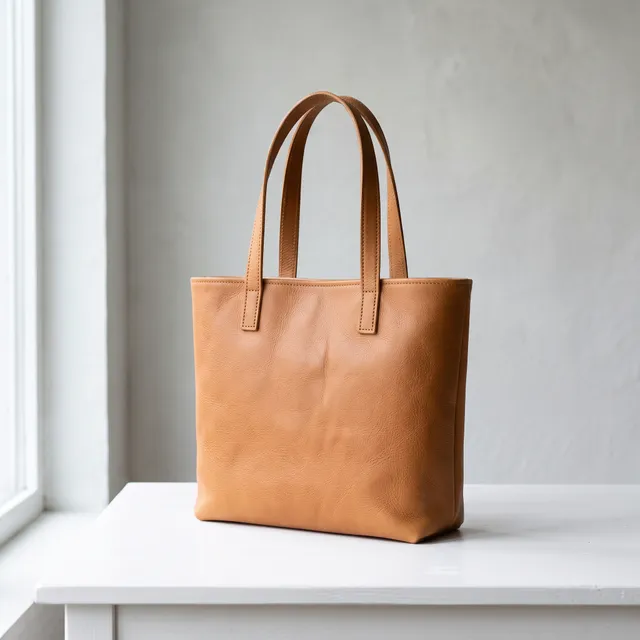
Show a product in every color from one photo, and put it in lifestyle scenes for a store or a marketplace listing.
 Before
Real estate and interiors
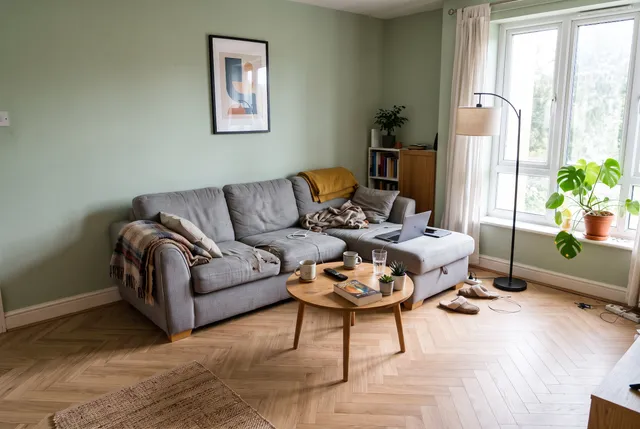
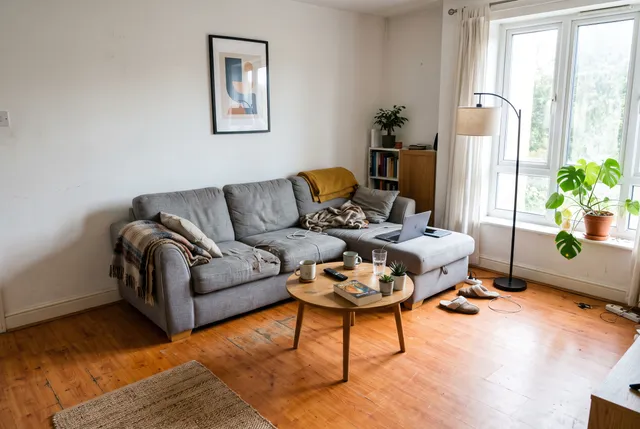
Stage an empty room, try a wall color or a new floor, and show a room at dusk for a listing or a client.
 Before
Social media and profiles
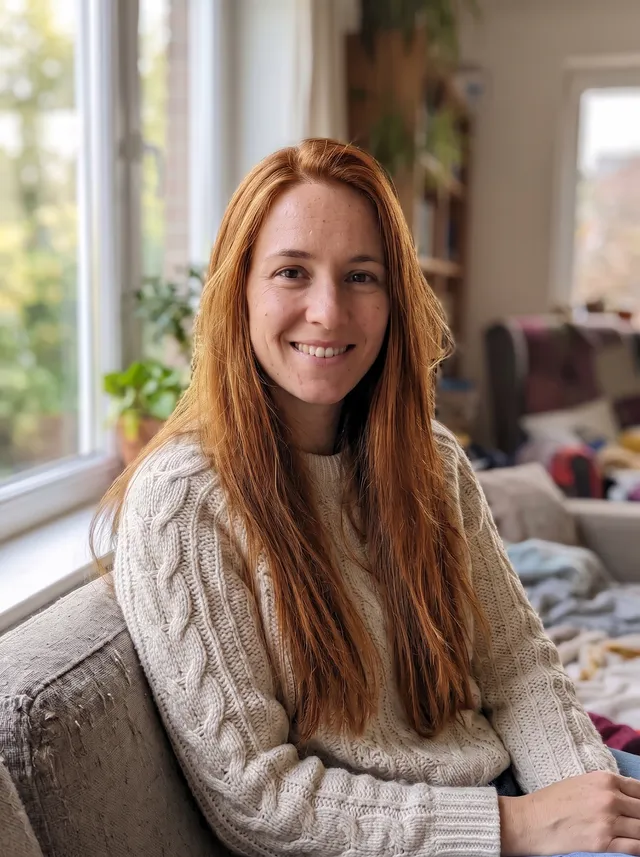
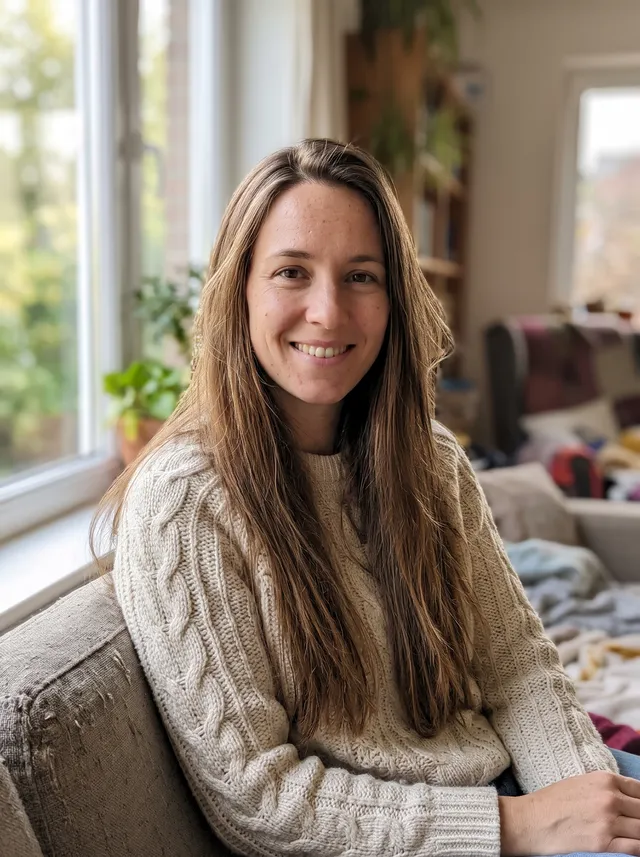
Try a new hair color, change an outfit or fix harsh office light in a profile photo before you post it.
 Before
Restaurants and food bloggers
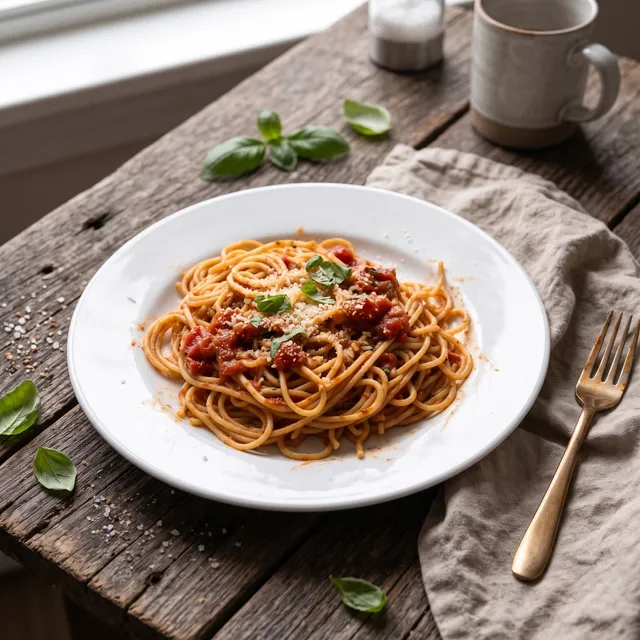
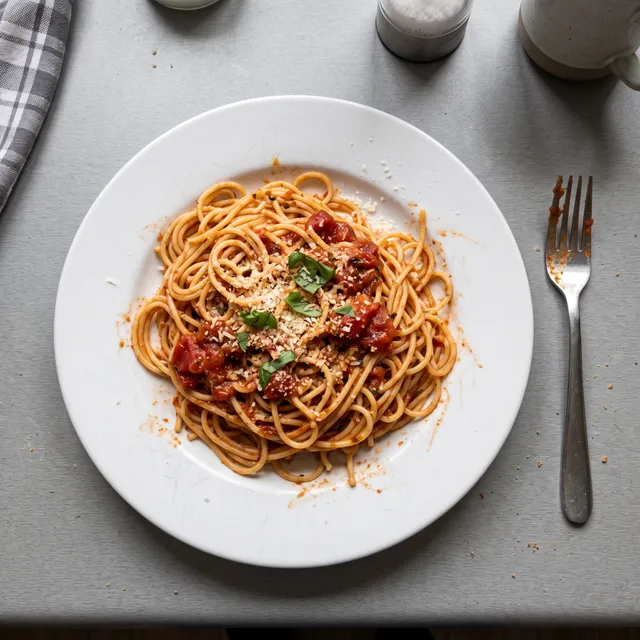
Turn a plain plate on a counter into a styled magazine shot with a table, napkin and window light.
 Before
Pet owners
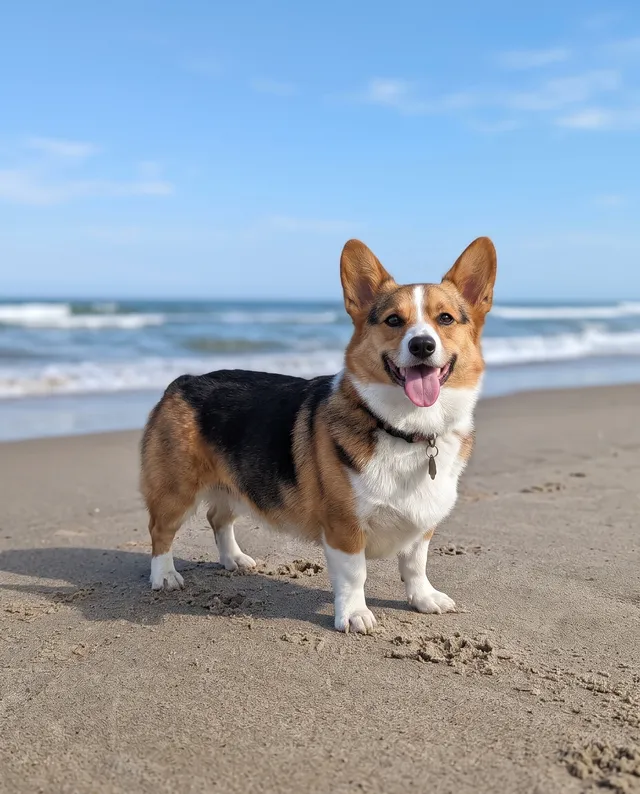
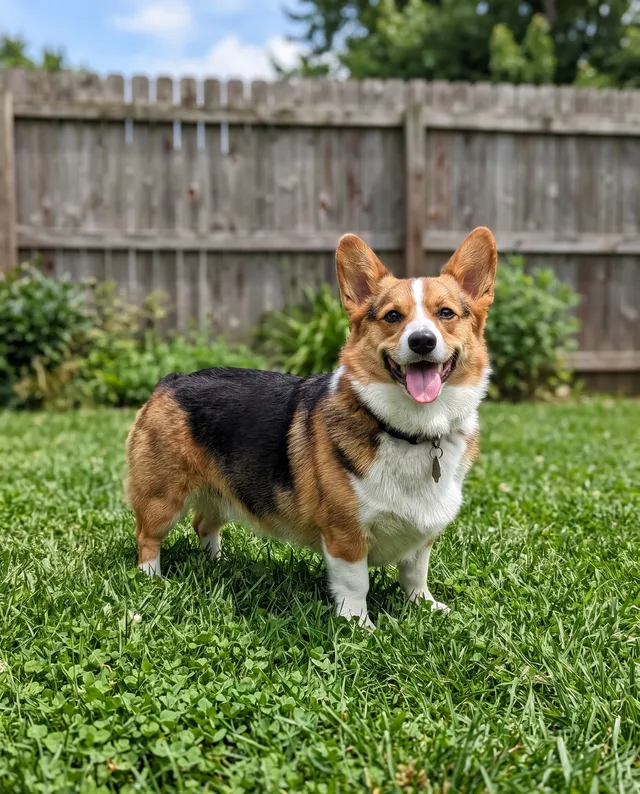
Put a pet in a party hat, a winter scarf or on a beach, for a birthday card, a post or a calendar.
 Before
Travel photos
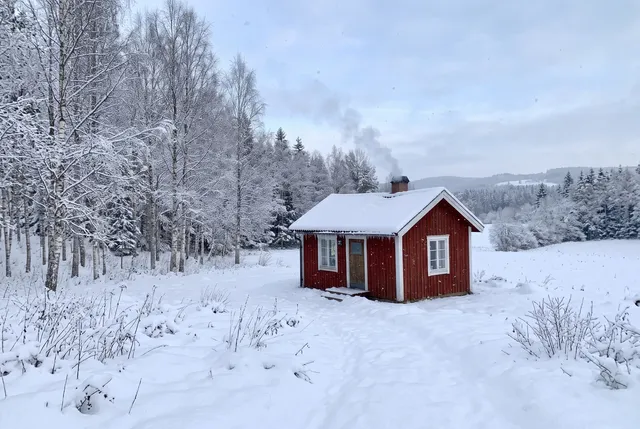
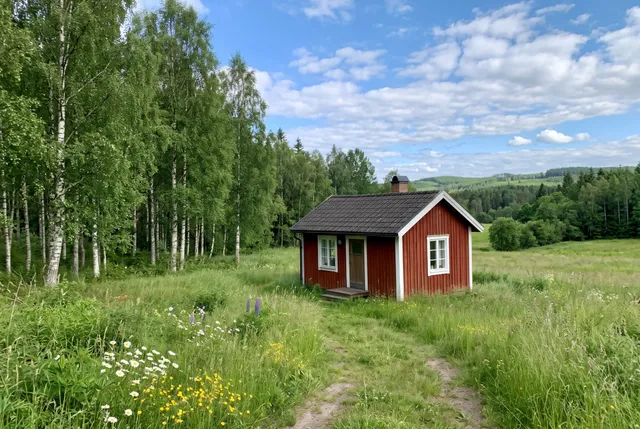
Remove crowds, replace a grey sky with a sunset, or see the same place in another season.
Prompt editing vs the other ways to edit a photo
Use a prompt when you can describe the change in a sentence. Use a manual editor when you need control over every pixel.
| AI image editor (this tool) | Manual photo editor | Generative fill in photo apps | Chat assistants that make images | |
|---|---|---|---|---|
| How you edit | Upload and write a prompt | Layers, masks and brushes | Select an area, then write a prompt | Describe the change in a chat |
| Keeps the rest of the photo | Yes, faces and framing kept in our tests | Yes, you control every pixel | Yes, outside the selection | Often redraws the whole image |
| Combine several photos | Up to 5 photos in one prompt | Yes, by hand | Usually one photo at a time | Some do |
| Choice of model | Style, Standard or Pro | Not applicable | The app's own model | The assistant's own model |
| Cost | From 3 credits per edit | License fee and your time | Usually part of a subscription | Usually part of a subscription |
Our column comes from 31 test edits, Oct 2026. Other columns are typical ranges, not measurements.
Every example on this page was made with this editor
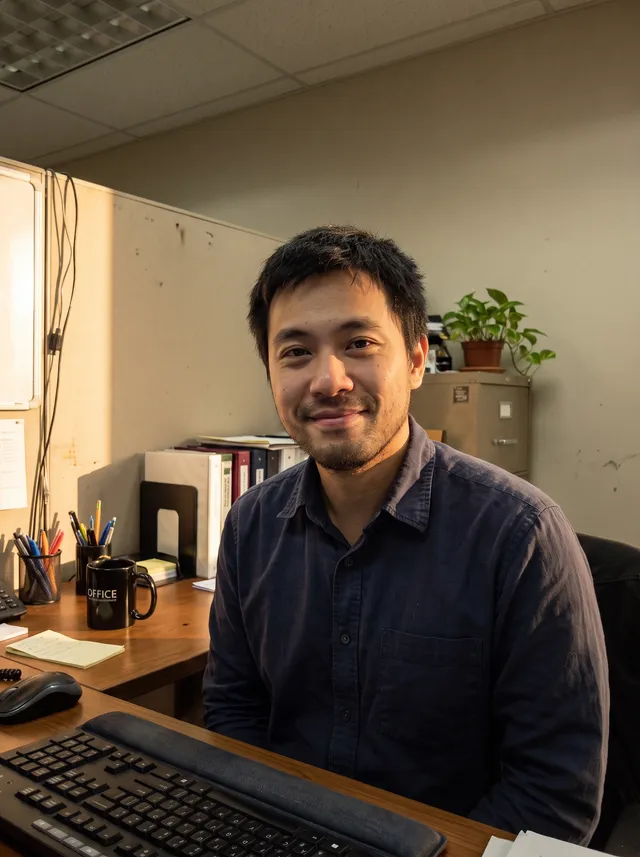
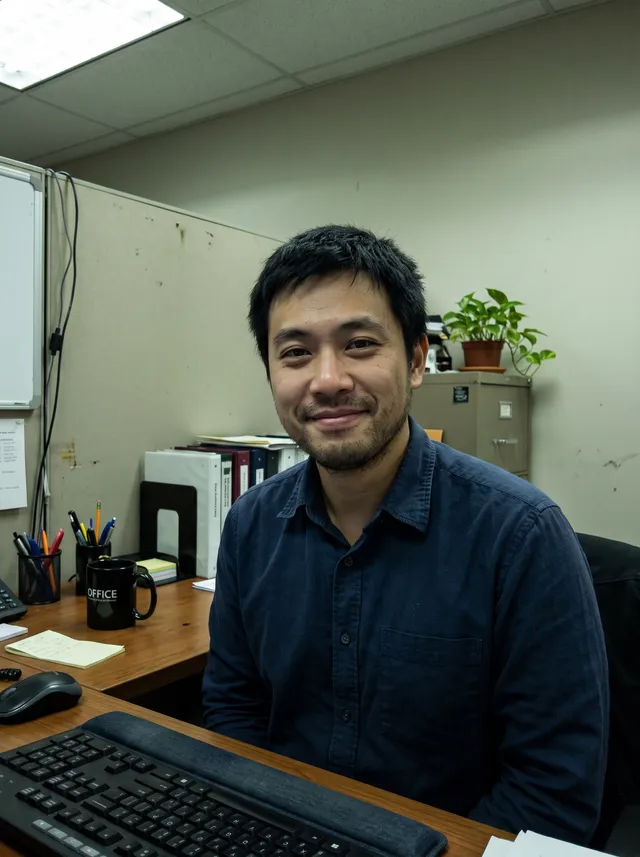
Each photo was edited once with the prompt shown in the gallery above. No retouching after. Hover to see the original.
Hair color
Relight
Walls and floor
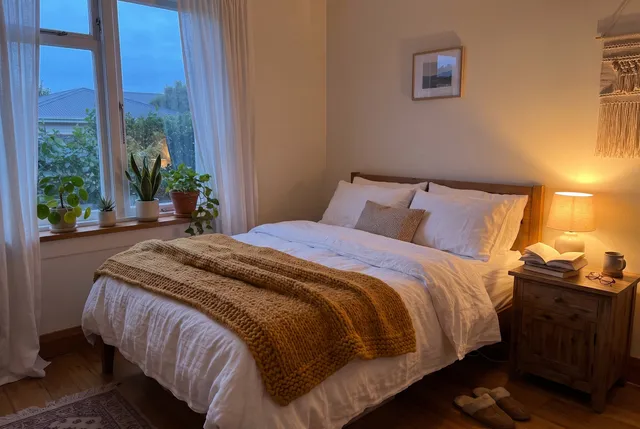
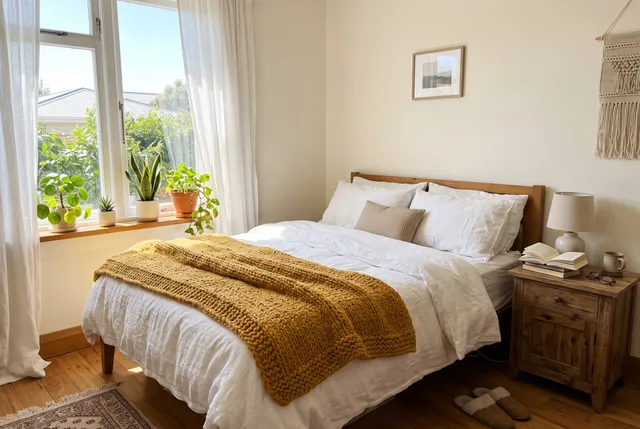
Day to evening
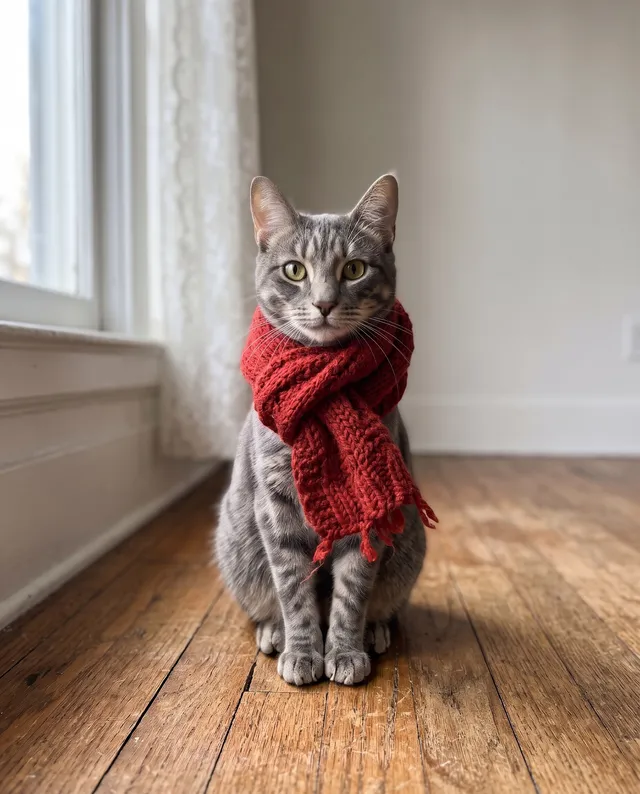
Winter scarf
New place
Summer to winter
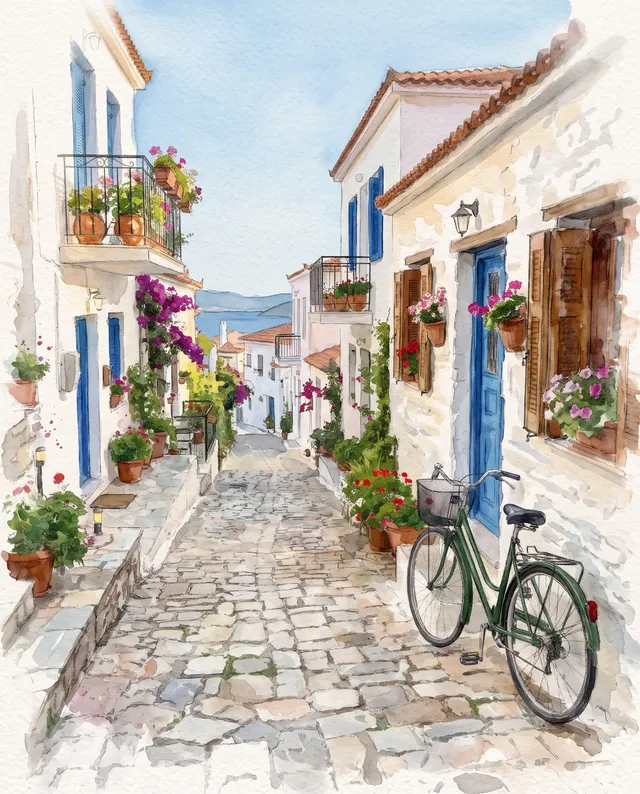
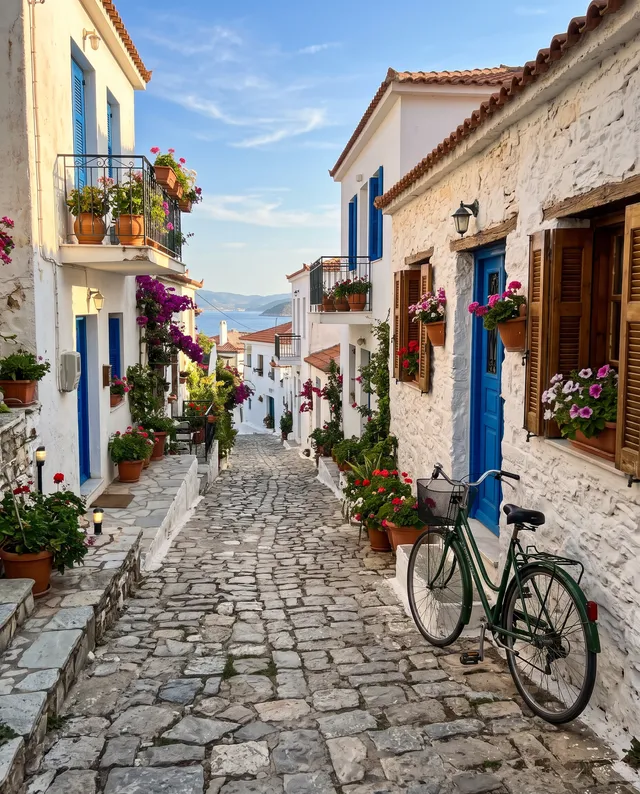
Watercolor
31 edits on 20 photos · Style, Standard and Pro · Oct 2026
AI image editor FAQ
Something else? Email support@theaiphotoeditor.com
Describe your first edit
Sign up for 10 free credits, enough for 2 edits on Standard. No card needed.
or drop a photo anywhere on this page
Updated Oct 2026 · Tested with 31 edits on 20 photos