Free AI Background Remover
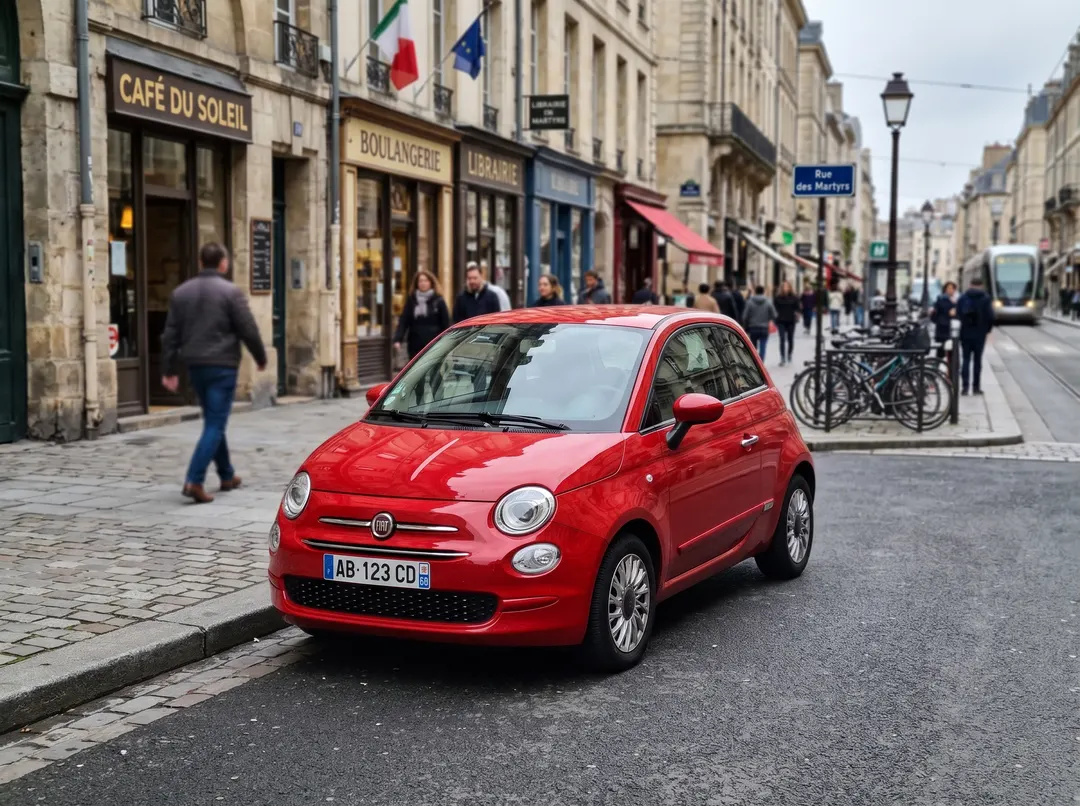
Remove the background from any photo in about five seconds and download a full-size transparent PNG with no watermark. Hair, fur and fine edges stay sharp on people, products, pets, cars and logos.
- 3 free a day, no sign-up
- 1 credit a photo
- No watermark


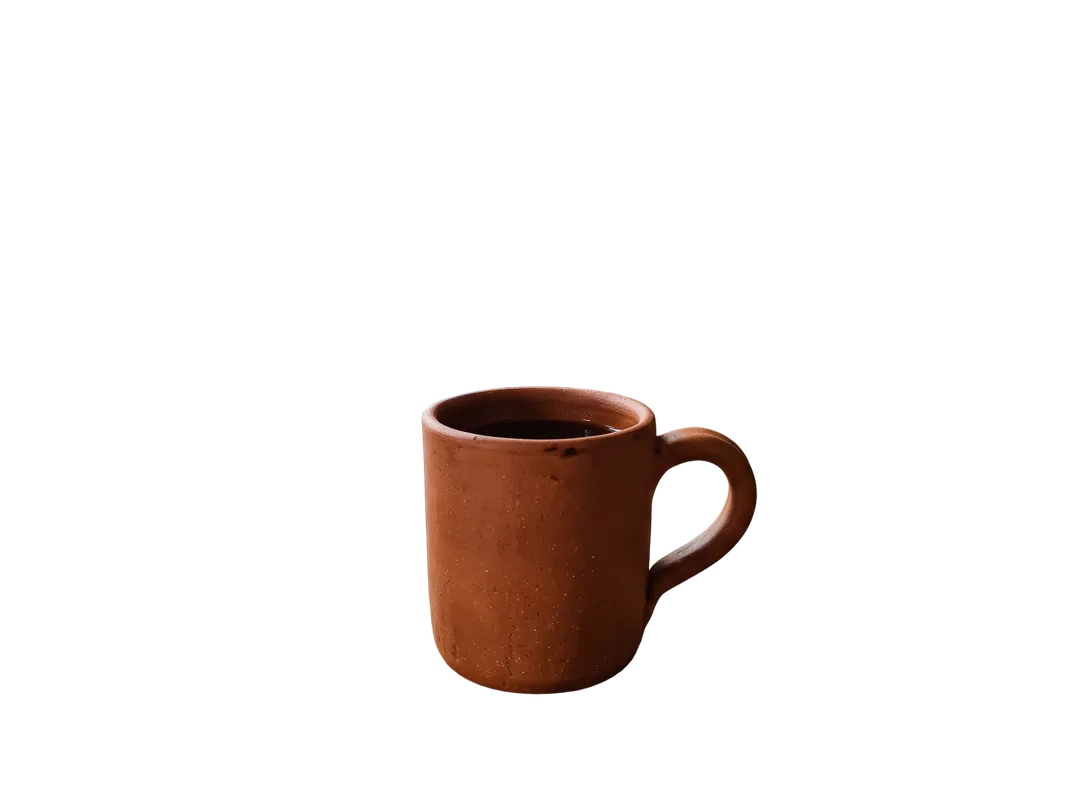
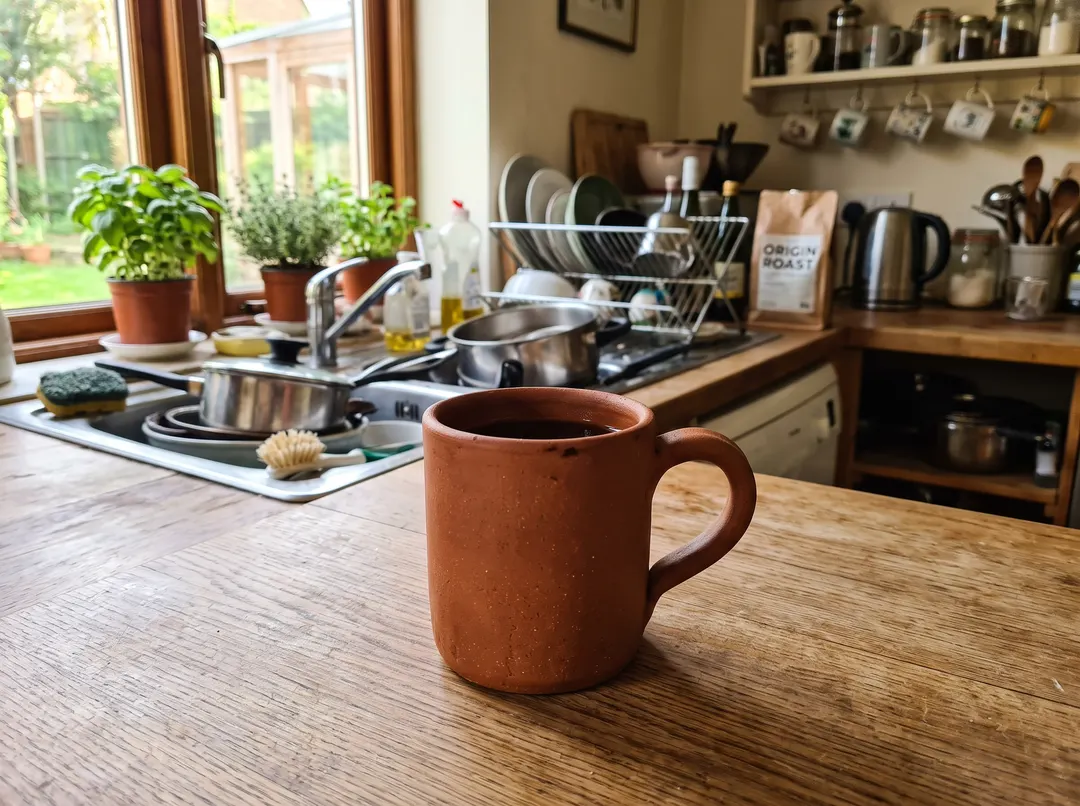
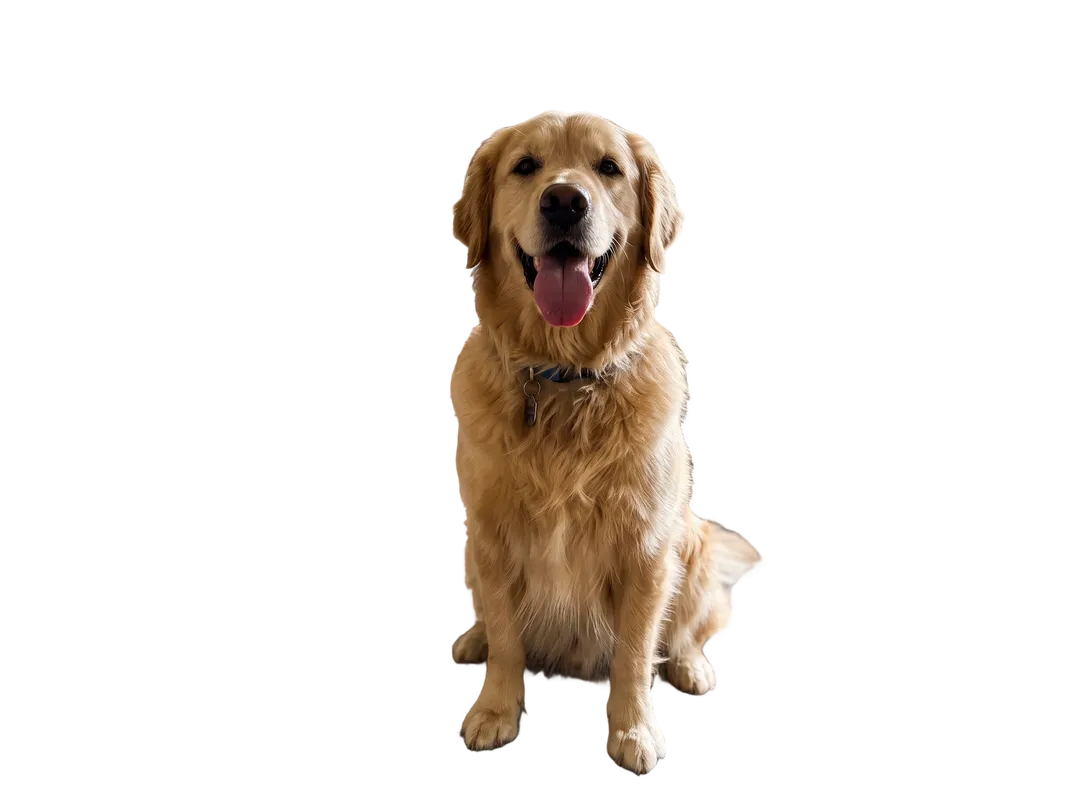

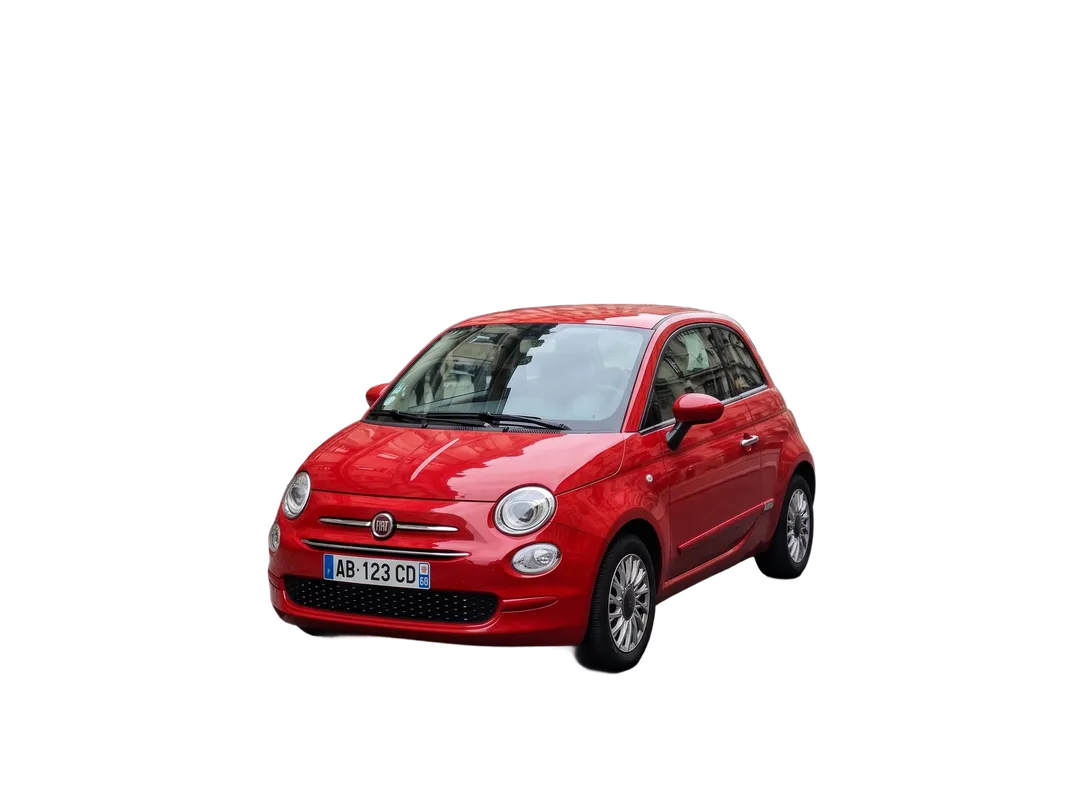
- Up to 3072 px output
- Transparent PNG
- Credits back if it fails
- No watermark
- Model: BiRefNet v2
One tool, five jobs people use it for
Each example below is a real photo and the real output. Drag the handle to compare.
Remove background from product photos
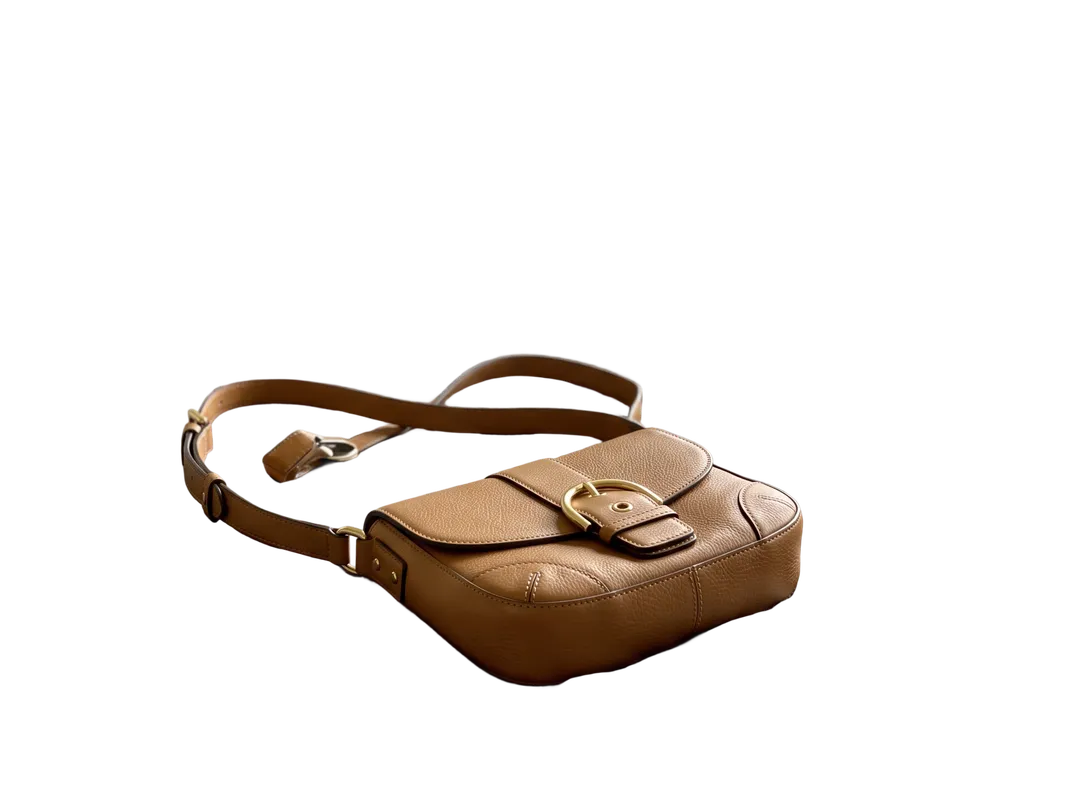
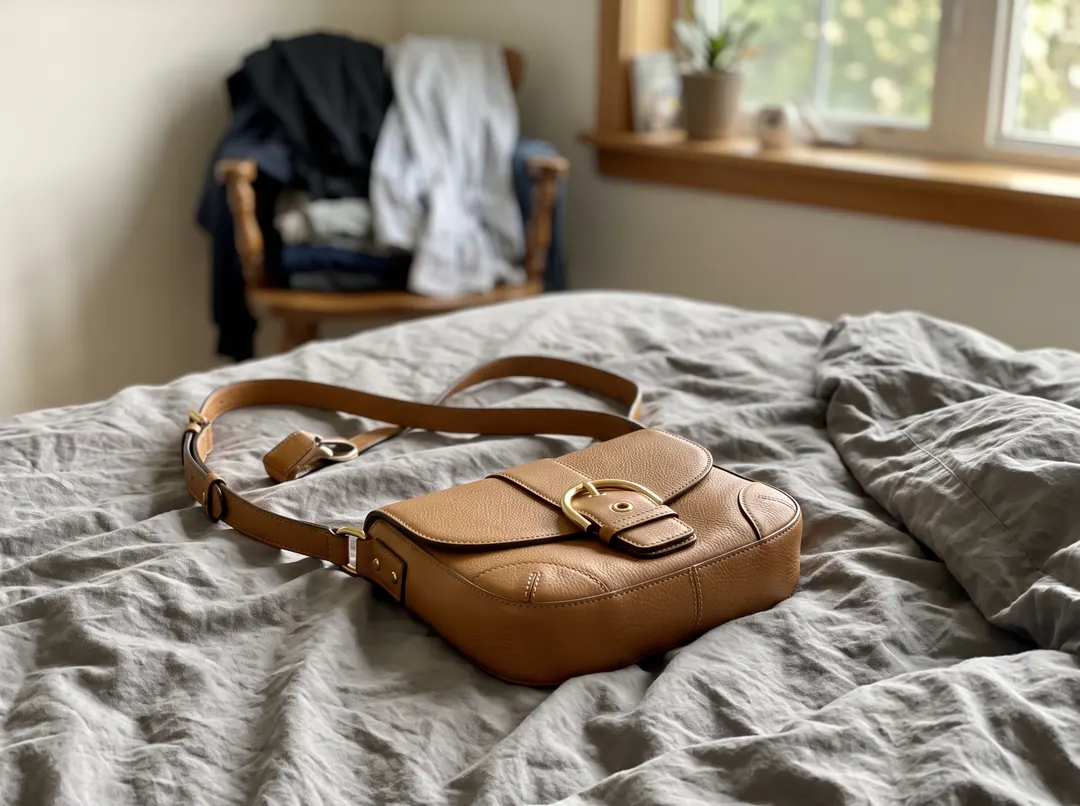
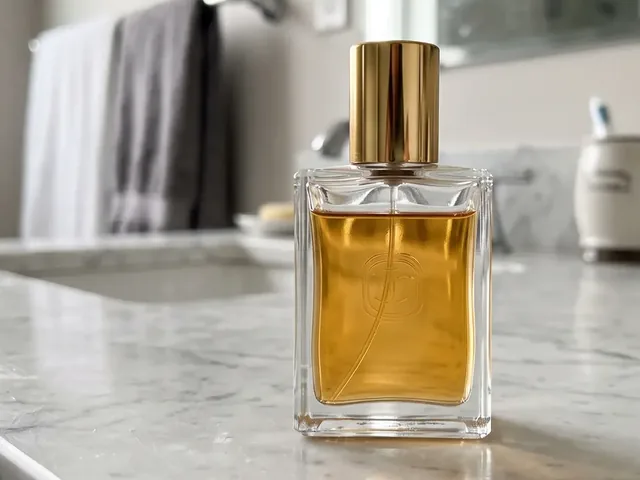
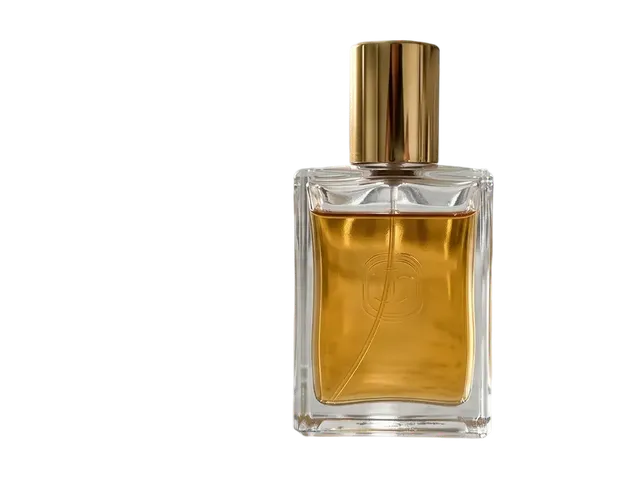
Upload a product shot taken anywhere, on a bed, a desk or a shop counter, and get the item alone on a transparent layer in about five seconds. The cut follows stitching, straps and buckles instead of rounding them off, so the bag still looks like the one you sell. Drop the PNG onto a white canvas for a marketplace listing, or onto your brand color for an ad.
Get a transparent background PNG
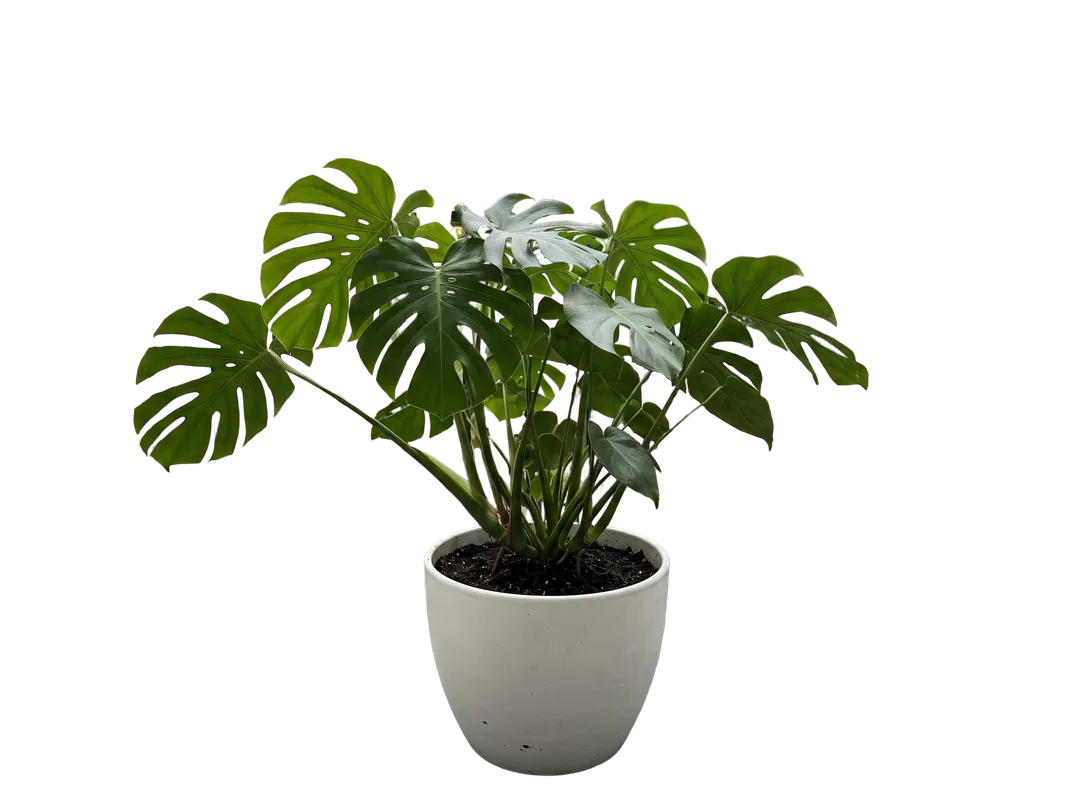
Every result downloads as a PNG with a real alpha channel. Place it in Figma, Canva, Keynote or PowerPoint and the background is empty, not white, so it sits on any color or photo without a box around it. Leaves, gaps between stems and the space inside handles stay see-through. Need a JPG? Pick JPG and the empty area is filled with the color you choose, for free.
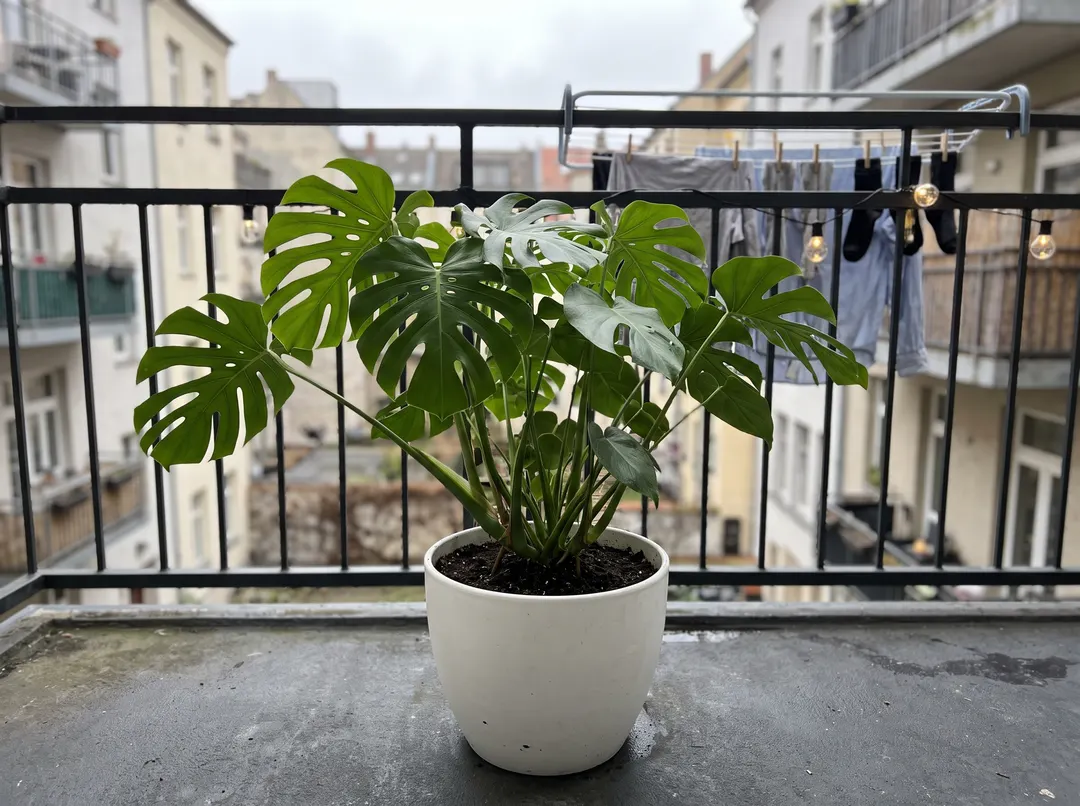
Keep hair and fur in portraits
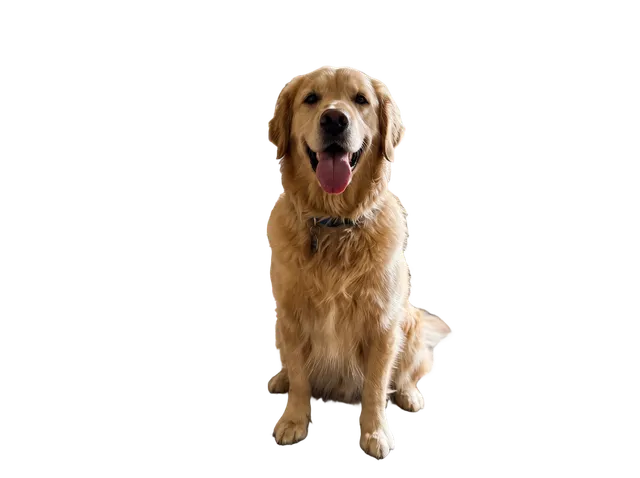
Hair is where cheap cutouts fail: you get a helmet or a halo of old background. This tool works on the full image at up to 2304 px and keeps loose strands, flyaways and backlit edges. It works the same on pets, so fur on ears and tails stays soft instead of looking cut with scissors.


White background for Amazon, eBay and Shopify
Marketplaces want the product on pure white (RGB 255, 255, 255) and filling most of the frame. Remove the background, pick White and JPG, and download. The product keeps its real edges and its own shadowless outline, so it passes the white-background check without a halo of grey.
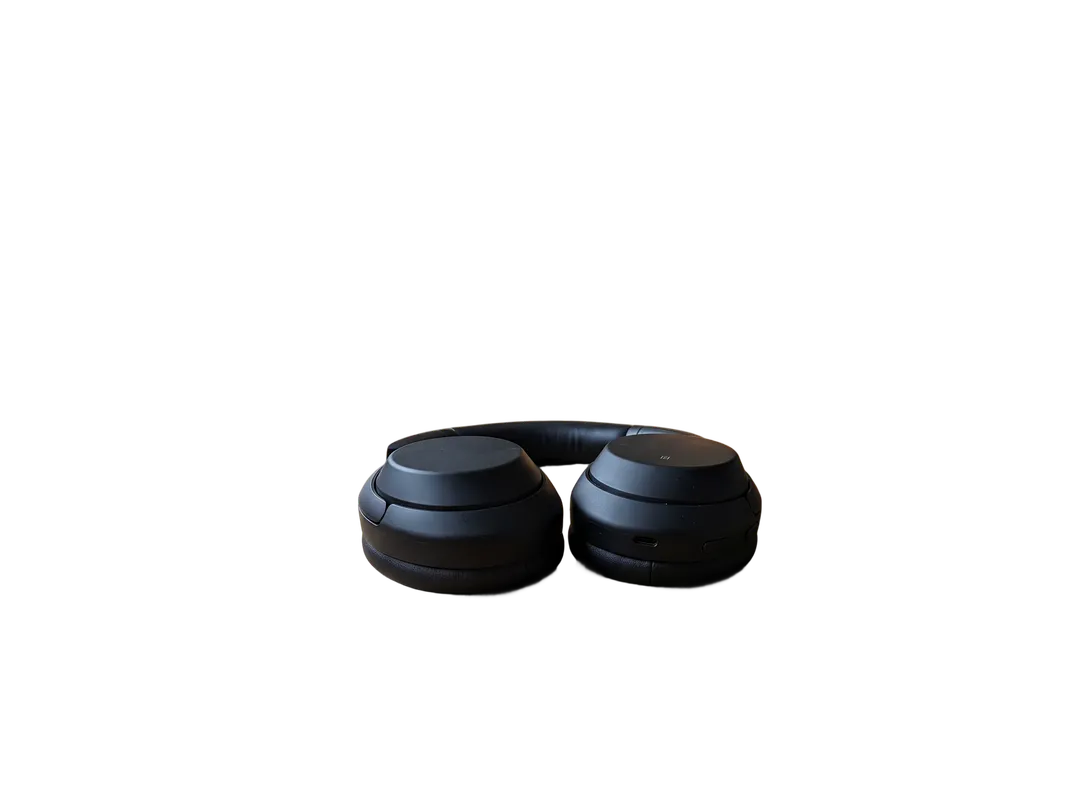
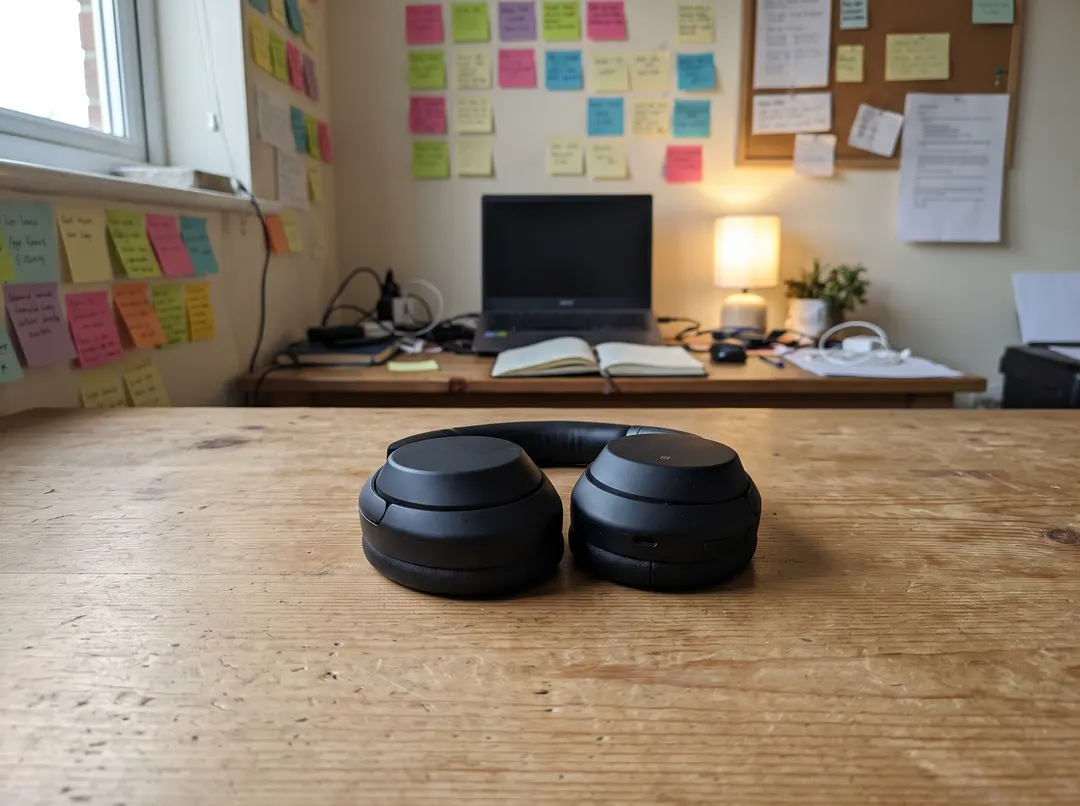
Remove the background from a logo
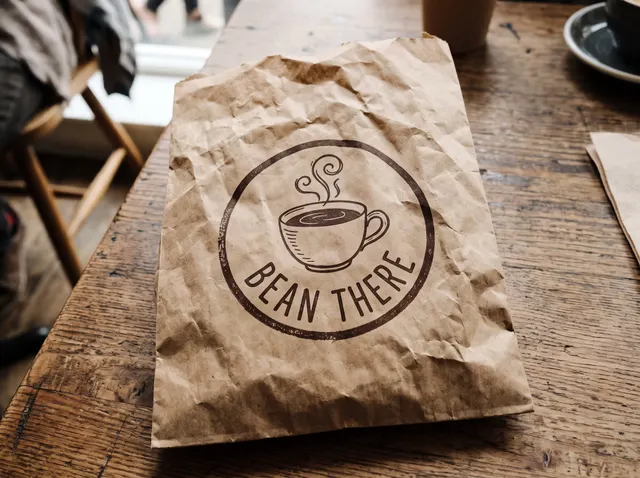
Photographed a logo on a paper bag, a cup or a sign? The tool cuts out the object the logo is printed on, with the print intact, and drops the table and room behind it. Use the PNG in a mockup, a slide or a social post. If you need the logo alone, crop to it before you upload. For a vector file you still need a designer.


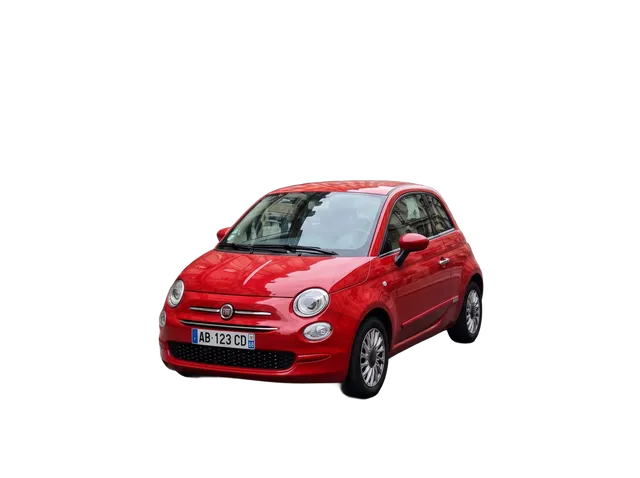
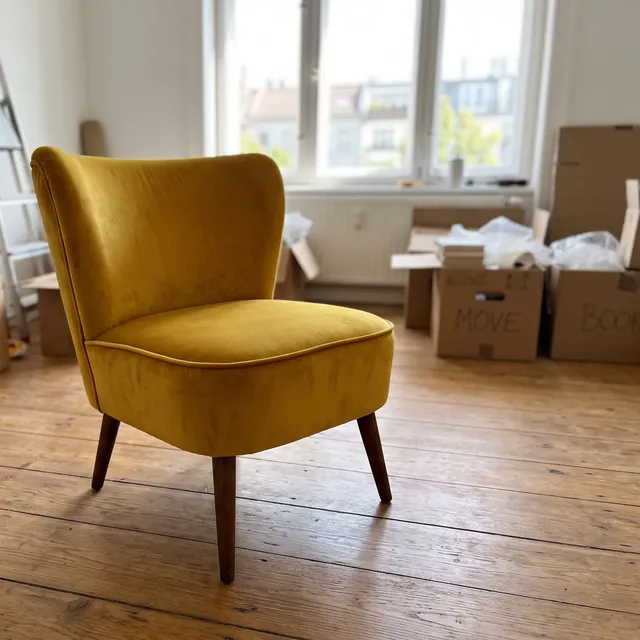
Works on people, products, pets, cars, logos and furniture
Pick a category to see a real result. The three small frames show the same cutout on white, a brand color and light gray, which you can switch for free after removing the background.
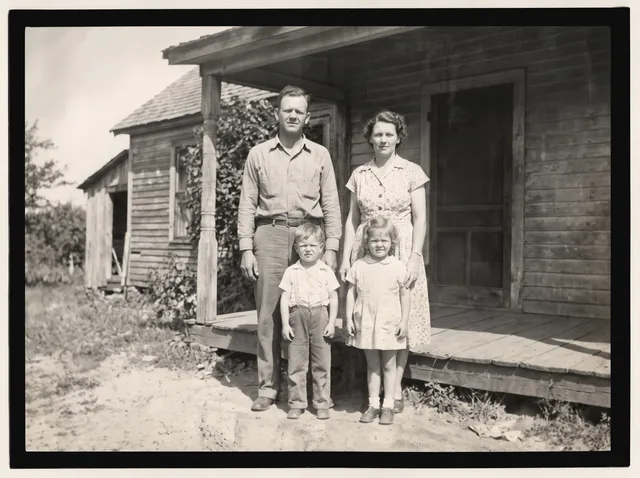
Group photos, couples and kids, with every person kept.
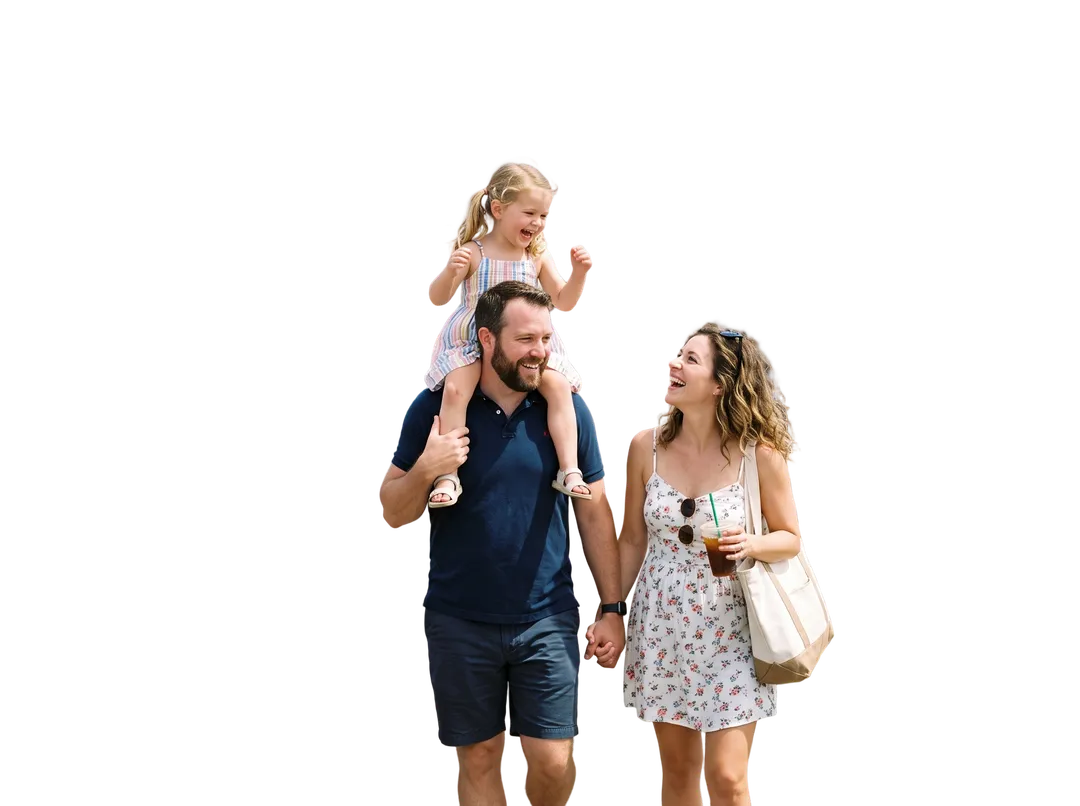

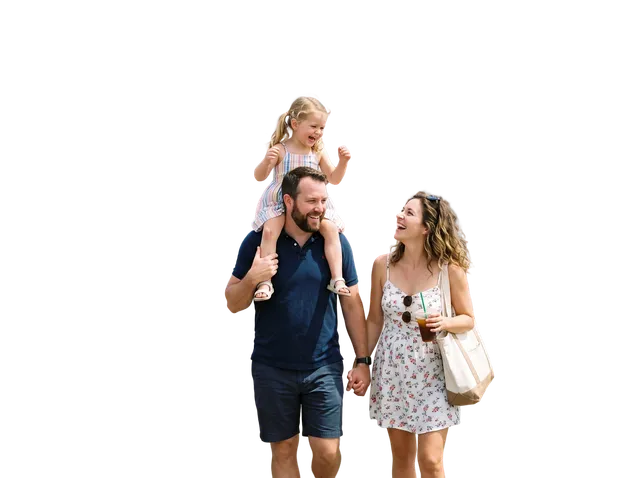 On white · free after the cutout
- Brand color · free after the cutout
- Light gray · free after the cutout
Change the background after you remove it
Color and white are applied in your browser at no cost. For a real scene, the cutout goes to Change Photo Background, which uses Nano Banana 2.1.
 SourceOriginalYour upload
 Transparent PNG1 credit
- WhiteFree after cutout
- Light grayFree after cutout
- Brand colorFree after cutout
- ID photo blueFree after cutout
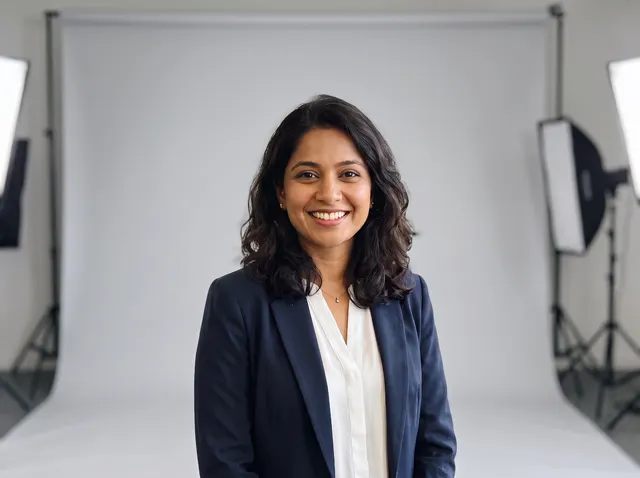 Studio backdrop4 credits · AI sceneUse this effect
 City rooftop4 credits · AI sceneUse this effect
How to remove a background from a photo
Three steps, no software to install. It works the same on a phone.
- 1
Upload your photo
Click Upload, drop a file anywhere on the page or paste one with ⌘ V. JPG, PNG, WEBP and HEIC up to 20 MB are accepted, and phone photos are turned the right way up for you.
- 2
Wait about five seconds
BiRefNet v2 finds the subject and cuts it out at up to 2304 px. One credit is held while it runs and returned if the cut fails.
- 3
Download or change the background
Download a transparent PNG, or pick white or any color first for free and download a JPG at full size.

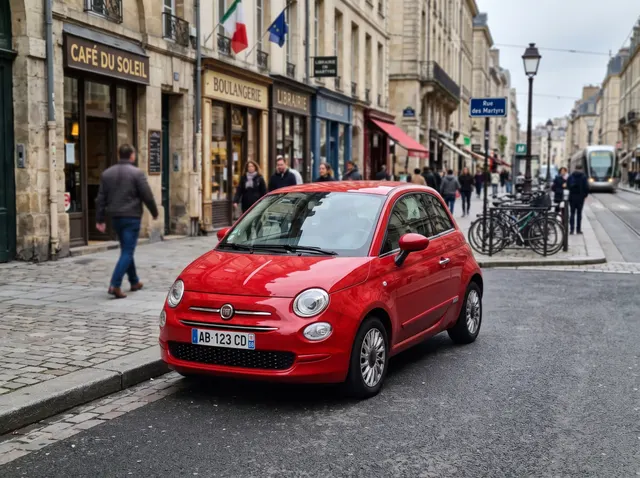

Where a clean cutout saves you time
Hover a card to see the result.

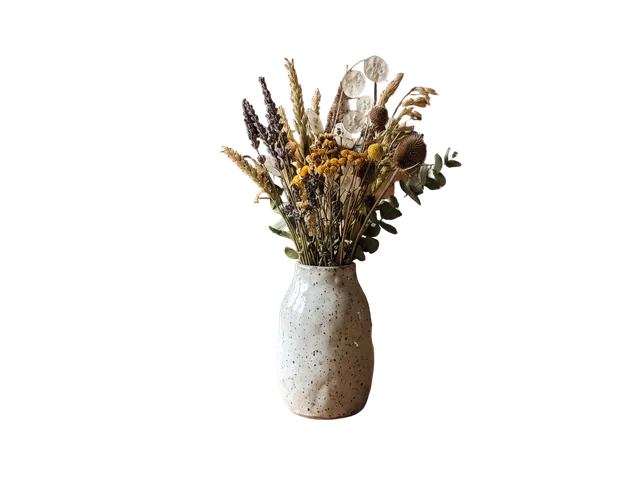 After
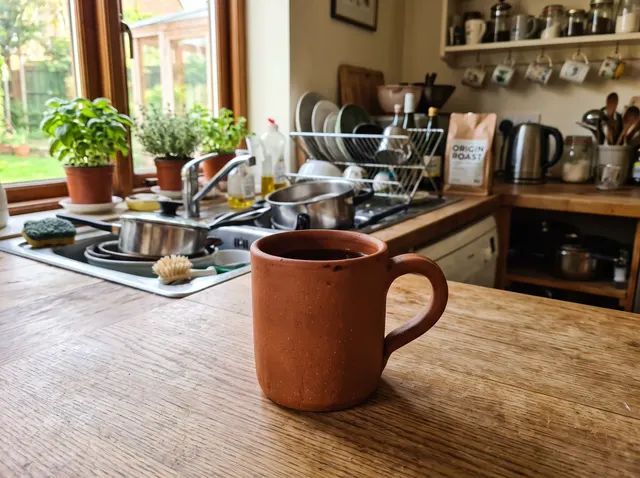
AfterOnline store listings
Shoot ten products on the kitchen table, cut them all out and put them on the same white or brand background. The catalog looks like one studio session. Packs never expire, so a 100-credit pack covers a full collection.

 After
AfterProfile photos
LinkedIn, Slack, a team page or a conference badge. Cut yourself out of the holiday photo and drop the PNG on a plain color, or use Change Background for a studio or office scene.

 After
AfterYouTube thumbnails
The big face pointing at the title. Cut the creator out, then stack the PNG over a bold background and text in your editor. Hair and hands keep their outline, which matters at small sizes.

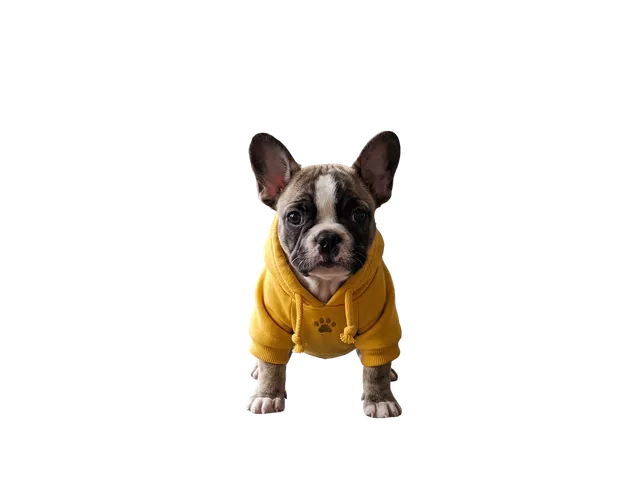 After
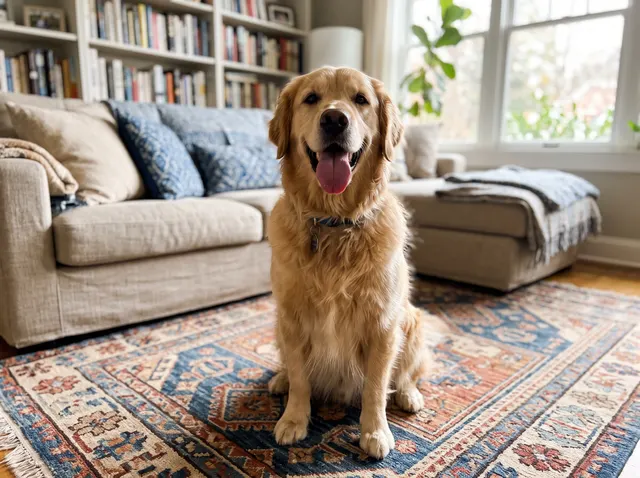
AfterStickers and print
Turn a pet photo into a sticker for WhatsApp, Telegram or a die-cut print. The transparent PNG gives the printer the exact shape to cut.
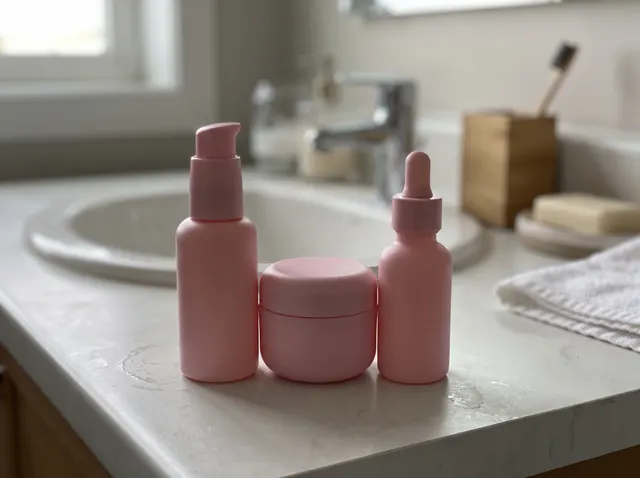
 After
AfterAds and banners
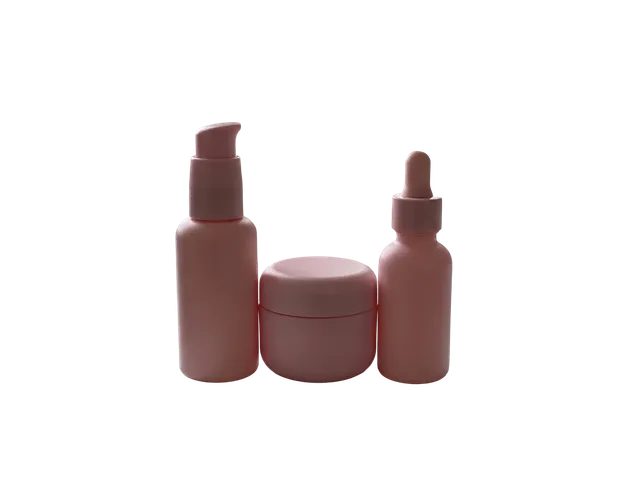
Product bundles for an ad, a hero banner or an email header. Cut each bottle, then lay them out at the size you need without re-shooting.
AI background remover vs doing it by hand
For most photos an AI cutout is as good as a careful manual mask and takes seconds. Manual work still wins on complex composites and print work at very large sizes.
| The AI Photo Editor | Manual in Photoshop | Typical free phone app | |
|---|---|---|---|
| Time per photo | About 5 s | 5–20 min | 10–30 s |
| Hair and fur | Soft edges kept | Depends on your skill | Often cut hard |
| Output | PNG with alpha, up to 3072 px | Any | Often 1080 px or less |
| Watermark | None | None | Often on free tier |
| Cost | 1 credit | Software subscription | Ads or weekly plan |
| Background after the cutout | White or any color, free | Any | A few presets |
Times measured on our 22 test photos, Oct 2026. Phone app column describes common free apps, not one product.
Fair pricing and files you can actually use
Credits back if it fails
If a removal fails or is blocked, the credit returns to your balance automatically. You only pay for results.
Packs never expire
Buy 100 credits for $9.99 and use them next week or next year. No monthly plan needed for occasional jobs.
No watermark, full size
Downloads have no watermark and keep your upload size, up to 3072 px on the long edge, on every plan including the free credits.
Photos deleted in 30 days
Uploads and results on free accounts are deleted after 30 days. Delete them yourself any time from My edits.
Real transparent PNG
Alpha channel, not a white fill. JPG with any solid color is also free once the cutout is done.
One balance, every tool
The same credits work for upscaling, object removal, new backgrounds and restoration. Nothing to buy per tool.
Every example on this page was made with our tools
Before photos were generated as everyday scenes, then run through this exact remover with no hand retouching. Hover to see the full result.




21 photos · BiRefNet v2 Dynamic at 2304 px · 1 credit each
Background remover FAQ
Something else? Email support@theaiphotoeditor.com

Remove a background now
3 free photos a day without an account. 10 free credits when you sign up. Credits back if it fails.
or drop a file anywhere on this page
Updated Oct 2026 · Tested on 22 photos