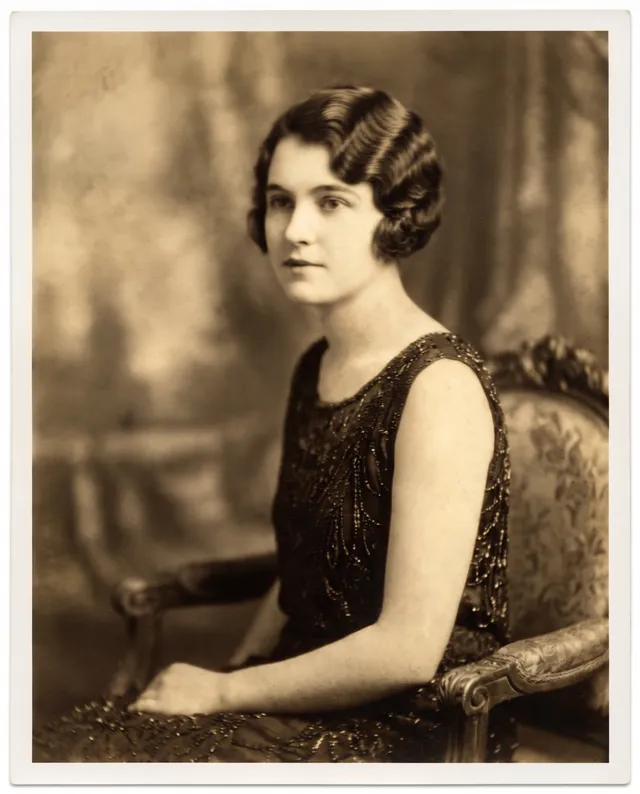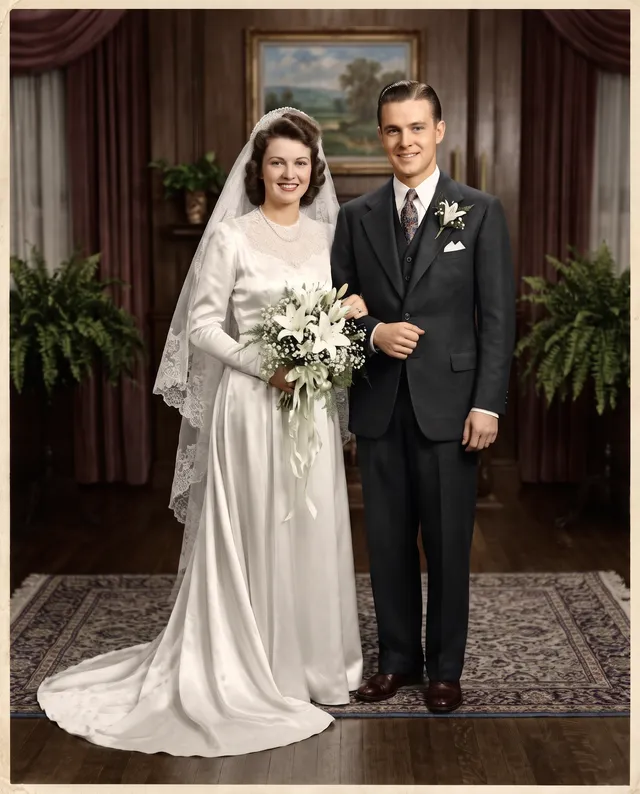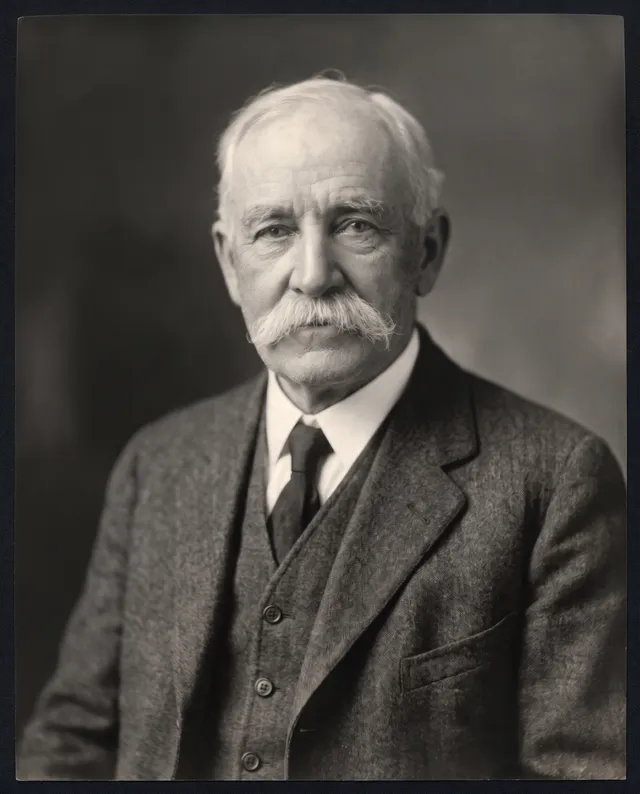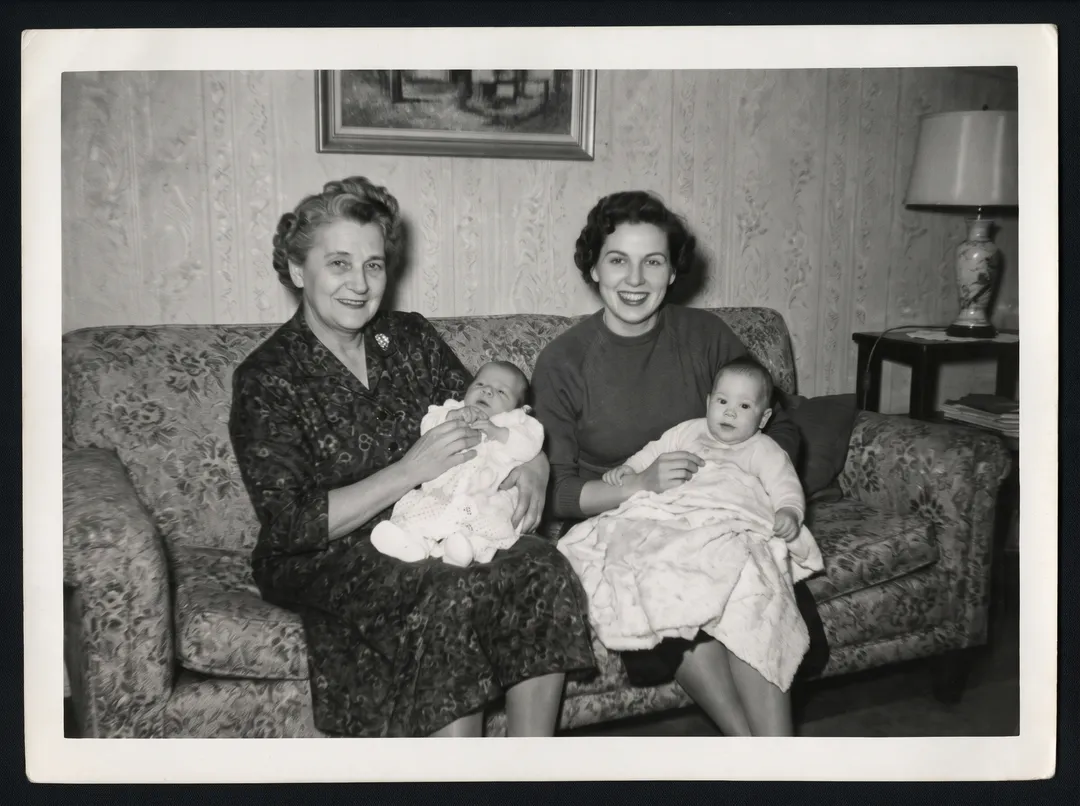
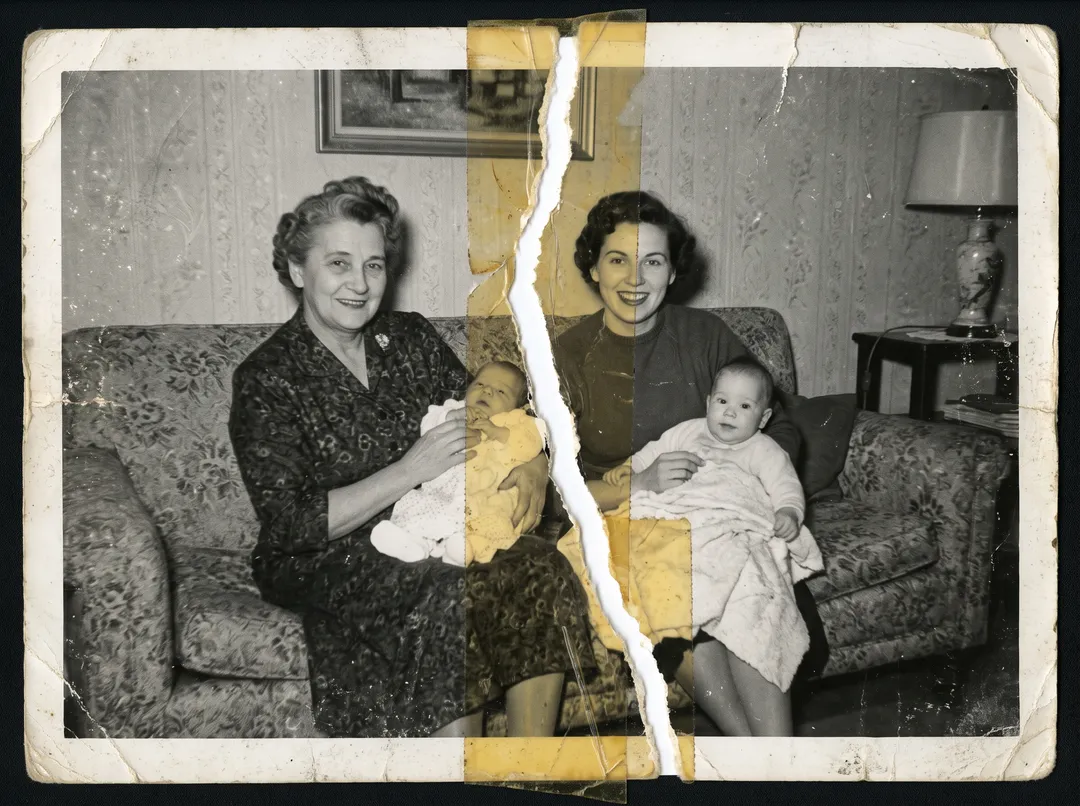
Restore an old photo in four steps
Works in a browser on a phone or a computer. Nothing to install.
Scan or photograph the print
A flatbed scanner at 600 dpi is best. With a phone, lay the print flat near a window, hold the phone straight above it and make sure there is no glare. Include the whole print and its border.
Upload the plainest copy you have
Open Photo Restoration and upload the scan as JPG, PNG, WEBP or HEIC, up to 20 MB. Do not upload a copy that has been filtered, sharpened or sent through a chat app: those add their own damage.
Pick a tone and restore
Keep the original tone, or pick color, black and white or sepia. One restore fixes scratches, dust, creases, tears, stains and fading together; you do not choose a filter for each.
Compare, check and download
Drag the handle to compare with your scan. Look closely at faces, badges, jewelry and lettering. If something looks invented, run it again. Download the full-size PNG; there is no watermark.
What a restore fixes, on real prints
Each pair is a real damaged print and the unedited result. Drag the handle to compare.
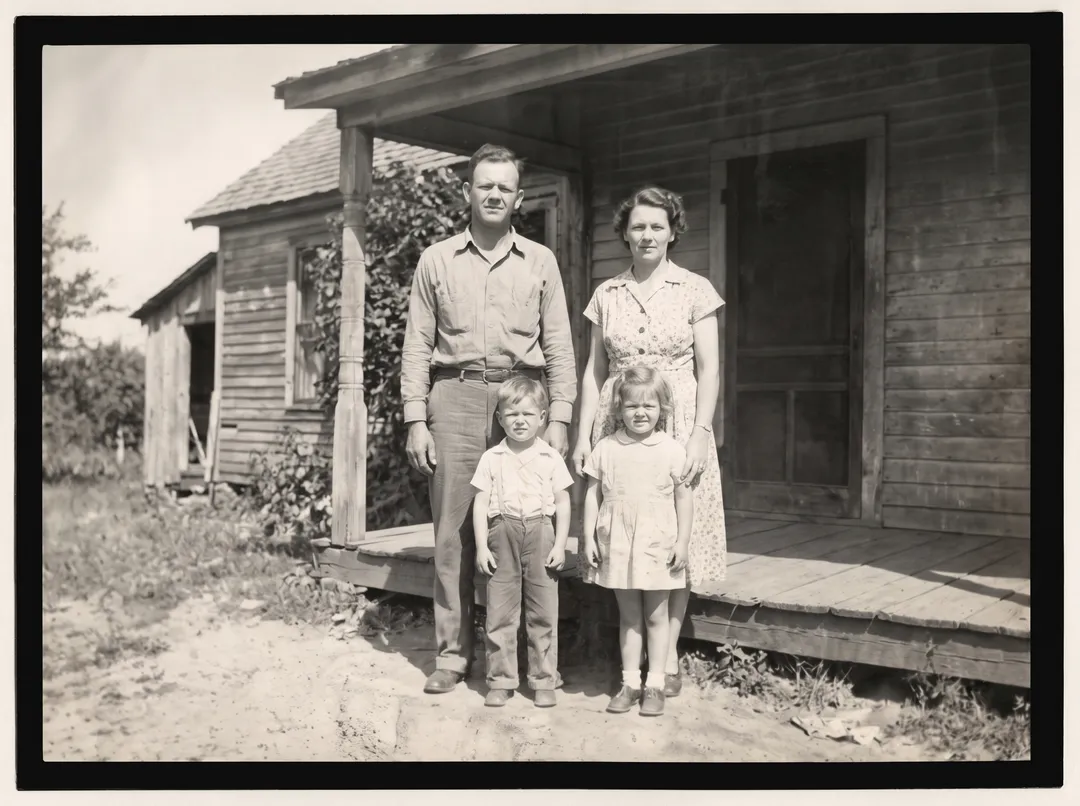 BeforeAfter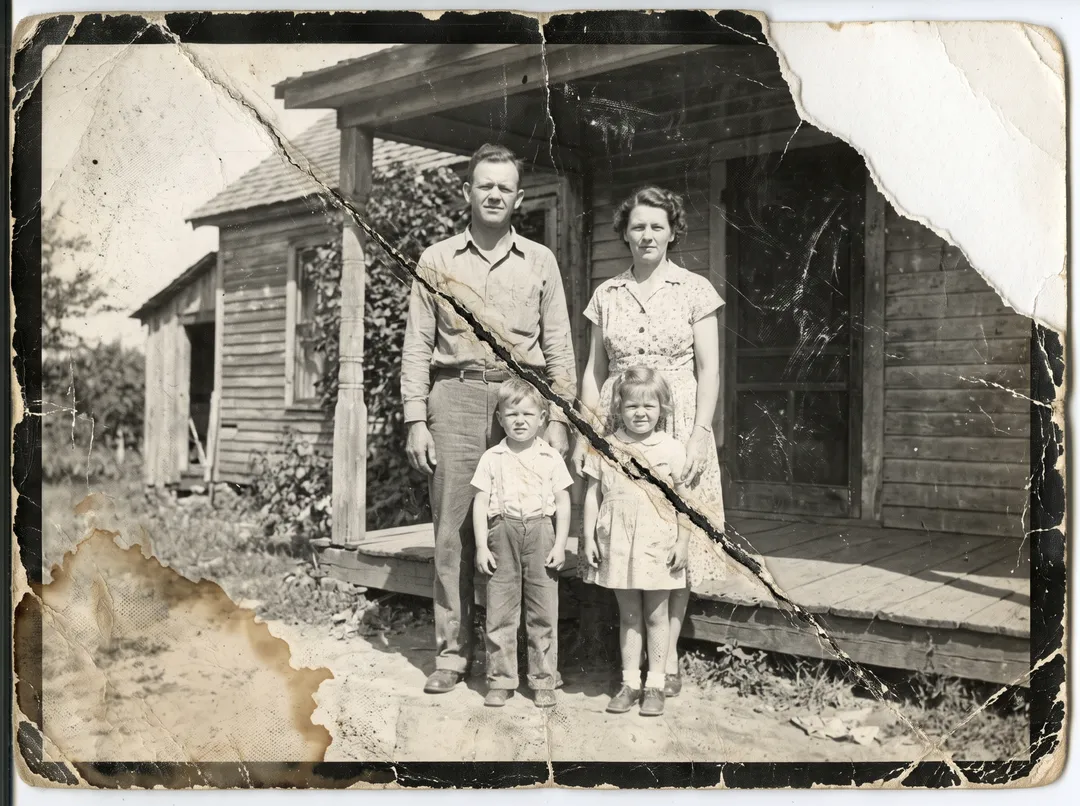
Crease, cracks, scratches and a water stain, fixed in one run. 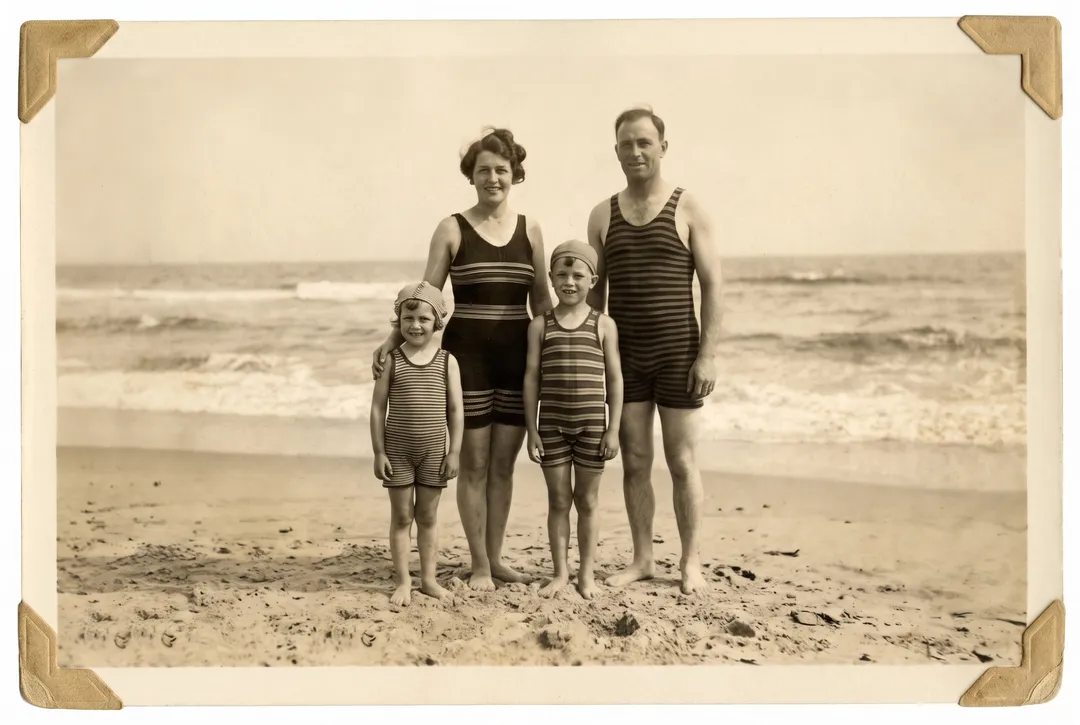 BeforeAfter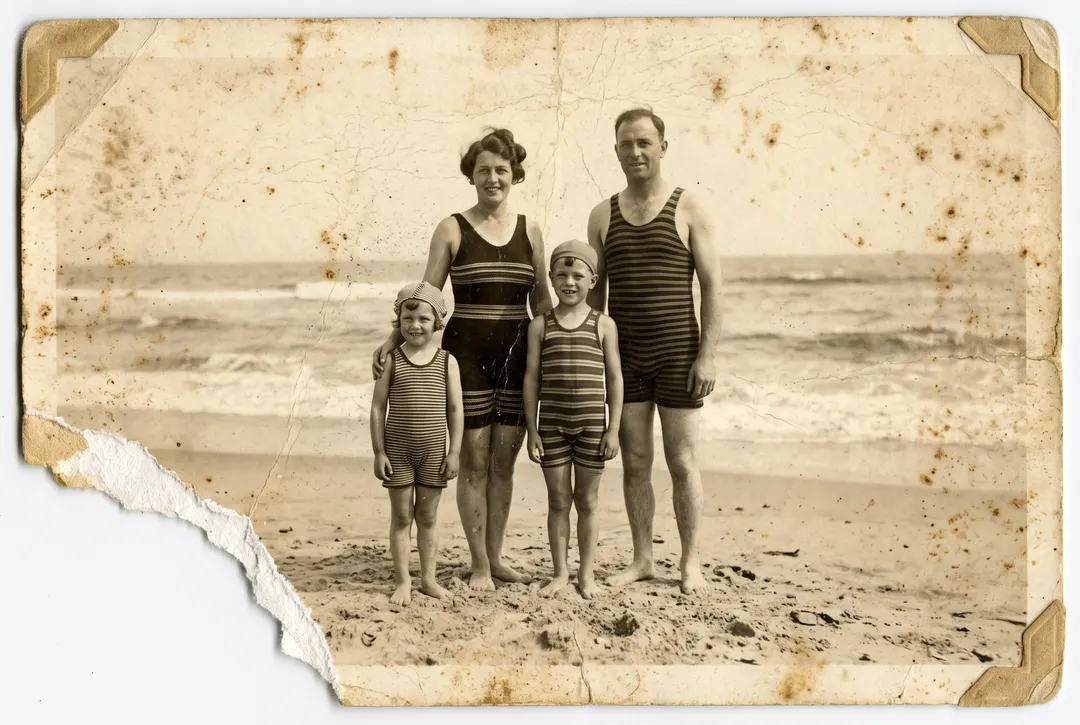
A missing corner rebuilt from the beach around it. 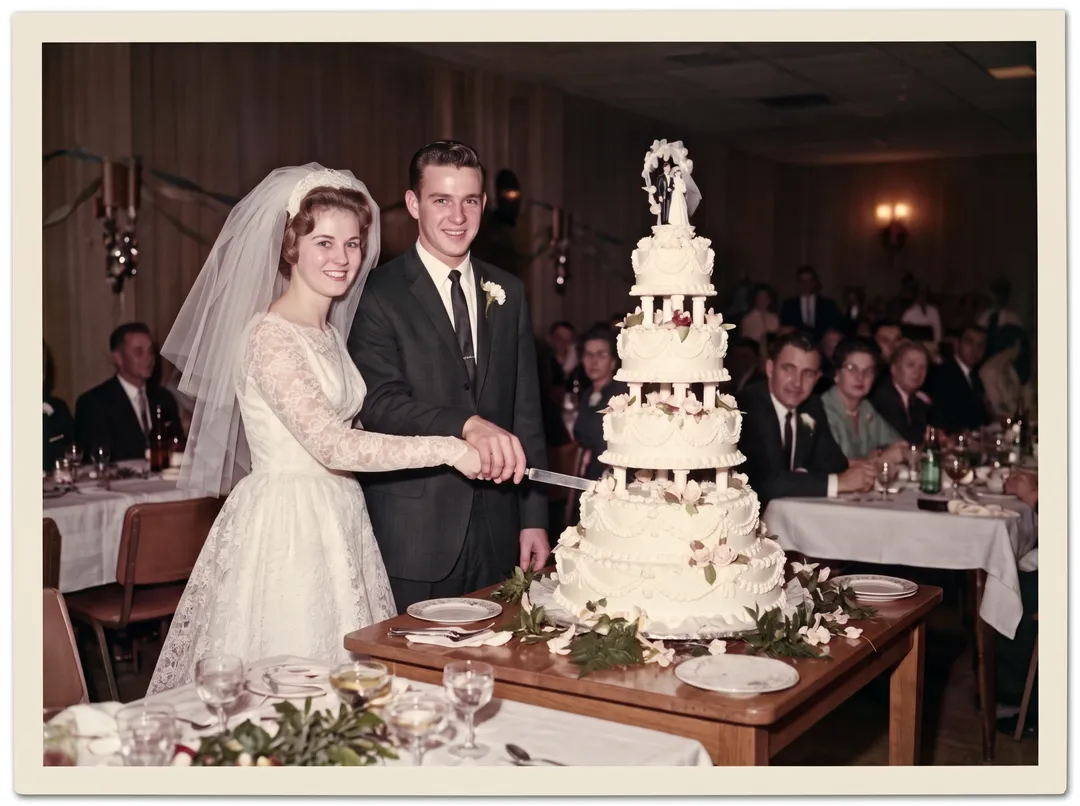 BeforeAfter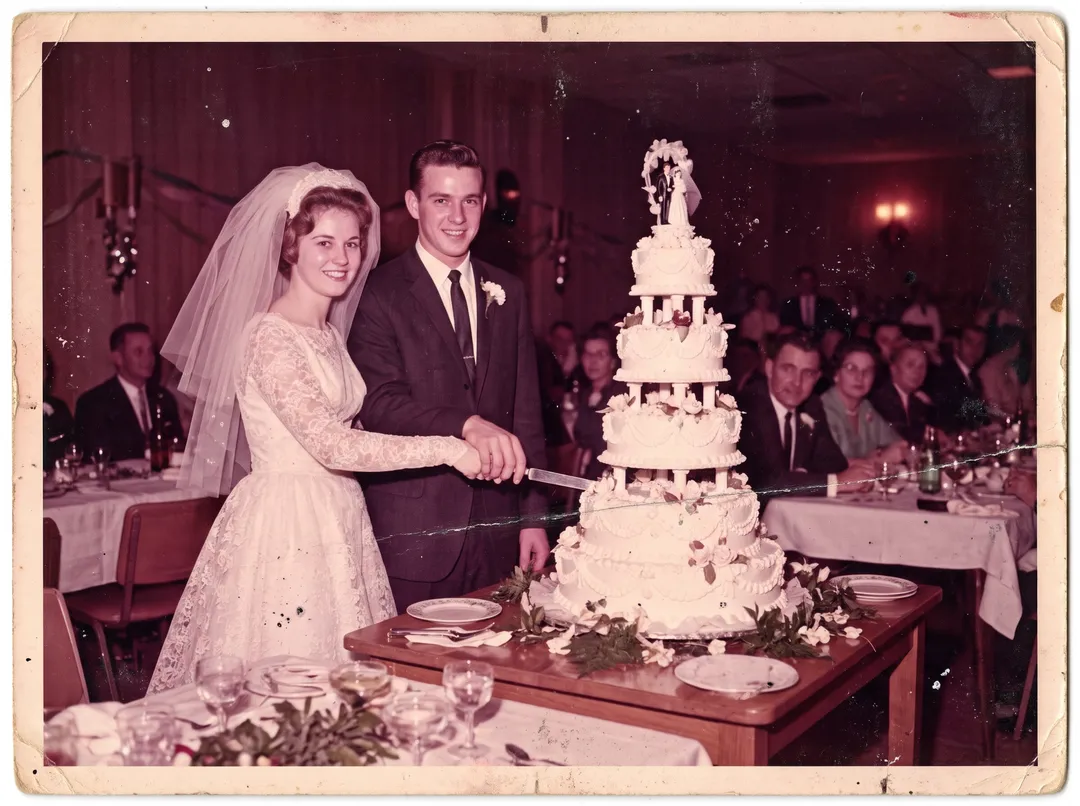
A 1960s print that had turned magenta, balanced back. 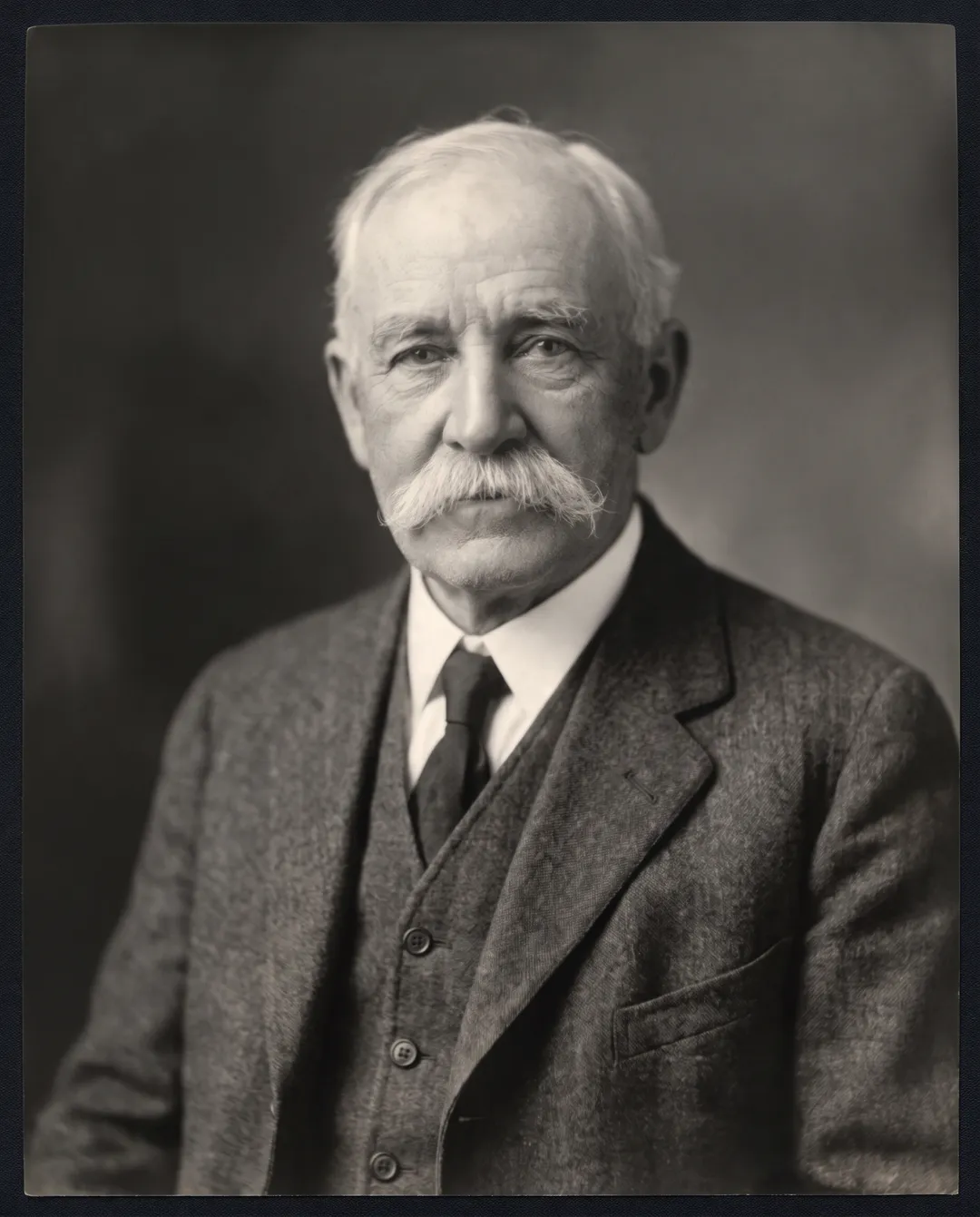 BeforeAfter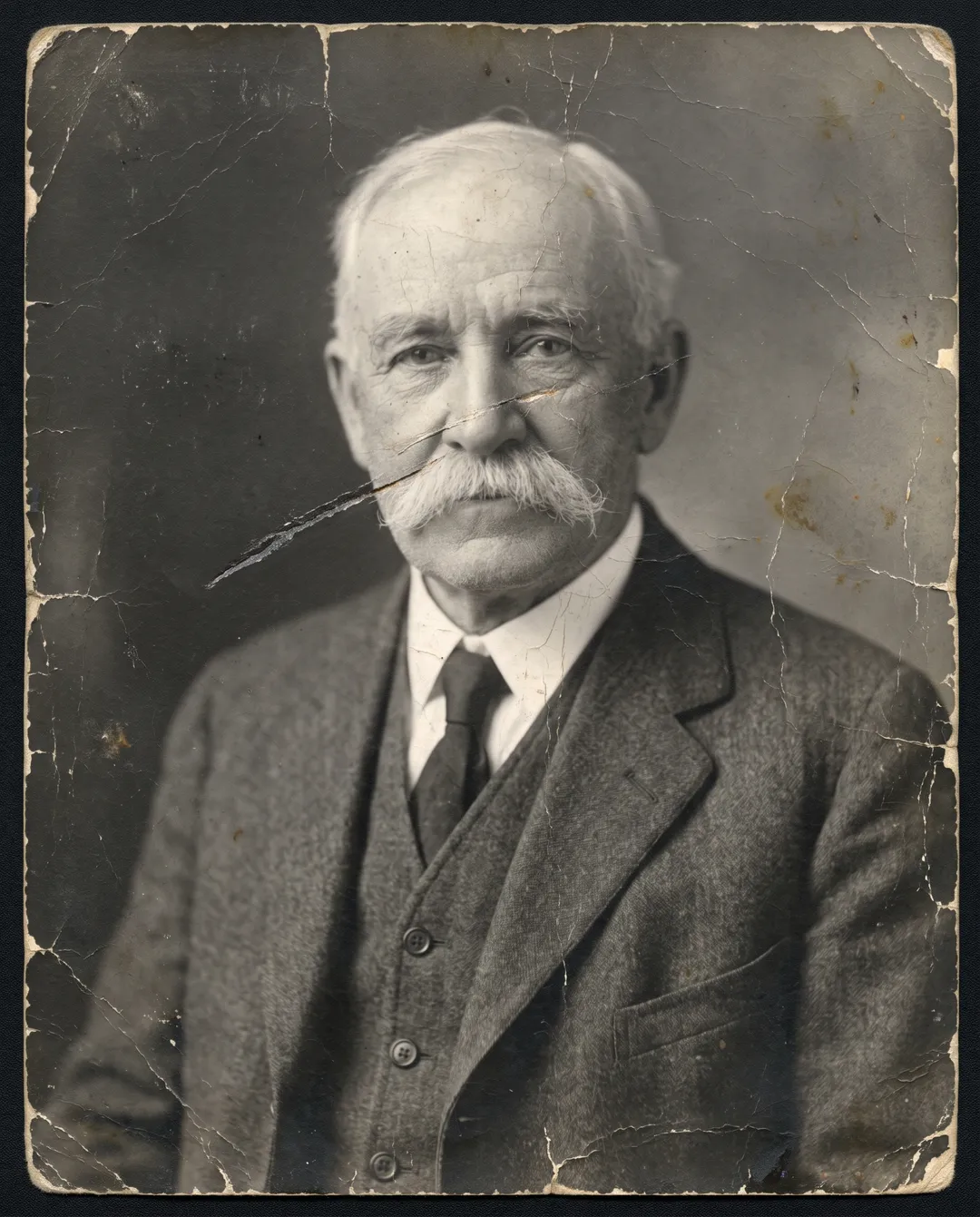
Grain and a scratch across the face removed; the face is kept.
Which damage AI can fix
From our 24 test restorations, October 2026.
| Damage | Result | What to watch |
|---|---|---|
| Scratches, dust, cracks | Removed | Nothing; this is the easy part |
| Creases and folds | Removed, image continued across the line | Faces right on the crease |
| Tears and taped prints | Closed; the lost strip is rebuilt | Rebuilt parts are new pixels, so check faces near the tear |
| Missing corners | Rebuilt from what is around them | Large missing areas are invented, not recovered |
| Water stains, mold, foxing | Removed | Very dark stains over a face |
| Faded or color-shifted prints | Balanced | Strong magenta or orange casts are only partly fixed |
AI restoration vs the other ways
| AI restoration | Professional retoucher | Photo editor by hand | |
|---|---|---|---|
| Time | About a minute | Often days | Hours per photo |
| Cost | 2 credits a photo; 10 free credits at sign-up | Priced per photo | Editor license and your time |
| Tears and missing parts | Rebuilt from the surrounding image | Rebuilt by hand, closest to the real photo | Hard without retouching skills |
| Best for | Most family photos | A badly damaged photo where the exact face matters | Small fixes you want full control over |
The AI column is from our tests. The other columns are typical ranges, not measurements.
Five scan tips that change the result
Scan at 600 dpi or more
A small print at 600 dpi gives the model more of the real face. Below 300 dpi, fine detail has to be guessed.
Kill the glare
Shoot near a window, not under a ceiling light, and tilt glossy prints until the bright patch is gone. Glare looks like damage and gets painted over.
Straighten before you upload
The restore keeps the framing, so a crooked crop stays crooked.
Take it out of the frame
Glass adds reflections and the mount hides part of the print.
Keep the original scan
Save it next to the restored copy. Restored photos contain new detail drawn by AI.
What AI restoration cannot do
- Missing faces are not recovered. A tear across an eye is rebuilt well. If most of a face is gone, what comes back is a new face, not the person.
- Small details can be invented. In one of our runs the model added a ribbon bar to a uniform that had none. A second run was correct.
- Colors on a black-and-white photo are a guess. If you colorize, a dress or a car may not have been that color.
- Not for evidence or archives. Keep the original scan wherever the exact image matters.
- Output is about 2K (2300 to 2600 px on the long edge). For a large print, run the result through the Image Upscaler.
Questions about restoring old photos
Yes, to start. A free account gets 10 credits with no card, enough for 5 restorations. After that, packs start at $9.99 for 100 credits that never expire.
No. A phone photo works if the print is flat, evenly lit and free of glare. A 600 dpi scan gives the best faces, especially on small prints.
In our tests faces stayed the same people, with wrinkles and features kept. Where a face was badly torn or stained, the rebuilt part is new, so compare it with the scan.
Yes. Pick Color as the tone before you restore. To colorize a print that has no damage, use Colorize Photo instead.
Uploads are never used to train models. On free accounts, photos and results are deleted after 30 days, and you can delete any of them yourself.
Last checked Oct 24, 2026 First published. Steps and limits checked against 24 test restorations.