AI Photo Restoration
Upload a scan or a phone photo of an old print. Scratches, creases, tears, stains and fading are repaired in one pass, faces and framing stay as they were, and you can keep the original tone or colorize it.
- 10 free credits at sign-up
- 2 credits a photo
- No watermark
- Scratches, creases, tears, stains
- Faded color fixed or colorized
- No watermark
- Credits back if it fails
- Model: Nano Banana 2
Five kinds of damage, one upload
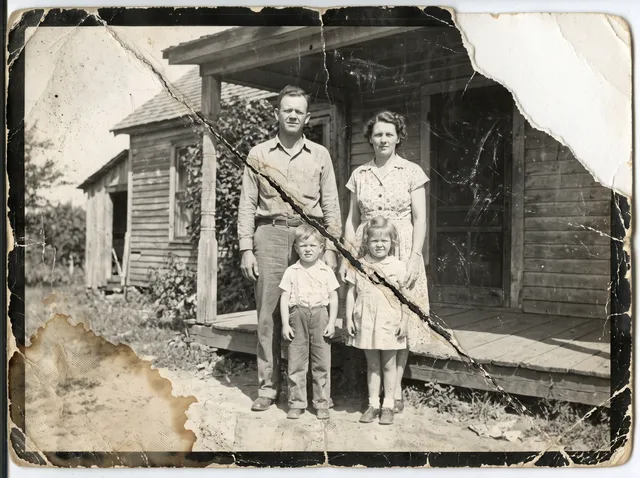
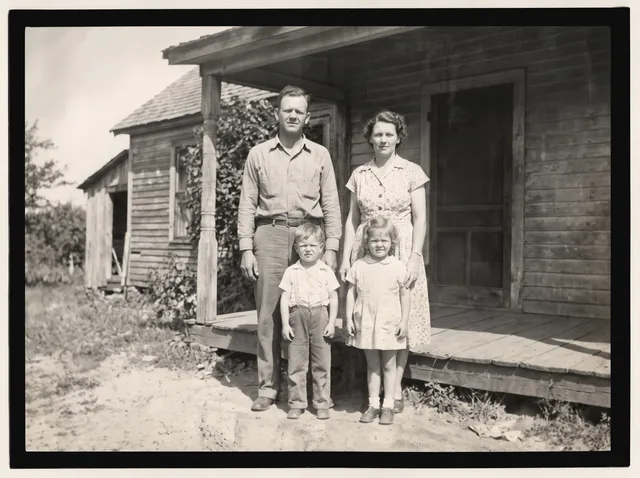
Every example is a real damaged print and the real result from this tool, with no retouching after. Drag the handle to compare.
Restore old photos in one pass
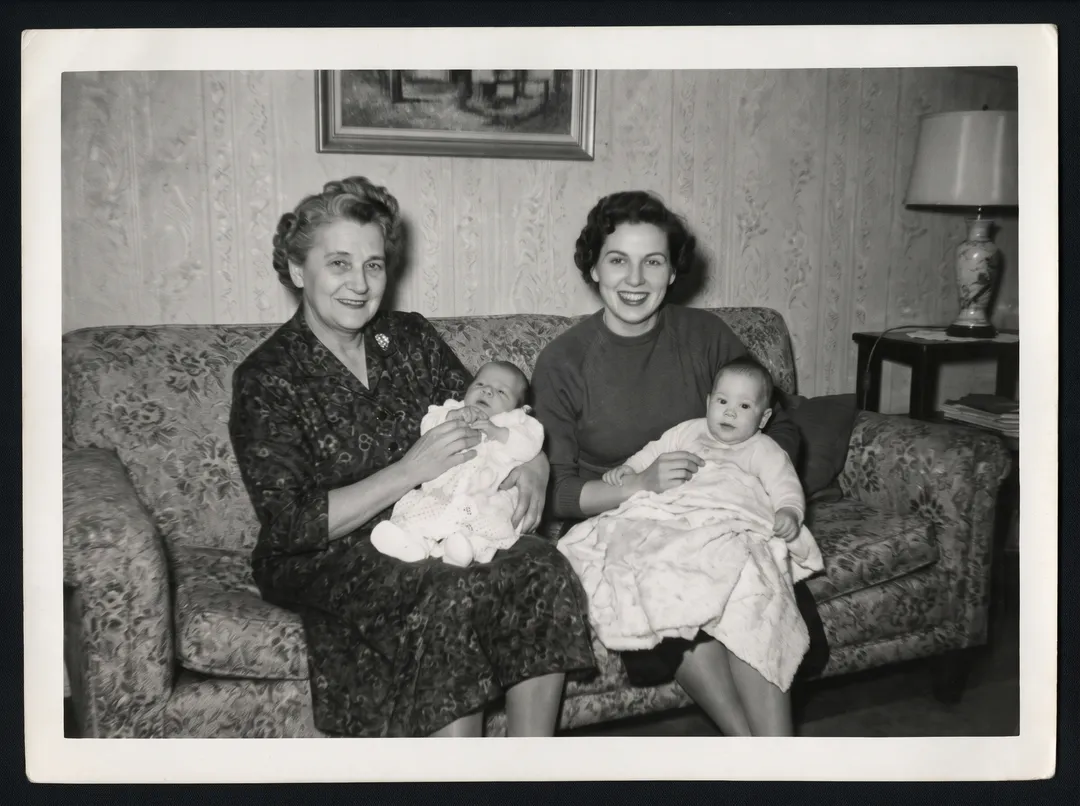
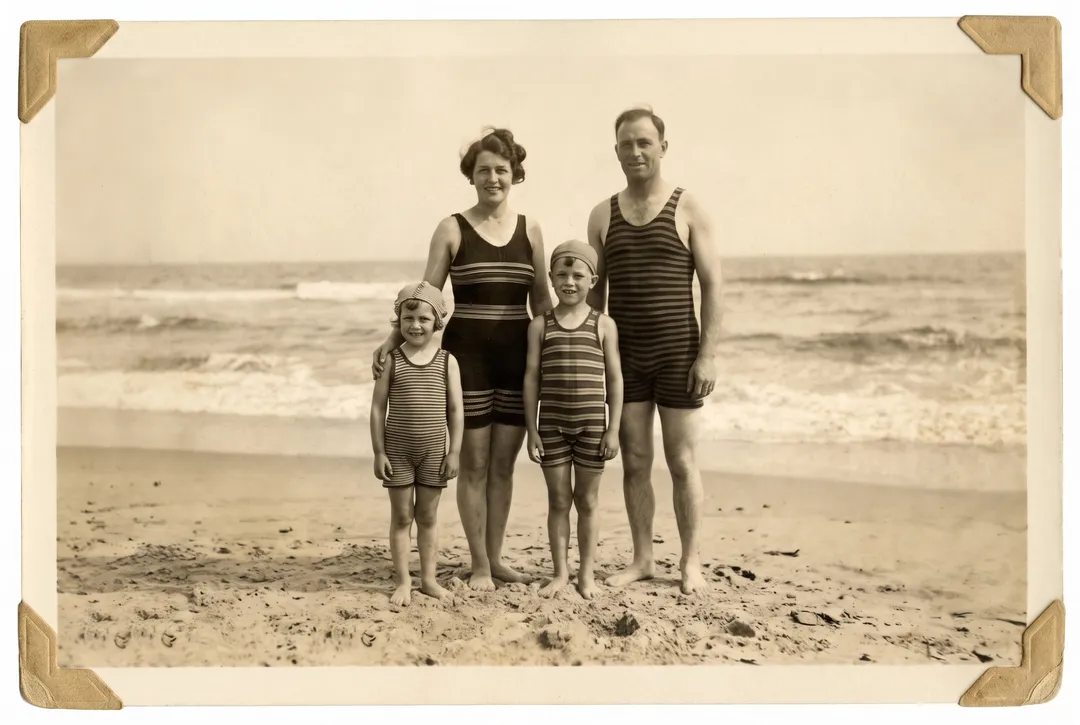
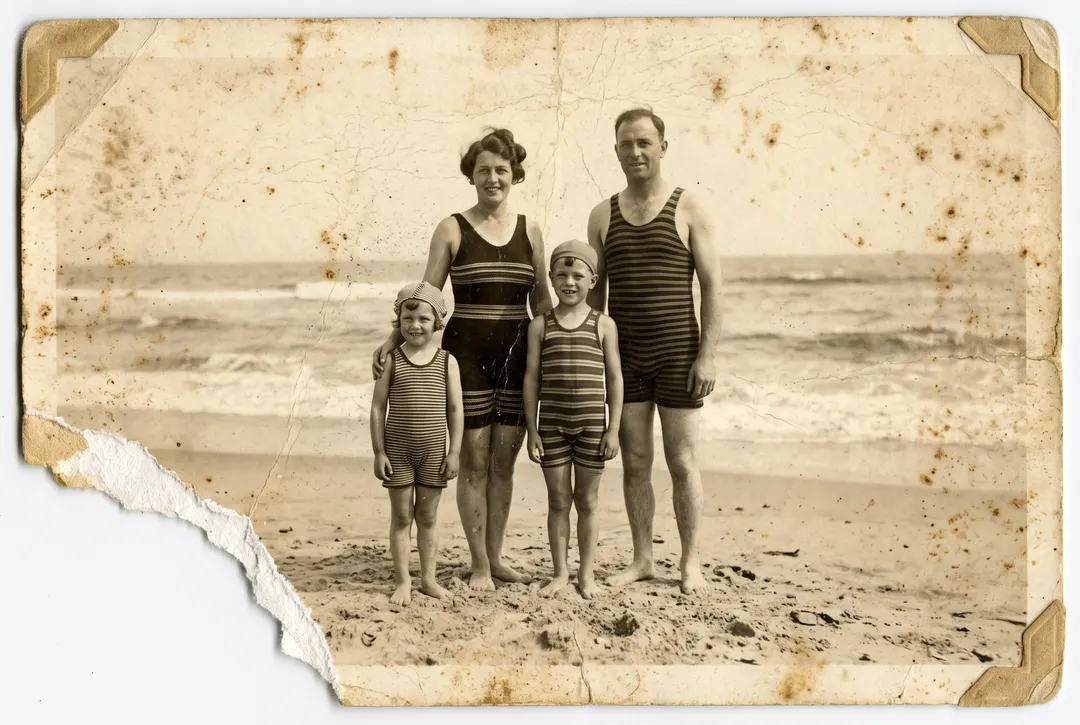
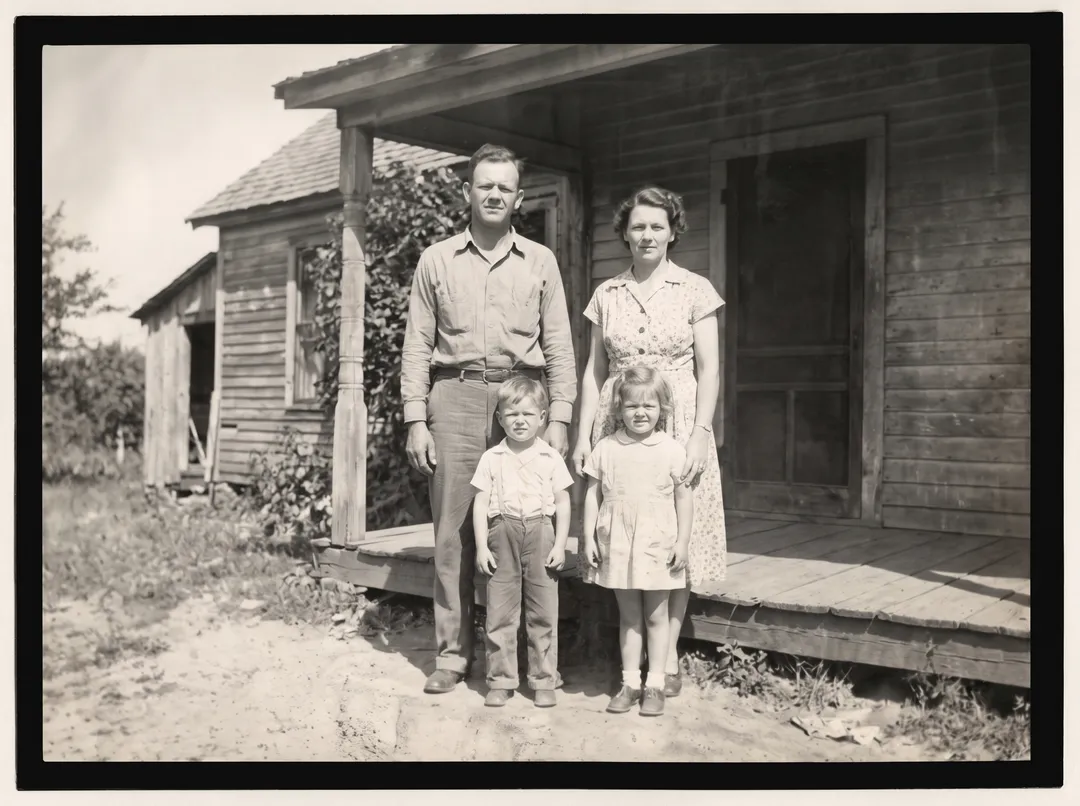
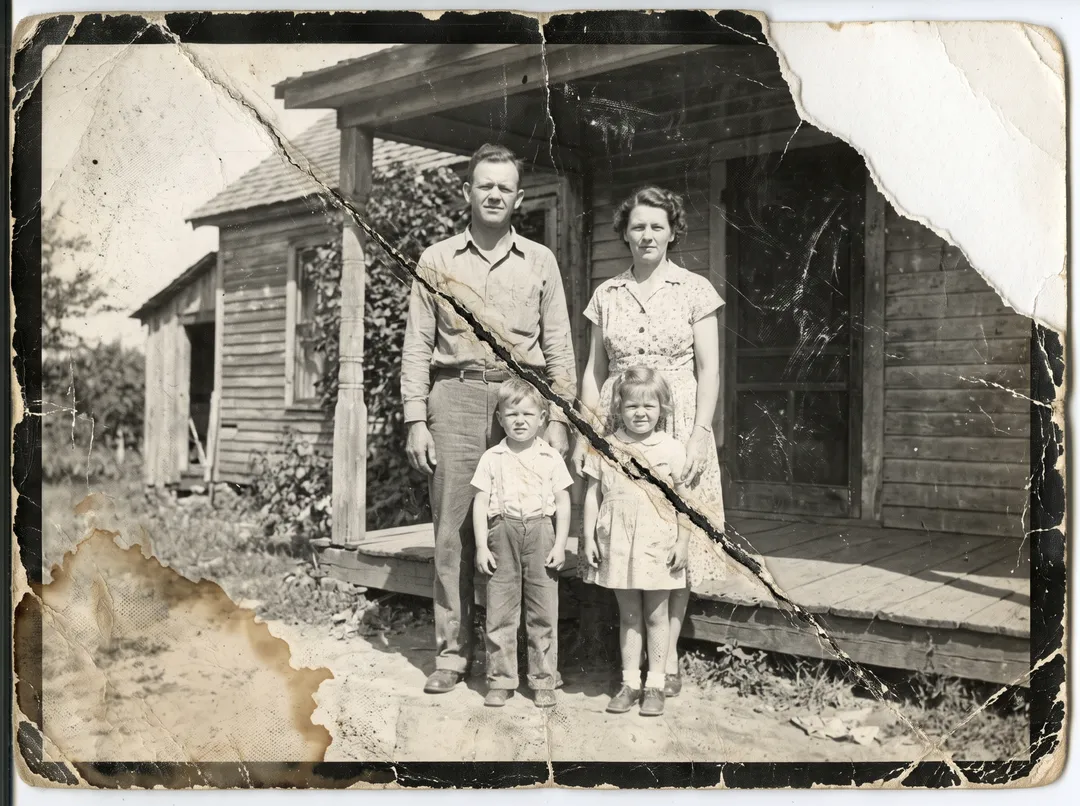
Most old prints have several problems at once: a crease from a wallet, cracks in the emulsion, scratches from a shoebox and a water stain from a damp attic. You do not need to pick a filter for each. The restore removes all of them together, then brings back contrast so faces and clothing read clearly again. The way the photo was framed is kept.
Repair a torn photo
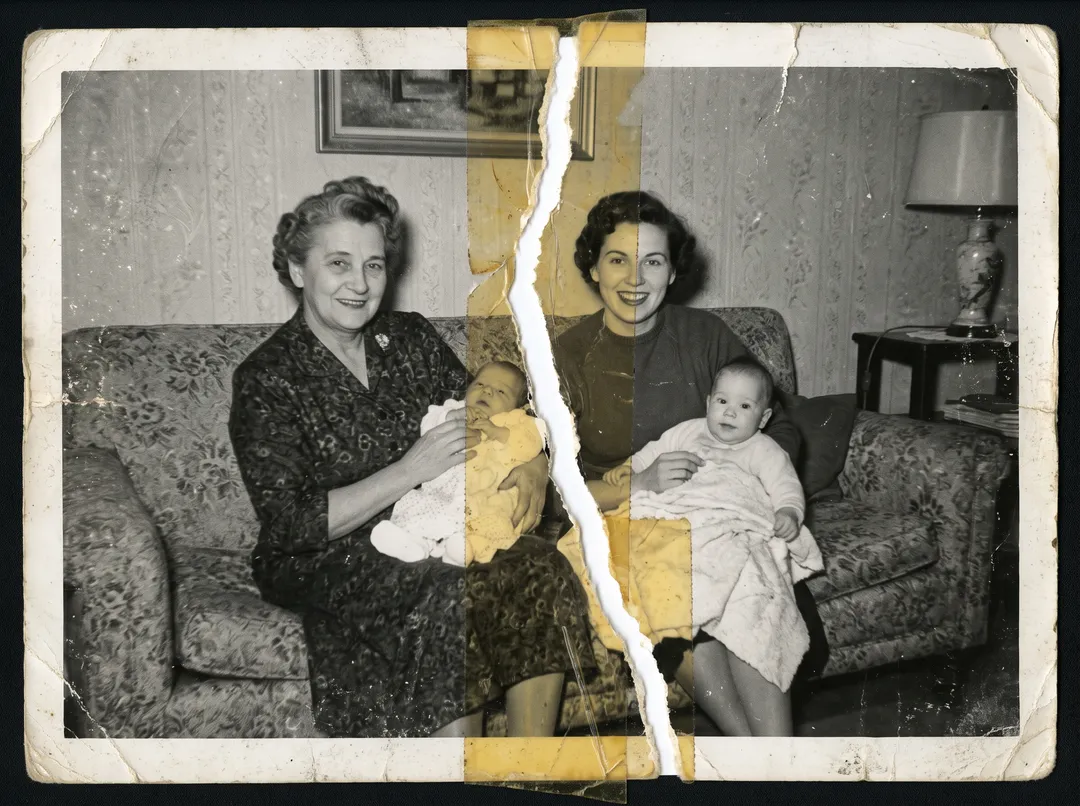
This print was torn in half and taped back together. The tear ran between the two women and through a baby’s blanket. The restore removes the tape, closes the tear and rebuilds the strip of image that was lost along it, so the sofa pattern and the dresses continue across the join. Larger missing pieces are rebuilt from what is around them, so check faces close to a tear.
Colorize black-and-white photos
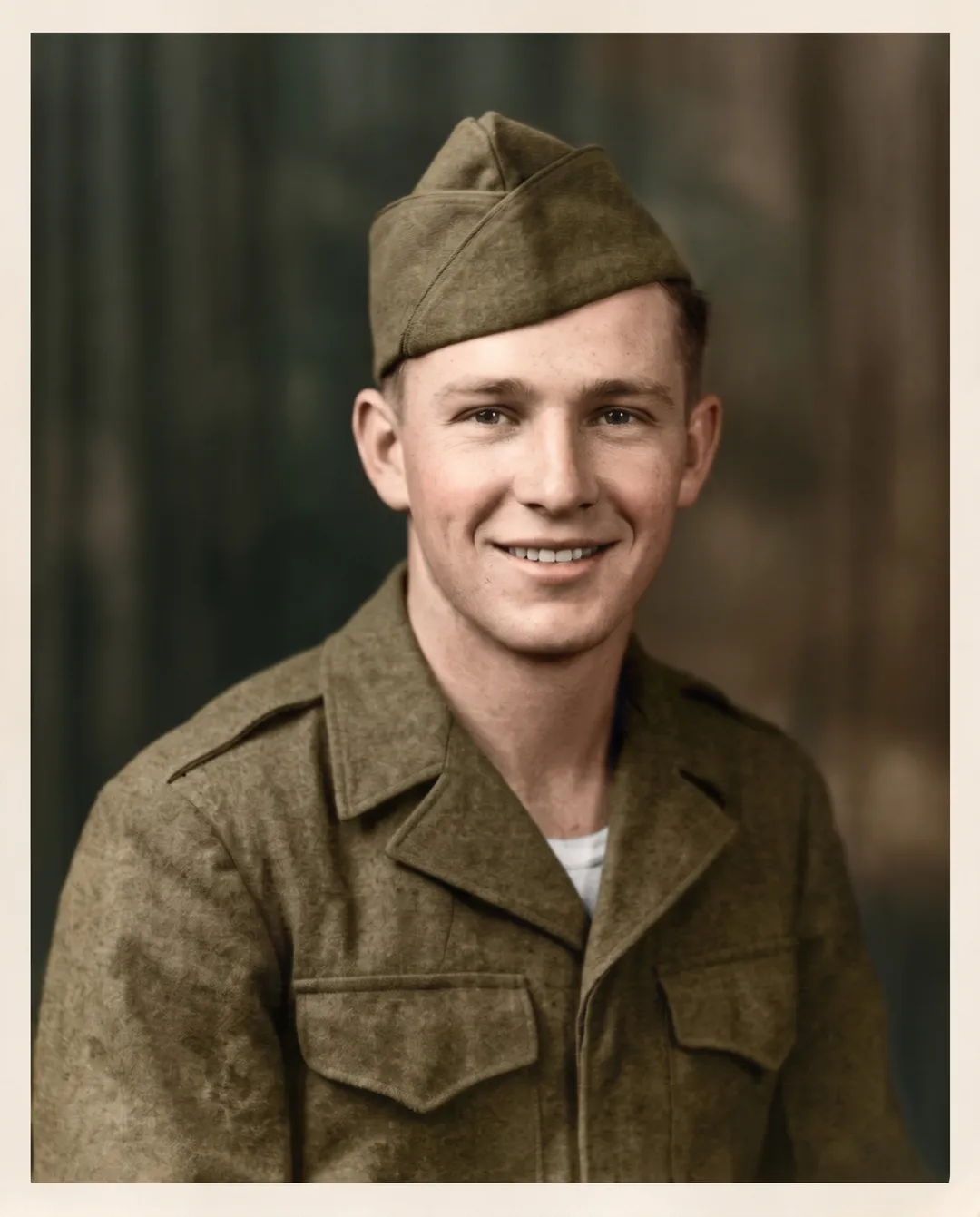
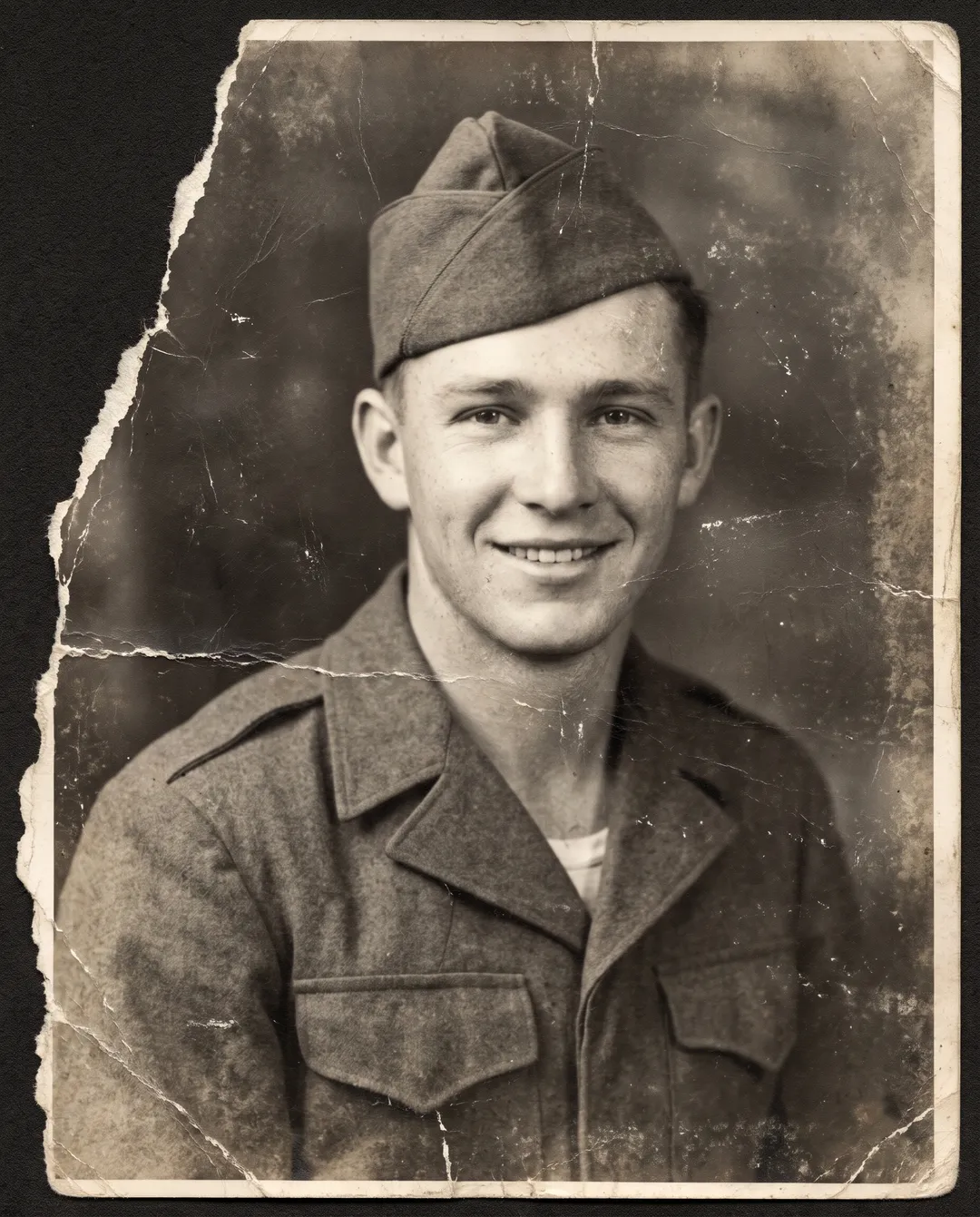
Pick Colorize before you restore, and the photo comes back repaired and in color: skin tones, an olive uniform, a painted studio backdrop. The colors are chosen to fit the era, not recovered from the print, because a black-and-white photo has no color to recover. If you know the real colors, keep the original tone instead.
Fix blurry, grainy faces
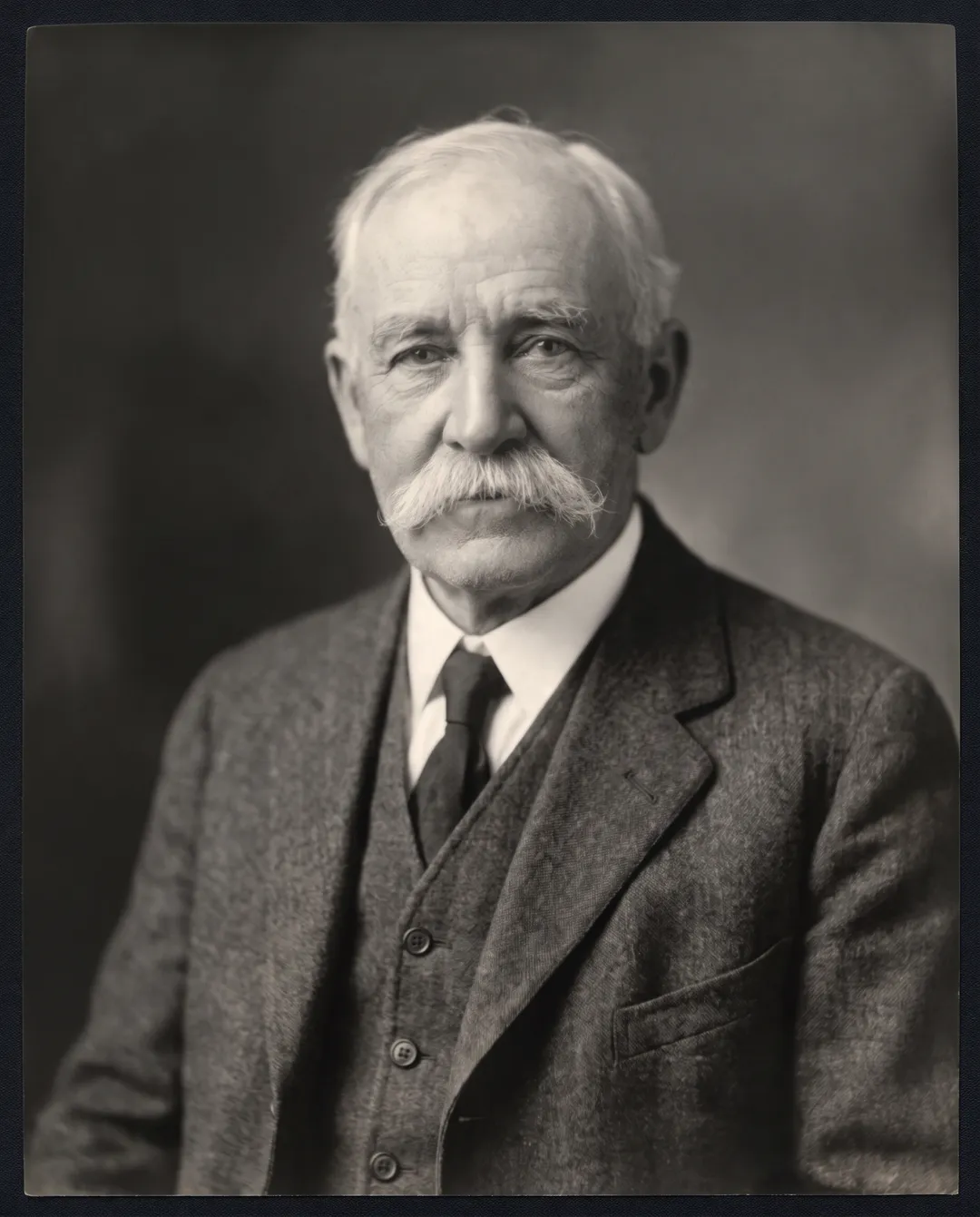
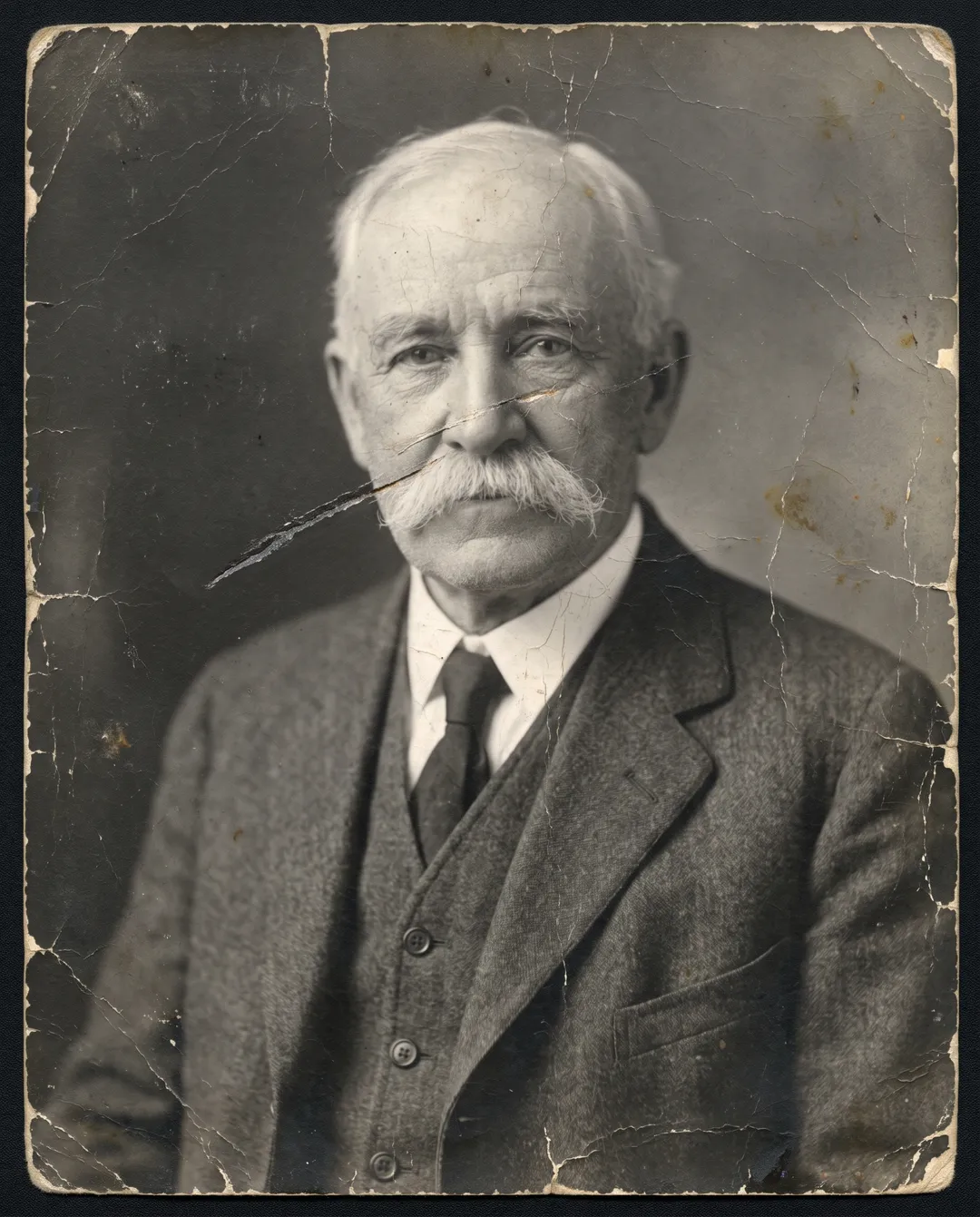
Studio portraits from a century ago often survive as soft, grainy copies with a scratch across the face. The restore sharpens the eyes, the moustache and the weave of the jacket and removes the scratch, while keeping the face the same person. It does not give an old face smooth skin or a new expression.
Fix faded color photos
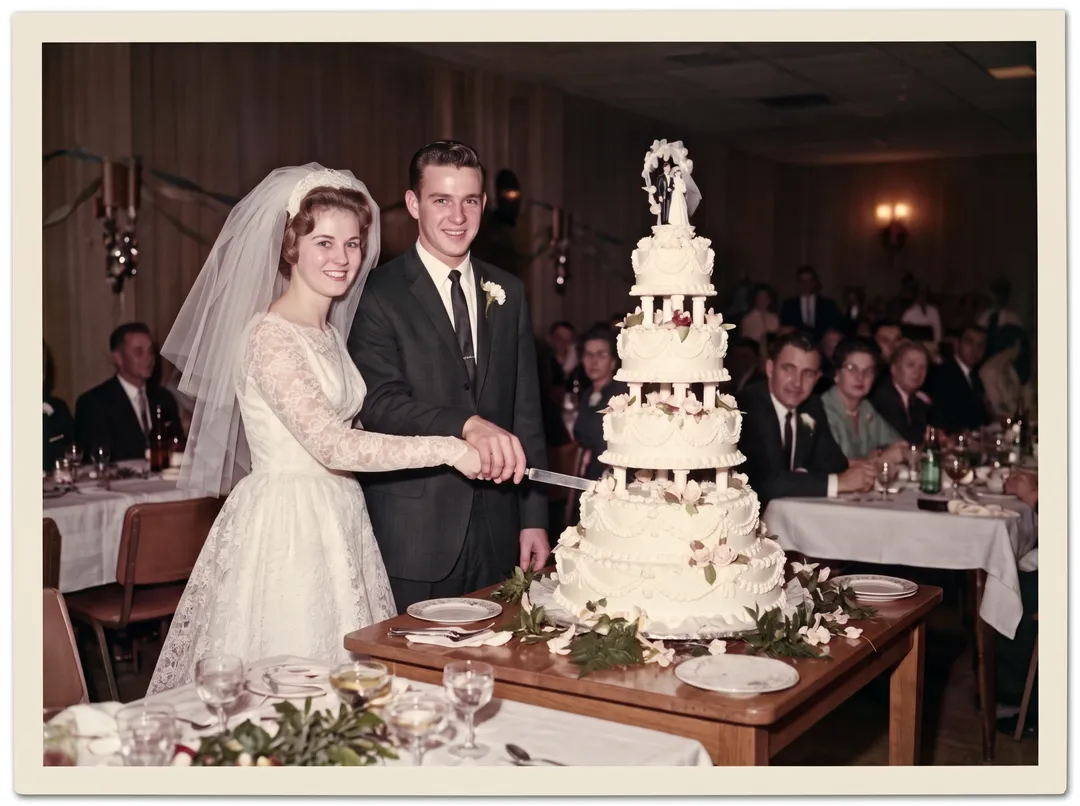
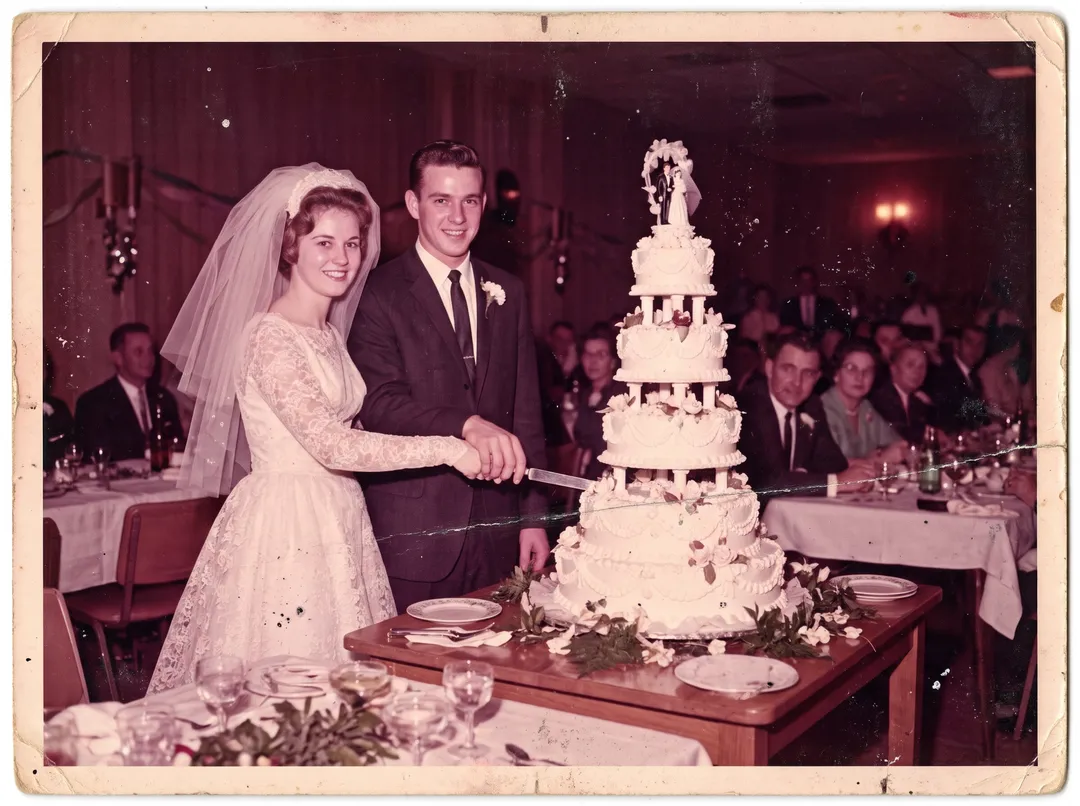
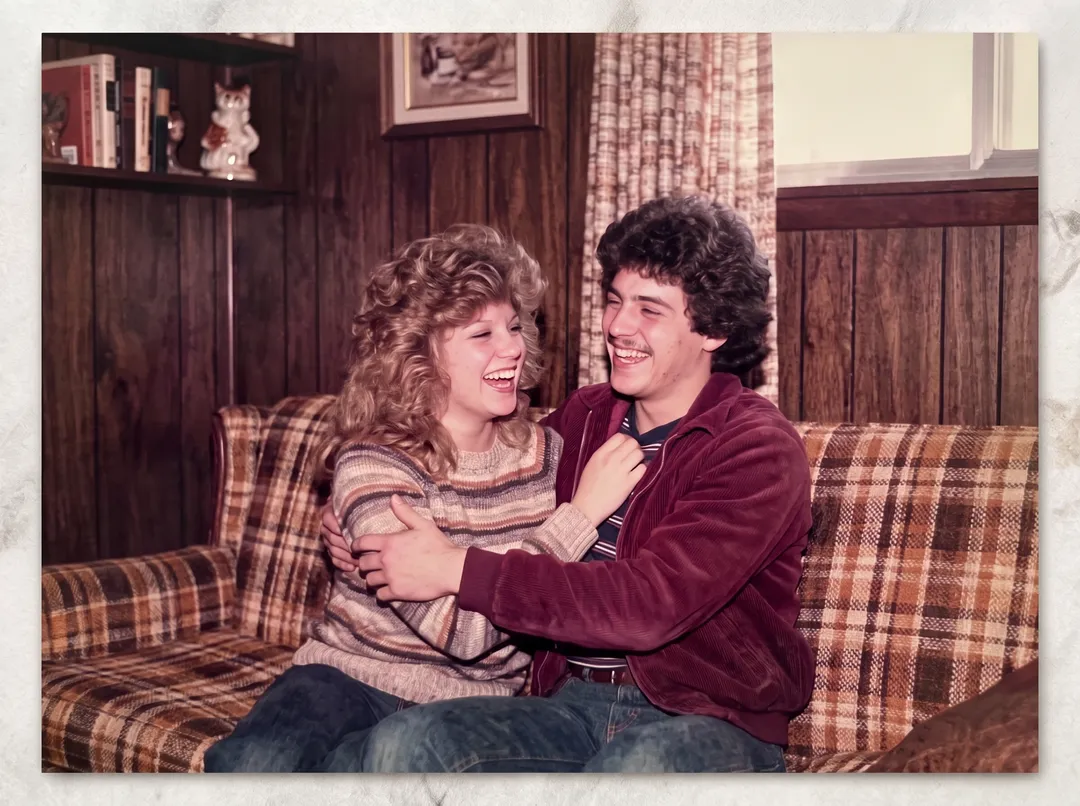
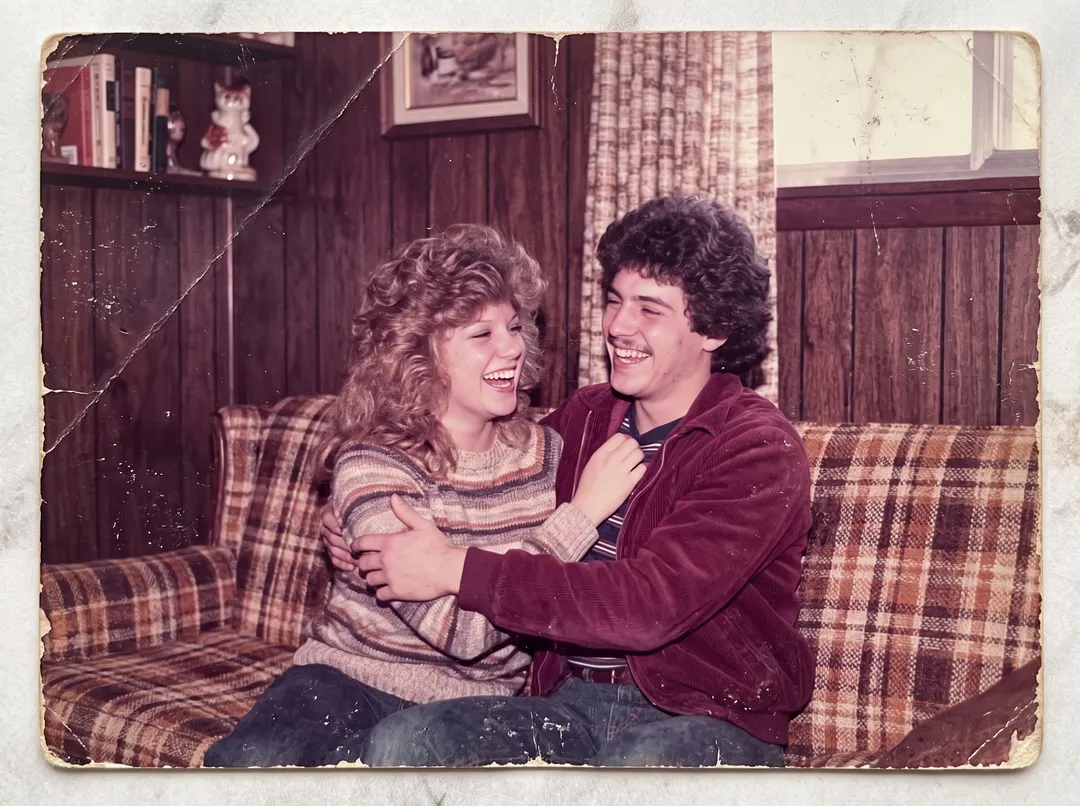
Color prints from the 1960s to the 1980s fade unevenly. The cyan dye goes first, so whole photos turn magenta, red or orange. The restore balances the color again, so the dress is white, the suits are dark and the wood looks like wood. Strong casts are not always fully removed; see the limits below.
24 damaged photos, restored
Family snapshots, studio portraits, weddings, service portraits, places and faded color prints. Each one shows what was wrong with the print. Drag the handle to compare.
Keep the original tone, or choose another
The same damaged print, restored four times. The repair is the same; only the tone changes. Each run costs 2 credits.
Keeps the photo the way it was printed. A black-and-white print stays black and white, a color print keeps its colors with the fading corrected. This is the default and the safest choice.
The tone is set before the restore runs. To try another tone, run the photo again.
How to restore an old photo
Three steps in the browser, on a phone or a computer.
- 1
Scan or photograph the print
Use a flatbed scanner at 600 dpi if you have one. A phone works too: lay the print flat near a window, hold the phone straight above it and avoid glare. JPG, PNG, WEBP or HEIC up to 20 MB.
- 2
Pick a tone and restore
Keep the original tone, or pick color, black and white or sepia. Each restore costs 2 credits and needs a free account, which starts with 10 credits.
- 3
Compare and download
Drag the handle to compare with your scan, then download a full-size PNG with no watermark. If a run fails, the credits go back to your balance.
Five tips for a better restore
Scan at 600 dpi or more
A small print scanned at 600 dpi gives the model more of the real face to work with. Below 300 dpi, fine detail has to be guessed.
Avoid glare from glossy prints
Shoot near a window, not under a ceiling light, and tilt the print a little if you see a bright patch. Glare looks like damage and gets painted over.
Keep the whole print in frame
Include the border. The restore keeps the framing, so a crooked crop stays crooked. Straighten it before you upload.
Upload the scan, not an edited copy
Filters, sharpening and heavy compression from a chat app add their own damage. Start from the plainest copy you have.
Check faces and small details
Compare faces, badges and lettering with the scan before you print. If something looks invented, run it again; results vary from run to run.
What restoration cannot do
These came up in our own tests. Check them before you print a restored photo or share it with family.
Strong color casts are only partly fixed
This 1980s print had a heavy magenta cast. The scuffs and the crease were removed, but the result is still warmer and pinker than the scene was. On prints like this, run it again or pick black and white.
Left: the damaged print · Right: restored, tone kept
Colorized colors are a guess
A black-and-white photo has no color in it. The model picks colors that fit the era, which may not be the real color of a dress, a car or someone’s eyes.
Small details can be invented
In one run the model added a ribbon bar to a uniform that had none. A second run was correct. Check badges, medals, jewelry and lettering.
Missing faces cannot be recovered
A tear or stain that crosses an eye is rebuilt well. If most of a face is gone, what comes back is a new face, not the person.
Not for evidence or records
Restored photos have new detail drawn by AI. Keep the original scan for archives, legal use or anything where the exact image matters.
Output size: about 2K, 2300 to 2600 px on the long edge in our tests, as a PNG. For a large print, run the result through the Image Upscaler.
Who restores old photos, and why
Hover a card to see the damaged print.
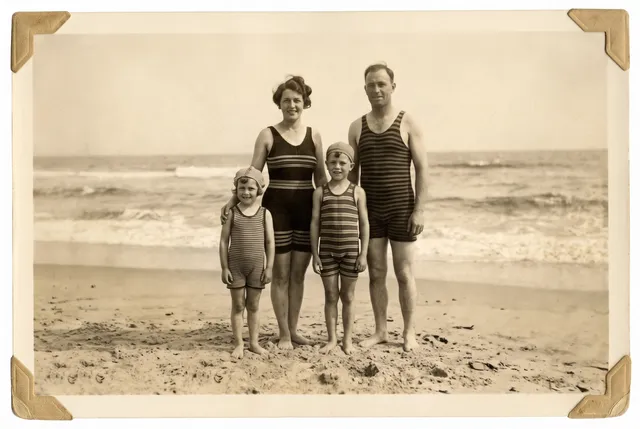
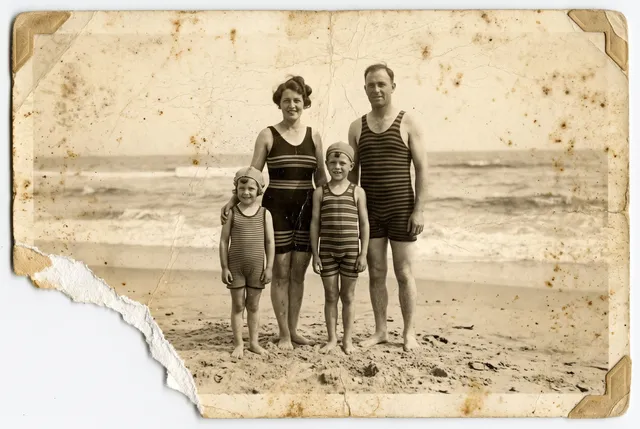 Before
Family albums
Bring a shoebox of prints back to life before they fade further, and share copies with everyone in the family.
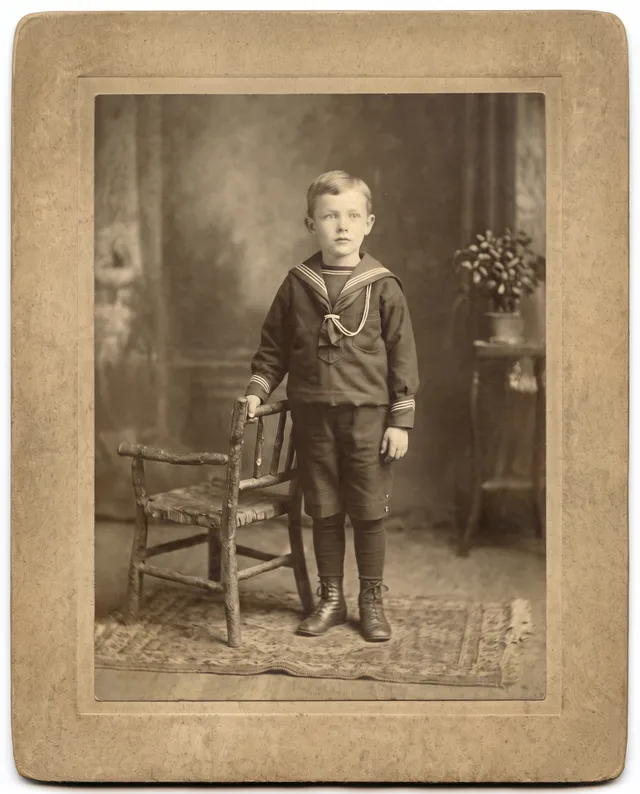
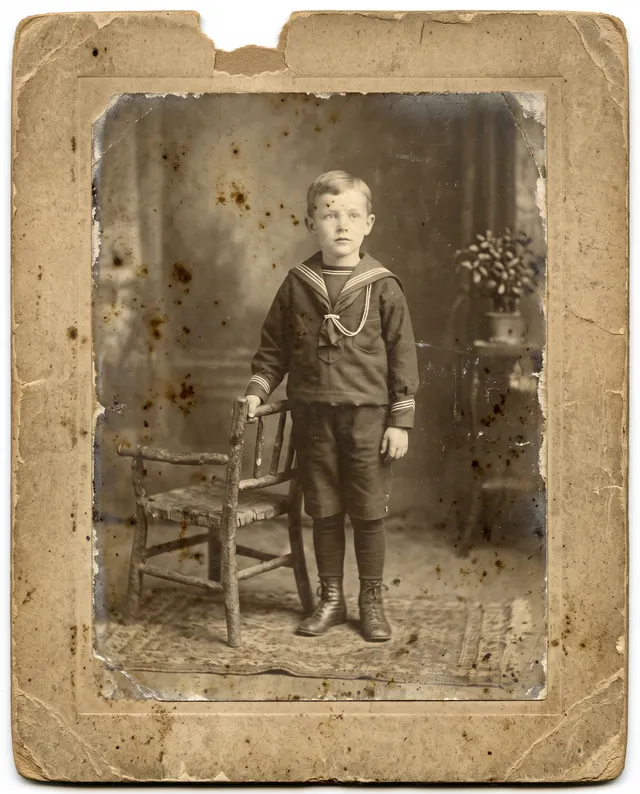 Before
Genealogy and family history
Make a faded cabinet card readable again for a family tree, a history book or a reunion slideshow.
 Before
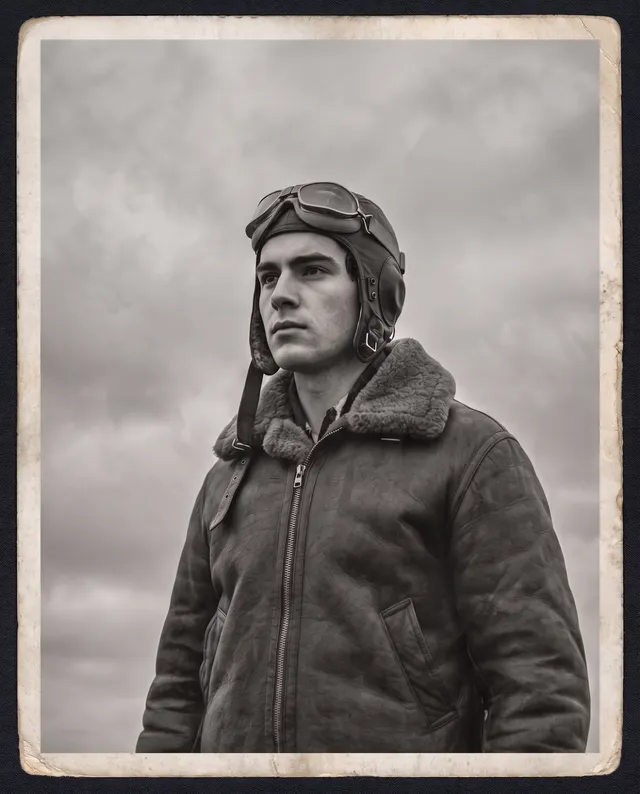
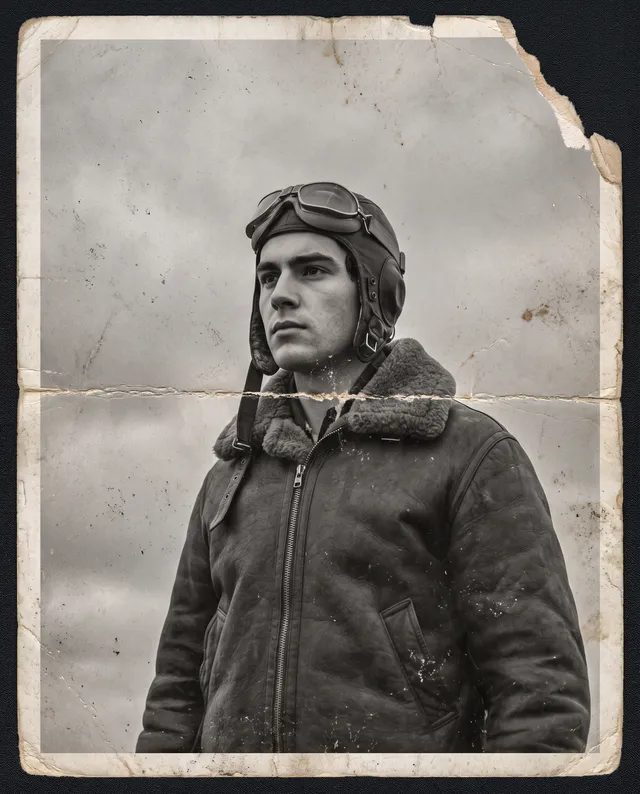
Service and memorial photos
Restore a grandparent’s service portrait for a memorial, a frame on the wall or a remembrance day post.
 Before
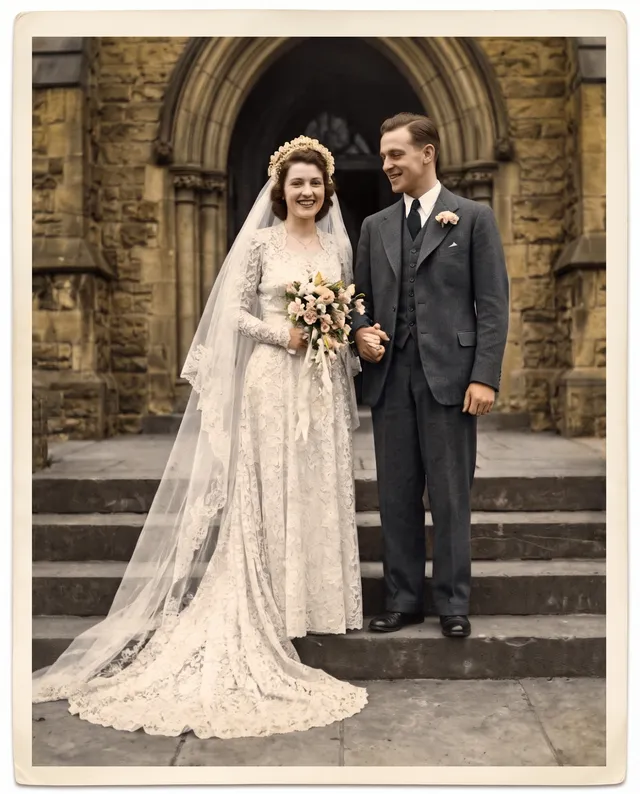
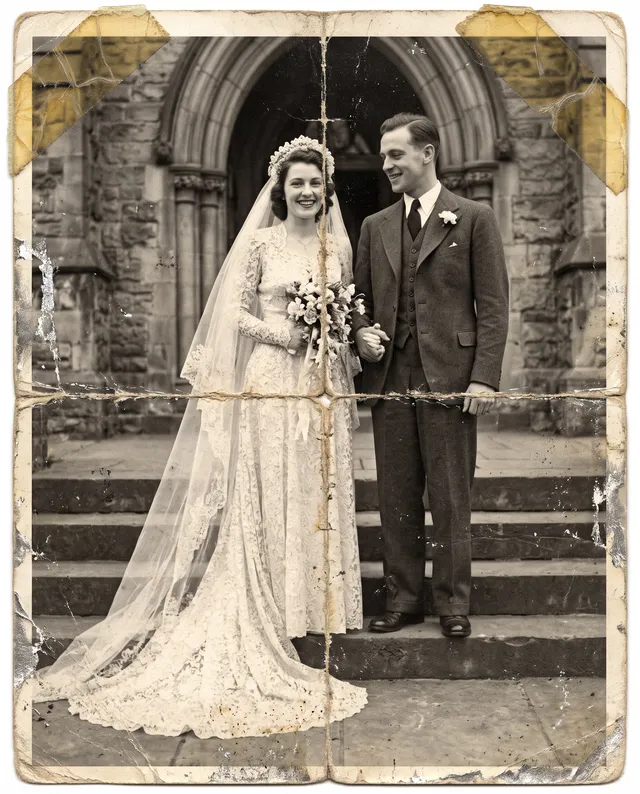
Anniversary gifts
Repair and colorize a wedding photo from fifty years ago, then print it as a gift for the couple or their children.
 Before
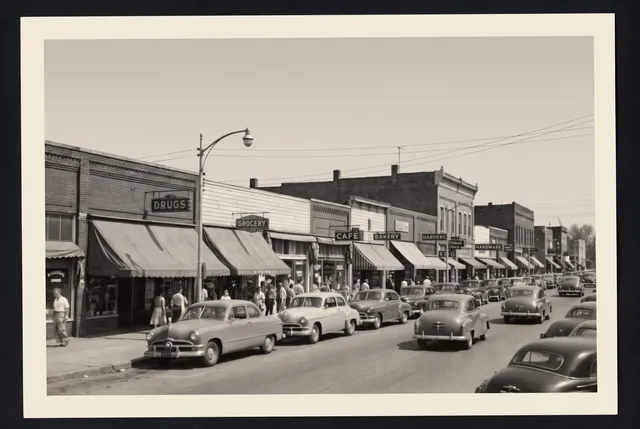
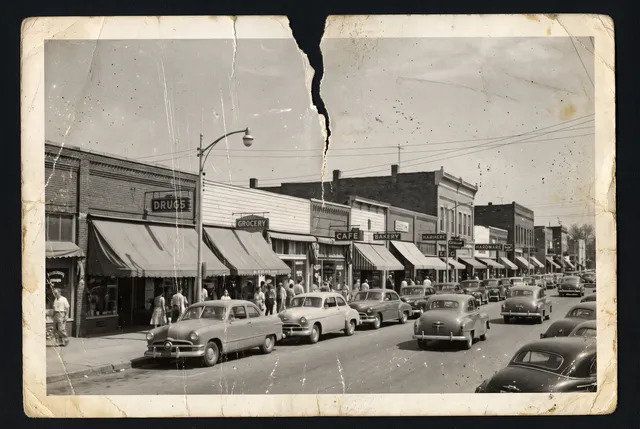
Local history
Clean up old photos of a town, a shop front or a farm for a local history group, a museum display or a book.
 Before
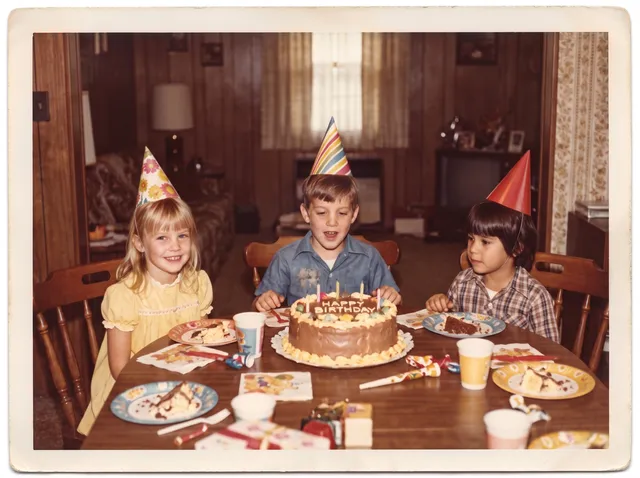
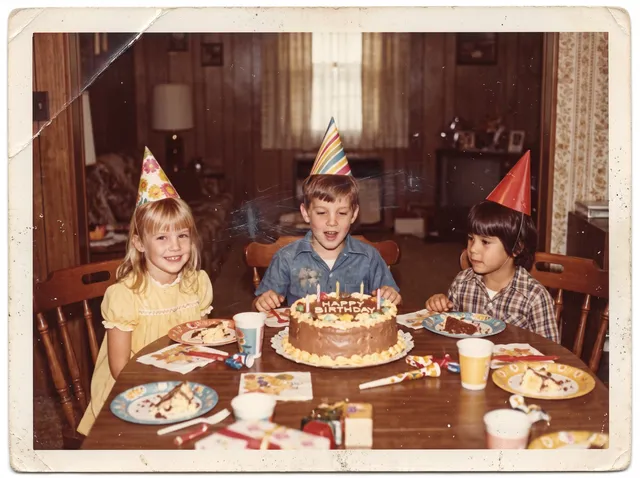
1970s and 1980s snapshots
Color prints from these decades have turned orange or magenta. Get the original colors back for a birthday or a throwback post.
AI restoration vs the other ways to fix an old photo
Use AI for most family photos. Hire a retoucher when a photo is badly damaged and the exact face matters more than speed or cost.
| AI restoration (this tool) | Professional retoucher | Do it yourself in an editor | Phone scanning apps | |
|---|---|---|---|---|
| Scratches and dust | Removed in one pass | Removed by hand | Hours with a healing brush | Some apps remove glare and dust |
| Tears and missing parts | Rebuilt from the surrounding image | Rebuilt by hand, closest to the real photo | Hard without retouching skills | Usually not repaired |
| Faded color | Balanced; strong casts partly fixed | Corrected by hand | Curves and color balance, by eye | Basic auto color |
| Colorize black and white | Yes, as an option | Yes, often with your color notes | Slow, by hand | Some apps |
| Cost and time | 2 credits, no waiting for a person | Priced per photo, often days | Editor license and your time | Free to a subscription |
Our column comes from 24 test photos, Oct 2026. Other columns are typical ranges, not measurements.
Every example on this page was made with this tool
Each damaged print was run through this exact restore with the tone kept as it was. No retouching after. Hover to see the damage.
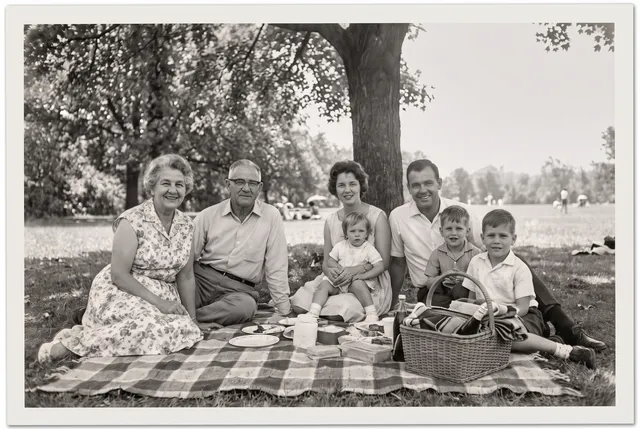
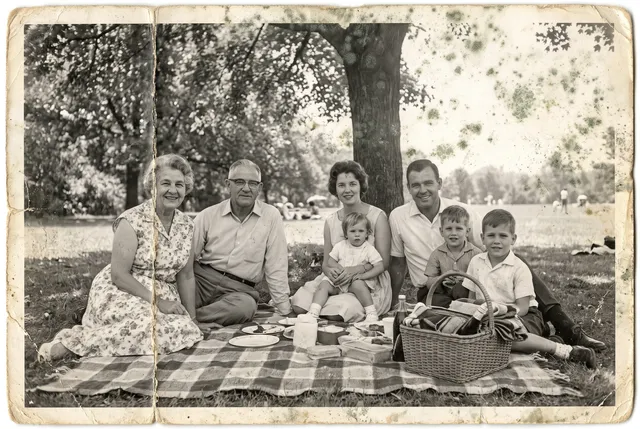
Heavy fading, mold spots, a crease
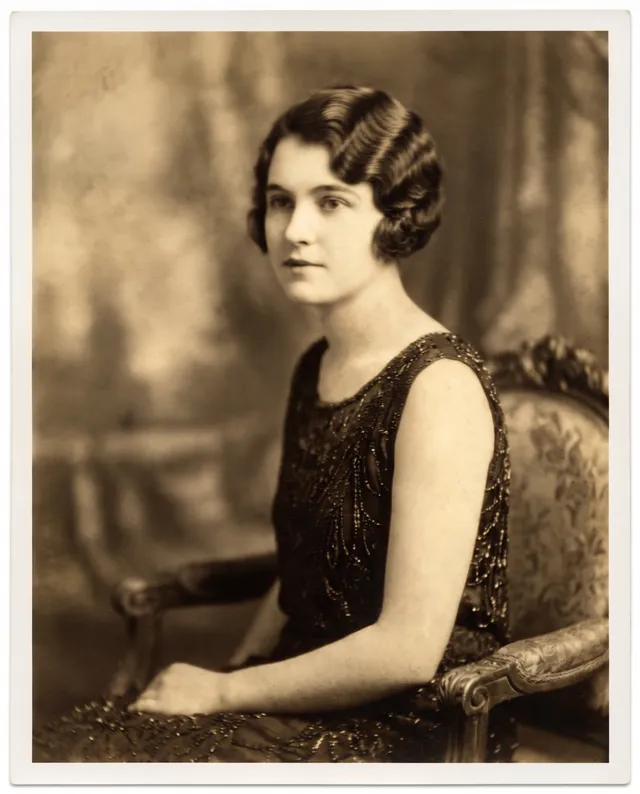
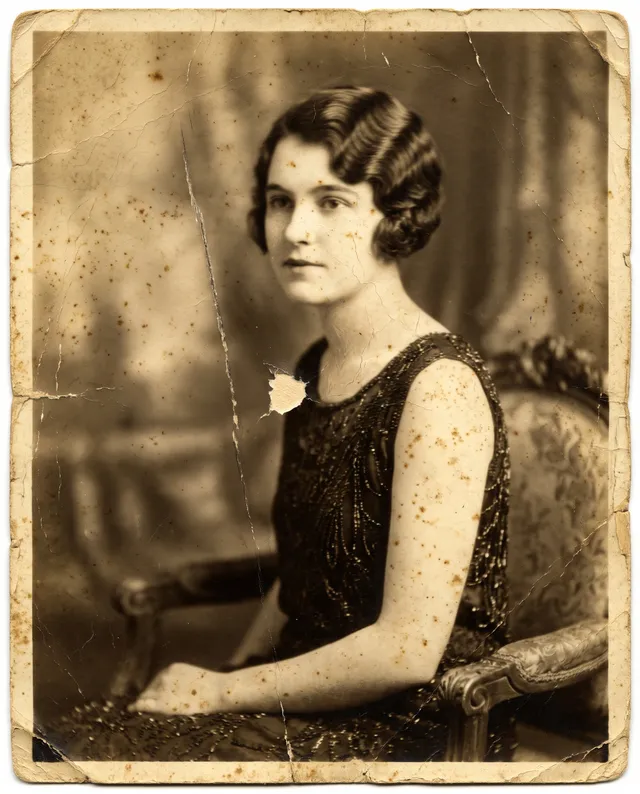
Cracked emulsion, foxing, a long scratch
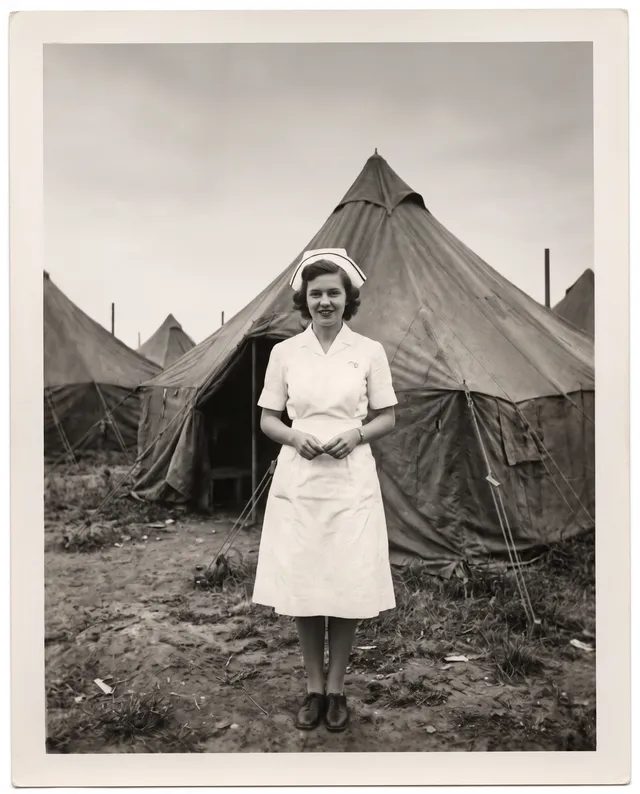
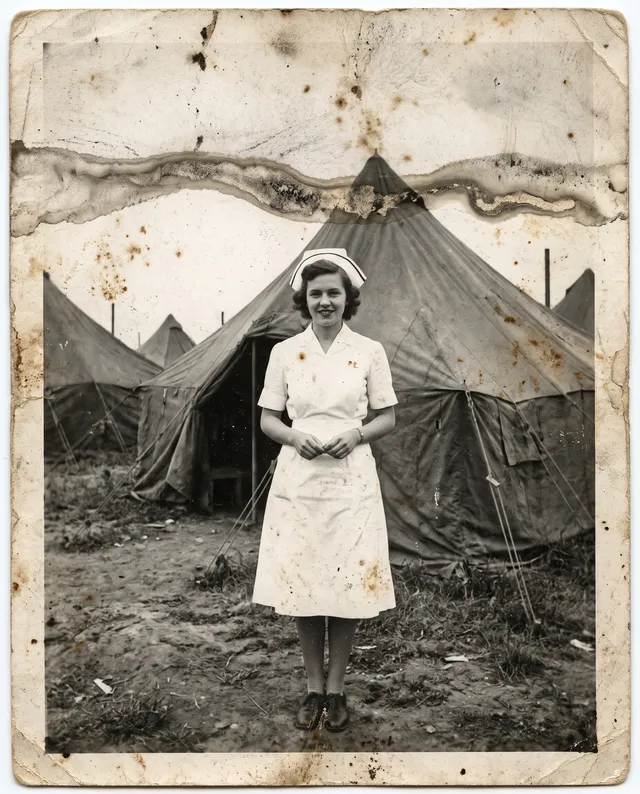
Water damage, stains, dust
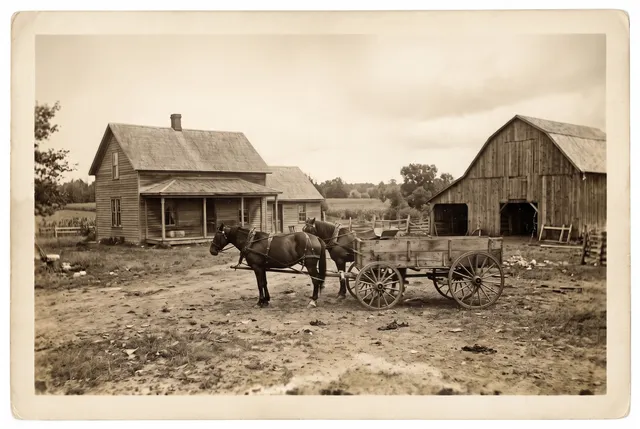
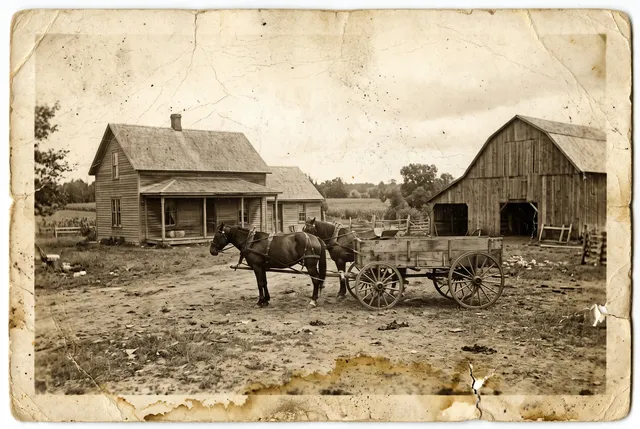
Yellowing, cracks, water stains
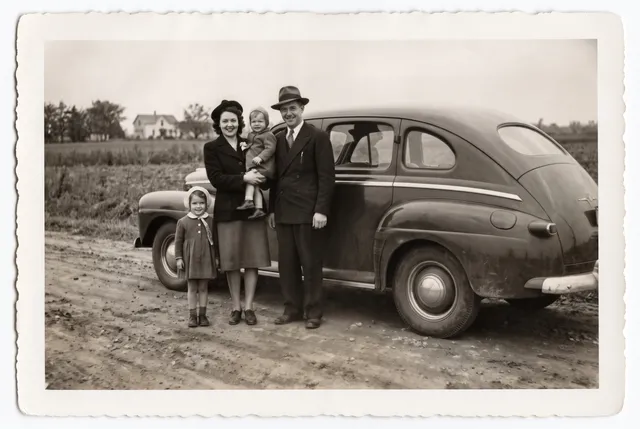
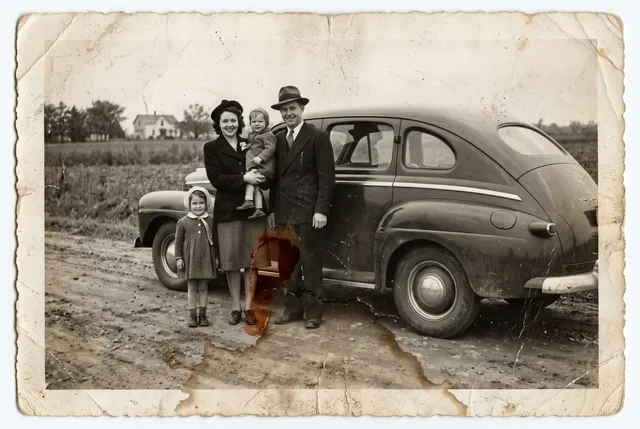
Water damage, brown stain, low contrast
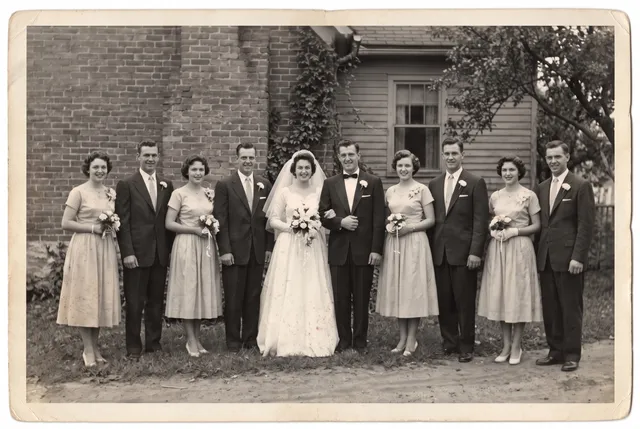
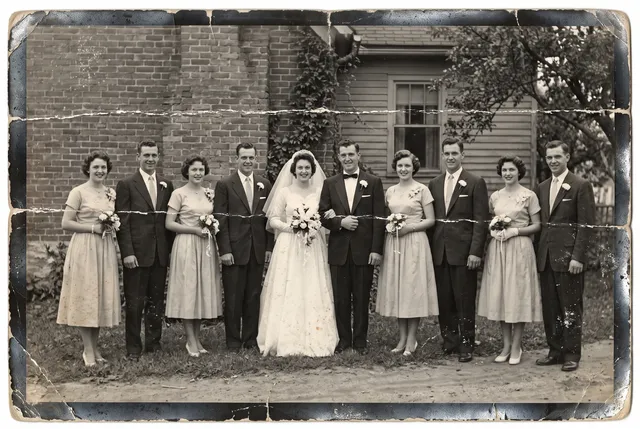
Two deep creases, silvered edges
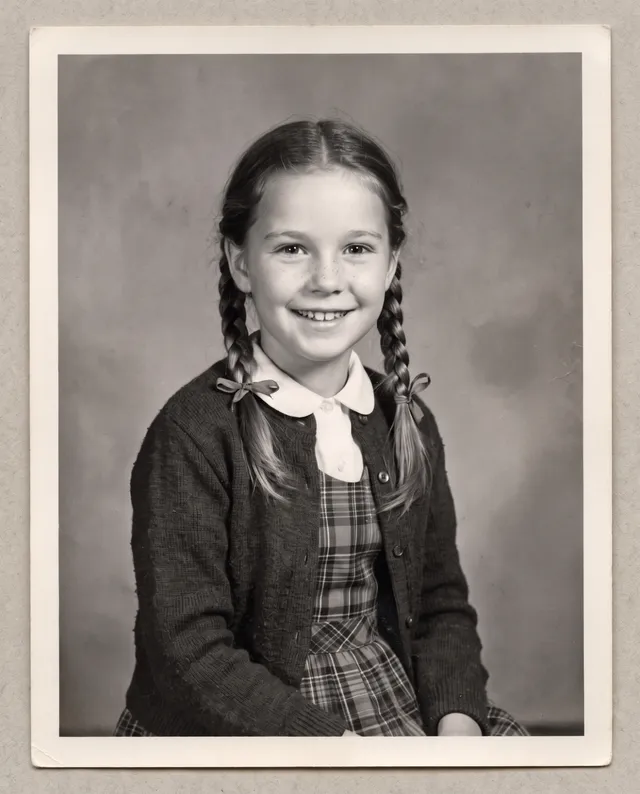
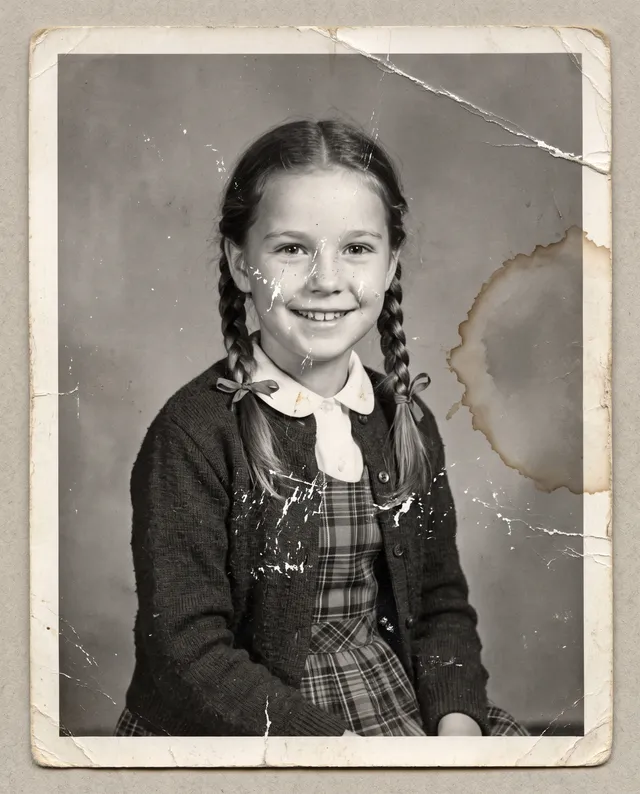
Water stain ring, scratches, a crease
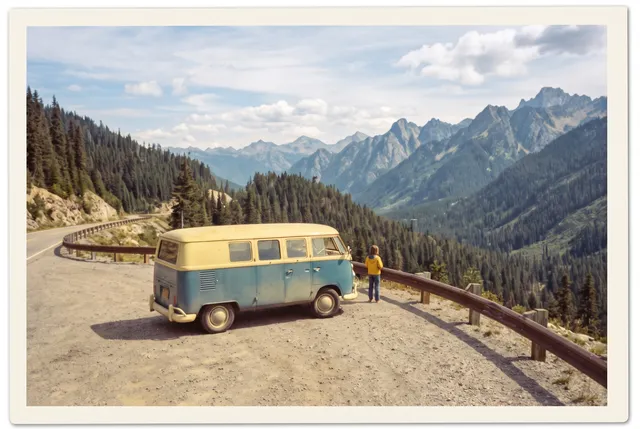
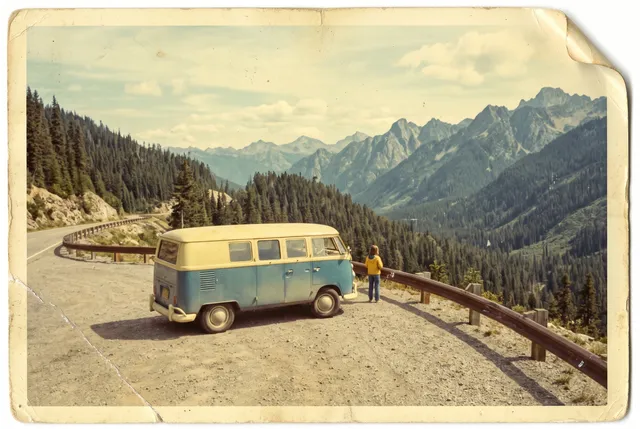
Yellow shift, scuff, curled corner
24 photos · tone kept · Nano Banana 2 · 2 credits each
Photo restoration FAQ
Something else? Email support@theaiphotoeditor.com

Bring an old photo back
Sign up for 10 free credits, enough to restore 5 photos. No card needed.
or drop a file anywhere on this page
Updated Oct 2026 · Tested on 24 photos in 6 categories