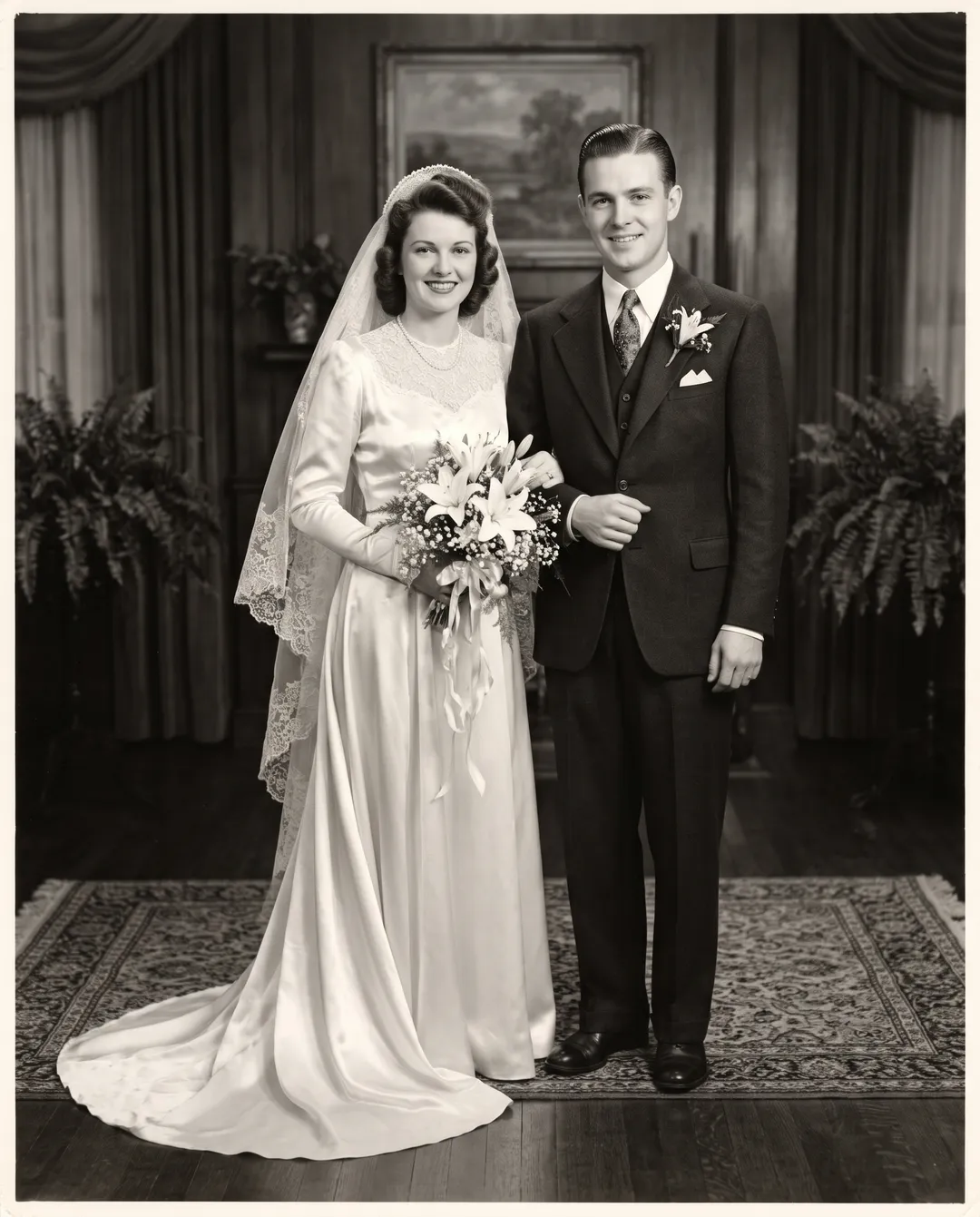
Colorize a photo in four steps
Works in a browser on a phone or a computer. Nothing to install.
Scan the print
Scan at 600 dpi, or photograph the print flat in daylight with no glare. Sepia, brown and faded grey prints all work.
Decide on Repair
Leave Repair damage too off for a print in good condition: 2 credits, and free 3 times a day without an account. Turn it on if the print has creases, scratches, stains or tears: still 2 credits, with a free account.
Upload and colorize
Open Colorize Photo, upload a JPG, PNG, WEBP or HEIC up to 20 MB and press Colorize. Drag the handle to compare with your scan.
Fix what looks wrong, then download
If you do not like the colors, run it again; each run picks its own. For one wrong item, see the table below. Download the full-size PNG; there is no watermark.
Real black-and-white photos, colorized
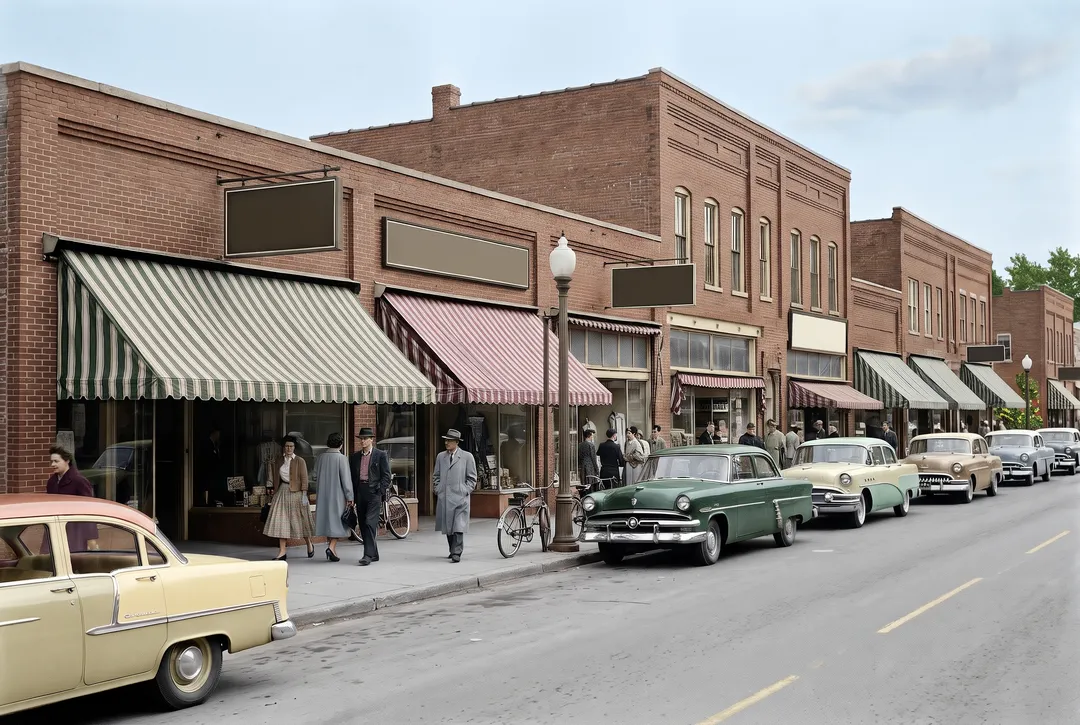
Each pair is a scan and the unedited result of one run. Drag the handle to compare.
 BeforeAfter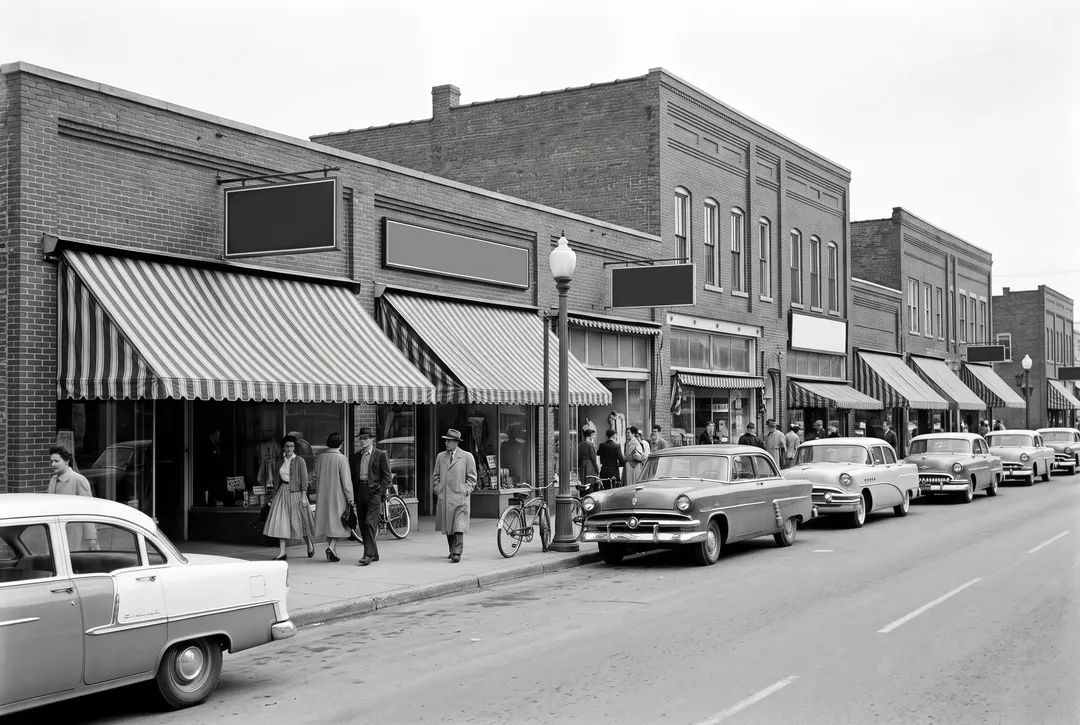
A busy shopping street. Brick fronts, striped awnings, cars in several colors and shoppers in coats. 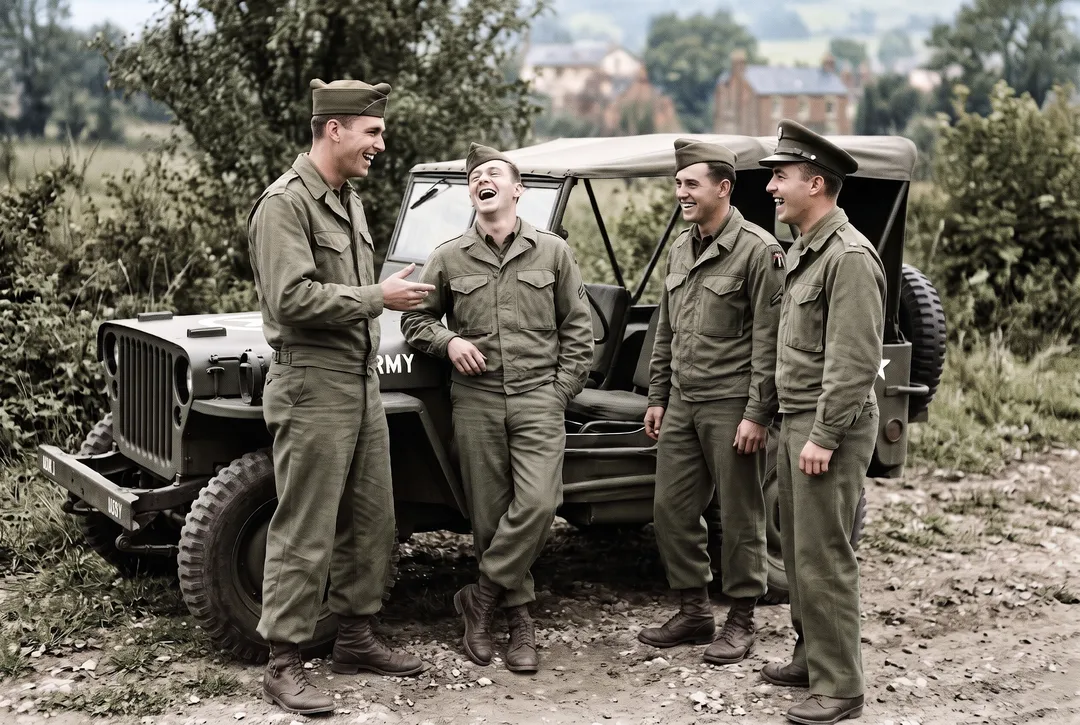 BeforeAfter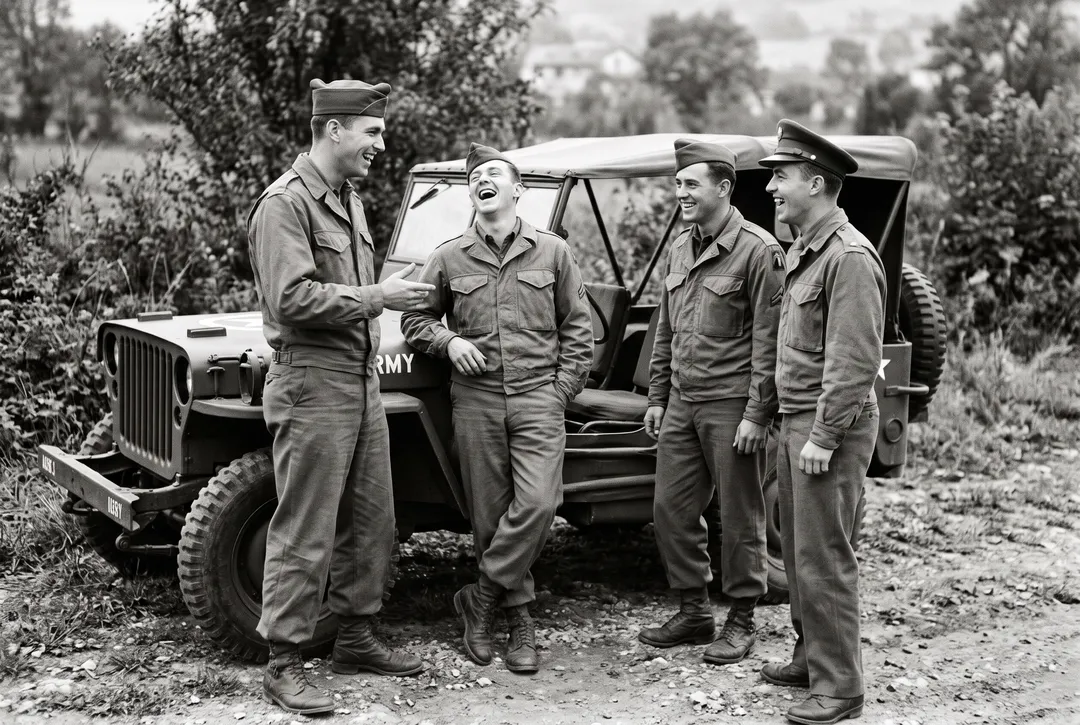
Four soldiers laughing by a jeep. Olive uniforms, an olive jeep and green summer trees behind them. 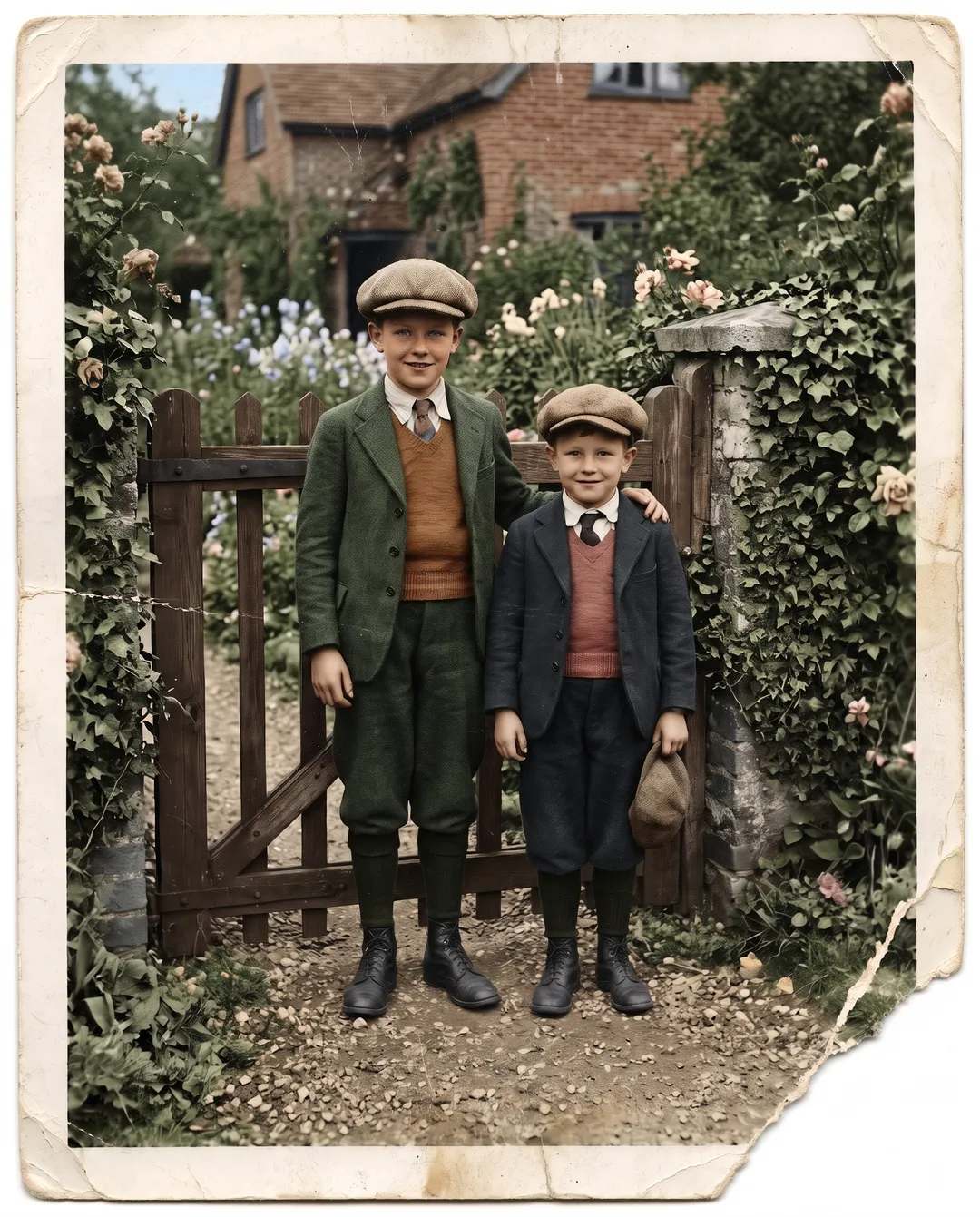 BeforeAfter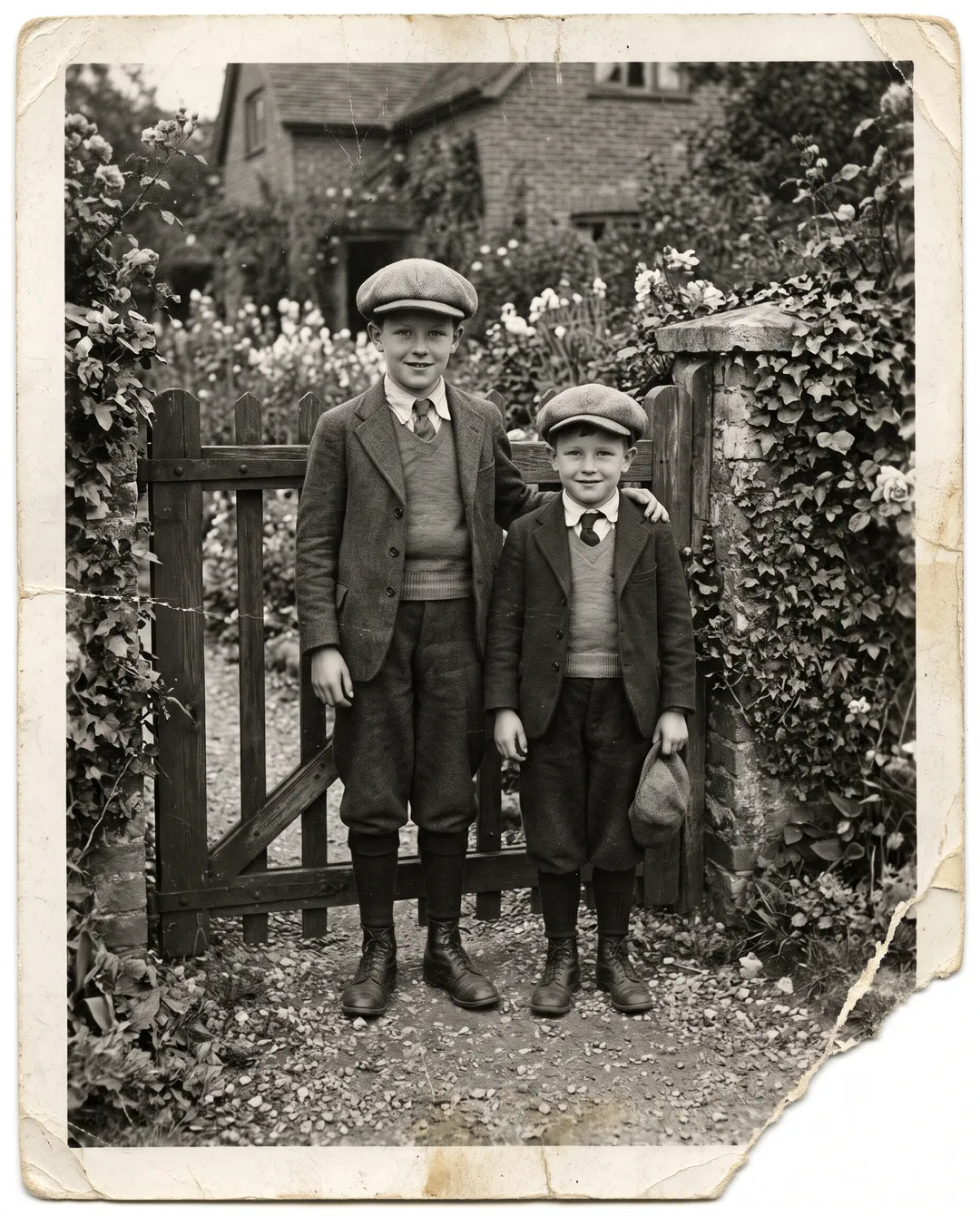
Two brothers in a creased 1930s print, colorize only. Rust and red waistcoats; the crease and the torn corner stay. 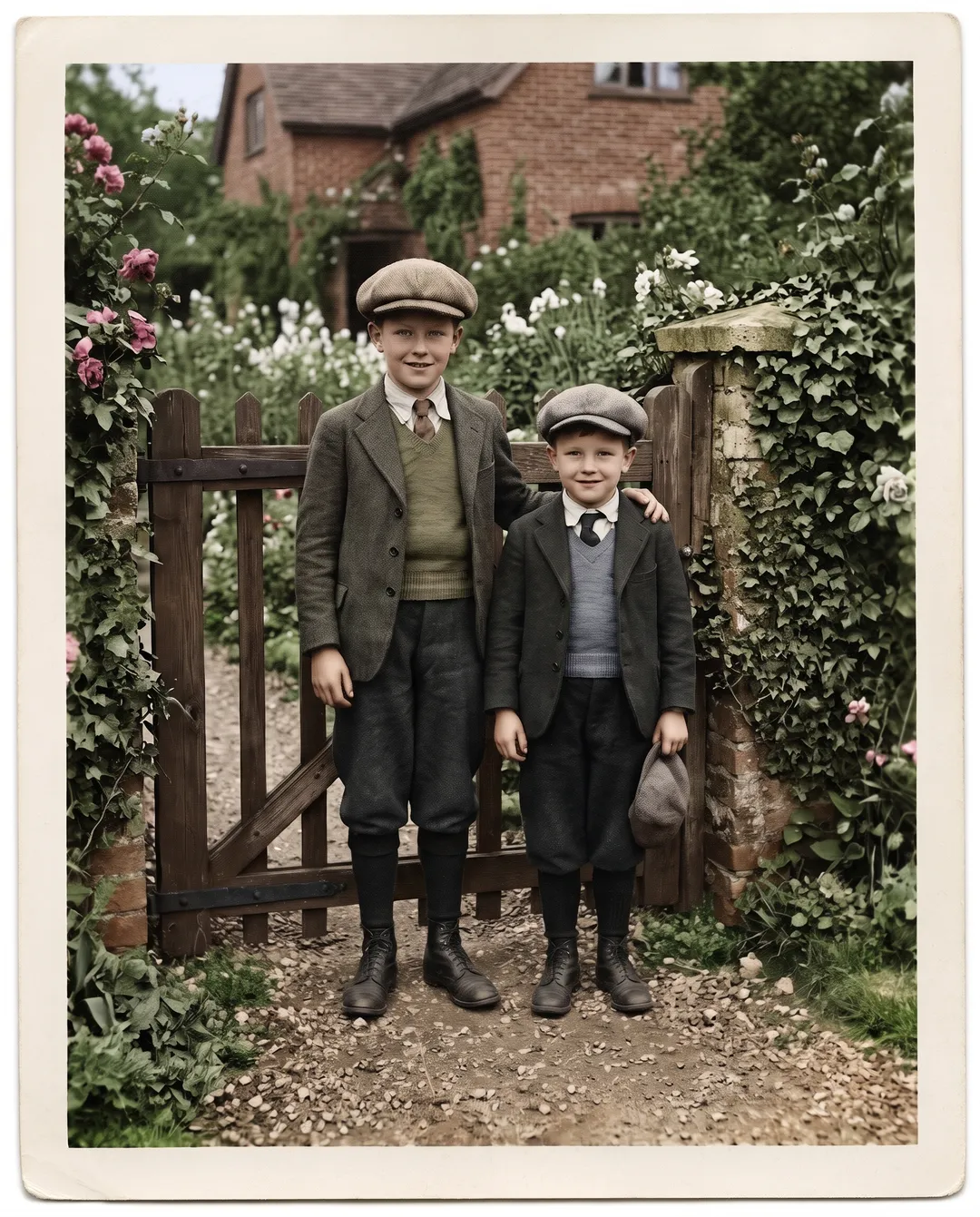 BeforeAfter
The same print with Repair on. The crease and the torn corner are gone, and this run chose olive and grey waistcoats.
Why the colors are a guess
A black-and-white photo records how bright each thing was, not its color. A red dress and a green dress can come out the same grey. The model picks colors that fit the era and the scene, which may not be the real color of a dress, a car or someone's eyes.
Each run picks again. The two runs of the brothers' print above gave rust and red waistcoats in one and olive and grey in the other. Skin, sky and foliage tend to look natural; clothing, cars, painted walls and signs are where the guess shows.
When you share a colorized photo with family, say it is an interpretation, and keep the black-and-white scan next to it.
How to fix a color that is wrong
The colorizer has no setting to name a color. These are the ways around it.
| Situation | What to do | Cost |
|---|---|---|
| You just do not like the colors | Run it again and keep the version you like | 2 credits a run |
| One item is wrong and you know the real color | Open the result in the AI Image Editor and describe the change, for example: make his tie navy blue, keep everything else the same | 3 credits on Style, 4 on Standard |
| Many colors must be right, such as a uniform or a family heirloom | A professional colorist who works from your notes and references | Priced per photo by the colorist |
| You do not want any guessed colors | Keep it black and white and restore it in Photo Restoration with the tone kept | 2 credits |
Credit costs are this site's, October 2026. A failed run gives the credits back.
Colorize only, repair and colorize, or restore first
Pick by the state of the print.
| Colorize only | Repair and colorize | Restore, then colorize | |
|---|---|---|---|
| Use it for | Prints in good condition | Prints with creases, scratches, stains or tears | Damaged prints you also want in black and white |
| What happens to damage | Stays, now in color | Removed in the same run | Removed first, then colored in a second run |
| What you keep | A color copy | A color copy | A repaired black-and-white copy and a color copy |
| Cost | 2 credits, or free 3 a day without an account | 2 credits, with a free account | 2 credits to restore plus 2 to colorize |
Restore in Photo Restoration with the tone set to Original, then upload the restored photo here.
Four tips for better color
Scan in neutral light
A photo taken under a warm bulb comes in yellow, and the model may read that as part of the picture. Scan it, or shoot near a window.
Kill the glare
A bright patch from a lamp on glossy paper has no detail under it, so it gets colored as a white blur. Tilt the print until it is gone.
Sepia and faded grey are fine
Brown-toned and faded prints are treated the same way as black and white. You do not need to convert them first.
Faded color prints need a different tool
If the print was in color and has faded or turned red, use Photo Restoration, which balances the colors that are already there.
What colorizing cannot do
- It cannot know the real colors. Every color is a guess that fits the era. Run it again for a different guess.
- Colorize only leaves damage in place. Creases, scratches and tears stay, now in color. Turn on Repair or restore the photo first.
- Badges, flags and signs are not looked up. Medal ribbons, insignia and shop signs are colored by guesswork. Check anything with a known color before you share it.
- It is not a historical record. Do not use a colorized photo as evidence of what someone wore or what color a building was.
- Output is about 2K (around 2300 px on the long edge). For a large print, run the result through the Image Upscaler.
Questions about colorizing photos
Yes. You can colorize 3 photos a day without an account, with Repair off, on images up to 2 megapixels. A free account adds 10 credits, enough for 5 colorizations, with or without Repair. After that, packs start at $9.99 for 100 credits that never expire.
Not in the colorizer. It has no color setting. Run it again for a different result, or open the result in the AI Image Editor and describe the one change.
In our tests faces kept their features, expressions and wrinkles; only the color changed. With Repair on, areas covered by a tear or stain are rebuilt, so compare those with the scan.
Yes. Sepia, brown and faded grey prints are treated the same way as black and white. For a faded color print, use Photo Restoration instead.
Yes. Set its tone to Colorize and it repairs and adds color in one run, for 2 credits with a free account. See How to fix scratches on old photos for what the repair does.
Uploads are never used to train models. Photos and results on free accounts are deleted after 30 days, and you can delete any of them yourself from My edits.
Last checked Oct 24, 2026 First published. Costs and guest limits checked against the tool settings; results from our 28 test colorizations, October 2026.