
Remove a background for free in four steps
Works in a browser on a phone or a computer. No app, and no account for the first 3 photos a day.
Upload the photo
Open the Background Remover and upload a JPG, PNG, WEBP or HEIC up to 20 MB, or paste one. Without an account, your browser scales the photo to 2 megapixels before it is sent.
Remove the background
Press Remove background. The cutout takes about five seconds. People, products, pets, cars and logos all work.
Check the edges
Drag the handle to compare with the original. Look at hair, dark parts against a dark background and anything next to the subject. If an extra object was kept or part of the subject was cut, crop the photo closer and run it again. There are no touch-up brushes on this tool yet.
Download PNG, or pick a color
Download a transparent PNG. For a listing or an ID-style photo, pick White or any color and download as JPG. Color changes after the cutout are free.
What each free option gives you
As of October 2026. Third-party details are from each company's own help or pricing page.
| This site, no account | This site, free account | remove.bg free | Adobe Express free plan | |
|---|---|---|---|---|
| Account | None | Free sign-up, no card | Not stated on its help page | Free plan, no card |
| Free amount | 3 photos a day | 10 credits, 1 per photo, valid 14 days | Low-resolution images on the website, for personal use | Background removal is a Premium feature |
| Free result size | About 2 MP, for example 1630 × 1220 from a 4:3 phone photo | Your upload size, up to 3072 px on the long edge | Up to 0.25 MP, about 625 × 400 | Not included |
| Full size | With a free account or a pack | Included | Paid plans, up to 50 MP | Premium |
Sources: [remove.bg help](https://remove.bg/help/a/is-remove-bg-free-) and [Adobe Express pricing](https://www.adobe.com/express/pricing). The 625 × 400 figure for remove.bg is from a third-party write-up. We do not quote other services' prices here; check their pricing pages.
Free cutouts, on real photos
Each pair is a real photo and the unedited cutout. Drag the handle to compare.
 BeforeAfter
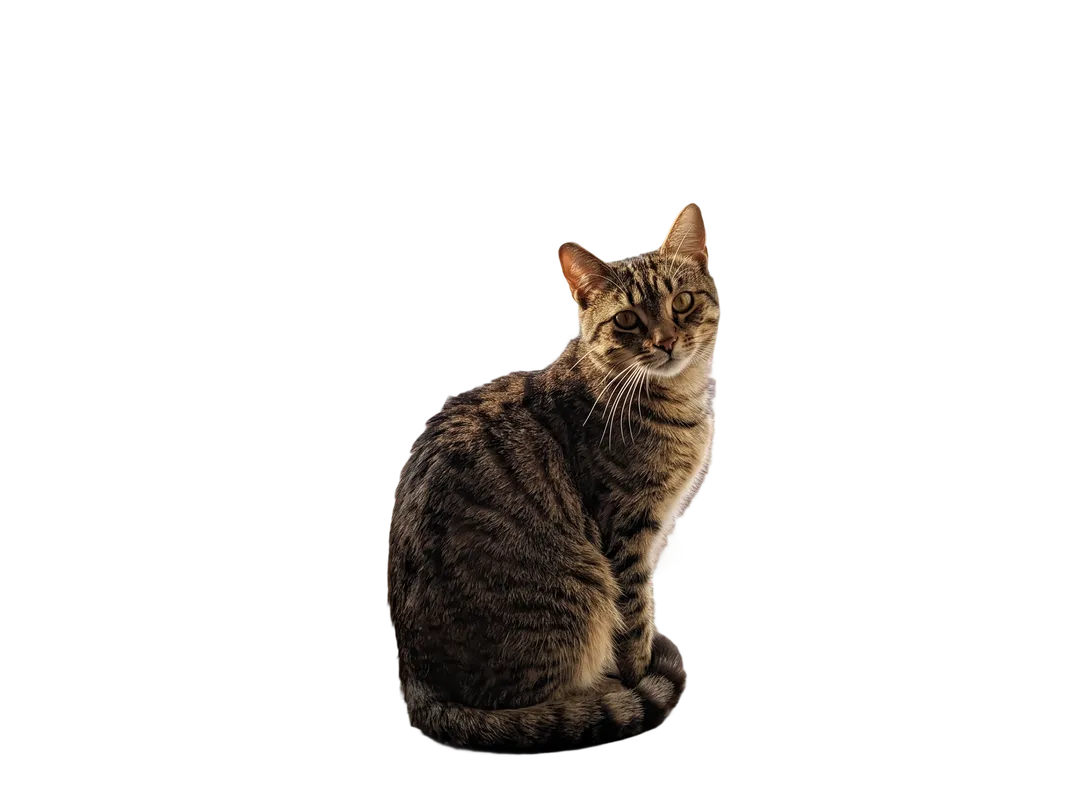
A tabby cat on a windowsill, cut out from the rooftops behind the glass. Ears and the striped tail keep their edges. 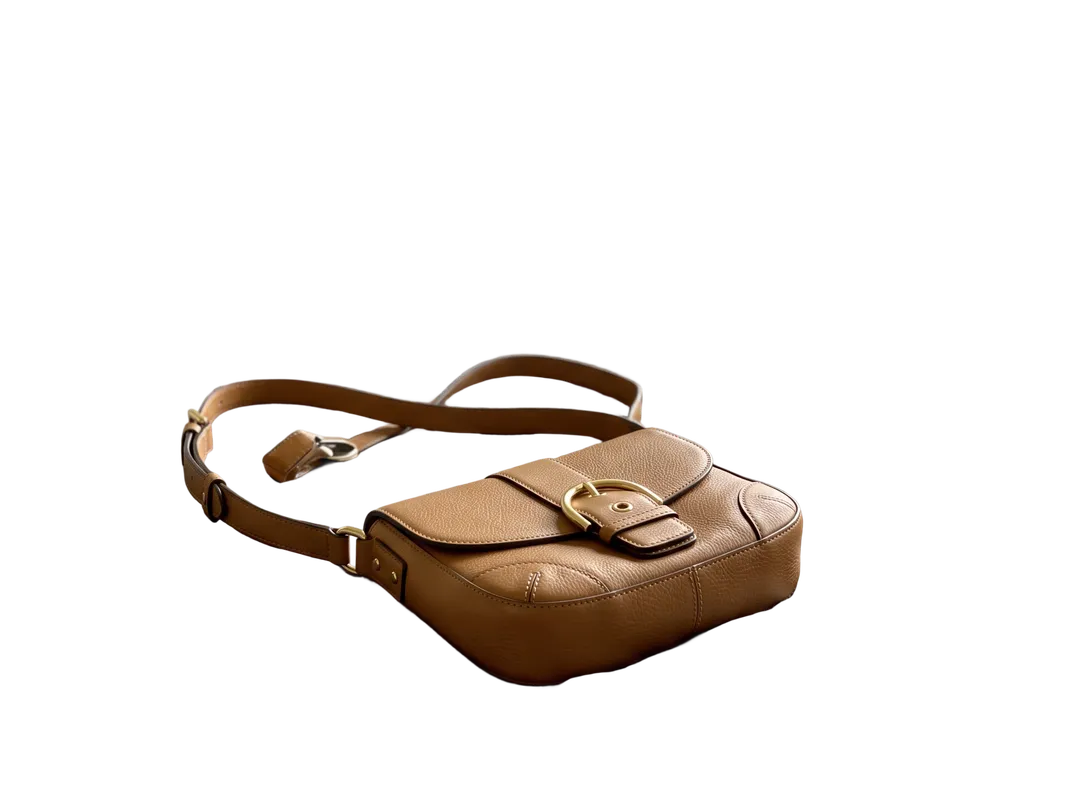 BeforeAfter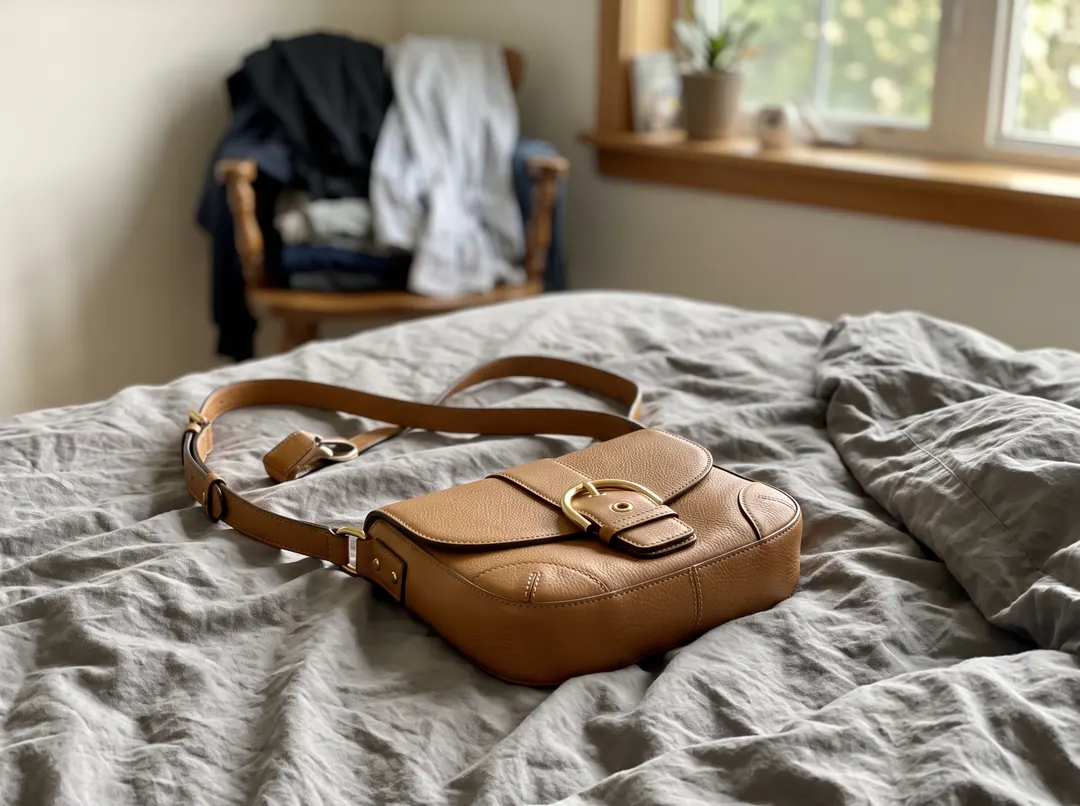
A tan leather bag on an unmade bed. The strap, the buckle and the gap inside the strap loop come out clean. 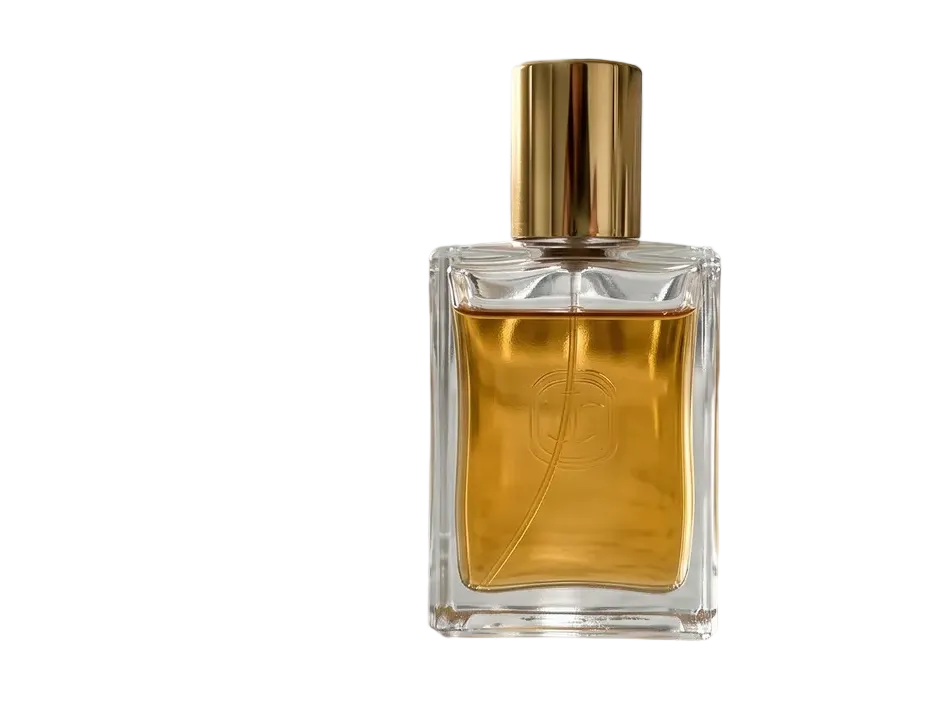 BeforeAfter
A glass perfume bottle on a marble counter. The toothbrush cups and the mirror are gone; the glass edges and the gold cap stay. 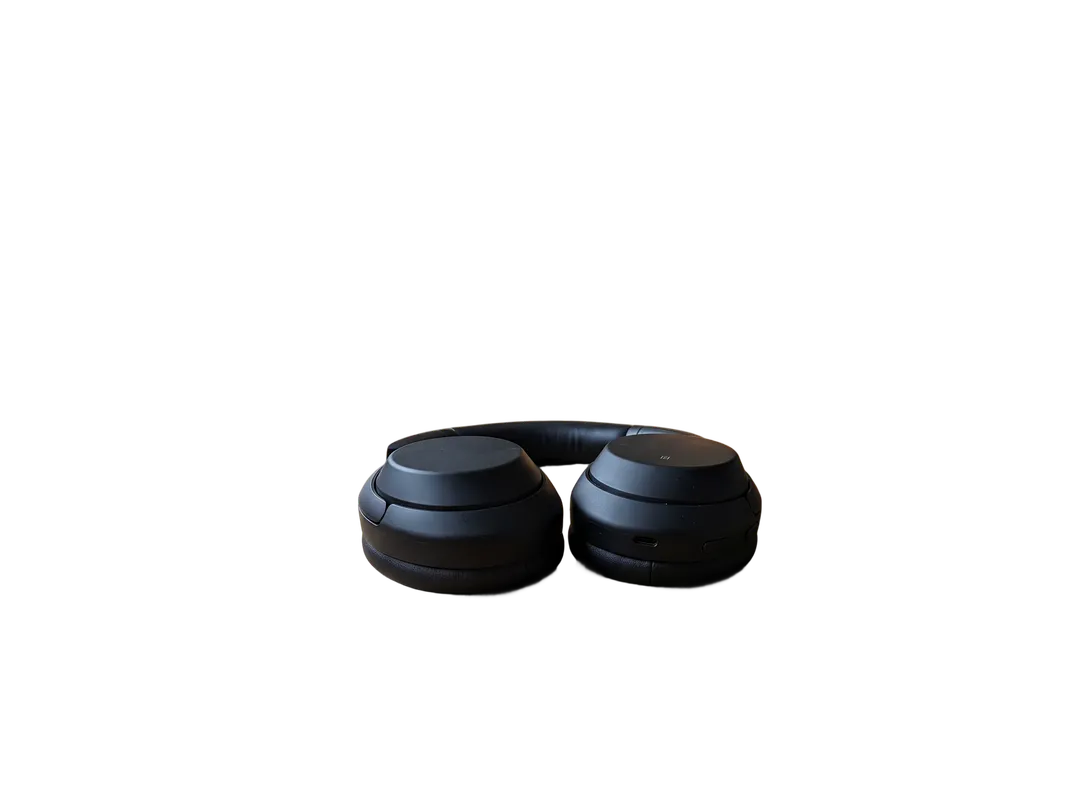 BeforeAfter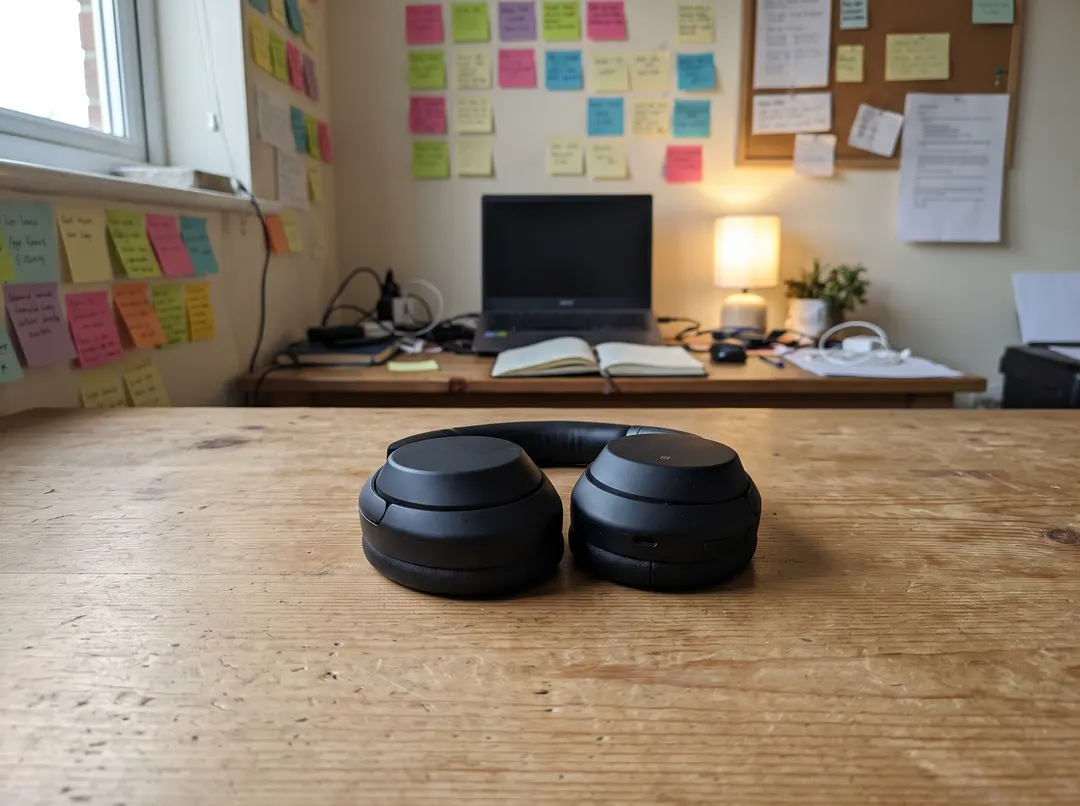
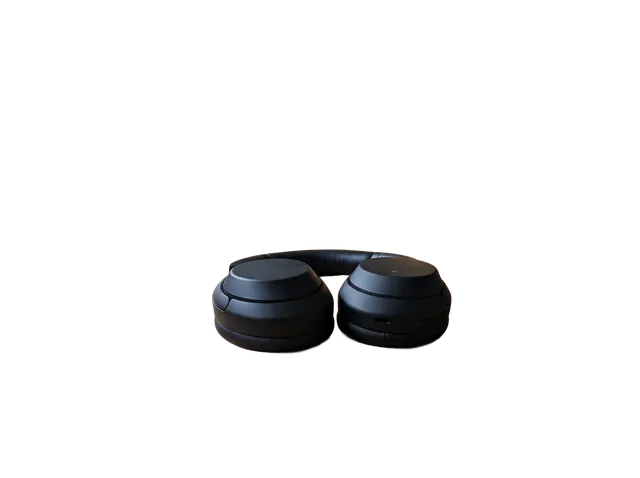
Black headphones on a wooden desk. The ear cups are clean, but most of the dark headband between them was cut away with the desk.
What is free after the cutout
Colors and white. Once the background is gone, switching between transparent, white and any color happens in your browser and costs nothing. White is exact #FFFFFF, which is what marketplaces ask for.
PNG or JPG. Download a transparent PNG, or a JPG with the color you picked. Switching costs nothing either.
A new scene is not free. Putting the subject on a beach or in a studio uses an image model: Change Photo Background costs 4 credits a run and needs an account.
Four habits for a cleaner free cutout
Use the plainest copy of the photo
A photo sent through a chat app is already compressed. Upload the original from your camera roll.
Give the subject some contrast
Dark hair on a dark wall or a black product on its own shadow is where edges get lost. Check those parts first.
Crop close if there are extra objects
The model keeps everything in the foreground. Cropping away a cup or a towel before upload saves a cleanup step.
Sign up when size matters
Free runs without an account are about 2 MP. For print or a large banner, the free credits give you the full upload size.
What the free background remover cannot do
- Free runs without an account are about 2 megapixels. Larger photos are scaled down in your browser before upload. Sign in for full-size results.
- Dark parts on a dark background can be cut. In our test photos, most of a black headband was removed with the desk behind it. Check the edges; a closer crop with more contrast usually helps.
- Everything in front is kept by default. A towel next to a mug or a second person stays. Crop it out before you upload.
- One photo at a time. There is no batch upload yet.
- Free runs reset daily and are per tool. After 3 cutouts in a day, sign in to keep going.
Questions about removing backgrounds for free
Yes. The Background Remover works without an account 3 times a day. Photos are scaled to 2 megapixels before upload, and the PNG has no watermark.
10 free credits with no card. A background removal costs 1 credit, so that is 10 full-size cutouts. After that, packs start at $9.99 for 100 credits that never expire.
As of October 2026, remove.bg's help page says it is free on its website for low-resolution images up to 0.25 megapixels, for personal use. Full resolution, up to 50 megapixels, is on its paid plans.
Yes. After the cutout, pick White and download as JPG. The fill is exact
Yes. It runs in the mobile browser, and HEIC photos from an iPhone are accepted and turned the right way up.
Uploads are never used to train models. On free accounts, photos and results are deleted after 30 days, and you can delete any of them yourself.
Last checked Oct 24, 2026 First published. Free-tier details for remove.bg and Adobe Express checked against their own help and pricing pages, October 2026.