Make a white background in four steps
Works in a browser on a phone or a computer. Nothing to install.
Shoot the product on a plain surface
Use daylight from a window or two lamps from the sides. Put the product on a plain table or a sheet of card, clear everything else away and let the product fill most of the frame.
Upload the photo
Open Background Remover and upload a JPG, PNG, WEBP or HEIC up to 20 MB. The cutout takes about five seconds.
Pick JPG and White
In the result panel, set the output to JPG and the background to White. The fill is exact #FFFFFF (RGB 255, 255, 255), not an off-white. Changing the color or the format after the cutout costs nothing.
Check the edges and download
Zoom in on handles, straps, glass and thin parts. If an edge is wrong, a reshoot with more contrast between product and surface usually fixes it faster than hand editing. The download has no watermark.
Real product photos, cut out
Each pair is an everyday photo and the unedited cutout from this tool. Drag the handle to compare.
 BeforeAfter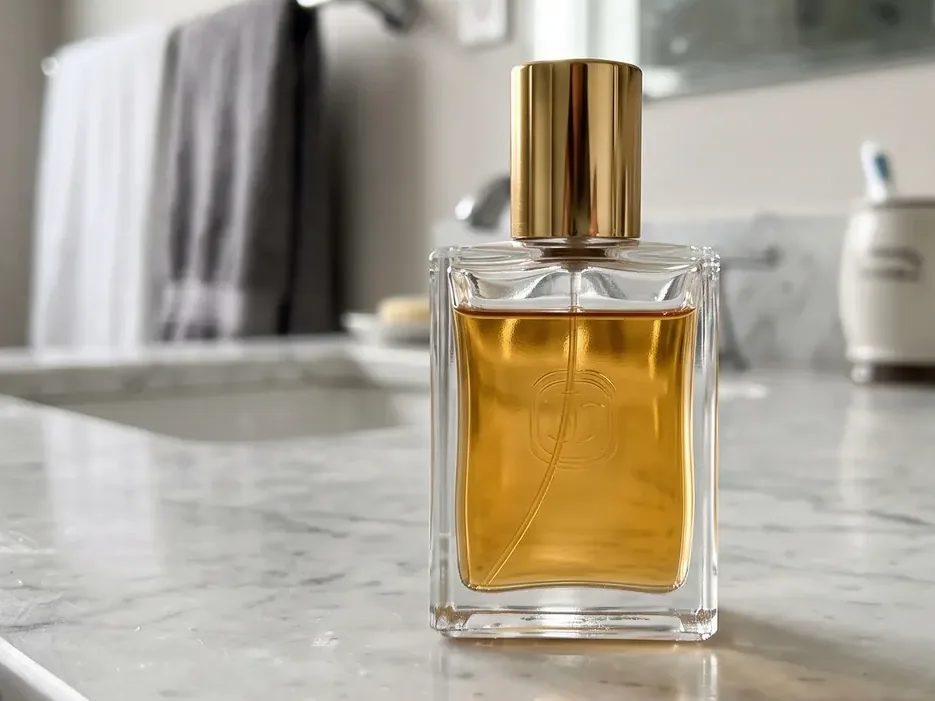
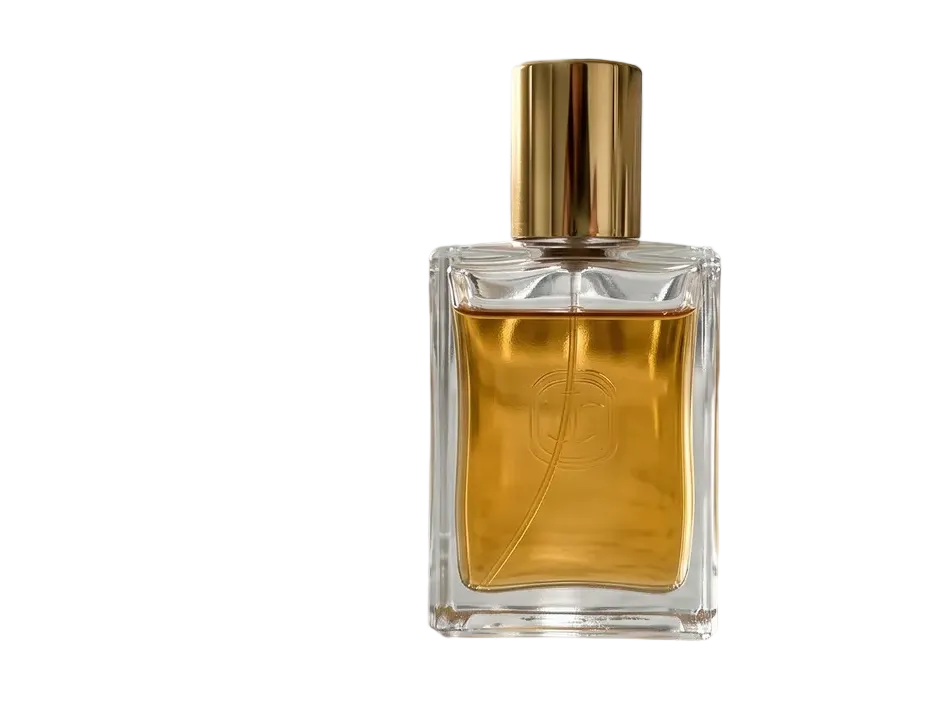
A glass perfume bottle on a marble counter. The gold cap and the square glass edges are kept; the bathroom is gone. 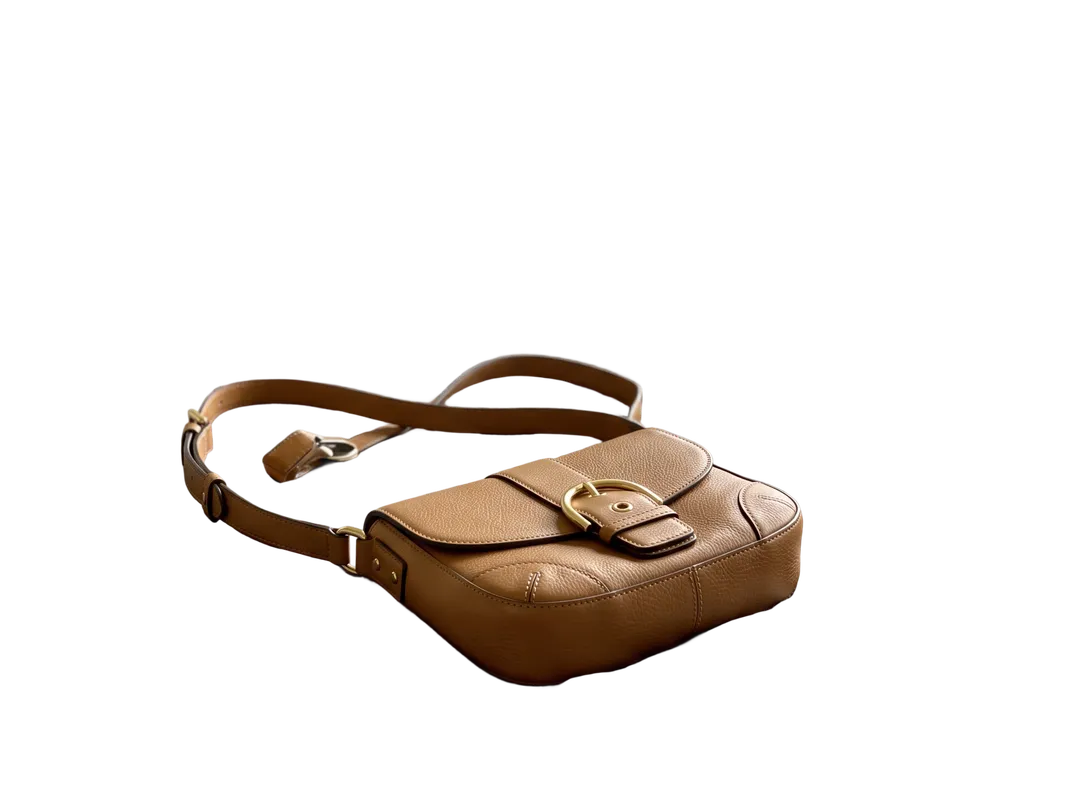 BeforeAfter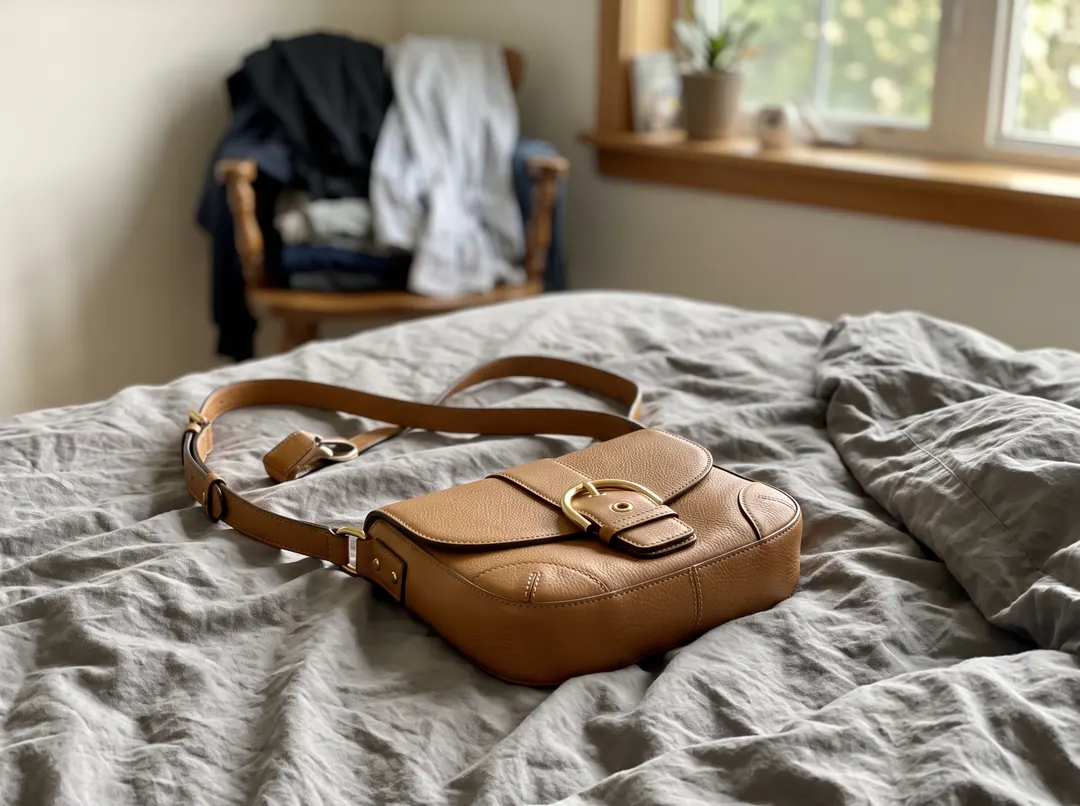
A leather bag on an unmade bed. The strap, the buckle and the gap between strap and bag are cut cleanly. 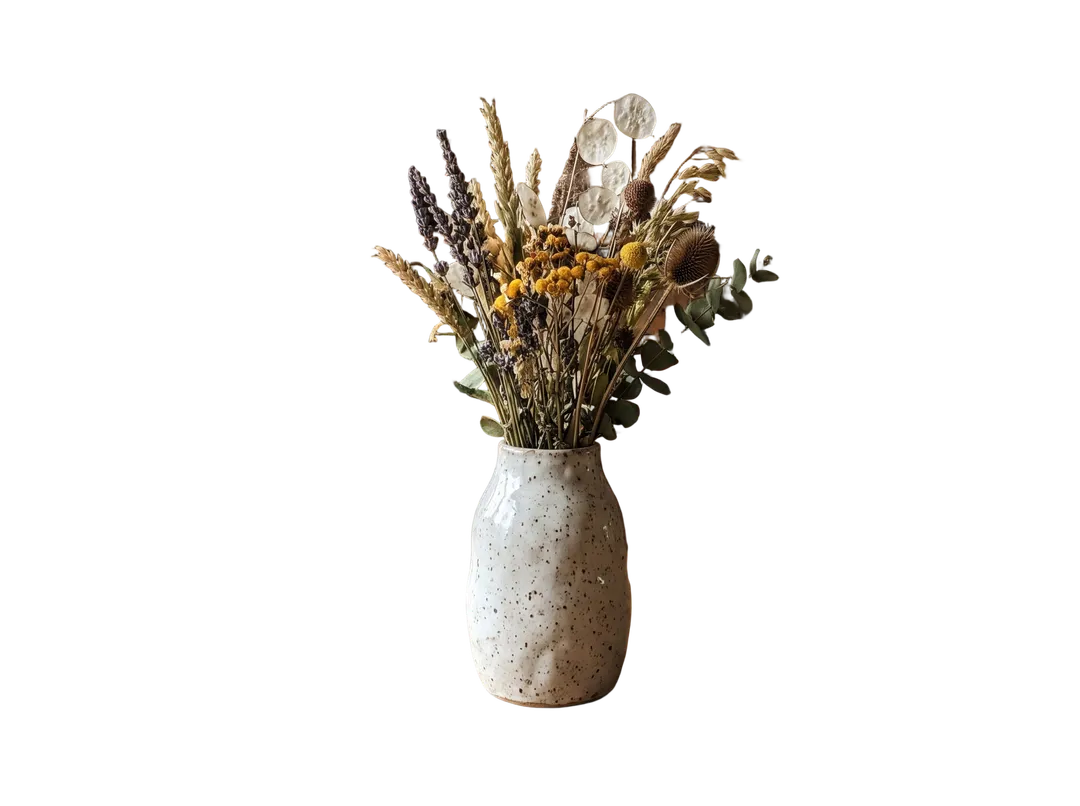 BeforeAfter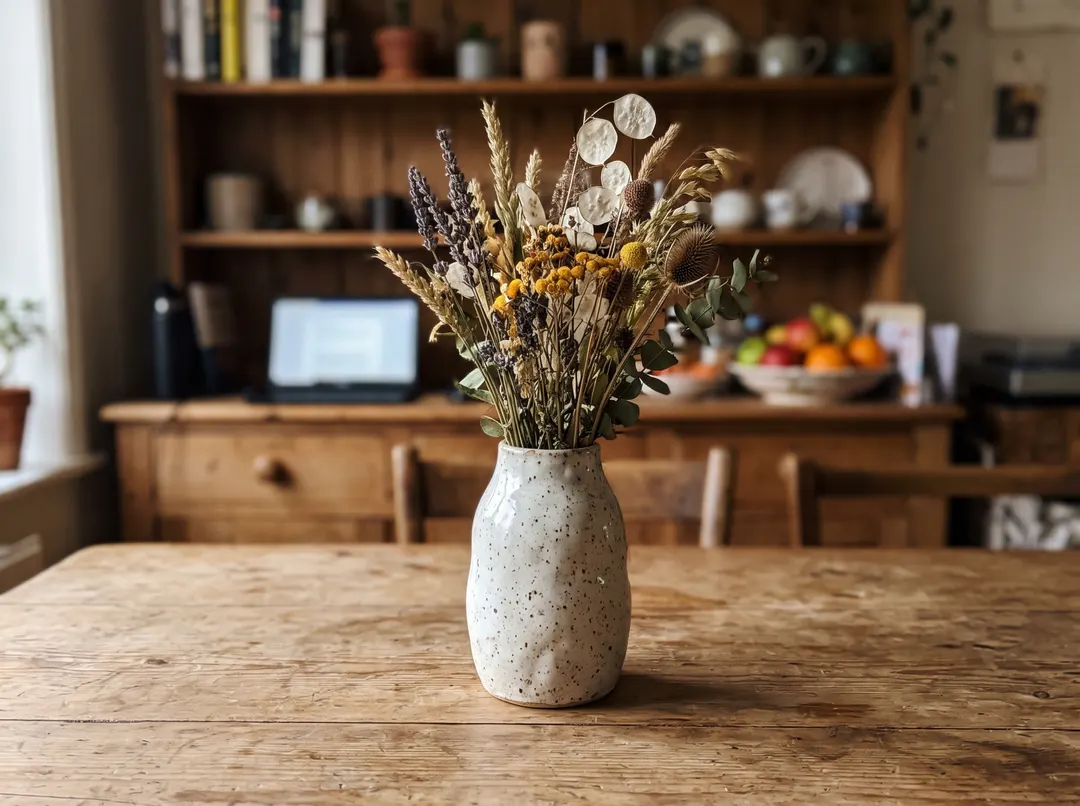
Dried flowers in a speckled vase. Thin stems, seed heads and the gaps between them are kept. 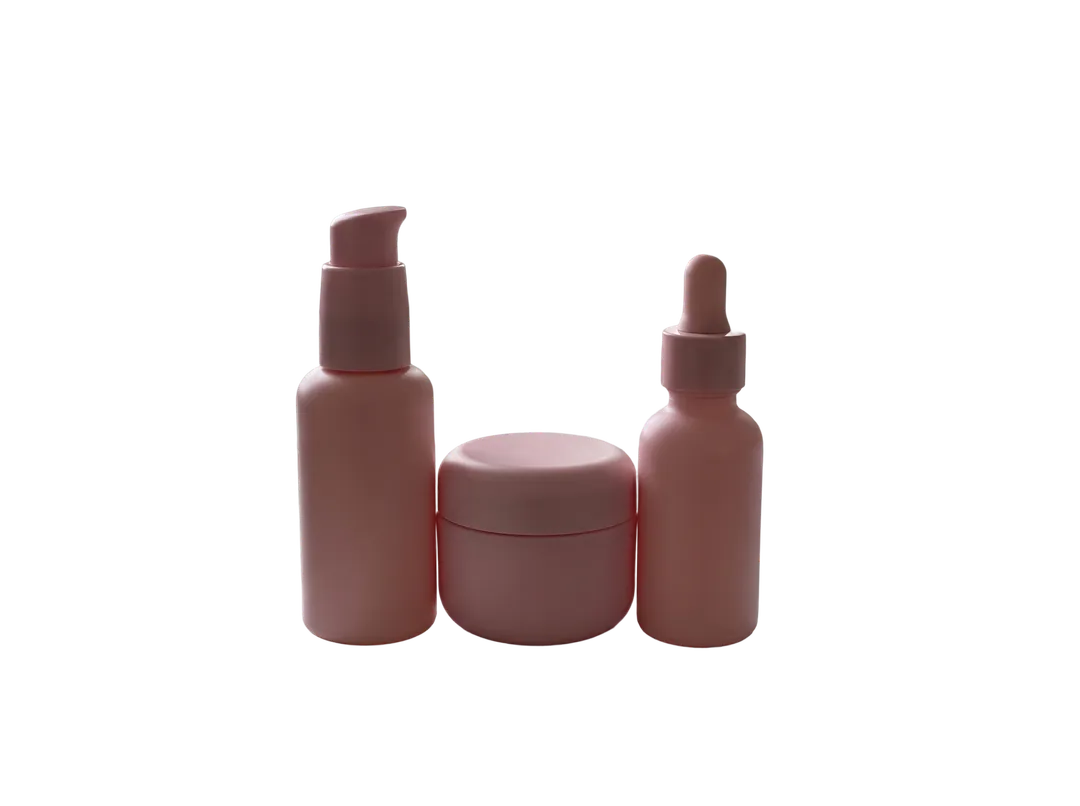 BeforeAfter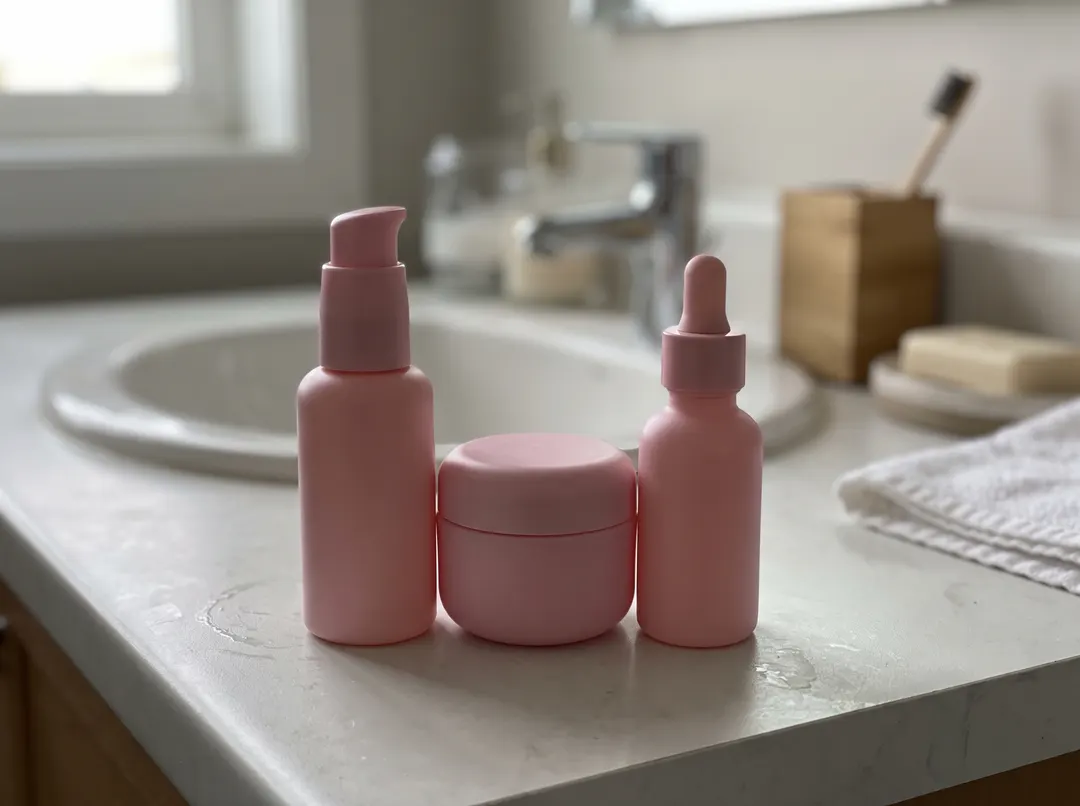
A pump bottle, a jar and a dropper bottle shot together on a sink, cut out as one group.
Transparent PNG, white JPG or a styled scene
All three start from the same photo. Pick by where the image will go.
| Transparent PNG | White JPG | Styled scene | |
|---|---|---|---|
| What you get | The product on an empty layer | The product on exact | The product in a new setting drawn by AI |
| Best for | Design tools, ads, banners and your own backgrounds | Listing photos and catalogs that ask for plain white | Lifestyle shots, social posts, a hero image |
| Tool and cost | Background Remover, 1 credit | Background Remover, 1 credit; the white fill is free | Change Photo Background, 4 credits |
| Size | Your upload size, up to 3072 px | Your upload size, up to 3072 px | Up to 2K |
| Watch for | The app you use must support transparency | JPG has no transparency, so pick the color before you download | The backdrop is drawn by AI, so it may not be pure white |
Costs and sizes are this site's, October 2026.
Six shooting tips for a clean white background
Use soft light from the side
Window daylight or two lamps at an angle. Hard light from above throws dark shadows on the table that the cutout has to separate from the product.
Give the product contrast
A dark product on a light surface, a light product on a darker one. A white mug on a white table leaves a faint edge to follow.
Clear the table
The remover keeps every object in the foreground, so a cable, a box or a price tag next to the product stays in the cutout.
Fill the frame
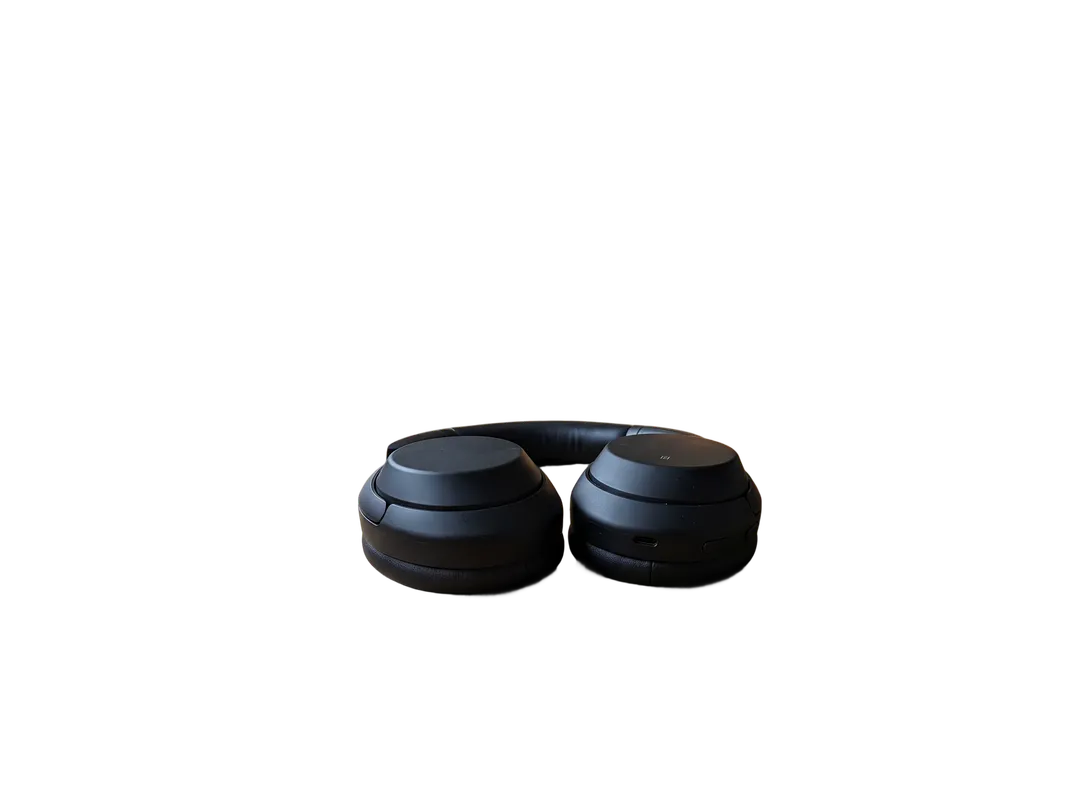
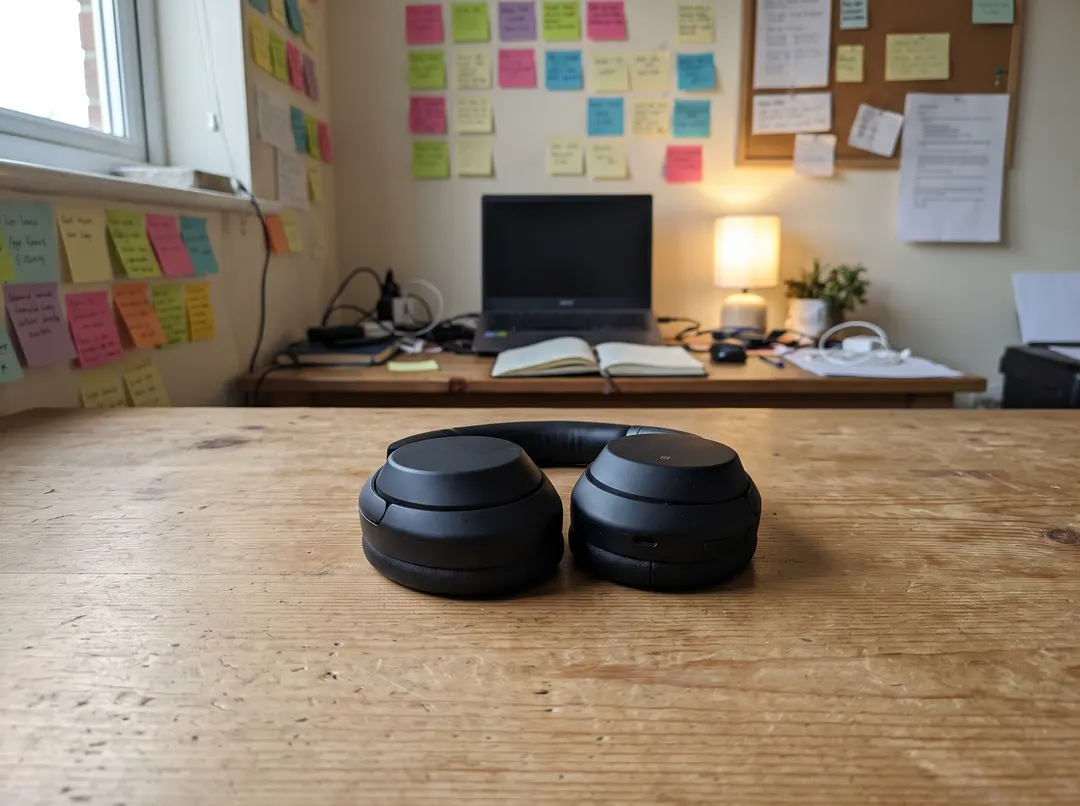
The cutout keeps your framing. A small product in a wide shot stays small on the white canvas, as with the headphones above, so move closer or crop before you upload.
Keep the whole product in the shot
Do not let a strap, a cable or a corner leave the frame. A cut-off edge stays cut off on white.
Shoot every product the same way
Same distance, height and light for each item, and the white catalog looks like one session.
Free ways to do it
On this site you can remove 3 backgrounds a day without an account. Guest photos are scaled down to 2 megapixels in your browser first, about 1730 × 1150 px for a 3:2 photo. A free account adds 10 credits at 1 credit per removal, at your full upload size up to 3072 px on the long edge.
remove.bg is free on its website for low-resolution images up to 0.25 megapixels, for personal use, as of October 2026 (remove.bg help). Full resolution is on its paid plans.
Whatever you use, keep the original photo. If an image is rejected or you change your mind about the background, you can cut it out again without a reshoot.
What a background remover will not do for you
- It does not resize or center the product. The framing stays as you shot it. Check the image rules of the marketplace you sell on and crop to match.
- Everything in the foreground is kept. A box, a cable or a hand holding the product stays in the cutout. Clear the table or shoot again.
- The white JPG has no shadow. The product sits on flat white. For a soft shadow, add one in your editor, or describe it in Change Photo Background, which draws a new backdrop that may not be exact #FFFFFF.
- Same-color edges are harder. A white product against a white wall, or clear glass on a pale counter, can lose part of its outline. Shoot it on a darker surface.
- One photo at a time. There is no batch upload yet; each cutout takes about five seconds.
Questions about white product backgrounds
Yes. You can do 3 a day without an account, on photos up to 2 megapixels. A free account adds 10 credits, which last 14 days, at 1 credit per removal. After that, packs start at $9.99 for 100 credits that never expire.
Yes. The White swatch fills the background with
JPG with White for listings and catalogs that want a plain white background. Transparent PNG if you will place the product on other colors or designs yourself. You can switch between them after the cutout for free.
Yes. There are light grey, black, light blue, pink and green swatches and a custom color picker. Changing the color after the cutout is free.
The glass perfume bottle above came out with clean edges. Clear glass shows whatever was behind it in the photo, so shoot it in front of a plain, light surface.
Uploads and results on free accounts are deleted after 30 days, and you can delete any photo yourself from My edits. Photos are never used to train models.
Last checked Oct 24, 2026 First published. Output options checked against the tool, and remove.bg's free tier against its help page, October 2026.