Edit a photo by describing it in four steps
Works in a browser on a phone or a computer. Nothing to install.
Upload the photo
Sign up free and open the AI Image Editor. Upload JPG, PNG, WEBP or HEIC up to 20 MB. To combine photos, such as a person and a coat, add up to 5 and refer to them by number.
Write the change and what to keep
Name one change in plain words, then say what must stay the same: the face, the pose, the background or the product. Up to 2000 characters, but one or two sentences are usually enough.
Pick a tier and run it
Style costs 3 credits, Standard 4 and Pro 16. Standard is the default and right for most edits. Pro needs a paid plan or a credit pack. Most edits took 30 to 45 seconds in our tests.
Compare, download or edit again
Drag the handle to compare with your photo and download a PNG with no watermark. To change something else, write a follow-up prompt under the result; every version stays in the history. If a run fails or is blocked, the credits go back.
Six prompts to copy
Each one made a result shown on the AI Image Editor page, on Standard (4 credits). Replace the details with your own and keep the last sentence about what stays the same.
- Change an outfit
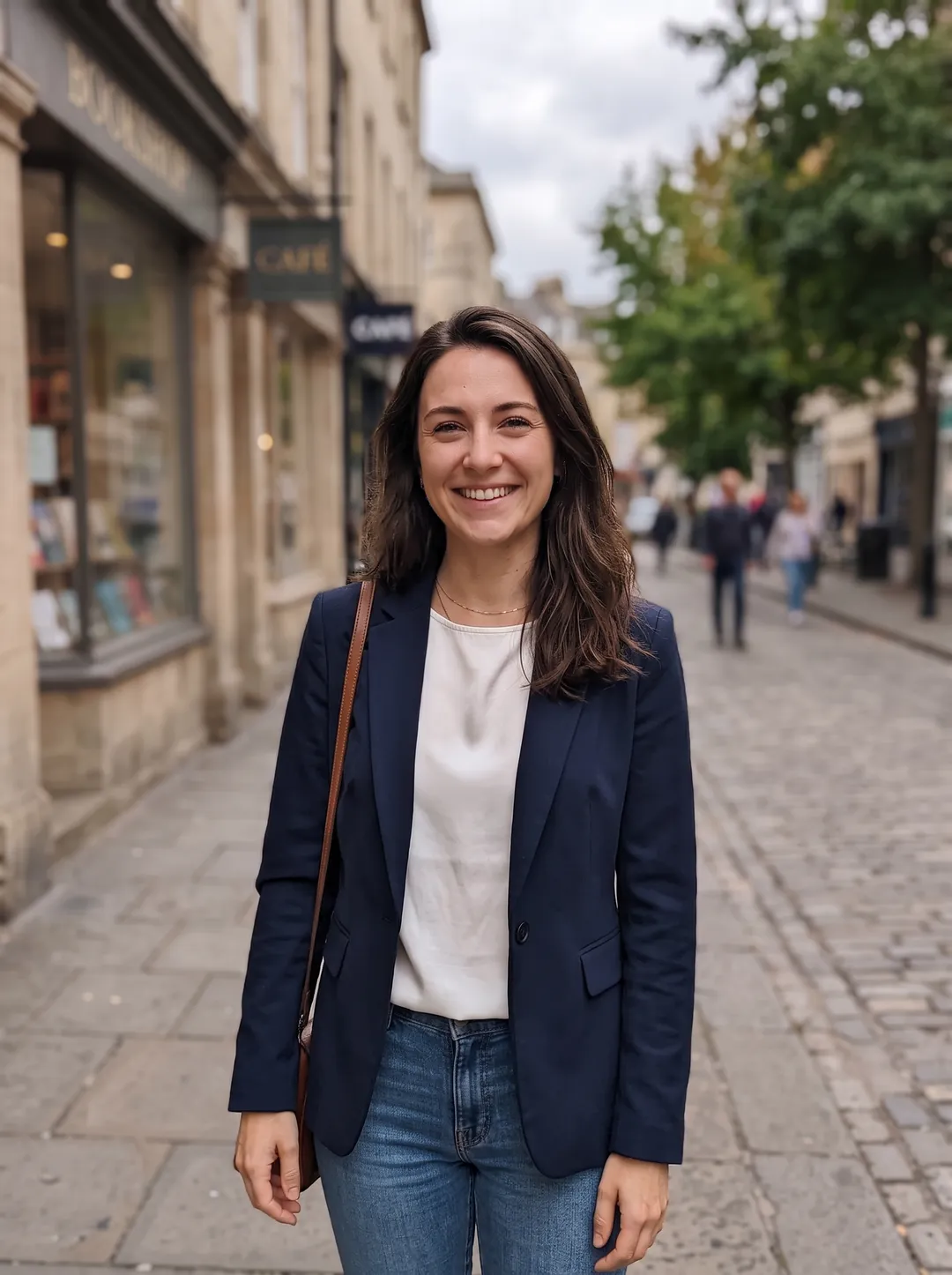
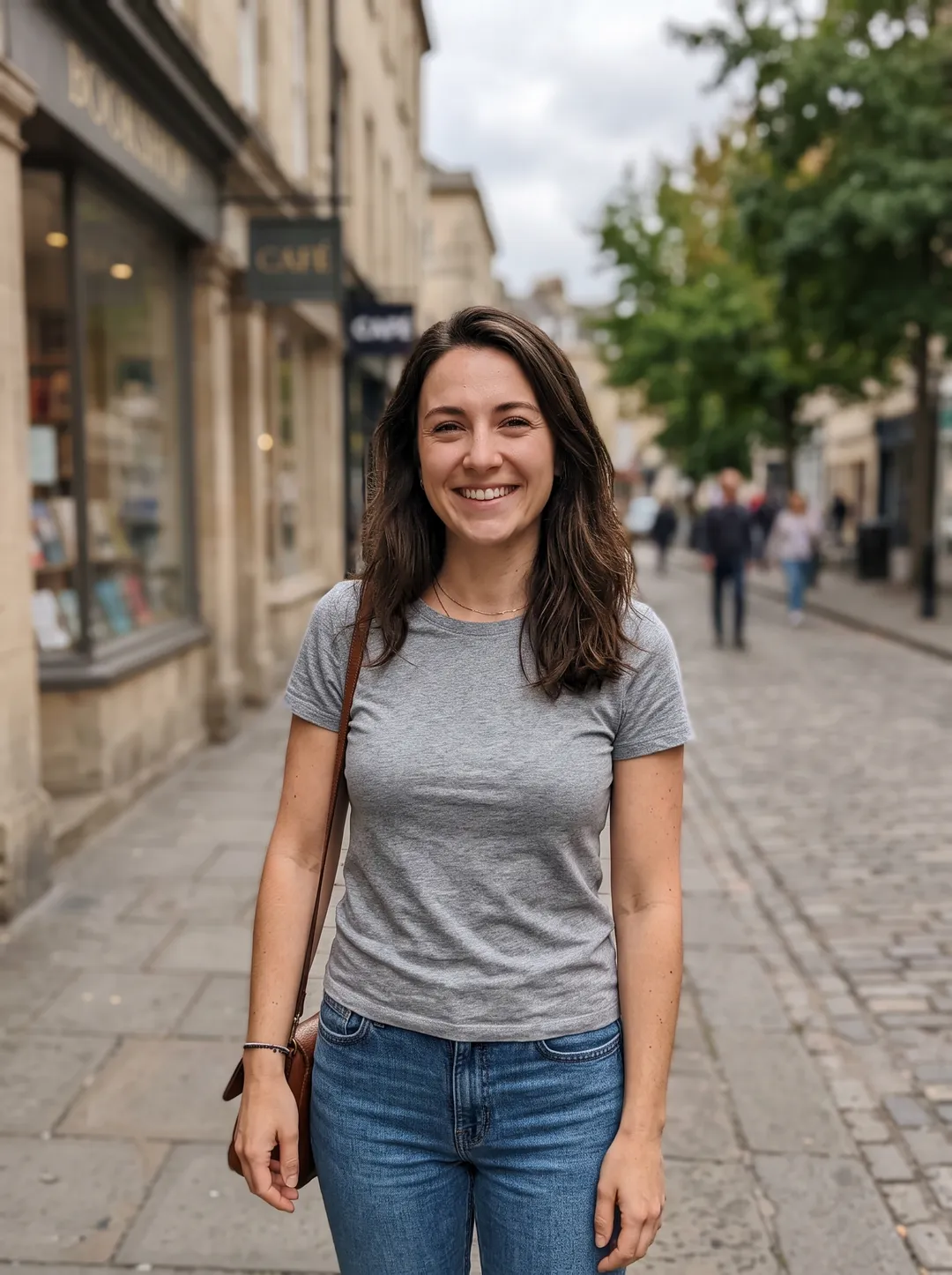
Change her grey t-shirt to a tailored navy blazer over a white silk top. Keep her face, hair, pose and the street exactly the same.
- Change hair color
Make her hair a natural copper red. Keep the same hairstyle, face and everything else.
- Fix the light
Relight this photo with warm, soft window light coming from the left, like late afternoon sun. Keep his face and expression unchanged.
- Put a product in a scene
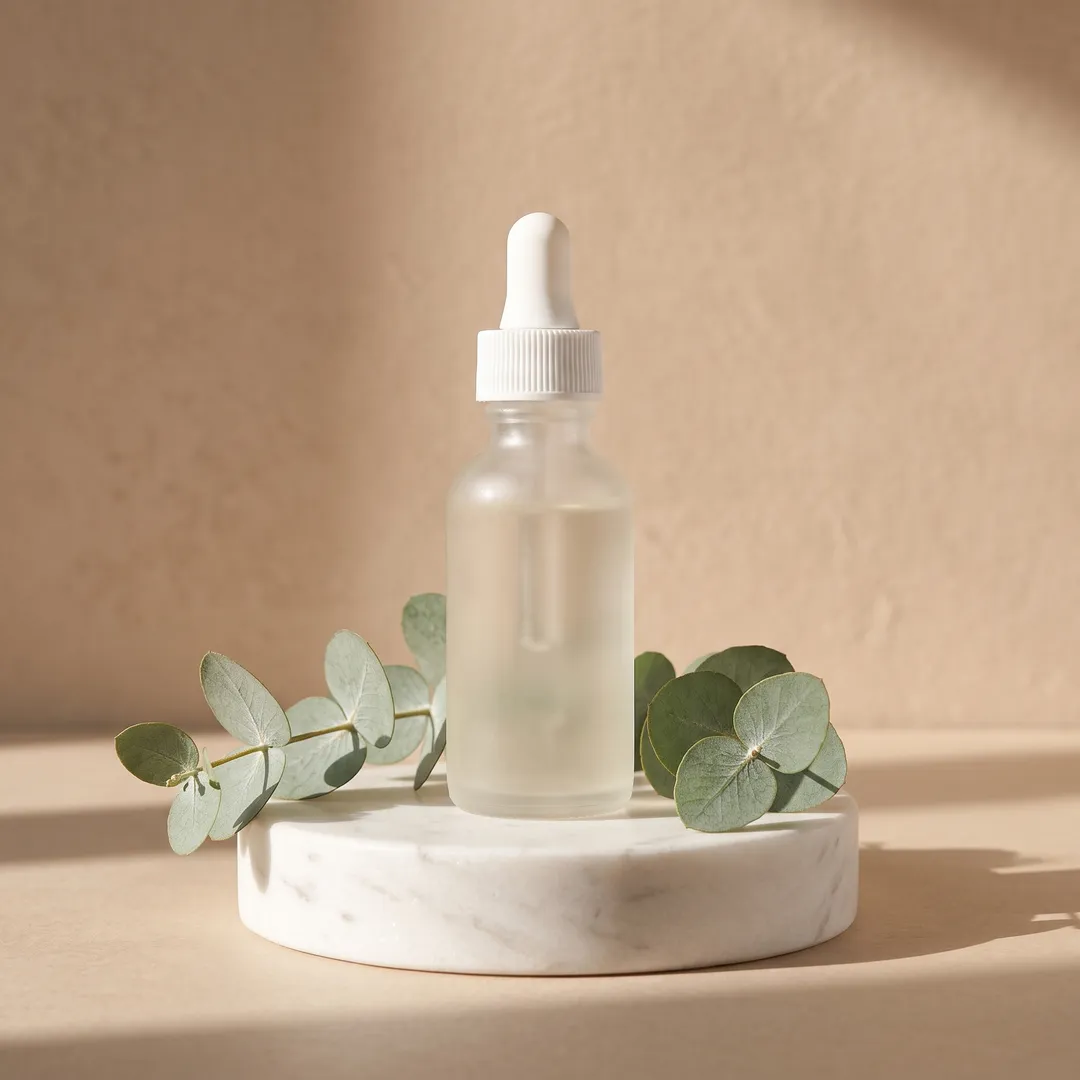
Place this bottle on a white marble podium with a few eucalyptus sprigs and soft sunlight shadows on a warm beige background. Keep the bottle exactly as it is.
- Replace the sky
Replace the grey overcast sky with a warm sunset sky and let it reflect in the lake.
- Turn it into a painting
Turn this photo into a loose watercolor painting on textured paper.
Four edits made with one prompt each
Real photos and real results on Standard. Drag the handle to compare.
 BeforeAfter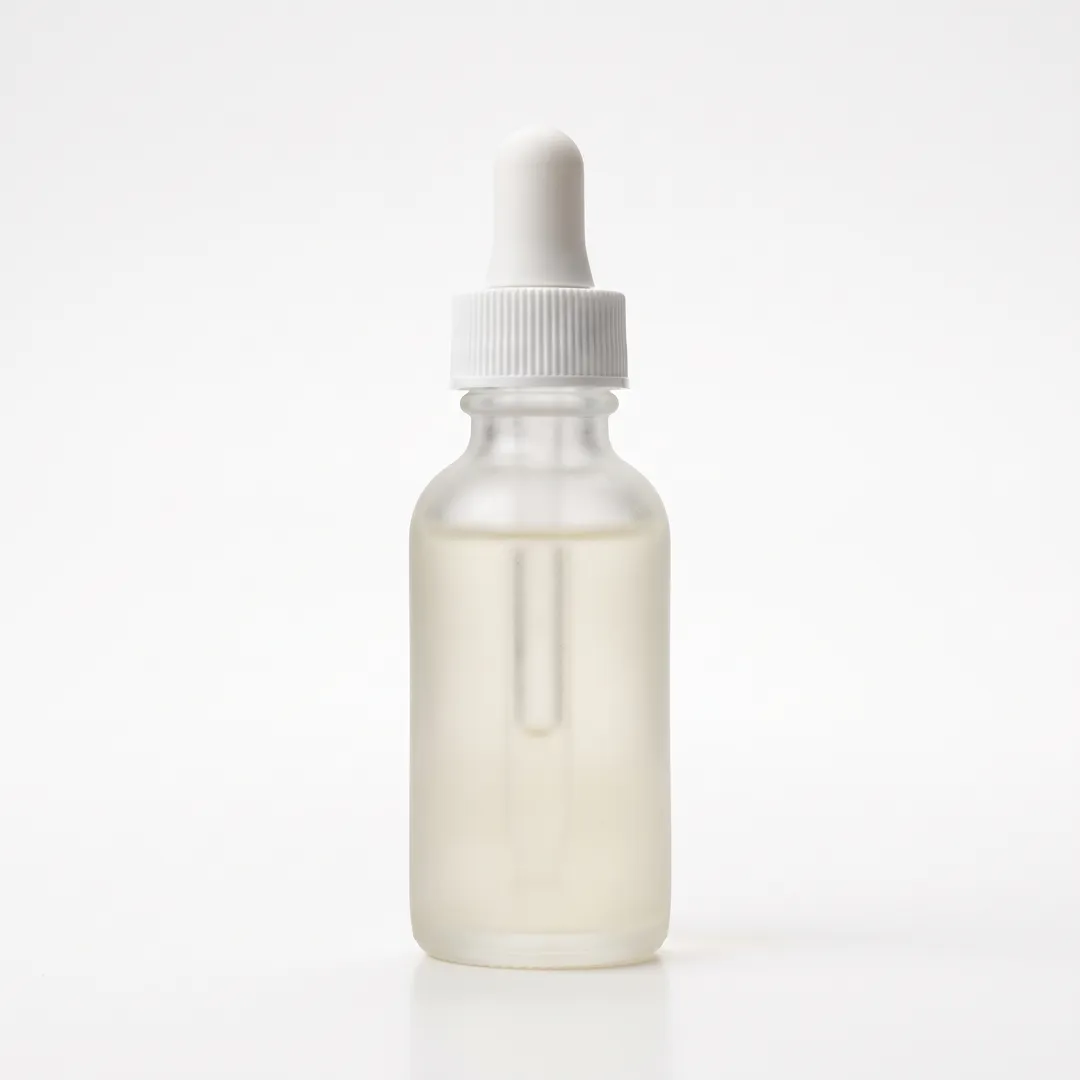
A serum bottle on white, placed on a marble podium with eucalyptus. The bottle, cap and glass are kept. 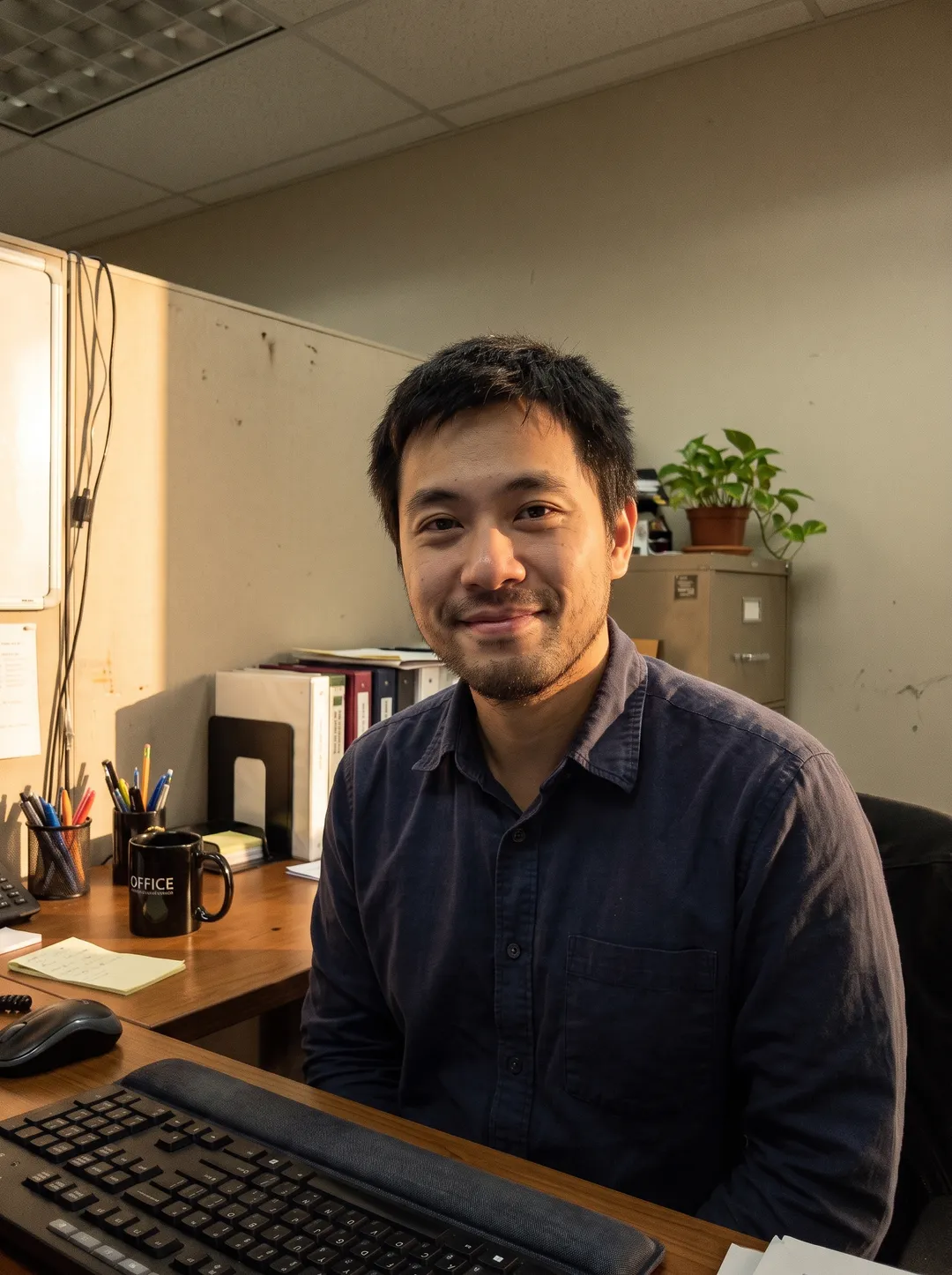 BeforeAfter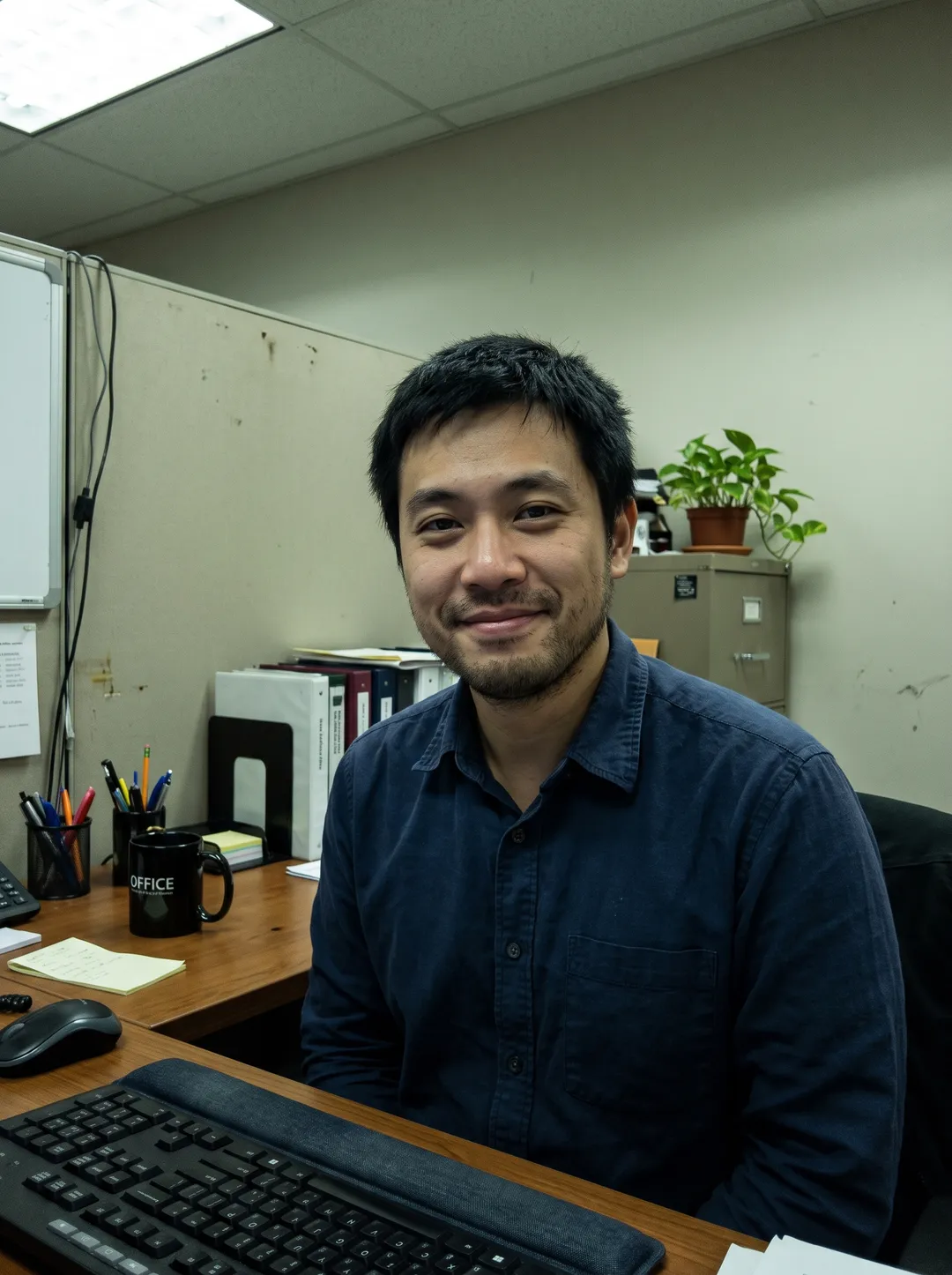
An office portrait relit with warm window light from the left. His face and expression are unchanged. 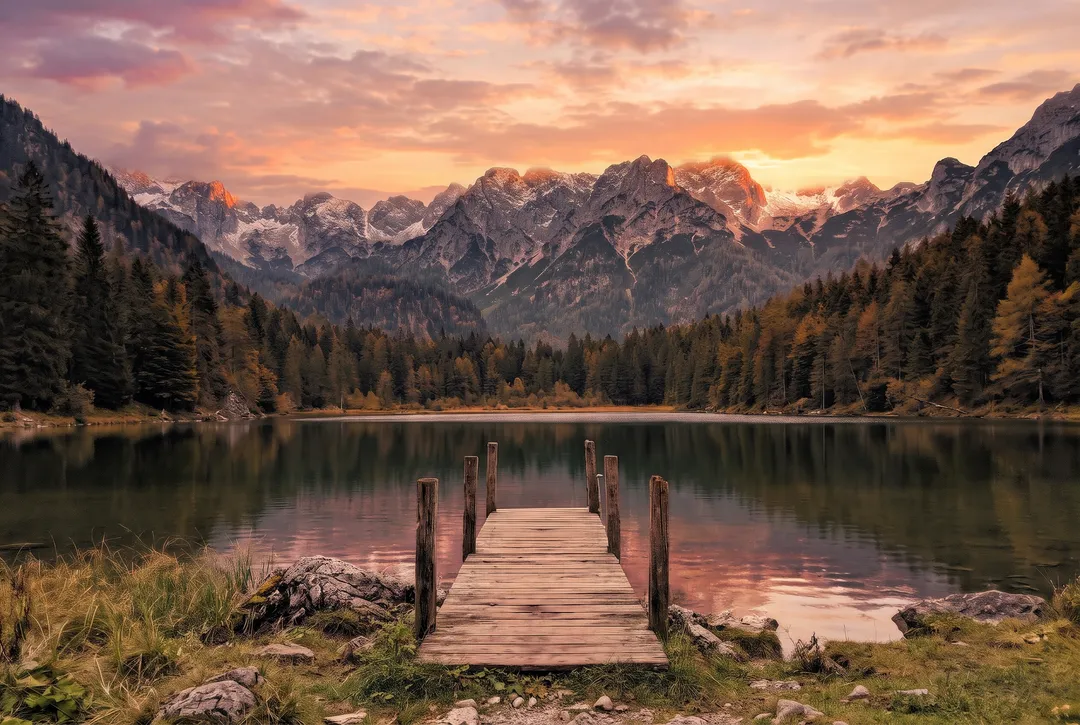 BeforeAfter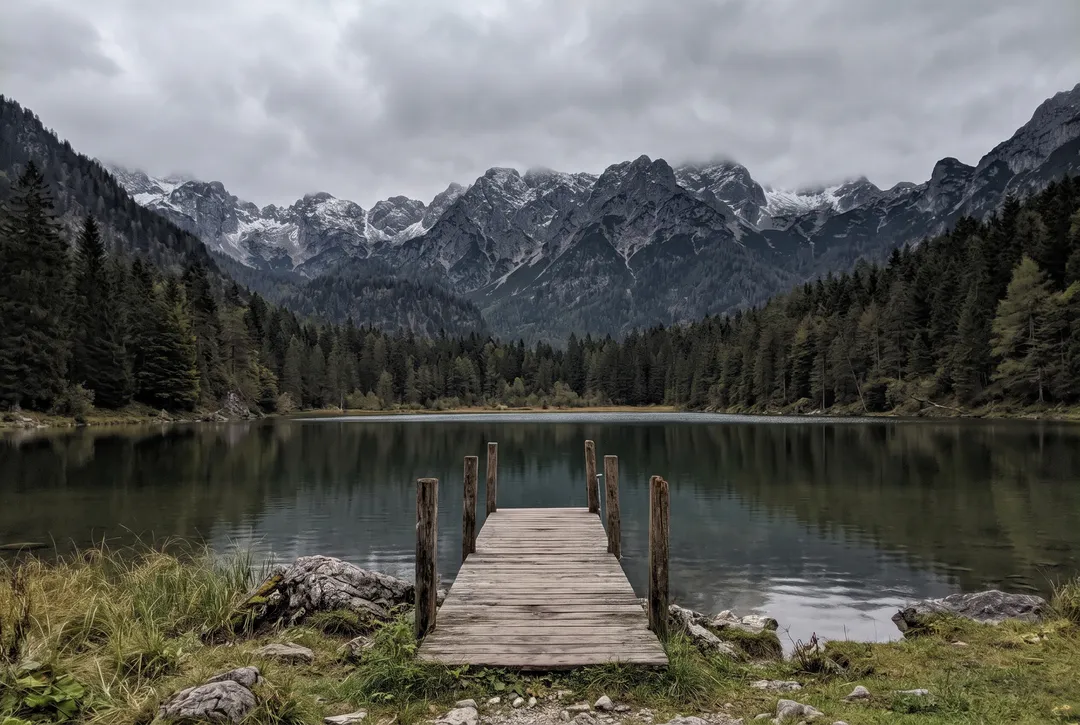
An alpine lake under a grey sky, now under a sunset sky that reflects in the water. 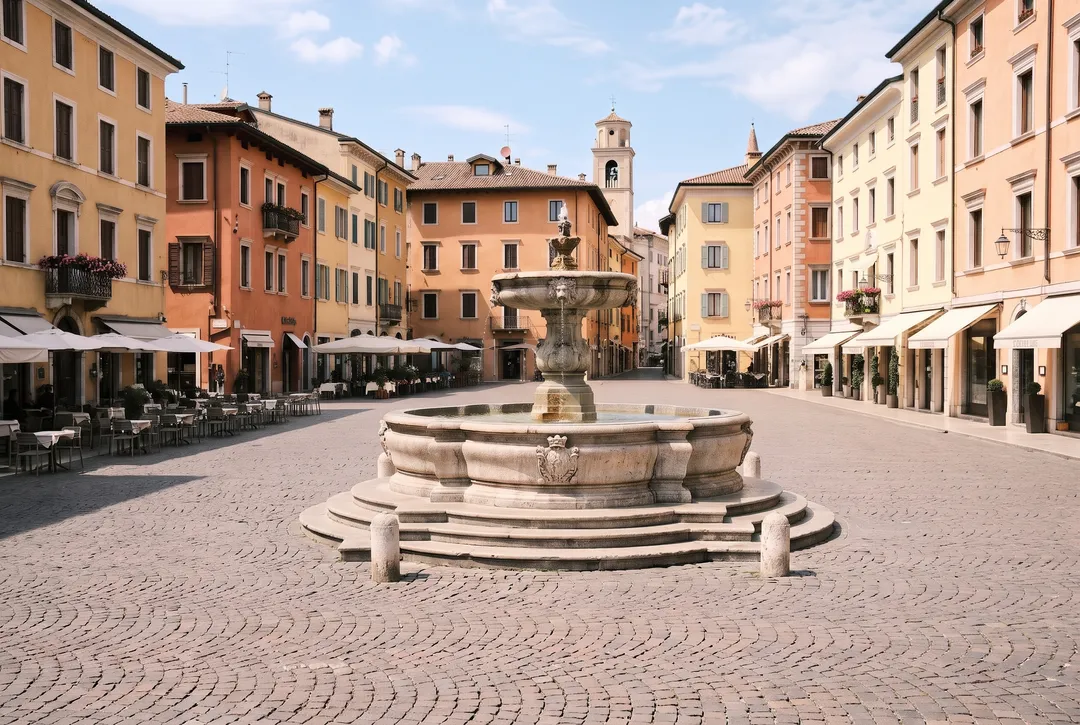 BeforeAfter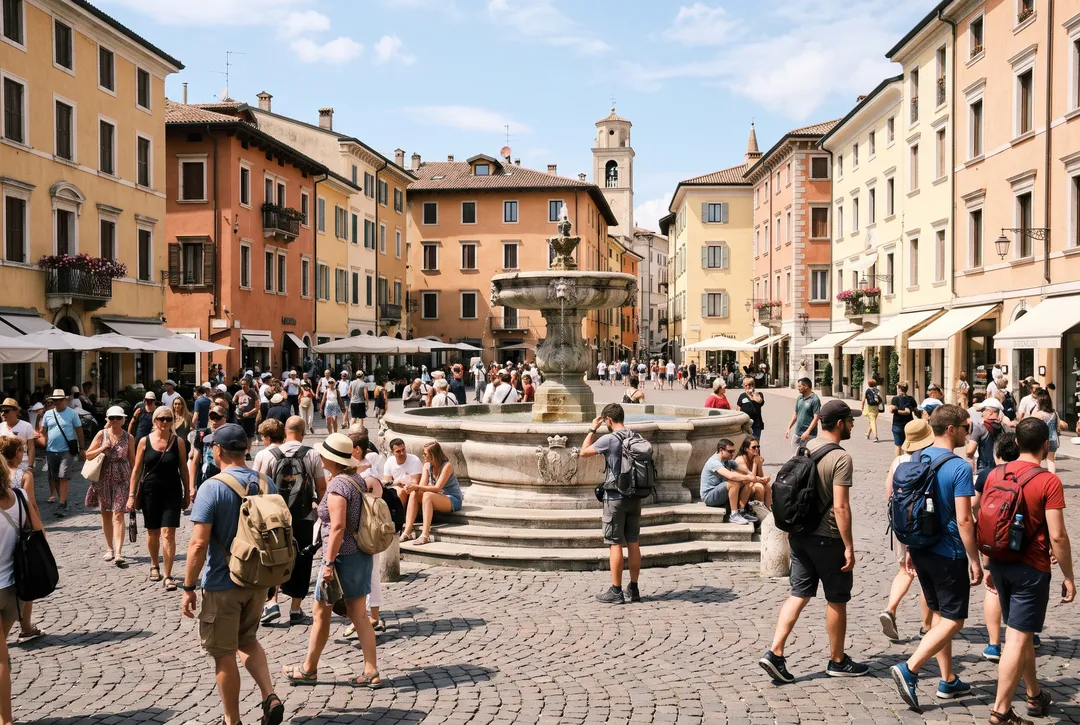
A town square with every tourist removed. The fountain, buildings and light are kept.
A vague prompt next to a detailed one
The same park bench photo with a film look. A short prompt barely changed it; naming the color cast, grain, shadows and vignette did more. Style gave the strongest look.
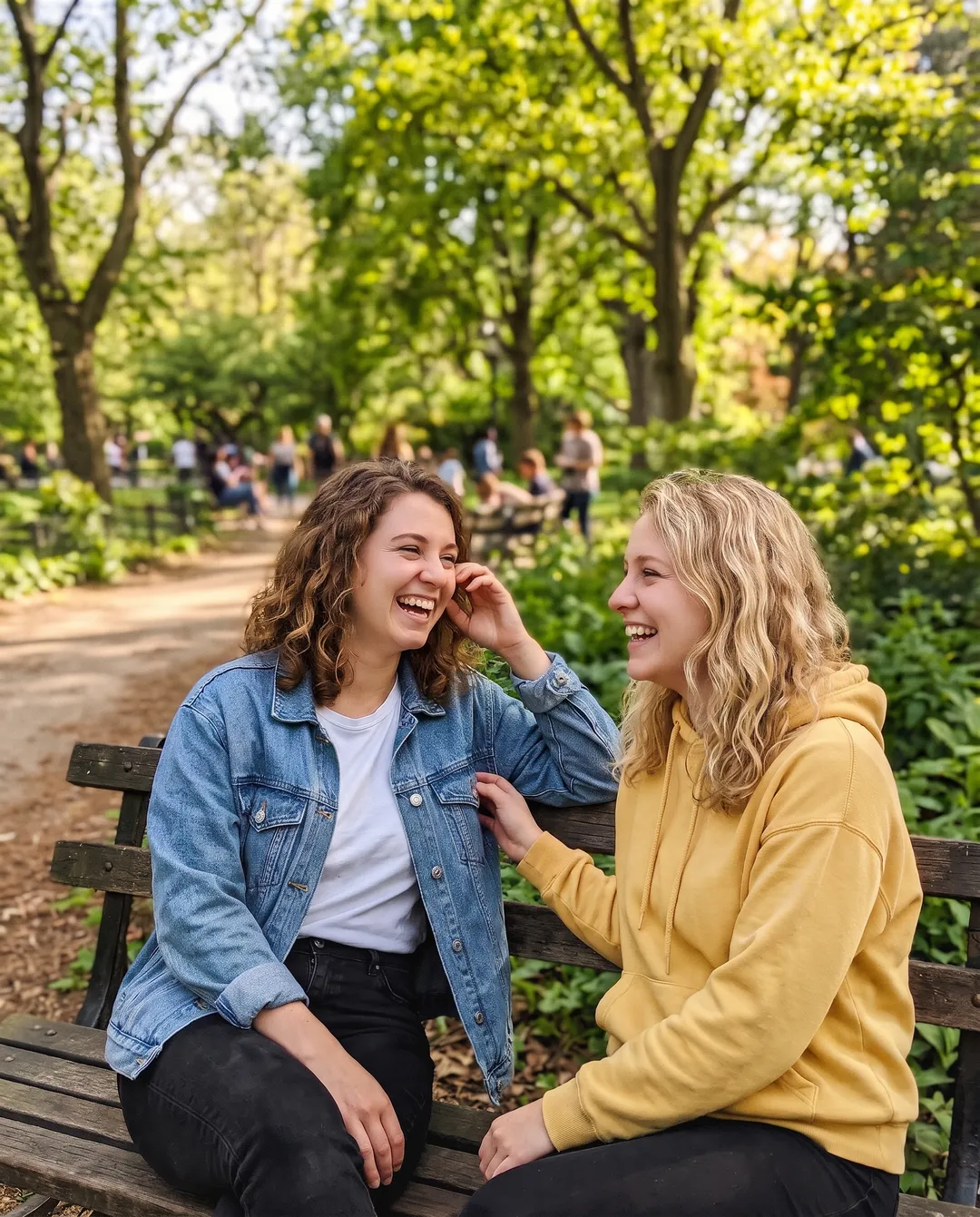 BeforeAfter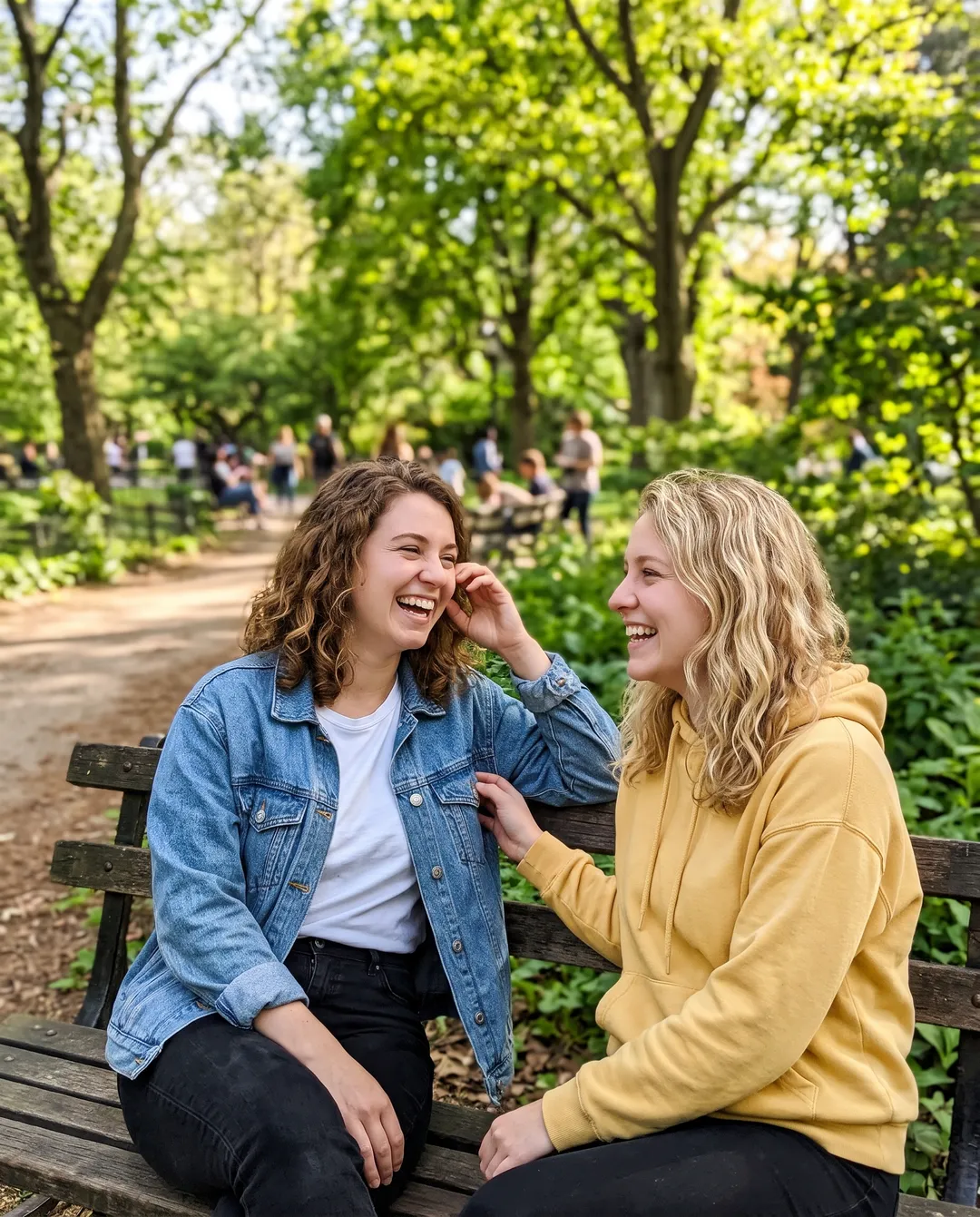
A short prompt on Standard asking for a 90s film camera look. The result is only slightly warmer and softer. 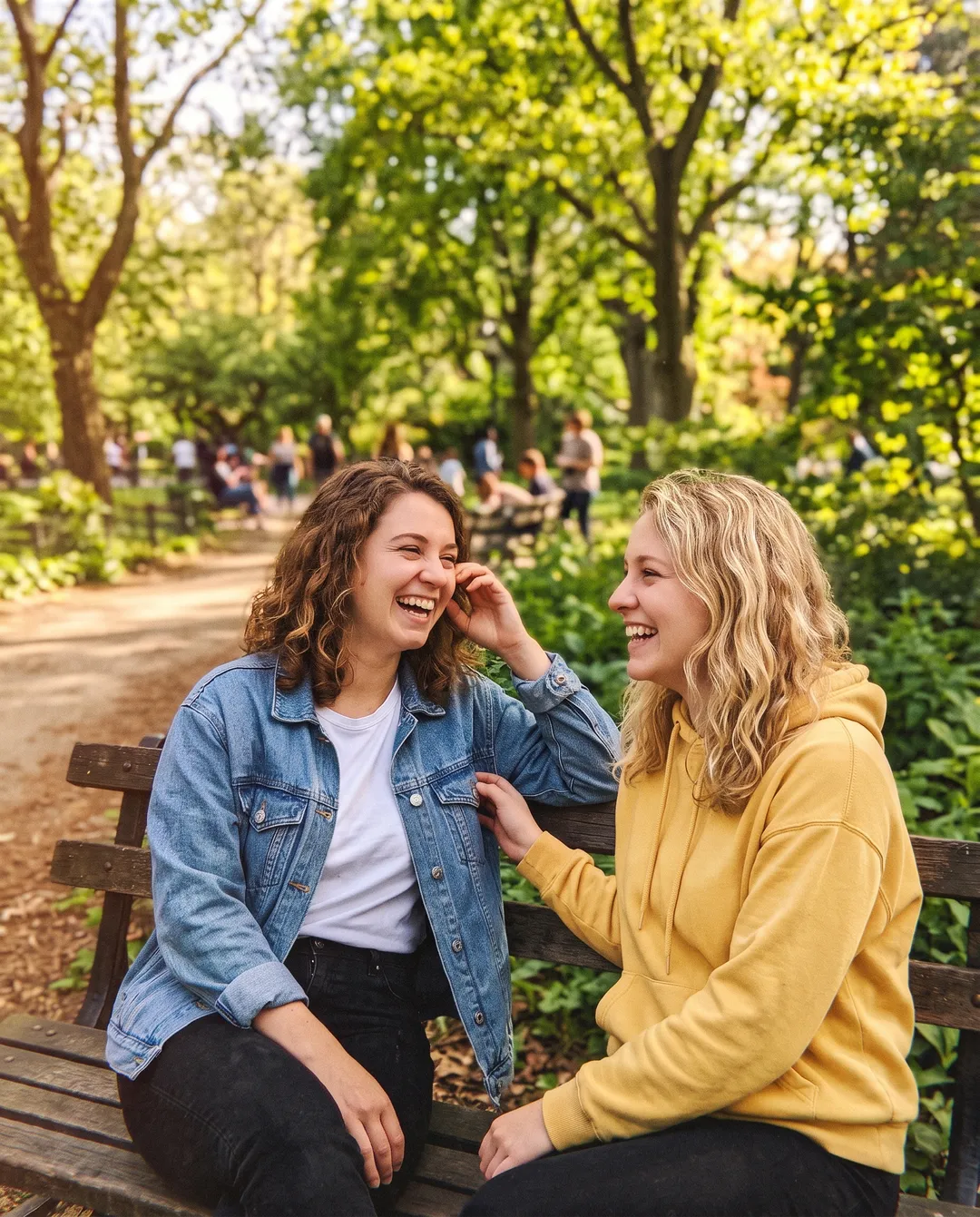 BeforeAfter
Detailed prompt on Standard. Warmer, with more faded shadows. The grain the prompt asked for barely shows. 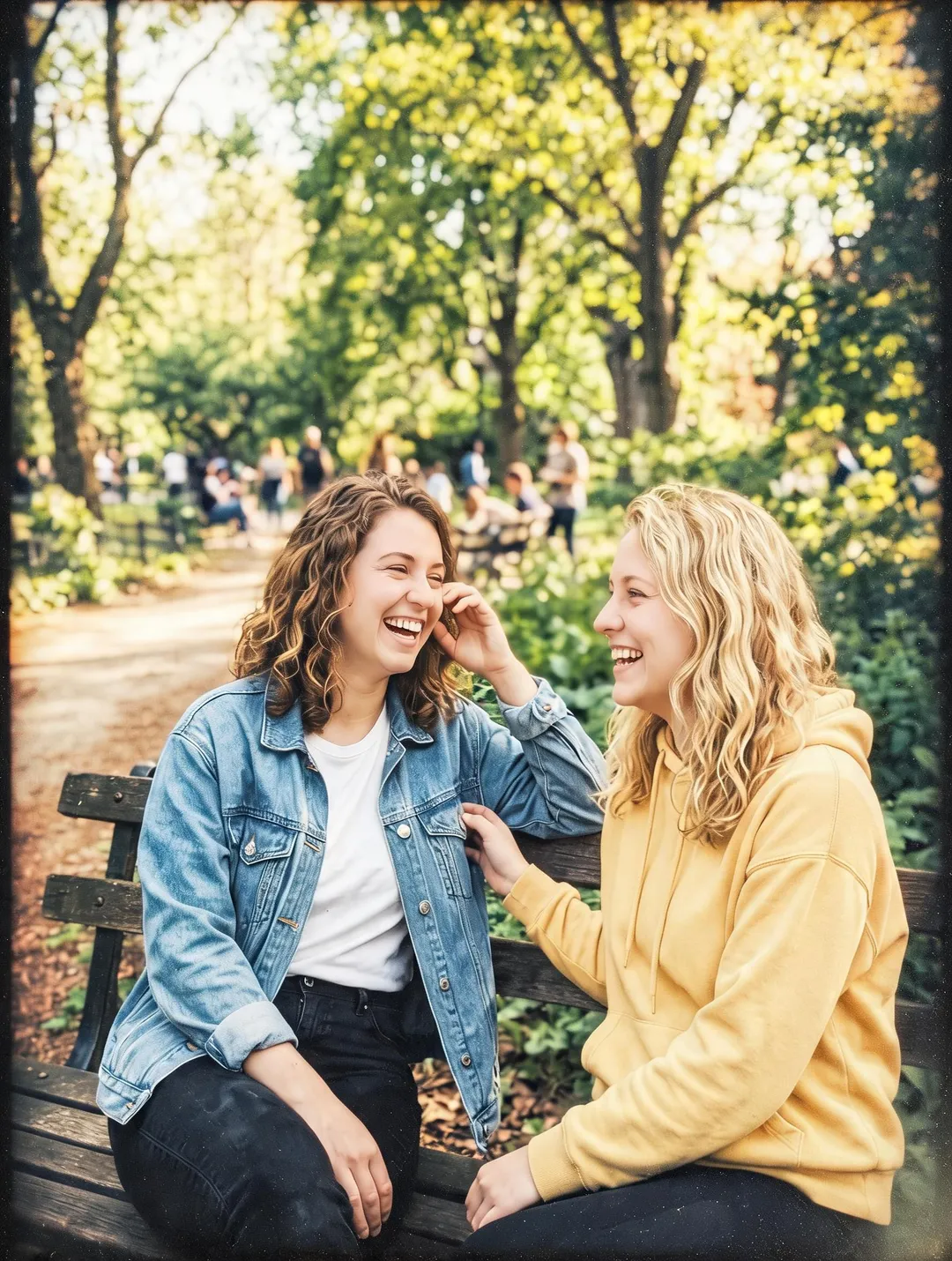 BeforeAfter
The same detailed prompt on Style. The strongest film look, with more contrast and a vignette.
Style, Standard or Pro
| Style | Standard | Pro | |
|---|---|---|---|
| Cost per edit | 3 credits | 4 credits | 16 credits |
| Model | Seedream 5.0 Lite | Nano Banana 2.1 | Nano Banana Pro |
| Free account | Yes | Yes | No, needs a paid plan or pack |
| Framing | Can change the crop slightly | Kept | Kept |
| Best for | Strong style looks, short text | Most edits | Fine detail, long text, small print |
Ways to edit a photo by describing it
Third-party details as of October 2026, from Google's help pages and launch reports. Limits on free use change often.
| AI Image Editor (this site) | Gemini | ChatGPT | Google Photos "Ask" | |
|---|---|---|---|---|
| Model | Style, Standard or Pro, named on every result | Nano Banana 2 free; Nano Banana 2.1 and Pro with a Google AI plan | ChatGPT Images 2.5, for all users since September 2026 | Not named on the help page |
| Free use | 10 credits on sign-up | Yes, daily limit not published | Yes, daily limit not published | No price on the help page |
| Result size | About 1K to 4K PNG, no watermark | 1K on free credits, 2K after any purchase, 4K switch for more credits | Not stated for the app | Not stated |
| Watermark | None | Visible AI mark plus SynthID | Not stated | Not stated |
| Who can use it | Anyone with an account | Age 18+ | All ChatGPT users | Age 18+; on iPhone, rolled out to US users from November 2025 |
Gemini, ChatGPT and Google Photos are good free places to start if you already use them. Use this editor when you want to pick the model, combine several photos, or get a PNG without a visible watermark.
How to write a prompt that works
Make one change at a time
Furnish the room, then change the sofa in the next round. One long prompt with many changes is harder to control, and each follow-up edits the last result.
Say what must stay the same
End with a keep sentence, such as "Keep her face, hair, pose and the street exactly the same". Anything you name is kept more strictly.
Name the change, not the mood
"Change her grey t-shirt to a navy blazer" works. "Make her look more professional" leaves the model to guess.
Describe looks in detail
"Warm yellow cast, visible grain, faded shadows" gets closer than "make it look vintage". If a style still comes out mild, try Style.
Quote text exactly
Put the old and new words in quotes, like Change "MORNING ROAST" to "EVENING ROAST", and say to keep the font and layout.
What describing an edit cannot do well
- Style changes can come out too subtle. A short request for a film or art look may barely change the photo. Describe the look in detail, or try Style.
- Long text can be misspelled. Short titles came out right on all three tiers in our tests. Long lines and small print can lose or swap letters.
- Faces can shift slightly. The person stayed recognizable in every test, but an earring or a freckle can change. Compare with the original when the exact face matters.
- Style may change the frame a little. It returned a slightly different crop in our runs. Standard and Pro kept the framing.
- Result size depends on the tier and account. Style returns about 2K. Standard returns about 1K on free credits and about 2K once you have bought a plan or pack. After a purchase, the 4K switch returns about 4K for more credits. For a larger print, run the result through the Image Upscaler.
- Not for fake documents or misleading photos. Edits of IDs, receipts and real people in made-up situations are refused or forbidden by the terms of use.
Questions about editing photos by describing them
Yes. A free account here starts with 10 credits and no card, enough for 2 edits on Standard or 3 on Style. Gemini's free tier also edits uploaded photos, and ChatGPT Images 2.5 is open to all users; neither publishes a daily number. After the free credits, packs start at $9.99 for 100 credits that never expire.
In our tests the person stayed recognizable in every edit, with pose and framing kept. Small details can change, so add "keep her face the same" and compare with the original.
Standard runs Nano Banana 2.1, which Google lists for Gemini users on a Google AI plan. Gemini's free tier uses Nano Banana 2. Results can still differ between apps and between runs, so try it on your own photo.
One or two sentences for most edits. Be longer only when you describe a look, such as color cast, grain and vignette. The limit is 2000 characters.
Yes. Write a new prompt under the result and it edits that version. Every version stays in the history, so you can go back a step.
Vague prompts, especially for styles, come out subtle. Name the details of the change, or try another tier. Style gave the strongest style changes in our tests.
Last checked Oct 24, 2026 First published. Prompts and results checked against the AI Image Editor's example edits, and third-party details against Google's help pages and launch reports, October 2026.