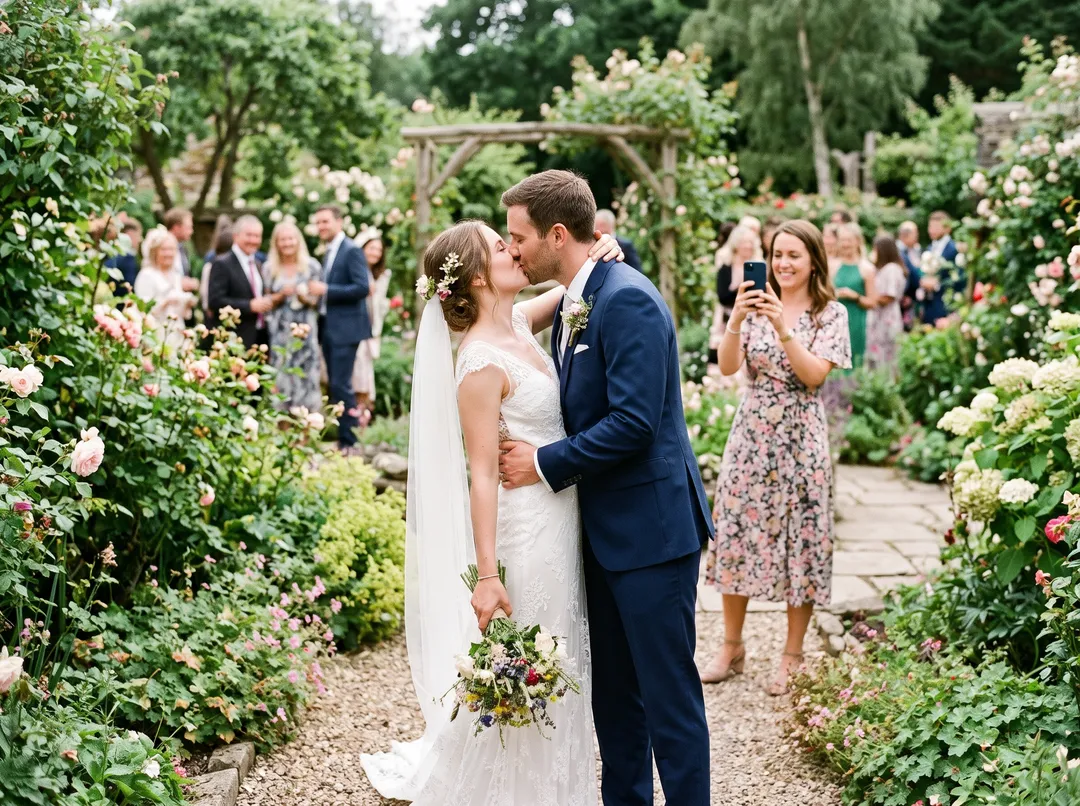
Remove a person with ChatGPT
Works in the ChatGPT app and on the web. As of October 2026 ChatGPT uses ChatGPT Images 2.5, released to all users in September 2026.
Upload the photo
Attach the original photo, not a screenshot. A screenshot is smaller and adds the phone's interface around the edges.
Say who goes and what stays
Describe the person by position and clothing, and say what must not change, such as faces, pose and framing. The prompts below are a good start. OpenAI's help page also describes selecting an area first and then describing the edit.
Compare with the original
Put the two side by side. Look at the faces, hands, any text or signs, and the background near where the person stood. OpenAI's documentation says a selected area may not be followed exactly.
Ask again or save
If something else changed, say so in the same chat, such as “keep her face exactly as in the original”. Download the version you want and keep the original.
Prompts that work in ChatGPT and Gemini
Change the description of the person to match your photo. Saying what must stay the same matters as much as saying who goes.
- One person
Remove the man in the red jacket standing behind me on the right. Fill the space with the background that would be behind him. Keep everything else exactly as it is: my face, my pose, the lighting, the colors and the framing.
- Everyone behind the subject
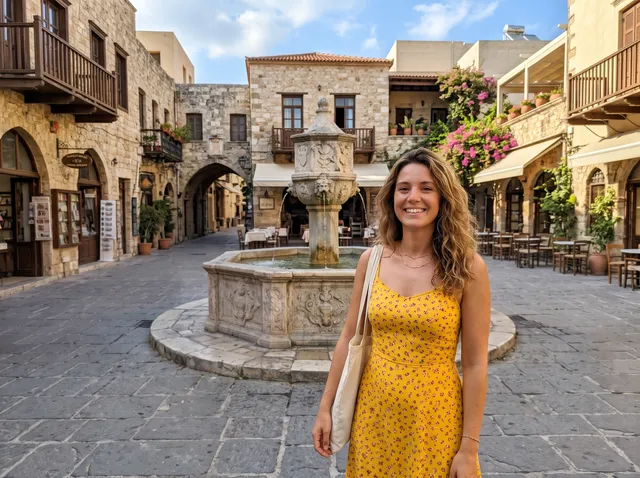
Remove all the people in the background behind the woman in the yellow dress, including their shadows and anything they are carrying. Keep her, the buildings and the street unchanged, and do not crop or resize the image.
- An empty scene
Remove every person from this photo so the square is completely empty. Rebuild the paving and the fountain where people were standing. Keep the buildings, the sky and the light the same.
ChatGPT, Gemini and this site, compared
Third-party details as of October 2026, from OpenAI's help page, Google's Gemini overview and Gemini help.
| ChatGPT | Gemini | This site | |
|---|---|---|---|
| How you ask | Describe the edit, or select an area first | Upload the photo and describe the edit; editing requires age 18 or over | Type who goes, or brush them |
| Image model | ChatGPT Images 2.5 | Nano Banana 2 on the free plan; Nano Banana 2.1 with a Google AI plan | Nano Banana 2, blended back into your original |
| The rest of the photo | Generative edit; areas outside the selection can change | Generative edit; compare the parts you wanted kept | Unchanged pixels keep their original values |
| What you download | OpenAI does not publish the app's download size | 1K without a plan, 2K with a Google AI plan; a visible AI watermark plus invisible SynthID | The size of your upload, up to 2048 px; no watermark |
| Free use | Free tier; OpenAI publishes no number | Free plan; Google publishes no number and says limits may change without notice | 10 credits at sign-up, 2 per photo |
The ChatGPT and Gemini columns describe what their own pages say, not our measurements. Features and limits can change.
What “generative edit” means for your photo
ChatGPT and Gemini generate the edit with an image model instead of copying pixels from your photo into the gap. The result usually looks like your photo, but pixels outside the person can change too, so a face, a sign or the color of the sky can shift. OpenAI's own documentation says a selected area may not be followed exactly.
OpenAI says ChatGPT Images 2.5 keeps faces and single-element edits better than before. That is the company's claim; we have not seen an independent test.
This site uses Nano Banana 2, the same model Gemini offers on its free plan, and then blends its result back into your upload. Pixels the model did not change keep their original values, so the parts it left alone are exactly your photo. Anything it did change shows up when you drag the compare handle.
How the words change the result
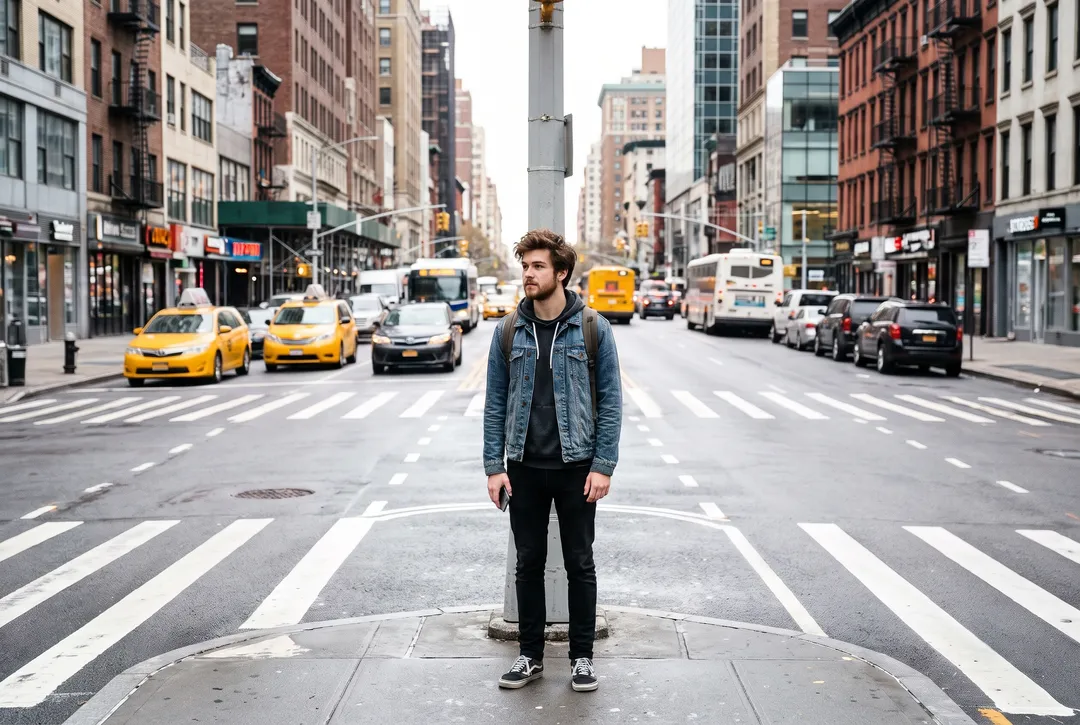
Real photos run through this site's people remover, which uses Nano Banana 2. The same habits help in ChatGPT and Gemini. Drag the handle to compare.
 BeforeAfter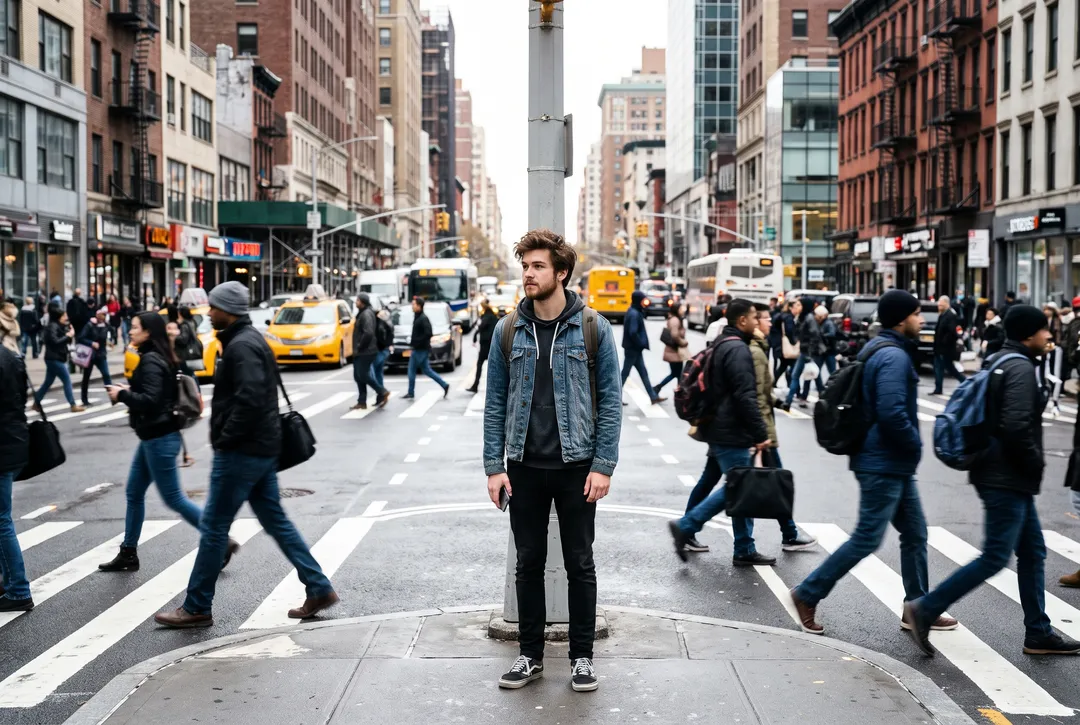
Naming each person, “including the woman walking on the left and the man walking on the right”, cleared the whole crosswalk. A general “the commuters” can leave someone at the edge. 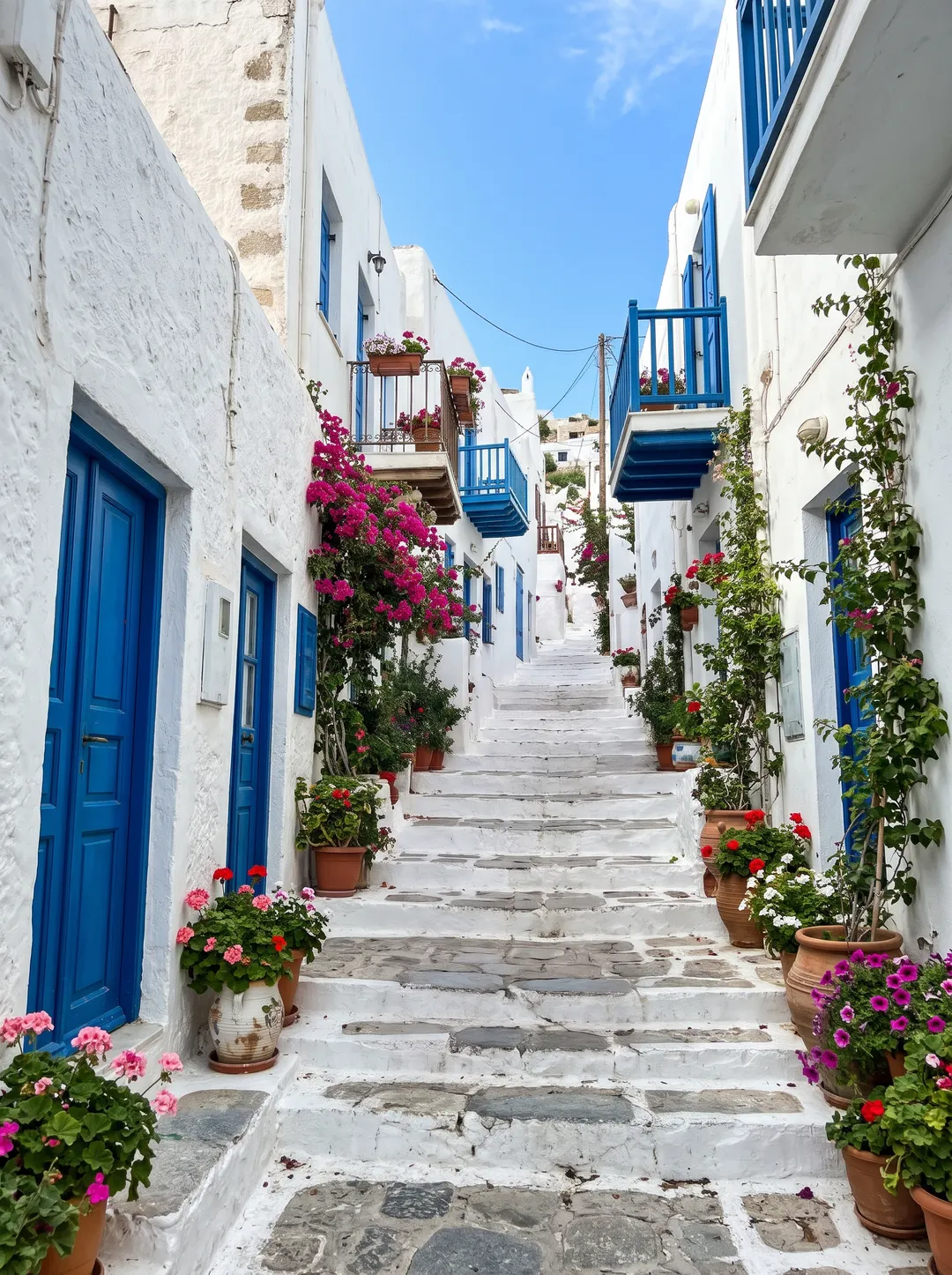 BeforeAfter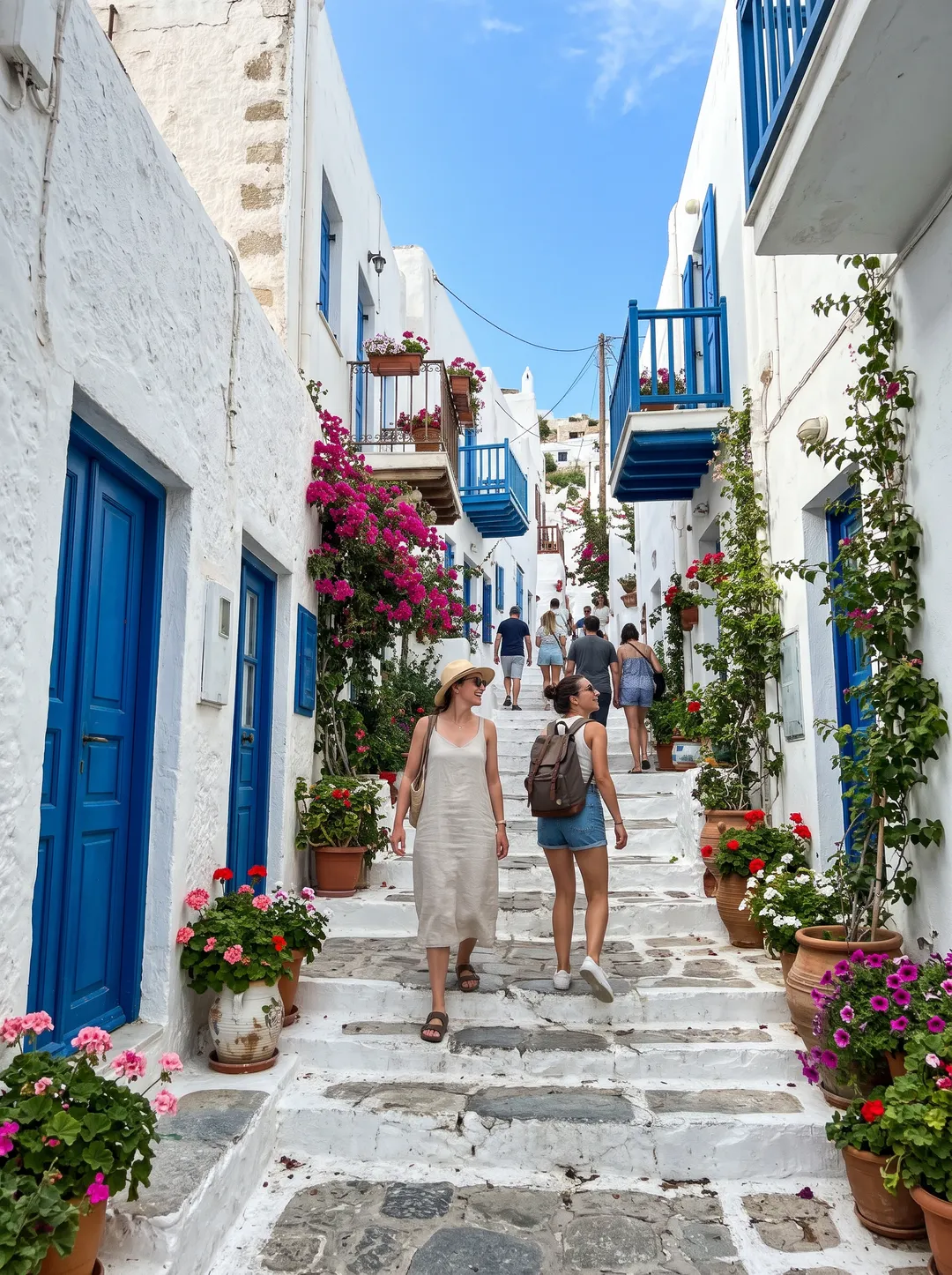
Asking for “so the alley is completely empty” removed everyone. In a vaguer run, two people were redrawn instead of removed. 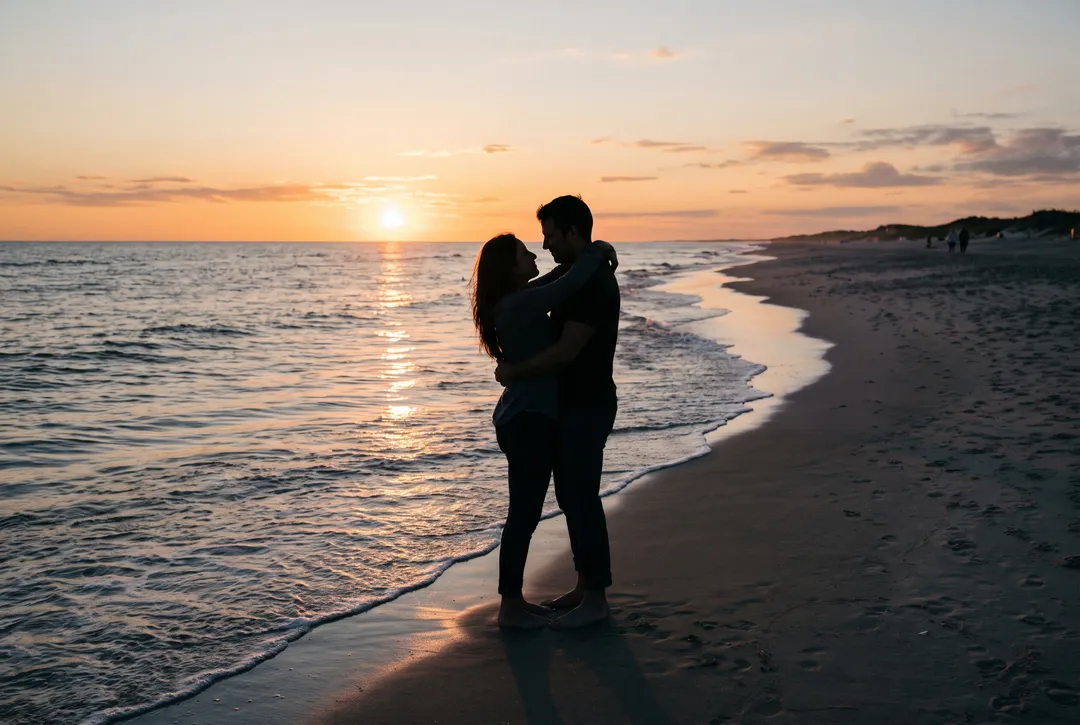 BeforeAfter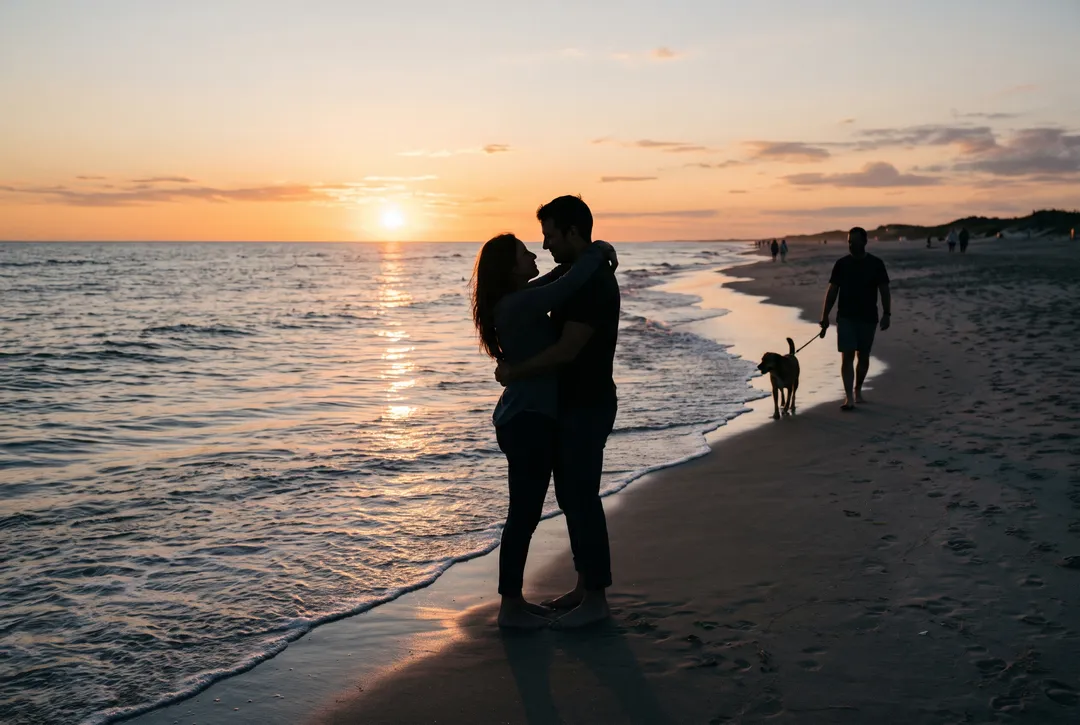
“the man walking the dog”: the dog went with him, and the shoreline was filled in behind the couple. 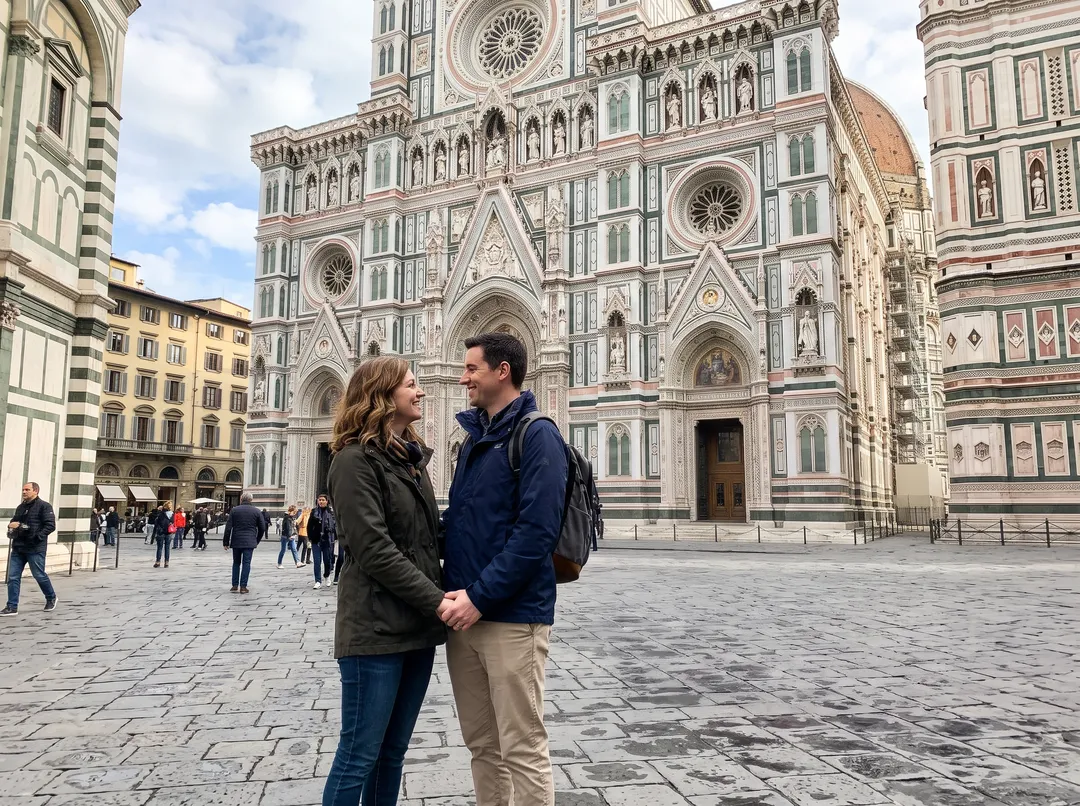 BeforeAfter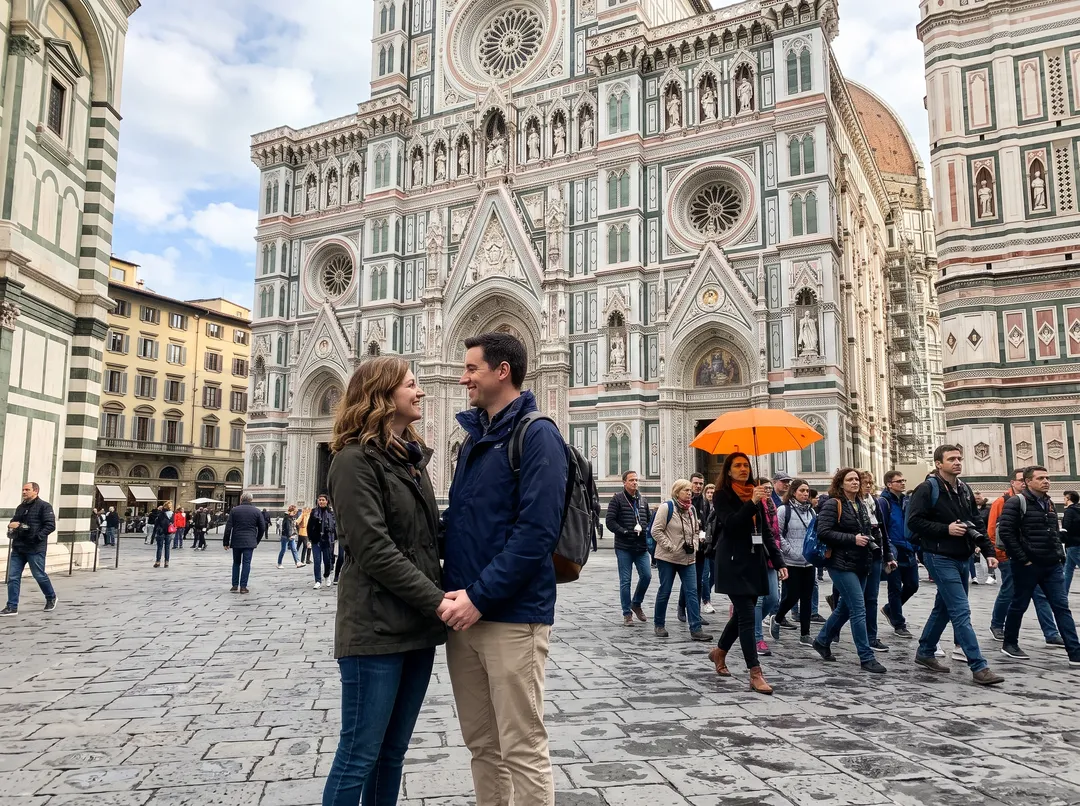
“the tour group and the guide behind the couple”: the group with the orange umbrella went, while passers-by on the left stayed. “Everyone behind the couple” would have covered them too.
What to know before you rely on it
- Other parts can change. ChatGPT and Gemini edits are generated, so pixels away from the person can shift. Compare faces, hands and text before you share it.
- Free limits are not published. Neither OpenAI nor Google gives a number for free image edits, and Google says limits may change without notice.
- Gemini's free download is 1K and carries a visible AI watermark, per Google's pages as of October 2026.
- What was behind the person is a guess, in every tool. It fits the scene, but it is not what was there.
- Not for documents or evidence. Do not use any of these to change who was at an event, or on news or legal photos.
Questions about removing people with ChatGPT
ChatGPT has a free tier that can edit images. OpenAI does not publish how many edits it allows, and numbers quoted elsewhere are not official.
It is a generative edit, so pixels outside the area you asked about can change. Ask it to keep the face exactly as in the original, select the area first, or use a tool that blends the edit back into your photo.
Google's overview page says images carry a visible AI watermark and an invisible SynthID mark, as of October 2026.
Google's help page says 1K without a plan and 2K with a Google AI plan.
It blends the result back into your upload, so unchanged pixels stay original. You can type who goes or brush them, the download has no watermark and keeps your upload's size up to 2048 px, and failed runs return the 2 credits. Remove People from Photo starts with 10 free credits.
Yes, in the ChatGPT app. On iPhone 15 Pro or newer, the built-in Clean Up tool is another free option; see how to remove people from photos on iPhone.
Last checked Oct 24, 2026 First published. ChatGPT and Gemini details checked against OpenAI's and Google's help pages, October 2026.